How to Prevent PDF Copying and Redistribution
How to Prevent PDF Copying and Redistribution
2026 update: Browser controls can reduce copying friction, but they cannot fully control the operating system. Use App DRM / .maipdf for device binding, revocation, and screenshot-aware protected reading. See Secure PDF Reader with Screenshot Protection.
"Copying" a PDF means different things: downloading the file, copy-pasting the text, printing it, or forwarding it to someone else. Each requires a different control. Here's how they map.
June 2026: Browser controls below. System screenshots need MaiPDF Secure — see prevent screenshot guide.
Types of copying and what stops each
Click download in browser
Stop it with: Disable download · MaiPDF: Yes
Print to PDF
Stop it with: Disable print · MaiPDF: Yes
Select + copy text
Stop it with: Disable text selection · MaiPDF: Yes
Forward the link to others
Stop it with: Open limit + expiry + revoke · MaiPDF: Yes
Screenshot (desktop)
Reduce it with: Watermark (traces the source) · MaiPDF: Yes
Phone camera at screen
Reduce it with: Watermark (partial deterrent) · MaiPDF: Yes
Retyping manually
Reduce it with: Watermark (traceability) · MaiPDF: Partial
Nothing blocks every path. The realistic goal is to stop casual copying and make traced redistribution the cost of deliberate copying.
Step-by-step: set up copy protection
- Upload your PDF at maipdf.com.
- In settings, disable download and disable print.
- Enable text selection restriction if you want to block copy-paste.
- Enable dynamic watermark — the reader’s email appears on every page they see.
- Set a view limit and expiry to reduce the link’s useful lifetime.
- Optionally add email verification to tie every open to a verified identity.
- Click Create Secure Link.
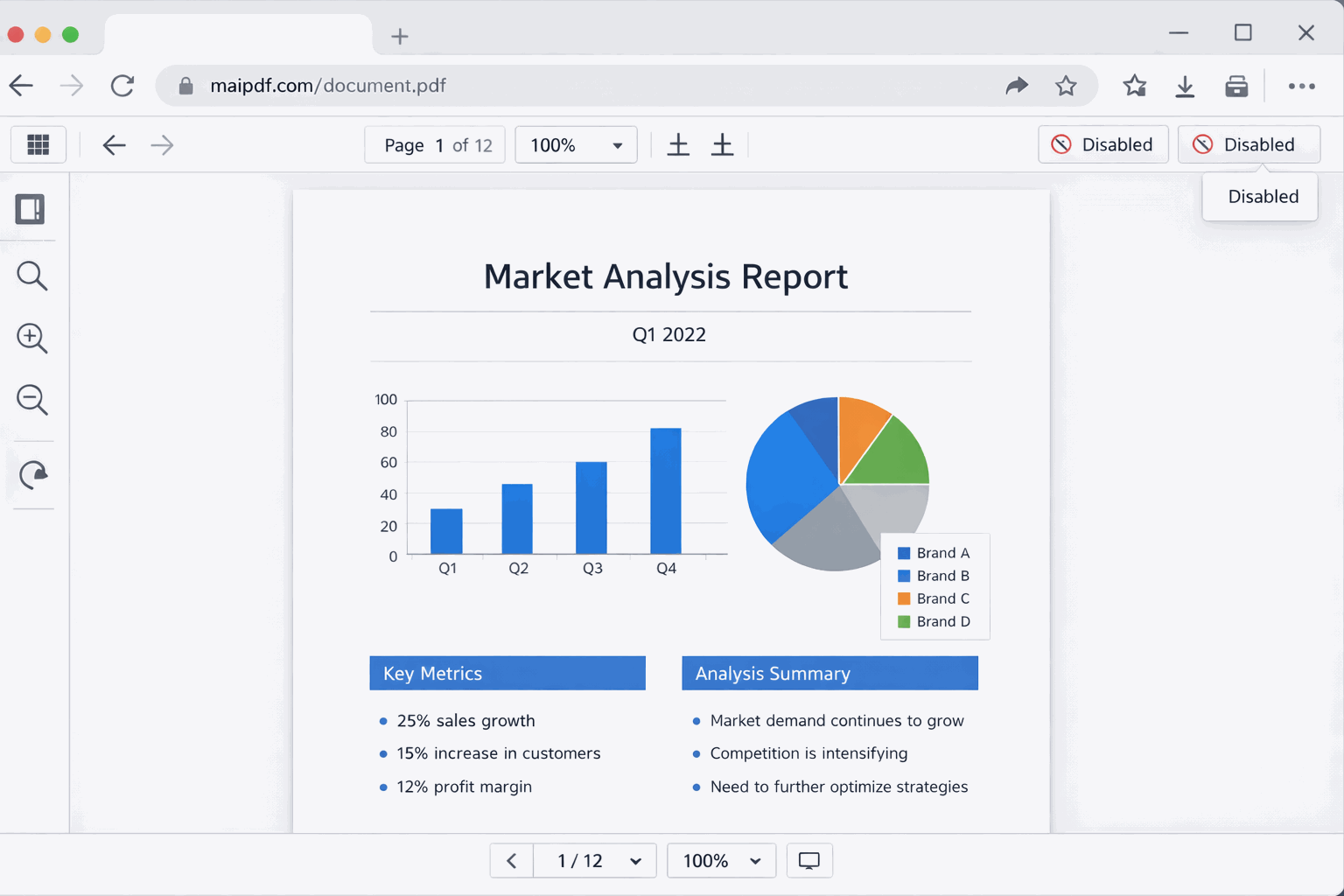
How the dynamic watermark prevents redistribution
When watermarking is enabled, every page carries a code for that particular open — not the reader’s email or IP, which stay in the access record the code points to. This doesn’t technically prevent a screenshot, but it:
- Identifies the source if content leaks — you know exactly who it came back from
- Acts as a deterrent — most people won’t forward a document with their name embedded in it
- Creates accountability in professional contexts — reviewers know they’re being tracked
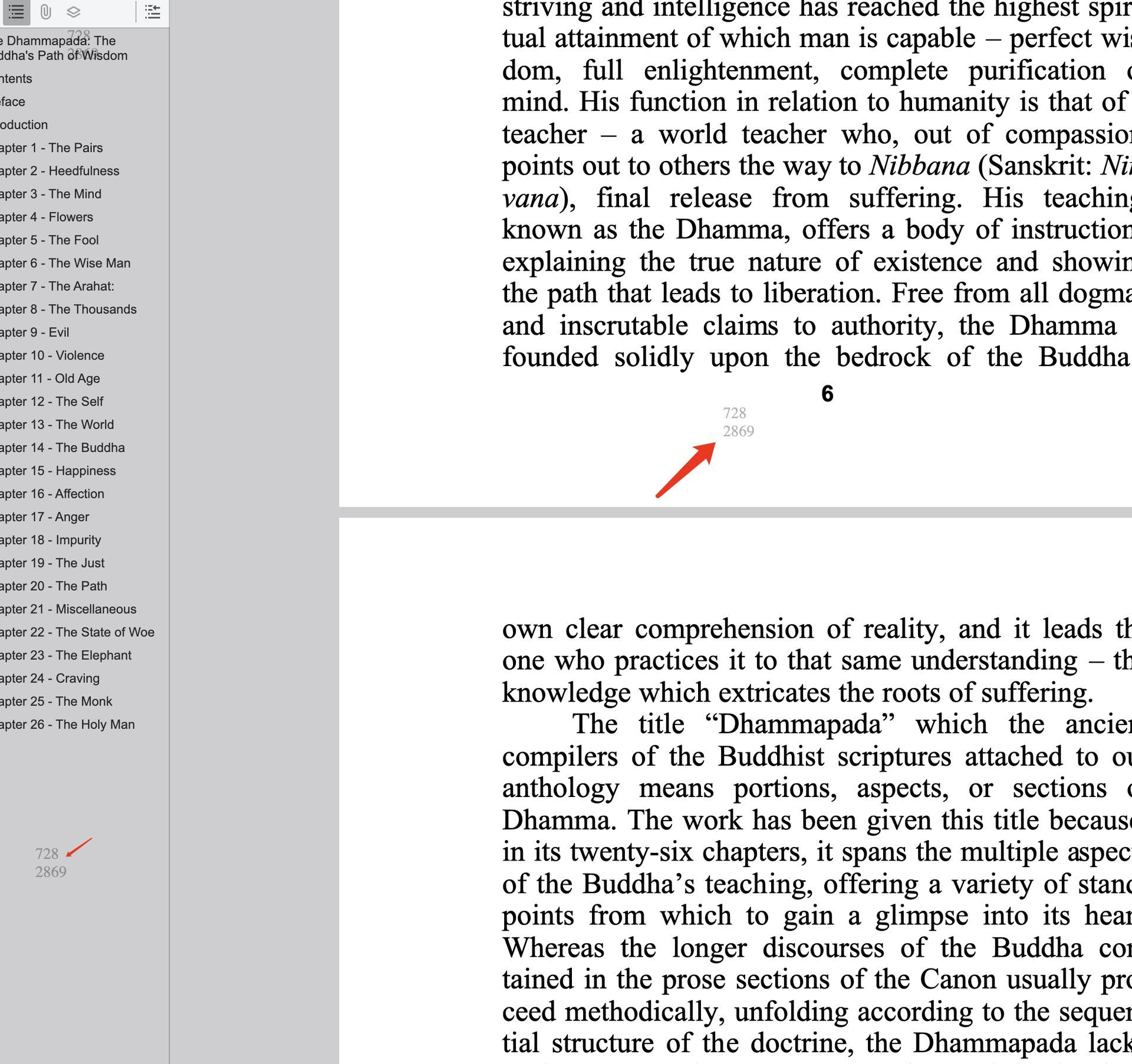
Combine with email verification for full accountability
If you add email verification, the reader must confirm their email address before the PDF loads. This means:
- Every open is tied to a verified email identity (not just a visitor ID)
- Your watermark contains a real name, not an anonymous session token
- Access records show you which specific people read the document and when
What’s realistic
Copy protection works best as a deterrent against casual redistribution. It’s not unbreakable. Someone with time and determination can still copy content through screenshots, OCR, or manual effort. The watermark shifts the calculus: it makes the person who does share complicit and identifiable.
Related reading:
- PDF Online Viewer Prevent Copy — copy protection in the viewer in detail
- PDF Dynamic Watermarking: Protect and Trace Your Documents — how watermarks work
- PDF Security Protection: Layered Document Security — complete layered approach
- Prevent PDF Downloads: Complete Guide — viewer controls for download prevention