View Limits + Watermarks: Why Combine Both for PDF Security
View Limits + Watermarks: Why Use Both for PDF Security
2026 update: This guide mainly covers browser-based Online Cloud Sharing: controlled links, expiry, view limits, watermarks, access records, and download/print restrictions. For files where screenshot risk, device sharing, refund abuse, or post-contract revocation matters, use the stronger App DRM path: protected
.maipdffiles opened in the MaiPDF App with device binding, license revocation, protected reading, and traceable watermarks. A browser cannot fully block operating-system screenshots, and no software can stop someone from photographing a screen with another phone.Start here if you are choosing between the two paths: Online PDF Sharing vs App DRM, secure PDF reader with screenshot protection, and how to revoke access to a PDF after sending.
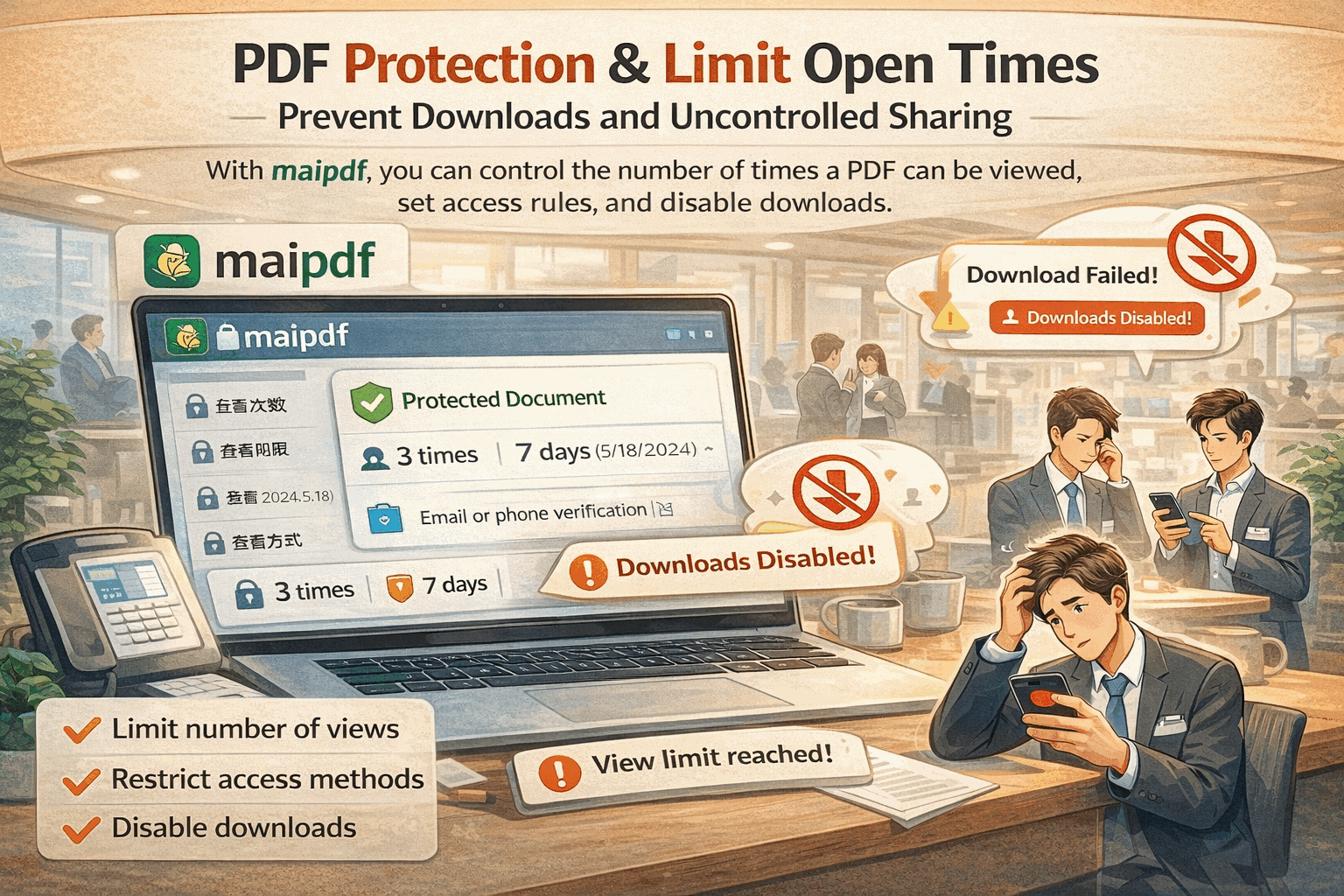
View limits control how many times a PDF can be opened. Watermarks identify who opened it. These are complementary protections — one reduces exposure, the other traces accountability. Using them together covers the main gaps each has alone.
What view limits do (and don’t do)
A view limit sets a maximum number of opens for your link. Once the limit is hit, the link stops working.
View limits protect against:
- Link forwarding to large audiences (the link expires before everyone opens it)
- Unlimited redistribution (each additional open is counted)
- Stale access (set the limit low for a one-time review)
View limits don’t protect against:
- A single authorized reader who screenshots everything
- Someone within the limit who redistributes the content
What watermarks do (and don’t do)
A dynamic watermark puts the reader’s identity (email or session ID) on every page they see.
Watermarks protect against:
- Casual redistribution — the reader knows their identity is embedded
- Untraceable leaks — even if something leaks, you know who the source was
- Anonymous sharing — screenshots carry the watermark
Watermarks don’t protect against:
- A reader who simply reads and mentally remembers the content
- Very high view-limit links — too many readers dilutes the accountability pressure
- Readers who don’t care about being identified
Why they work better together
| Threat | View limit alone | Watermark alone | Both together |
|---|---|---|---|
| Mass forwarding | Stops it | Identifies source | Stops it + traces |
| Authorized reader shares content | Doesn’t help | Traces back to them | Tight limit reduces audience |
| Unknown person opens link | Counts toward limit | Identifies them | Counts + identifies |
| Time-sensitive sensitive review | Doesn’t expire | Doesn’t expire | Add expiry too |
Practical combination presets
Draft circulated for executive review:
- View limit: 10 (one per executive + a few buffer)
- Watermark: on (with email gate)
- Expiry: 5 business days
Paid report distributed to customers:
- View limit: 1 per customer (use unique links)
- Watermark: on (with verified email)
- Download: off
Proposal sent to client:
- View limit: 20 (room for client to share within their team)
- Watermark: on (with visitor ID)
- Expiry: 30 days
How to set it up
- Upload at maipdf.com.
- Set view limit to your target number.
- Enable dynamic watermark.
- Optionally add email verification so the watermark shows a real identity.
- Set expiry to bound the exposure time.
Related reading:
- PDF Set View Count Limit Guide — view limit settings in detail
- PDF Dynamic Watermarking: Protect and Trace Your Documents — watermarks in detail
- PDF Security Protection: Layered Document Security — complete layered approach
- Email Verification for PDF Access — add verified identity to your watermarks