PDF Access Control: Setting View Limits and Time Restrictions
PDF Access Control: Setting View Limits and Time Restrictions
2026 update: This guide mainly covers browser-based Online Cloud Sharing: controlled links, expiry, view limits, watermarks, access records, and download/print restrictions. For files where screenshot risk, device sharing, refund abuse, or post-contract revocation matters, use the stronger App DRM path: protected
.maipdffiles opened in the MaiPDF App with device binding, license revocation, protected reading, and traceable watermarks. A browser cannot fully block operating-system screenshots, and no software can stop someone from photographing a screen with another phone.Start here if you are choosing between the two paths: Online PDF Sharing vs App DRM, secure PDF reader with screenshot protection, and how to revoke access to a PDF after sending.
A PDF link with no access controls is active indefinitely for anyone who receives it. View limits and expiry dates are the two dials that bound that access — one limits how many, the other limits how long. Both can be set at upload time, both can be adjusted after you've shared the link. This page is the configuration walk-through: which dial to use when, the presets by document type, where to set them in the MaiPDF panel, and how to change them without breaking anyone's bookmark.
The two dials
View limit — “how many”
Sets the maximum number of times the link can be opened. Once the counter reaches the cap, the link stops resolving to the PDF. Useful when you know roughly how many recipients the document is for and want to bound distribution past that group.
Expiry — “how long”
Sets a specific date after which the link stops working, regardless of how many times it has (or hasn’t) been opened. Useful when the document itself is time-sensitive — a proposal window, a review period, a seasonal announcement, a pre-release draft.
The two are independent. You can set one, the other, or both.
When to use which
| Situation | View limit alone | Expiry alone | Both together |
|---|---|---|---|
| Audience size is known, but reading window is open | Right choice — cap matches audience | Wrong — no natural end date | Add a long expiry as safety net |
| Time-sensitive doc, unknown audience | Wrong — no audience ceiling | Right choice — tied to calendar | Add a generous cap as safety net |
| Short-window review with known reviewers | Partial — no deadline | Partial — no audience cap | Use both — whichever triggers first closes the link |
| Public brochure / whitepaper | Wrong — kills reach | Reasonable — eventual sunset | Leave cap off, keep a distant expiry |
| Any link that must self-close if forgotten | Partial | Essential | Expiry is the non-negotiable dial here |
The short rule: if you don’t know which one to use, set both. They don’t conflict. The first one that triggers closes the link, and the safety net of the other catches whatever case you didn’t fully model.
Presets by document type
Starting points, not rules — useful when you need to move on from choosing a number and get back to the work:
| Document type | View limit | Expiry | Why |
|---|---|---|---|
| Public report / whitepaper | None | 180 days | Reach matters; still want eventual sunset |
| Sales proposal | 15–30 | 14–30 days | Proposal window is the natural bound |
| Contract for review | 10–15 | 7–14 days | Tight on both — review cycles are short |
| Confidential executive memo | 3–8 | 5–7 days | Pair with email gate and watermark |
| Product launch announcement | 500+ or none | 7 days | High cap, short window — timed distribution |
| Event handout / poster QR | 200–1000 | 3–7 days after event | Wide audience, window of relevance is brief |
| Internal draft for small team | 15–25 | 14 days | Mobile rereads push above audience size |
| Training handout | None or 500+ | 60+ days | Rereading is the feature, not a leak |
For the reasoning behind the view-limit numbers (including the audience × rereads × 1.5 formula and the mobile multiplier that catches most teams out), the Limit PDF Views guide covers it end-to-end.
Setting it up in MaiPDF
- Upload your PDF at maipdf.com — drag-drop or click to select.
- In the settings panel, set the two dials:
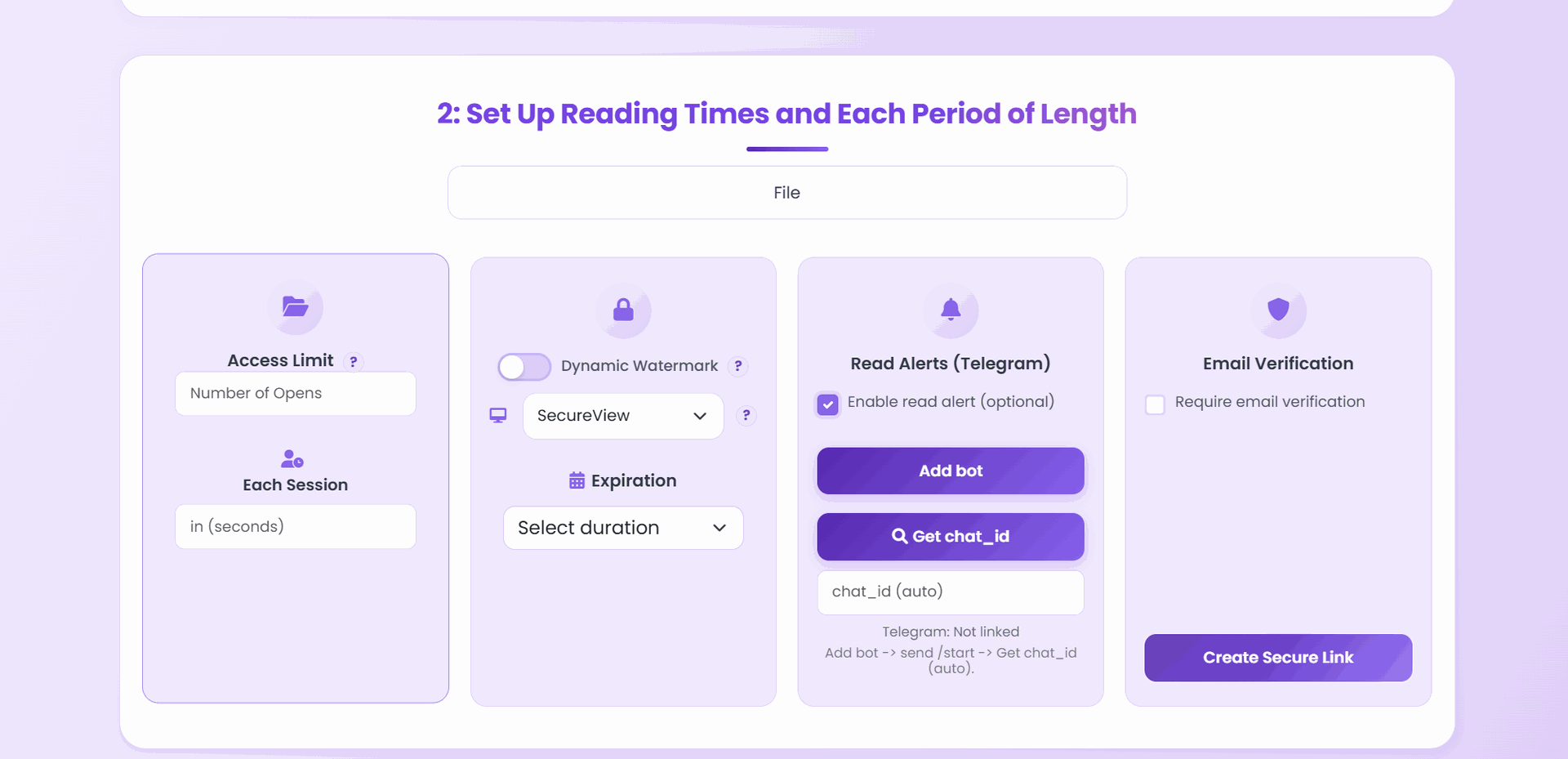
- Maximum Opens (view limit) — leave blank for unlimited
- Expiry Date — pick a calendar date, leave blank for no sunset
- Add other controls as needed — download off, dynamic watermark, email verification, Telegram alerts on open.
- Generate the link. Copy or scan the QR.
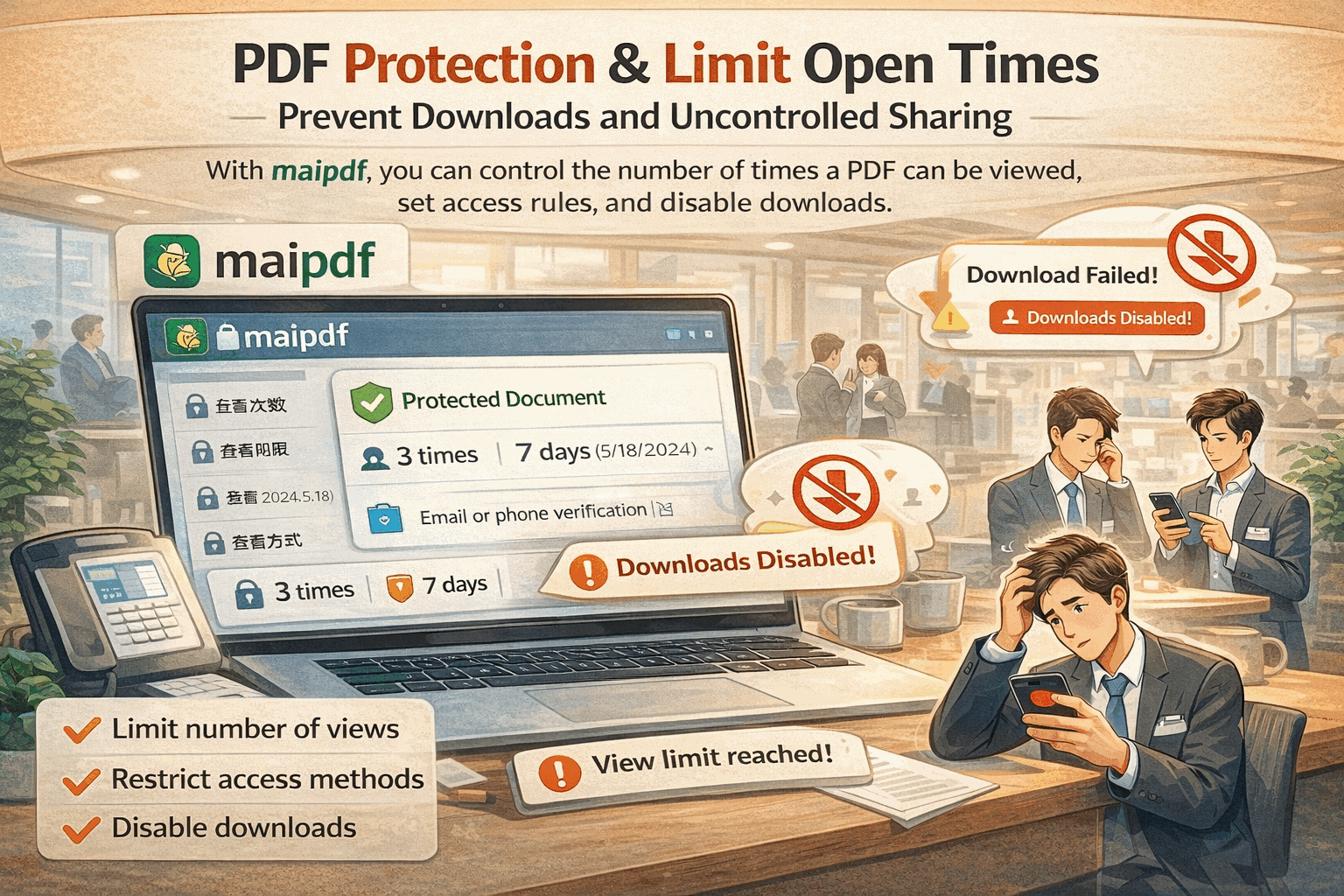
The two dials are not buried. They are front-and-centre on the upload panel because they are the two most-used access controls, and setting them correctly at upload time is ten times cheaper than realizing you needed them after the link is already circulating.
Adjusting after sharing
This is the part most people don’t realize is possible: both dials are editable after the link has been shared, without changing the URL.
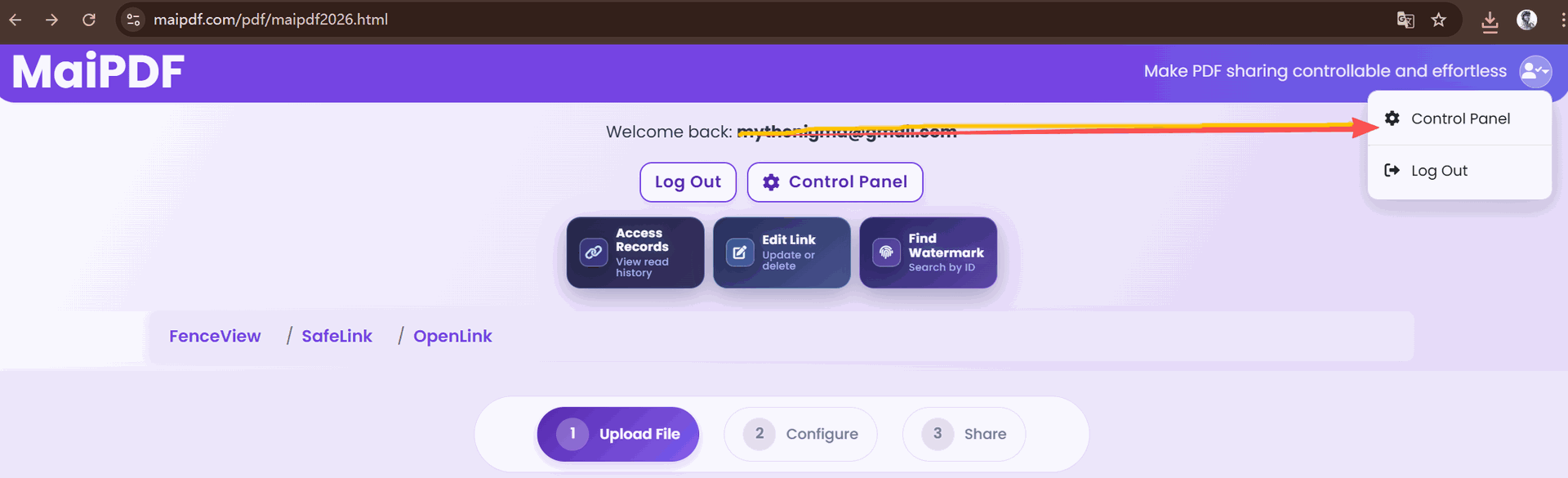
From the Control Center:
- Raise the view limit. The counter does not reset — the ceiling just moves up. Every recipient’s bookmark still resolves. Use this when a legitimate reader is about to hit the cap and you just underestimated the audience.
- Extend (or shorten) the expiry. Push the date back for more time, pull it in to close the link sooner. Again, the URL does not change.
- Revoke. Kill the link immediately regardless of remaining count or time. The right first move for any confirmed leak.
- Replace the file behind the link. Swap in a new PDF — the URL, the view limit, the expiry, and any printed QR codes all keep working. Only the content (and whatever settings you change during the swap) updates.
You never need to reshare a new link to adjust access. The original URL respects the new settings immediately.
A couple of practical notes
The view limit counter is cumulative, not per recipient. If you need per-recipient caps — for example, a press embargo where each journalist must have their own counter — issue separate links per recipient and let each one carry its own limit. The same pattern applies to exam papers distributed per student.
The expiry uses the upload time zone. Set it accounting for the time of day you actually want the link to close, especially if you share across time zones. A “midnight Friday” expiry in your timezone is Friday afternoon or Saturday morning for someone else.
Raising the limit does not reset the counter. This is a feature, not a bug — the signal that “this link has been opened forty times” is preserved, so you can still see that your distribution is running hot even after you bump the cap up.
Replacing the file does not reset the counter either. Whatever the counter was when you swapped the PDF is where it continues. If you want a fresh counter, issue a new link instead.