MaiPDF View Count Setting Guide: Configure Open Limits for Shared Documents
MaiPDF View Count Setting Guide
View count (also called “open limit”) is one of the most used settings on MaiPDF. It determines how many times a shared document can be accessed before the link stops working. This guide covers how to set it, when to adjust it, and common mistakes to avoid.
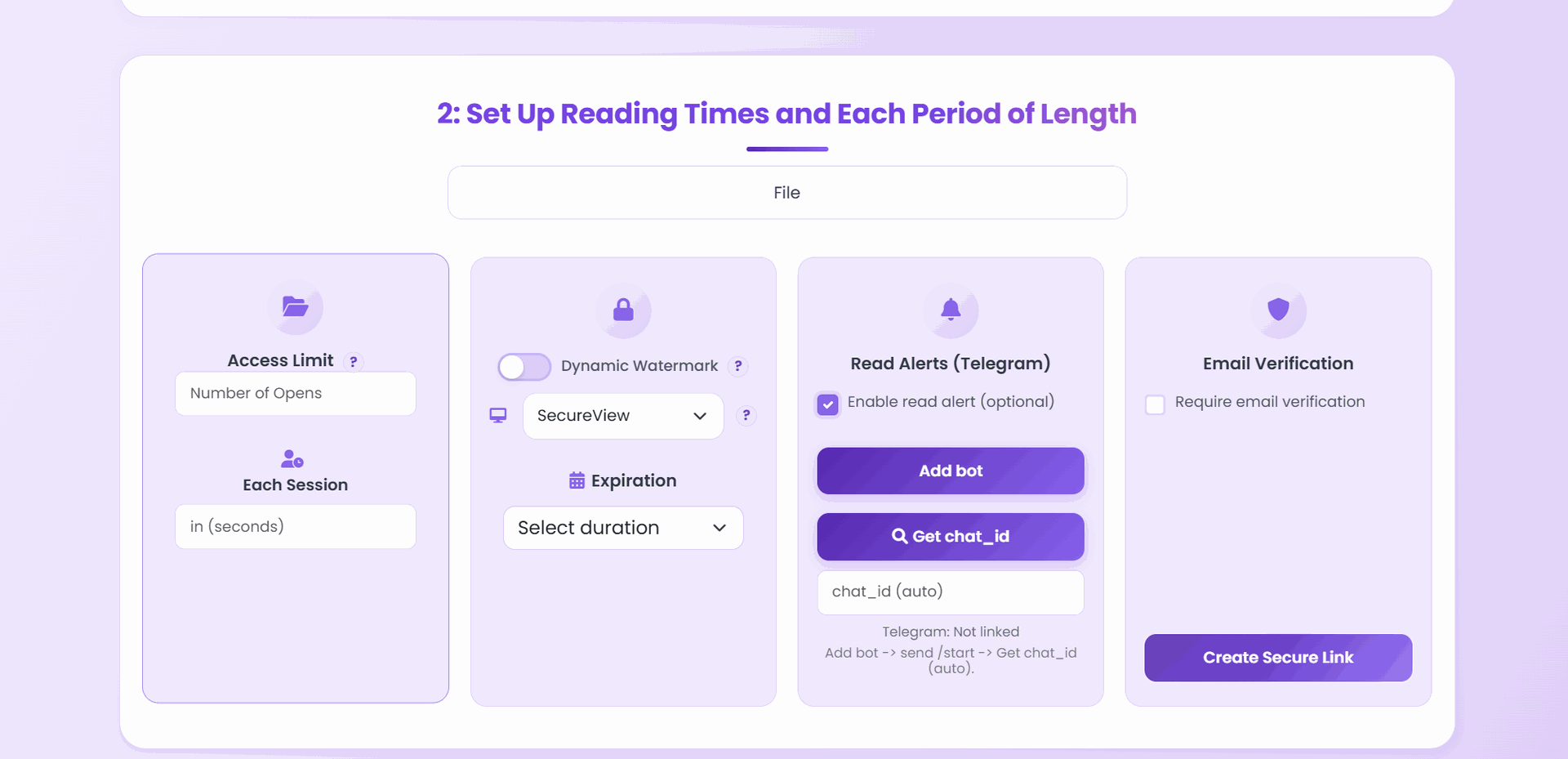
How to Set the View Count
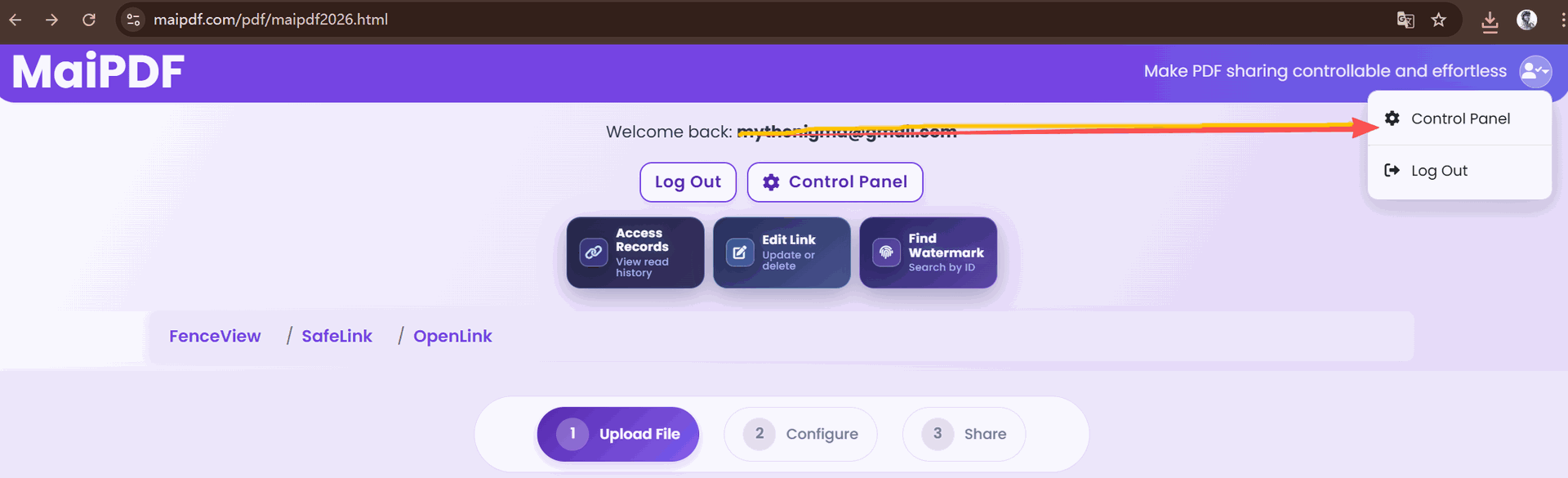
- Upload your PDF at maipdf.com
- Open the settings panel for your document
- Find “Open Limit” or “View Count”
- Enter your desired number
- Save
The setting takes effect immediately. You can change it at any time — increase, decrease, or remove the limit entirely.
Choosing the Right Number
The right view count depends on two factors: audience size and expected read behavior.
Quick Reference Table
| Document Type | Audience Size | Reads Per Person | Buffer | Recommended Limit |
|---|---|---|---|---|
| 1-on-1 proposal | 1 | 3–5 | 2× | 10 |
| Team review | 5 | 2–3 | 1.5× | 25 |
| Client presentation | 20 | 2 | 1.5× | 60 |
| Workshop handout | 50 | 1–2 | 1.5× | 150 |
| Marketing launch | 500+ | 1 | 2× | 1,000+ or unlimited |
The Formula
audience size × expected reads × buffer multiplier = view count
Why a buffer? Every page refresh, device switch, or re-read counts as a separate view. Without a buffer, legitimate readers get locked out.
Monitoring Usage
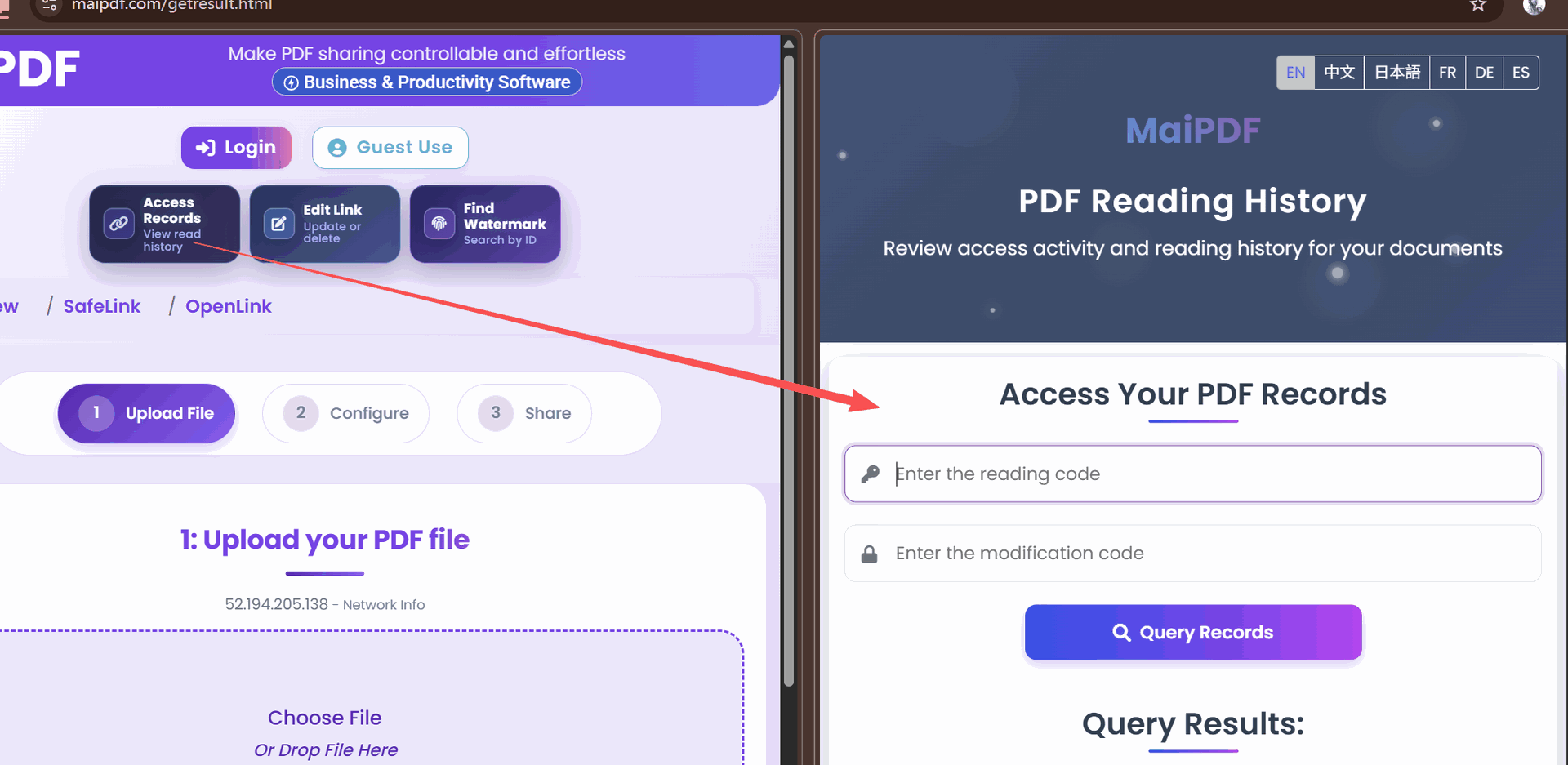
After sharing, track how the view count is being consumed:
Navigate to your document’s access records to see:
- Current views used vs. limit
- Timeline of views (are they clustered or spread out?)
- Device types (mobile tends to generate more views per person due to session behavior)
Adjusting Mid-Campaign
You can change the view count at any time without generating a new link:
Increase — if legitimate viewers are being locked out, raise the limit. The link instantly accepts more views.
Decrease — if you notice unexpected access patterns, lower the limit to cap further exposure.
Remove — set to “unlimited” for documents that no longer need restricted access.
Reset — not supported directly; create a new link if you need to restart the counter.
Common Mistakes
Setting the limit too low
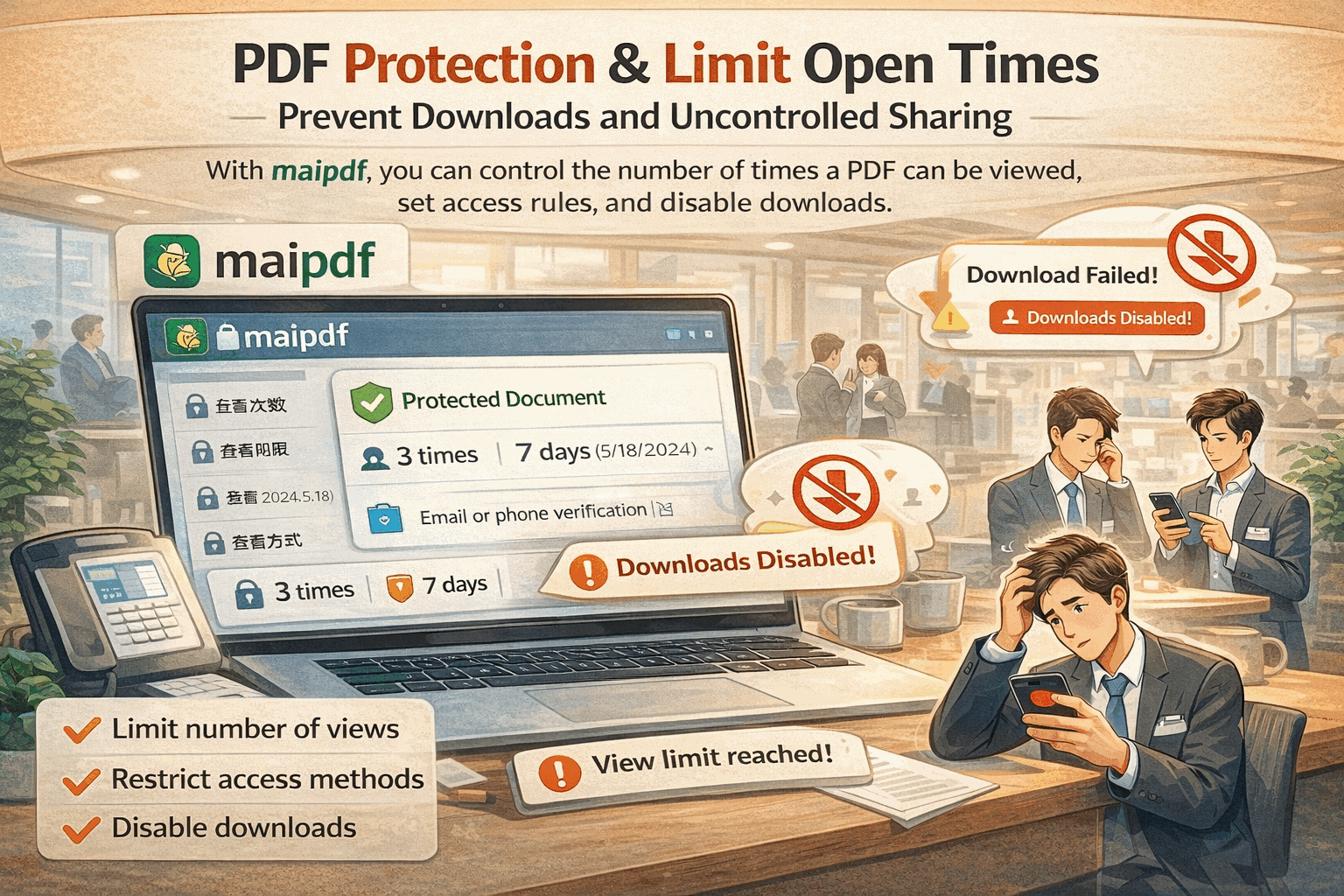
A limit of 5 for a document shared with 5 people will almost certainly lock someone out. Mobile browsers, tab refreshes, and device switches all consume views.
Not accounting for mobile behavior
Mobile browsers sometimes reload pages when the user switches apps. A single mobile reader can generate 3–5 views per reading session.
Forgetting to set any limit
Unlimited access means anyone who discovers the URL can view the document forever. For sensitive content, always set a limit — even a generous one.
Confusing view count with unique viewers
The view count tracks total opens, not unique people. One person reading 5 times uses 5 views. If you need to track unique viewers, enable email verification.
View Count + Other Settings
| Combination | Effect |
|---|---|
| View count + expiration | Either trigger disables access — double protection |
| View count + email verification | Views are consumed by verified identities |
| View count + watermark | Limited access + identity tracking on every page |
| View count + no download | Readers can view a limited number of times but never save locally |
Quick Start
Upload to maipdf.com, set your view count, and share. Monitor usage in the access records dashboard.