Send Client Proposals That Expire After Viewing
Send Client Proposals That Expire After Viewing
A proposal link that never expires gives the client, their competitors, and anyone they forward to permanent access to your pricing and strategy. An expiring link solves this without adding friction to delivery. The client opens it the same way — they just can't access it after the window closes.
Why attachment-based proposals are risky
- No expiry — the pricing document is accessible forever
- No visibility — you don’t know if they opened it
- No revoke — if you sent the wrong version, it’s in their inbox permanently
- Forwarding is invisible — it could reach a competitor
How expiring proposal links work
- Upload your proposal PDF at maipdf.com
- Set download off (view-only), expiry (e.g., 7 days), and view limit (e.g., 10 opens)
- Optionally enable email verification to identify the opener
- Click Create Secure Link and paste it in your outreach email
The client clicks and reads immediately — no download required, no login. After the expiry date or view limit is reached, the link becomes inactive.
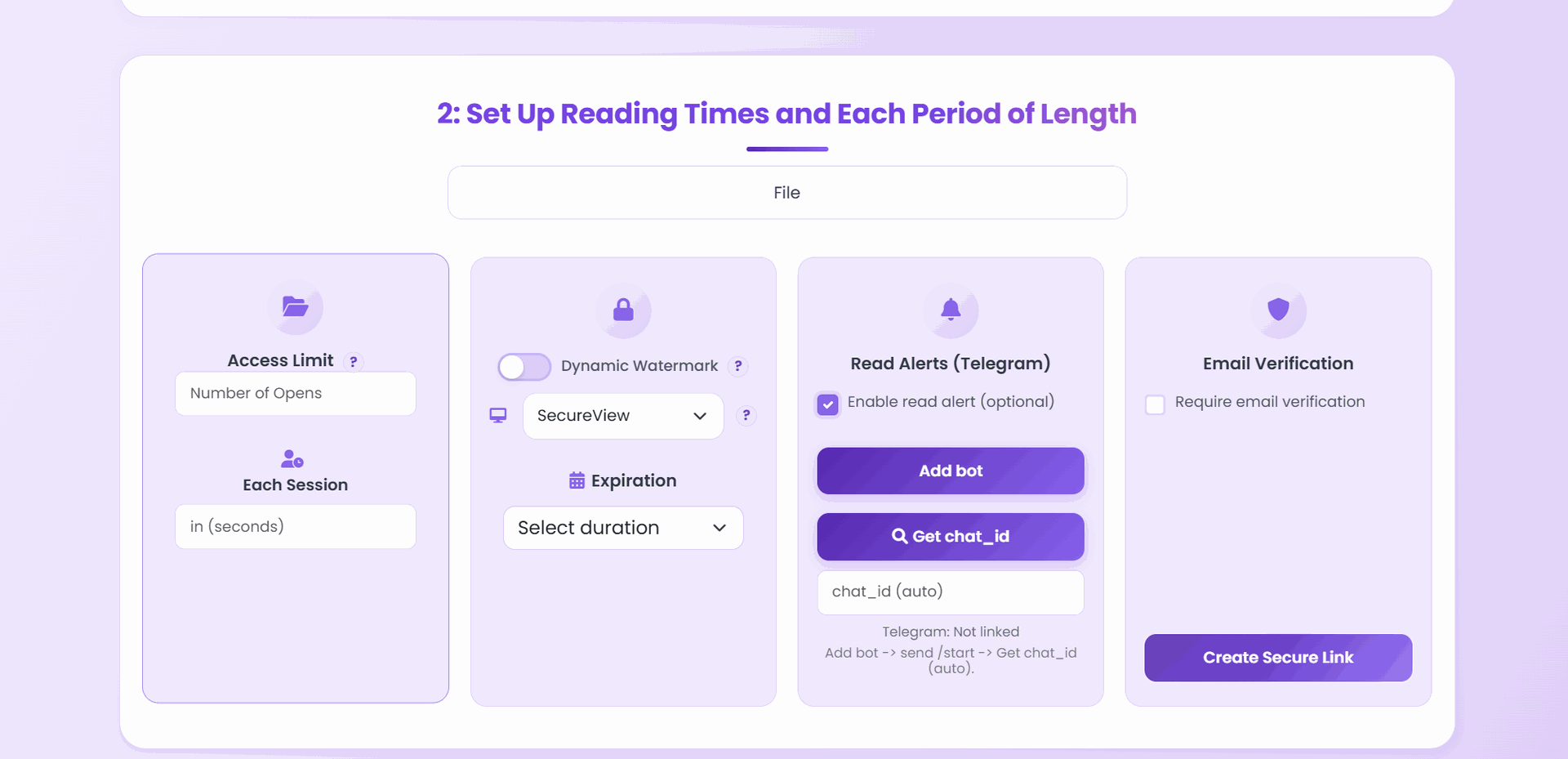
Recommended settings presets by proposal type
| Stage | Expiry | View limit | Download | Extras |
|---|---|---|---|---|
| First proposal | 5 days | 5 opens | Off | Watermark |
| Active negotiation | 7 days | 15 opens | Off | — |
| Revised proposal | 7 days | 10 opens | Off | New link per revision |
| Signed scope recap | 14 days | 30 opens | On | Keep a copy |
Adjust view limit based on how many people on the client side are likely to review it.
Use open data for follow-up timing
MaiPDF logs every open with a timestamp. Check Control Center after sending:
| Signal | Meaning | Recommended action |
|---|---|---|
| Opened within 6 hours | High engagement | Follow up same day or next day |
| Opened 3+ times | Being discussed internally | Reach out proactively |
| Not opened after 48 hrs | May not have reached decision maker | Re-ping with different subject |
| Opened after you expected | Re-entered the pipeline | Re-engage now |
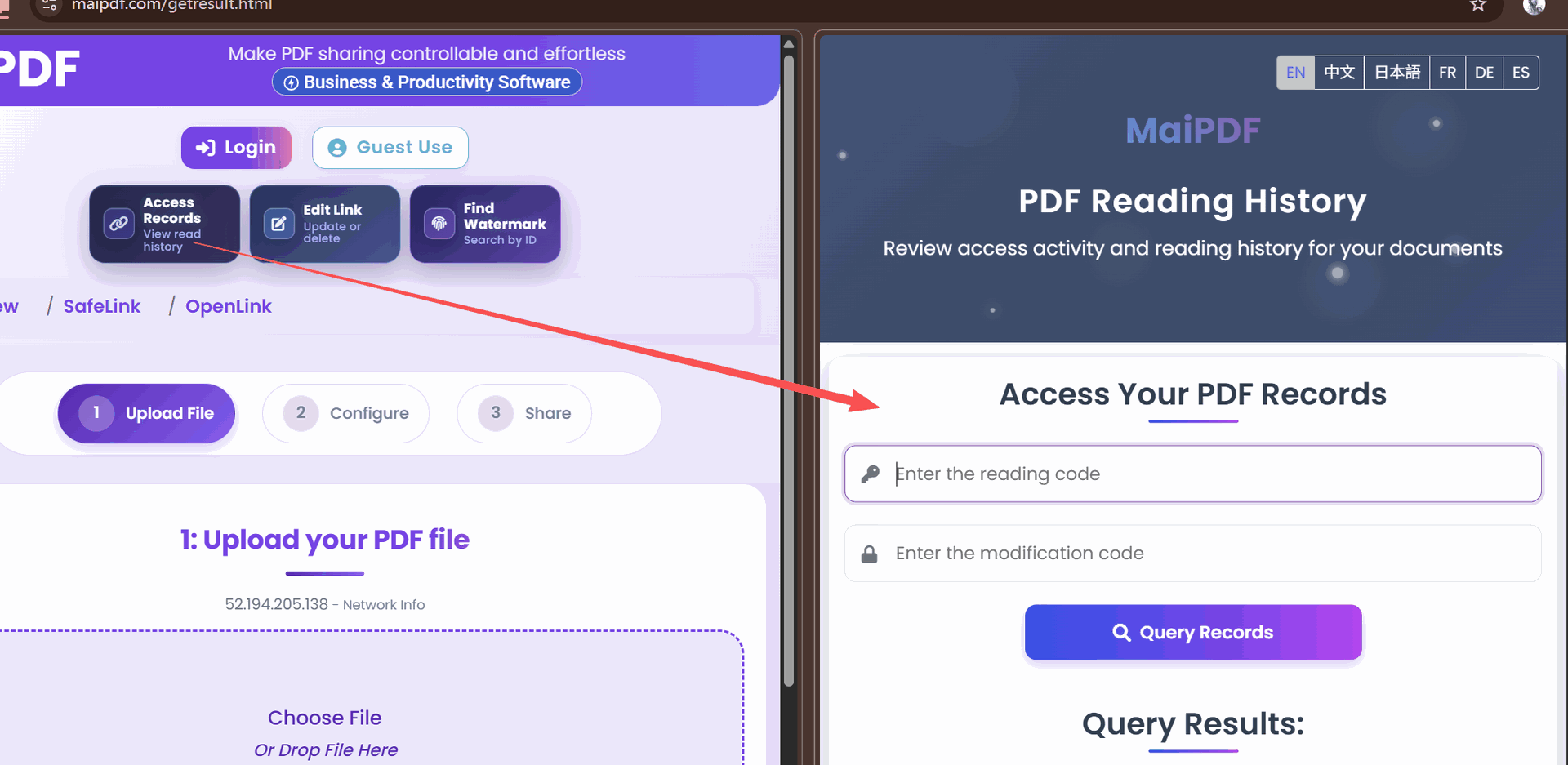
Manage the link after sending
- Extend expiry if the client needs more time: do it in Control Center, no need to resend
- Replace file if you update the proposal: the link URL stays the same
- Revoke if the deal is lost and you don’t want the pricing to stay accessible
What to write in your covering email
Note the window directly:
“The link below is set to expire in 5 business days. Let me know if you need more time or have questions after reviewing.”
This creates natural urgency without being aggressive, and sets the expectation that the access window is intentional.
Related reading:
- PDF Temporary Sharing Links — view limits and expiry in detail
- PDF Access Control: View Limits and Time Restrictions — combining both controls
- Create PDF Links That Actually Get Opened — improve proposal open rates
- Email Verification for PDF Access — identify who opened your proposal