Low open rates are often a delivery problem, not a document problem. A PDF link gets ignored when it arrives without context, feels risky to open, or is sent at the wrong moment.
| Strategy | What it fixes |
|---|
| add context before the link | the reader knows why to click |
| segment links by audience | each group gets a more relevant document |
| set a natural availability window | the file feels current, not random |
| test the first page on mobile | the first open does not disappoint |
| follow up from open data | timing is based on behavior, not guessing |
| Bare link problem | Better message |
|---|
| no reason to click | ”Here is the one-page pricing breakdown you asked about.” |
| no time expectation | ”It should take about two minutes to review.” |
| no urgency | ”This version matches the proposal we discussed today.” |
| Audience | Better link strategy |
|---|
| decision maker | shorter summary and business impact |
| technical reviewer | detailed spec or implementation notes |
| late-stage buyer | final proposal, terms, or comparison |
| industry-specific lead | examples that match their sector |
A link with no expiry often feels like “whenever.” A link with a natural deadline feels tied to the real conversation.
| Document type | Good availability habit |
|---|
| proposal | match the review window |
| portfolio | keep it open longer |
| seasonal offer | set a clear end date |
| internal draft | keep it short and controlled |
| Check this before sending | Why |
|---|
| does the first page explain the document fast? | people decide quickly |
| does it load well on mobile? | many first opens happen on phones |
| is the text readable without zooming? | friction kills opens |
| is the file reasonably light? | slow files get abandoned |
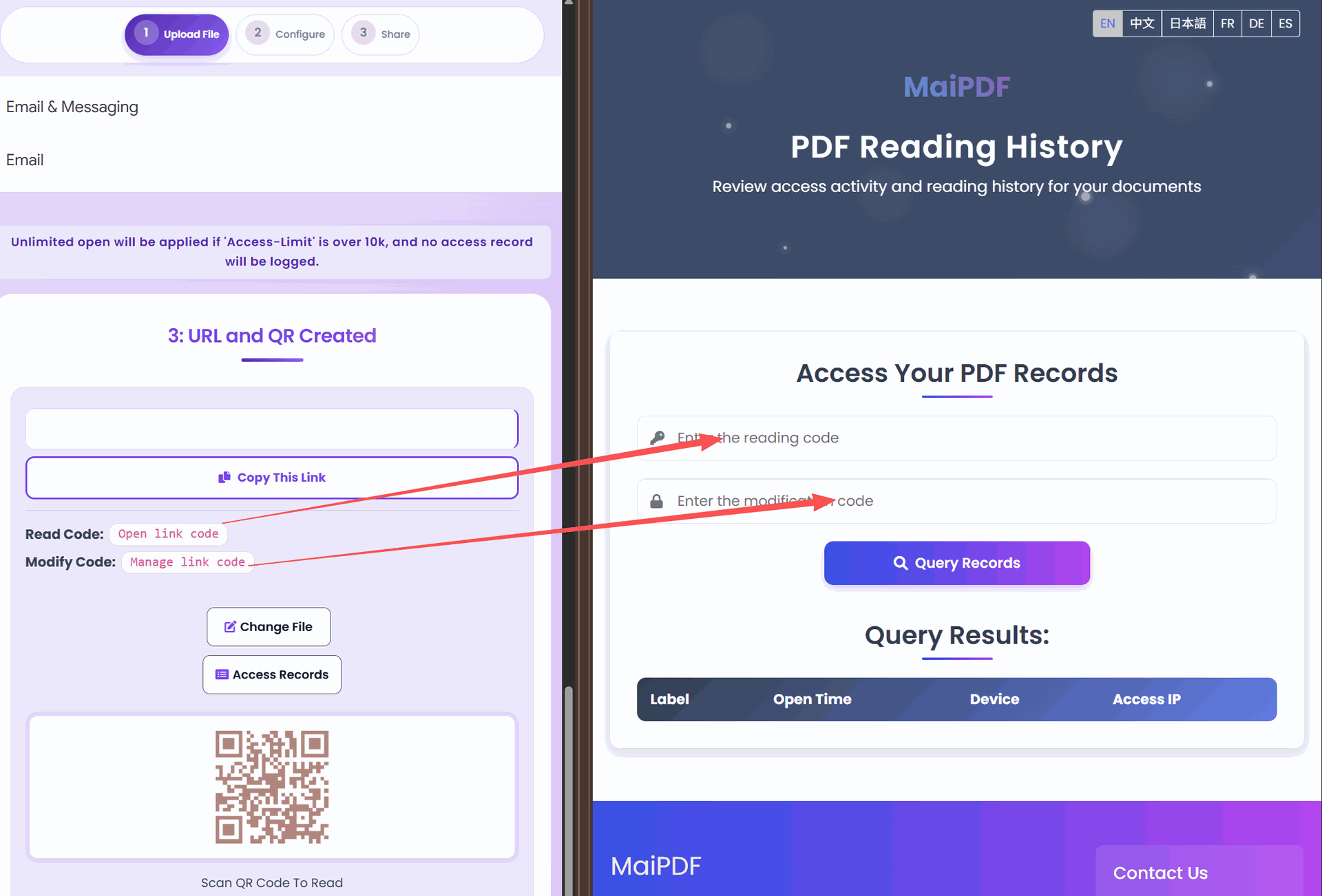
| Signal | Better follow-up |
|---|
| opened within 6 hours | follow up while the context is fresh |
| opened several times | clarify comparison points or next steps |
| not opened after 48 hours | resend with clearer context or another channel |
| Check | Done when… |
|---|
| context | the message says what the PDF is and why it matters |
| version | the correct file is behind the link |
| window | expiry matches the real timing |
| mobile | the first page opens cleanly on phone |
| tracking | access records are available for follow-up |
To create PDF links that actually get opened, make the link feel useful before the click: explain what it is, send the right version to the right audience, test the mobile first page, and use access records to follow up at the right time.