Document Distribution Compliance: A Checklist You Can Actually Use
Document Distribution Compliance: A Checklist You Can Actually Use
2026 update: This guide mainly covers browser-based Online Cloud Sharing: controlled links, expiry, view limits, watermarks, access records, and download/print restrictions. For files where screenshot risk, device sharing, refund abuse, or post-contract revocation matters, use the stronger App DRM path: protected
.maipdffiles opened in the MaiPDF App with device binding, license revocation, protected reading, and traceable watermarks. A browser cannot fully block operating-system screenshots, and no software can stop someone from photographing a screen with another phone.Start here if you are choosing between the two paths: Online PDF Sharing vs App DRM, secure PDF reader with screenshot protection, and how to revoke access to a PDF after sending.
Compliance becomes easy when it’s broken into capabilities you can verify: who accessed, under what rules, and whether you can prove it later.
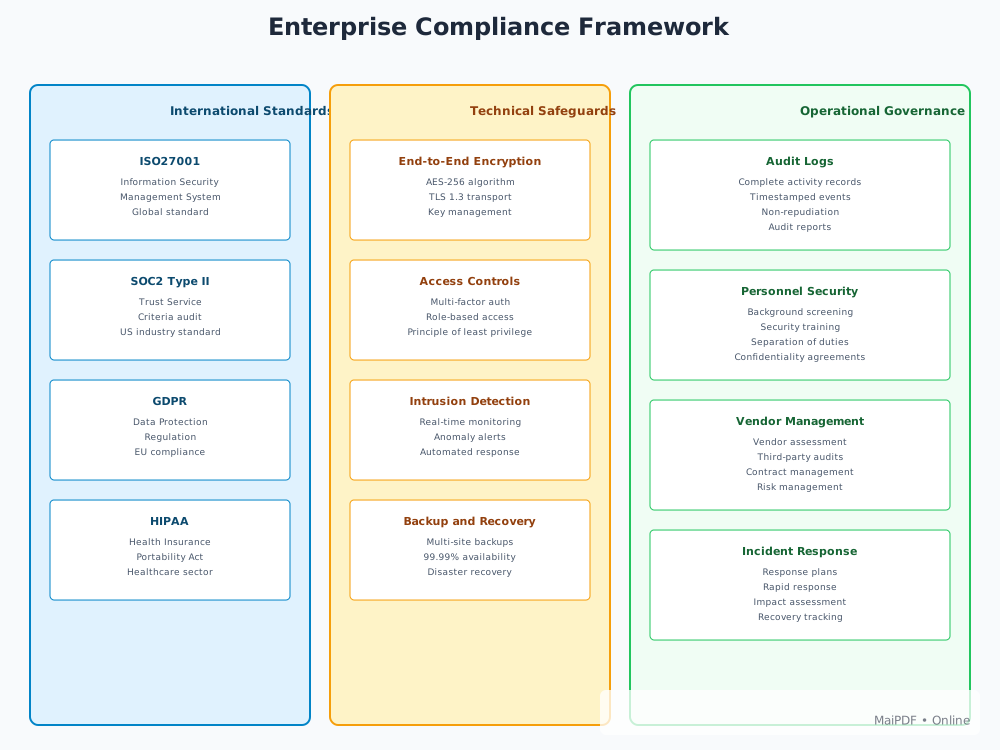
The 4 compliance capabilities
Identity & authorization
- Use verification for sensitive documents
- Separate internal roles vs external recipients
- Apply “least privilege” by default
Limits & boundaries
- Expiration dates (avoid permanent access)
- View limits (reduce leak window)
- Download/print restrictions when necessary
Audit logs
- Access events (time, count, basic environment signals)
- Exports for reviews and investigations
- Alerting for unusual patterns
Governance
- Policy templates by document type
- Change control for high-risk materials
- Retention rules for logs and documents
A quick start checklist
- Verification enabled for confidential docs
- Expiration date set
- View limit set (if appropriate)
- Access logs enabled + exportable
- Owner and policy template recorded