Enterprise PDF Permission Management: Practical Guide
Enterprise PDF Permission Management: Practical Guide
2026 update: This guide mainly covers browser-based Online Cloud Sharing: controlled links, expiry, view limits, watermarks, access records, and download/print restrictions. For files where screenshot risk, device sharing, refund abuse, or post-contract revocation matters, use the stronger App DRM path: protected
.maipdffiles opened in the MaiPDF App with device binding, license revocation, protected reading, and traceable watermarks. A browser cannot fully block operating-system screenshots, and no software can stop someone from photographing a screen with another phone.Start here if you are choosing between the two paths: Online PDF Sharing vs App DRM, secure PDF reader with screenshot protection, and how to revoke access to a PDF after sending.
Enterprise document control is an operations framework: clear access rules, short validity windows, and reliable “kill switches” when something changes.
The goal is to reduce leakage risk and sharing mistakes—without turning PDF sharing into surveillance or identity tracking.
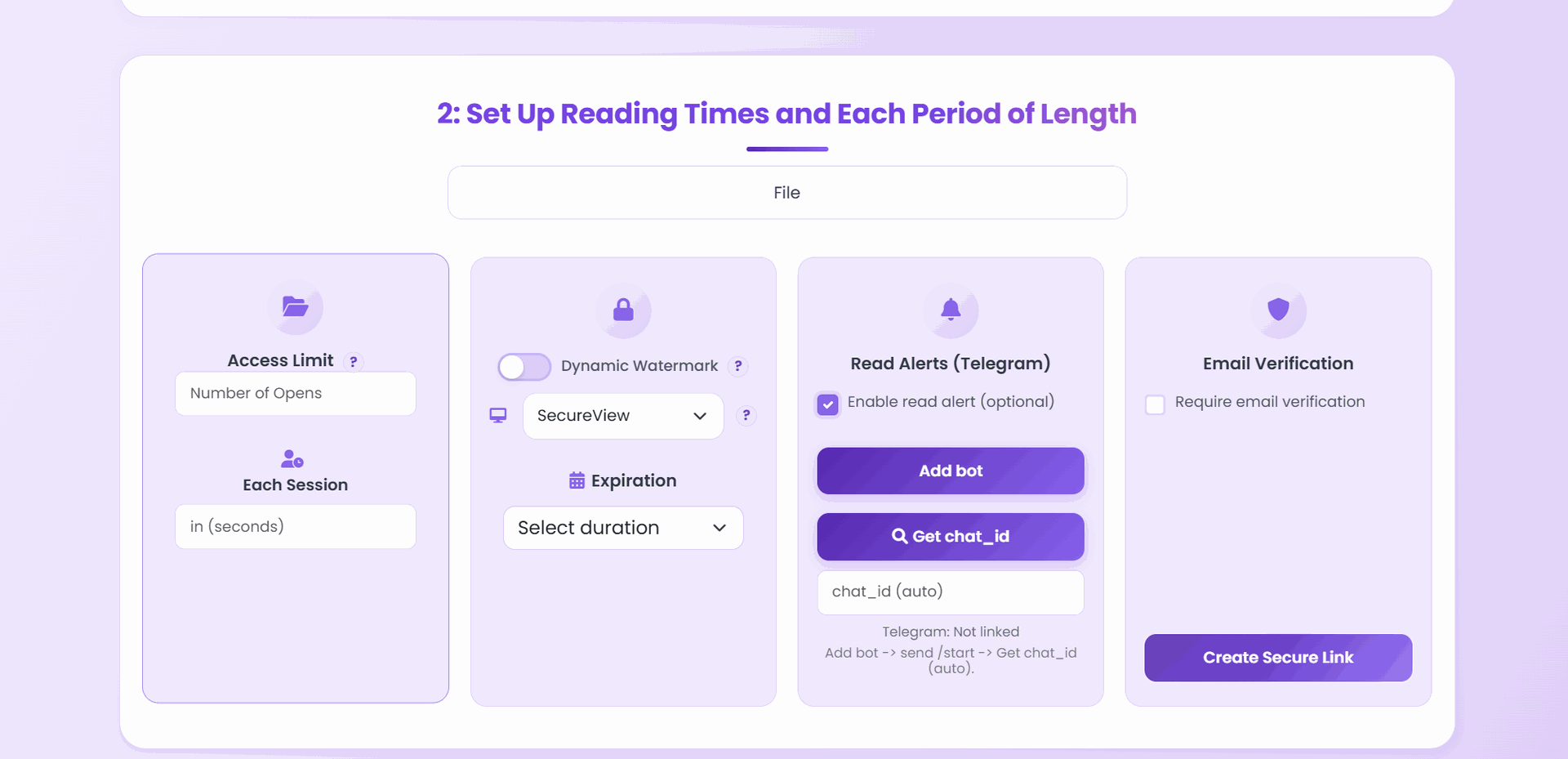
Core control model
Access rules by audience
Decide who can open the document (and who can’t) based on a simple audience model.
Expiration by tier
Use short time windows for sensitive files; longer windows for routine sharing.
Download/print restrictions
Keep documents view-only when copying creates real business risk.
Response controls
Revoke links and reissue access quickly when requirements change or a link leaks.
Review signals (optional)
Use minimal, privacy-first signals to confirm distribution health and investigate anomalies.
Tiered policy template
Tier 1: critical confidential
- Download: off
- Expiry: 1-7 days
- Open limit: low
- Watermark: required
Tier 2: controlled collaboration
- Download: mostly off
- Expiry: 7-30 days
- Open limit: medium
Tier 3: general internal/external
- Download: optional
- Expiry: optional/long
- Open limit: high
Incident response
- Disable affected link.
- Reissue to approved recipients.
- Review what happened at a high level (distribution health, anomalies, and changes made).
- Update policy tier defaults so the next share starts safer.
Final takeaway
Enterprise security scales when controls are standardized. Keep templates simple enough for every team to apply correctly.