Enterprise File Self-Destruction: Practical Control Model
Enterprise File Self-Destruction: Practical Control Model
2026 update: This guide mainly covers browser-based Online Cloud Sharing: controlled links, expiry, view limits, watermarks, access records, and download/print restrictions. For files where screenshot risk, device sharing, refund abuse, or post-contract revocation matters, use the stronger App DRM path: protected
.maipdffiles opened in the MaiPDF App with device binding, license revocation, protected reading, and traceable watermarks. A browser cannot fully block operating-system screenshots, and no software can stop someone from photographing a screen with another phone.Start here if you are choosing between the two paths: Online PDF Sharing vs App DRM, secure PDF reader with screenshot protection, and how to revoke access to a PDF after sending.
“Self-destruction” in enterprise document workflows means expiring access by policy, then revoking stale links quickly.
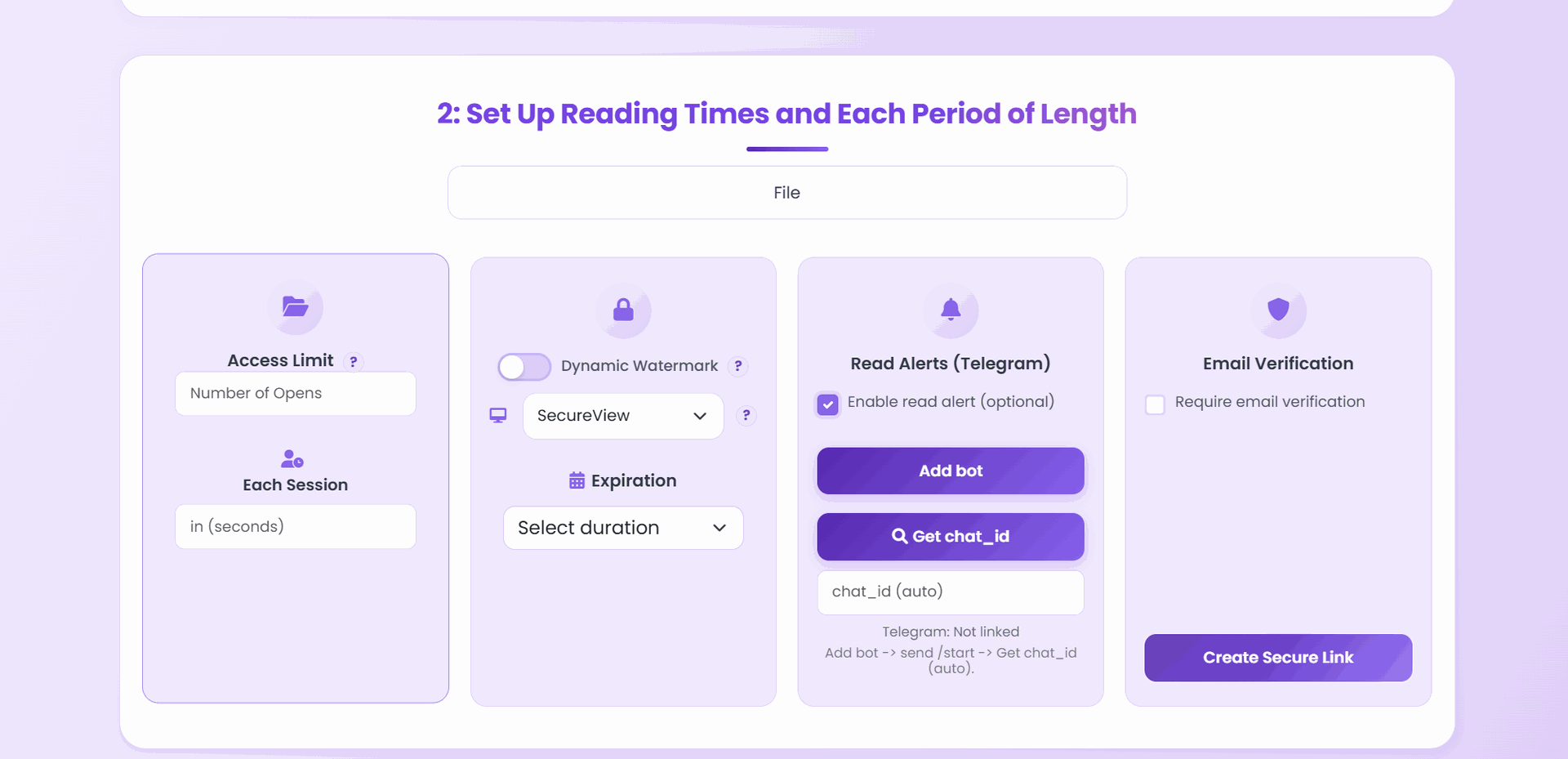
What enterprise teams actually need
- Time-bounded access for sensitive files
- Fast revoke when project status changes
- Clear audit trail through open logs
- Standard templates that non-technical teams can apply
Policy tiers
Tier A: critical documents
- Expiry: 1-7 days
- Download: off
- Open limit: low
- Watermark: required
Tier B: controlled collaboration
- Expiry: 7-30 days
- Download: mostly off
- Open limit: medium
Tier C: general distribution
- Expiry: optional/long
- Download: optional
- Open limit: high
Response playbook
- Disable compromised link.
- Notify stakeholders and issue replacement link.
- Review open logs for timeline reconstruction.
- Update policy tier if exposure exceeded expected scope.
Final takeaway
Enterprise protection is not one feature. It is policy-driven lifecycle control: short validity, fast revoke, and repeatable incident handling.