Benefits of PDF Access Control: Why Links Beat Attachments
Benefits of PDF Access Control
2026 update: This article mainly covers browser-based Online Cloud Sharing controls. For paid course files, workbooks, exam-prep PDFs, or documents that need device binding, license revocation, and screenshot-aware protected reading, use MaiPDF App DRM / .maipdf. Start with Online PDF Sharing vs App DRM or PDF DRM for Online Courses.
A shareable link with no access controls is just a permanent, public URL to your document. Access controls turn it into a managed distribution: you decide who can open it, for how long, whether they can download it, and whether they need to verify identity first.
No sign-up required for recipients
One of MaiPDF’s key design choices: recipients don’t need an account. They click the link and read in a browser. The controls are on your side — not a barrier to access, but a layer around it.
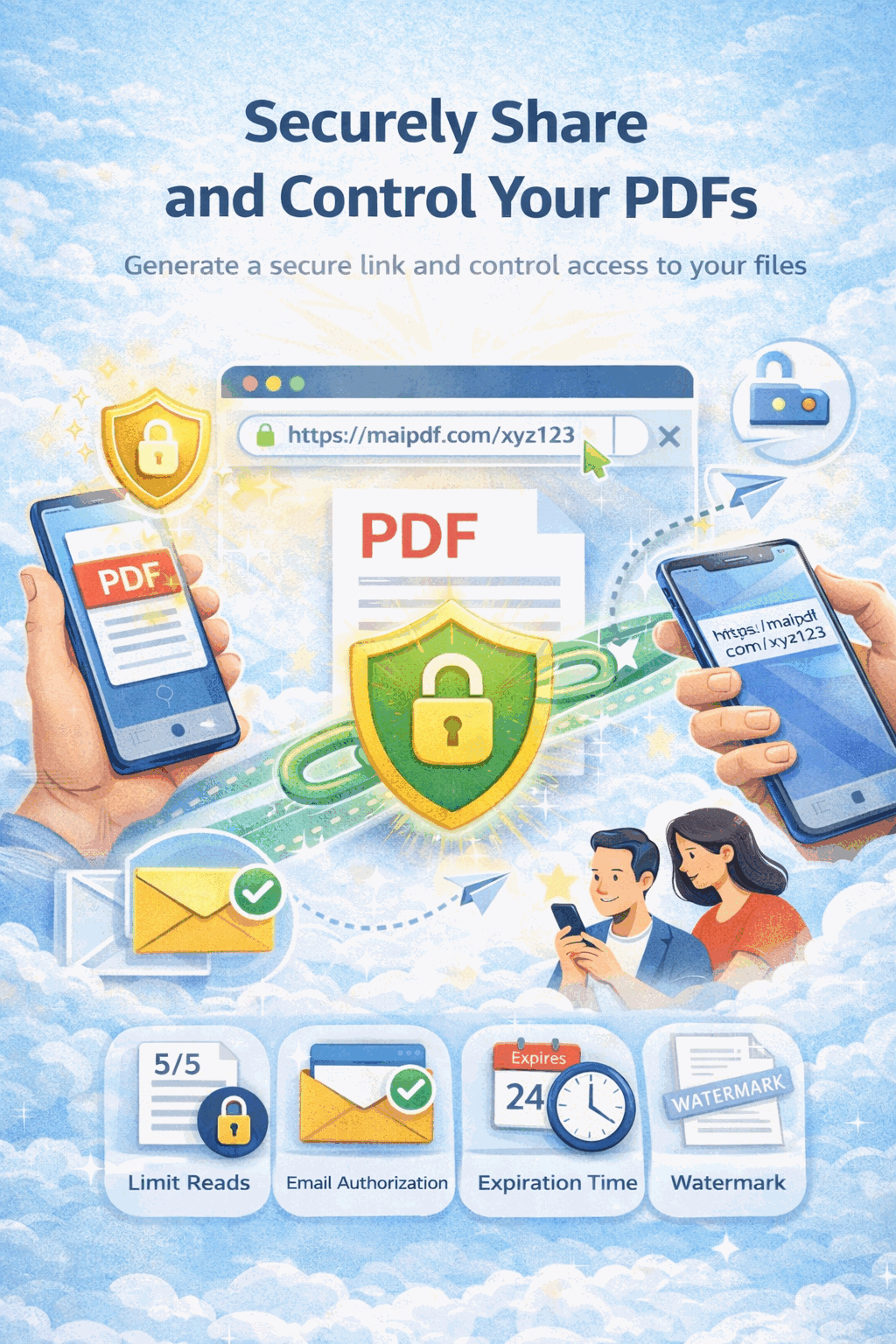
Key access control features
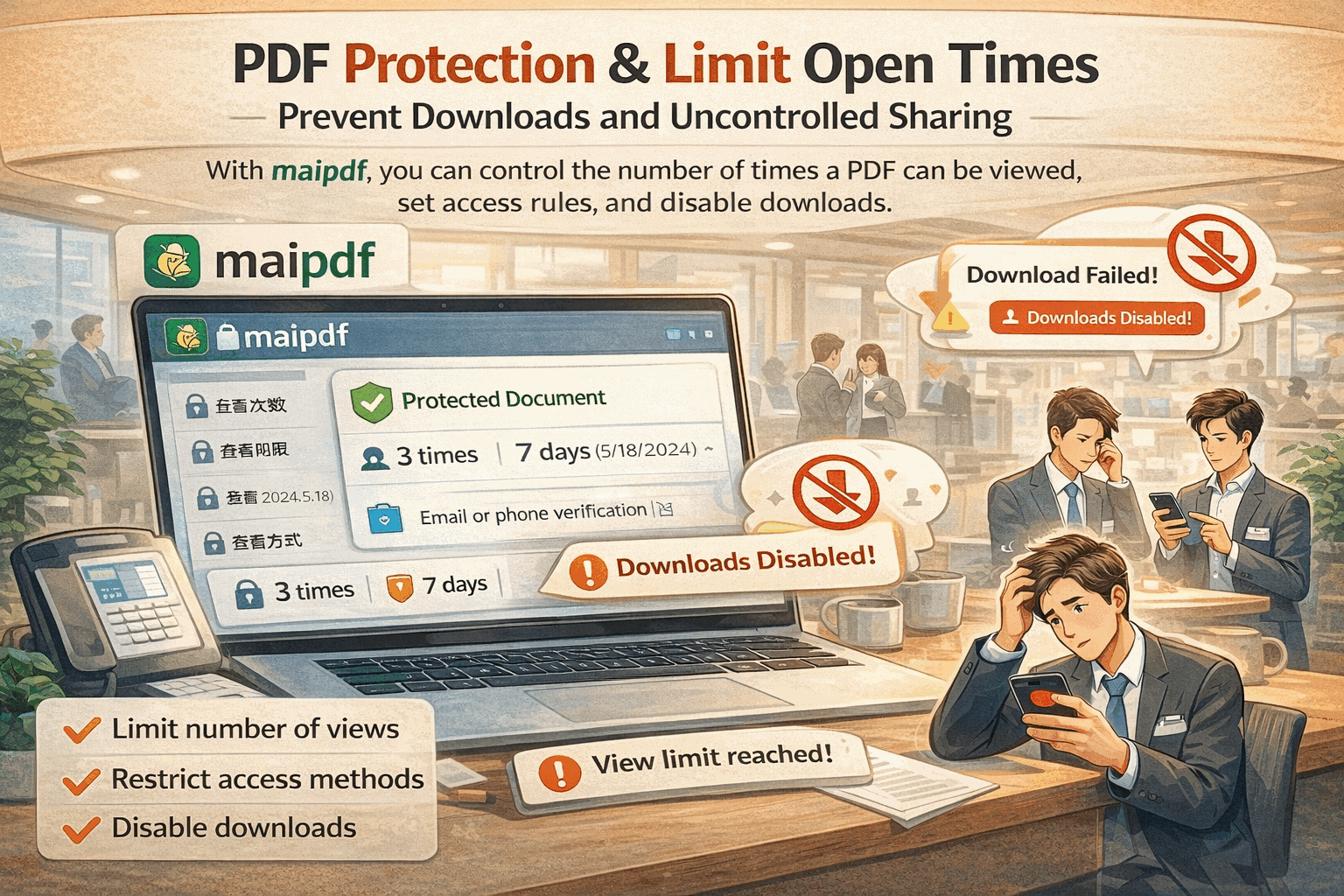
View (open) count limits
Set a maximum number of opens. When the limit is reached, the link stops working. Useful when you know your audience size and want to prevent unlimited forwarding.
Expiry date
The link automatically deactivates on a date you choose. The document stops being accessible without any manual intervention — nothing to remember or clean up.
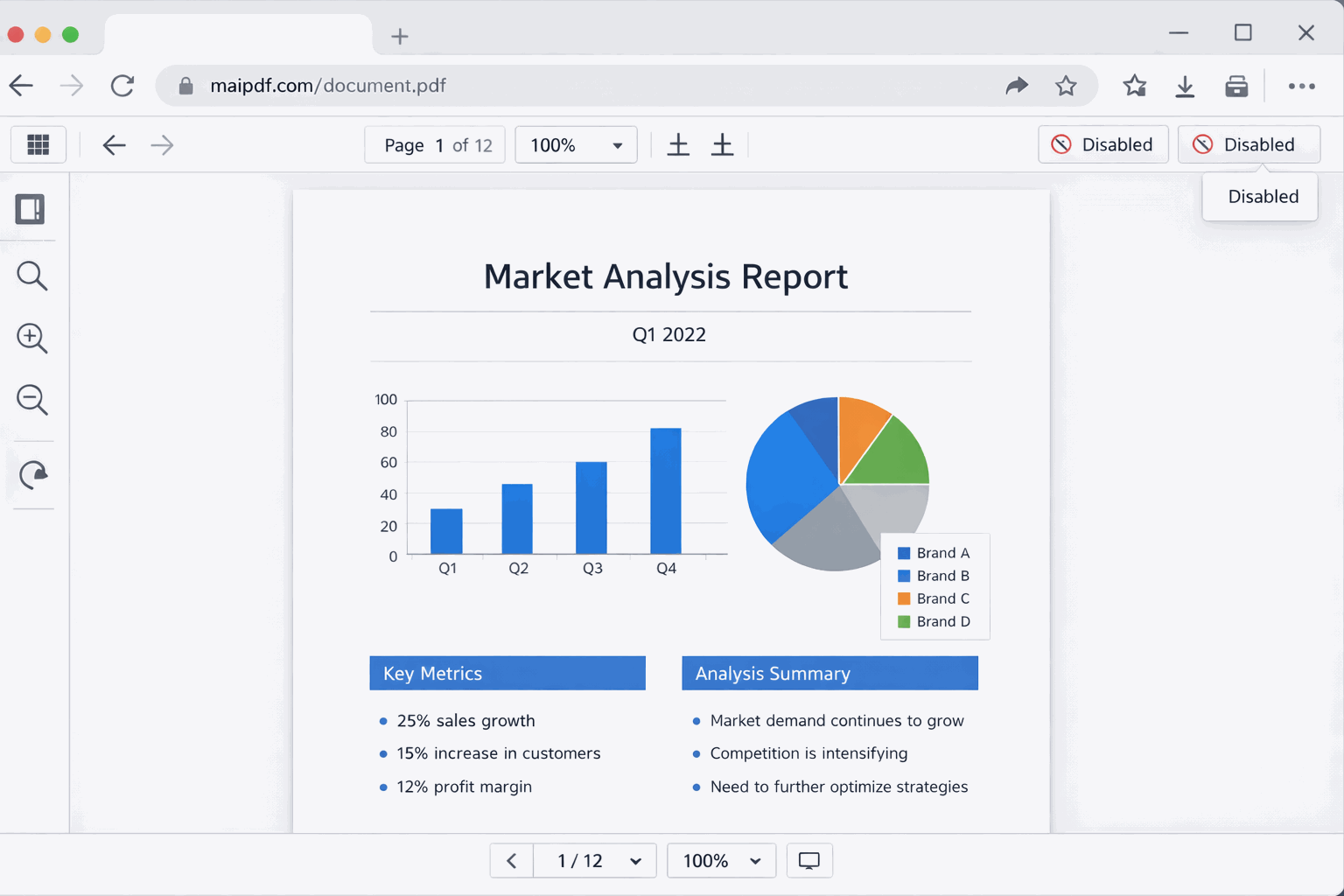
View-only (no download, no print)
The PDF opens in a browser viewer. No download button appears, print is disabled. Useful for review-phase documents, pricing, or any content you don’t want permanently on someone’s device.
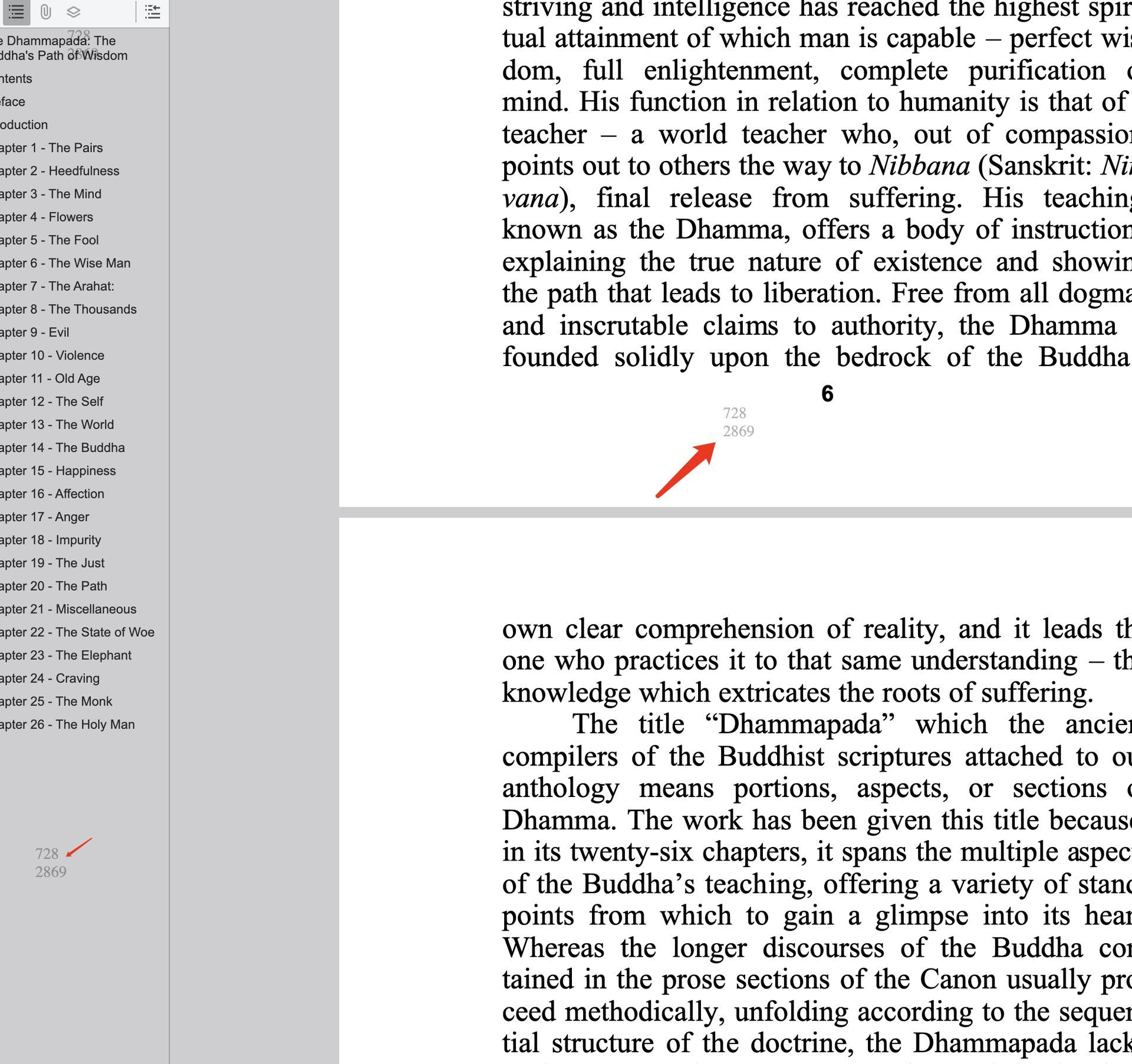
Dynamic watermark (Visitor ID)
Every page is stamped with a watermark tied to the viewer’s session. This deters casual forwarding and creates accountability for recipients who know the watermark traces back to them.
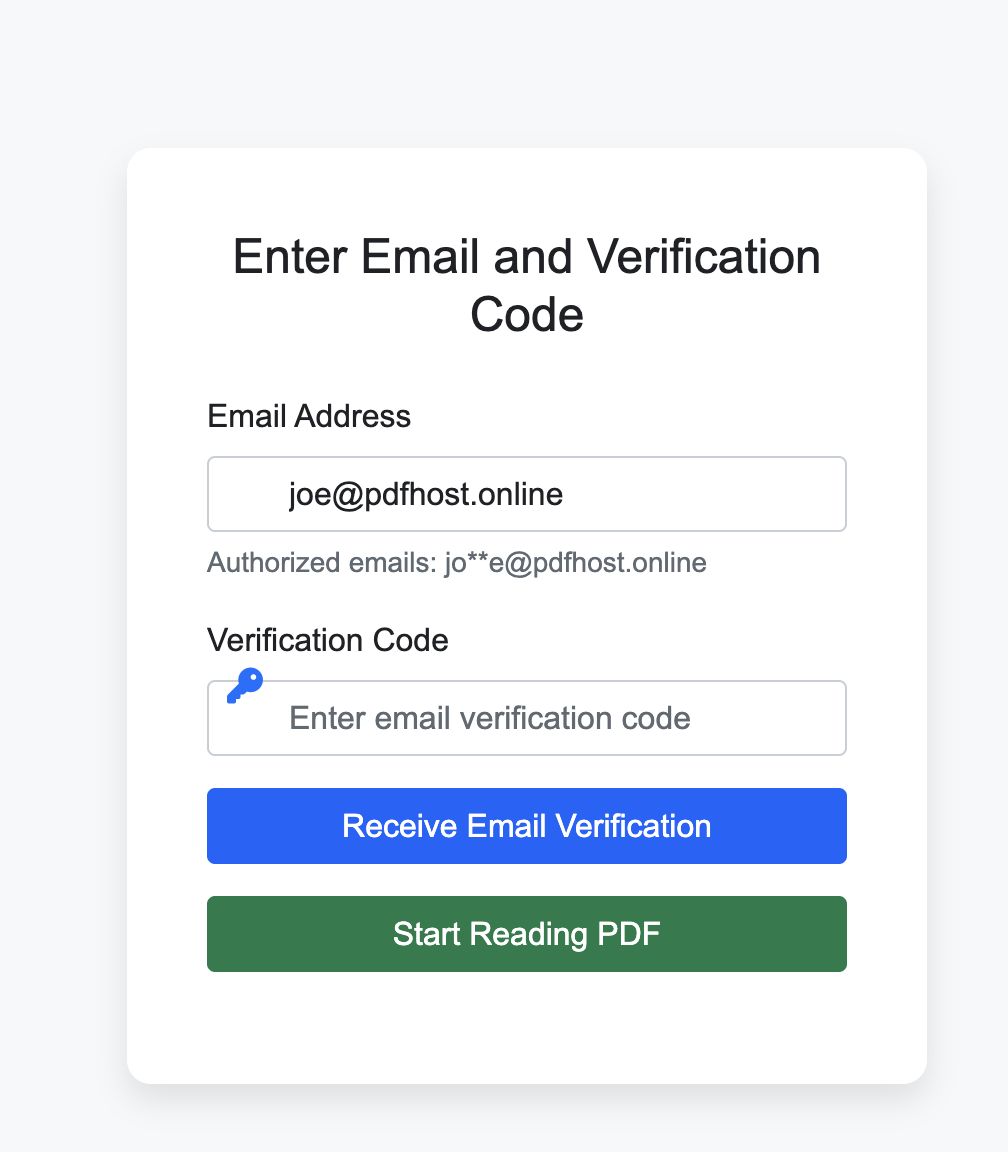
Email verification
Before the PDF loads, the viewer must verify their email address. This identifies who accessed the document, not just how many times.
When to apply which controls
Public brochure — Download on, expiry optional, no open limit, no watermark, no email verification.
Client proposal — Download off, 7-day expiry, 15 opens max, email verification optional.
Confidential report — Download off, 3-day expiry, 5 opens max, watermark on, email verification required.
Training material — Download off, 30-day expiry, 100 opens max.
Portfolio (job hunt) — Download off, 14-day expiry, 20 opens max.
After sharing: visibility and control
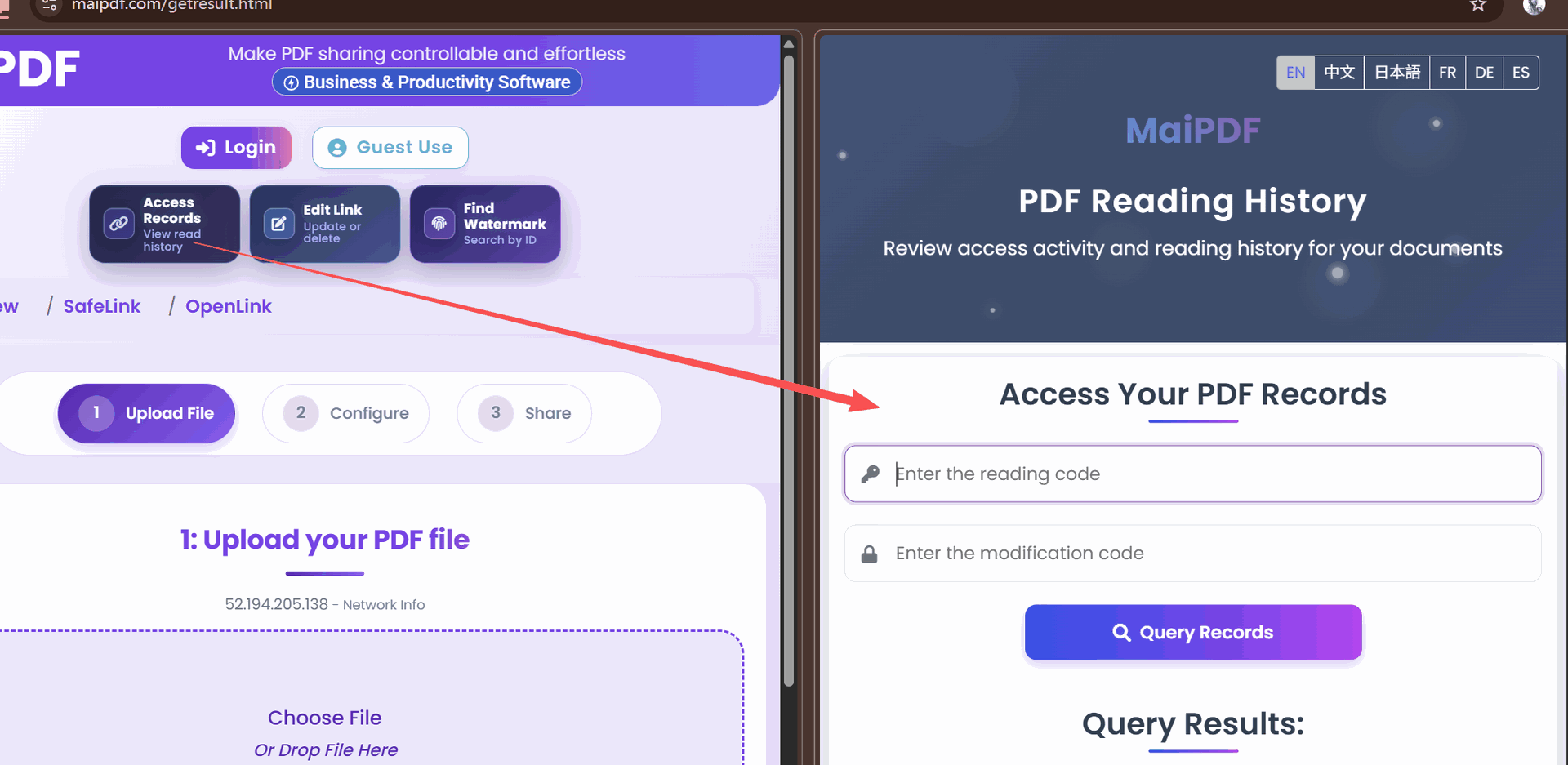
Access controls don’t end at link creation. From Control Center you can:
- See who opened it and when
- Extend expiry or raise view limit
- Revoke the link immediately
- Replace the PDF file (link URL stays the same)
Related reading:
- Convert PDFs to Shareable Links — the setup guide
- PDF Temporary Sharing Links — view limits and expiry
- Email Verification for PDF Access — email gate in depth
- Prevent PDF Downloads: Complete Guide — view-only mode details