PDF online DRM (complete guide): controls that work in a browser
.maipdf is for protected-reader, license, device, revocation, and screenshot-aware workflows.
Picture a pricing sheet or contract draft: email it once and it lives in inboxes forever. Browser-first sharing at maipdf.com means one link with expiry, open caps, and optional verification.
June 2026: Browser DRM cannot prevent screenshot at the OS level. For that, use .maipdf + MaiPDF Secure app. This guide covers online controls only.
What you can control online
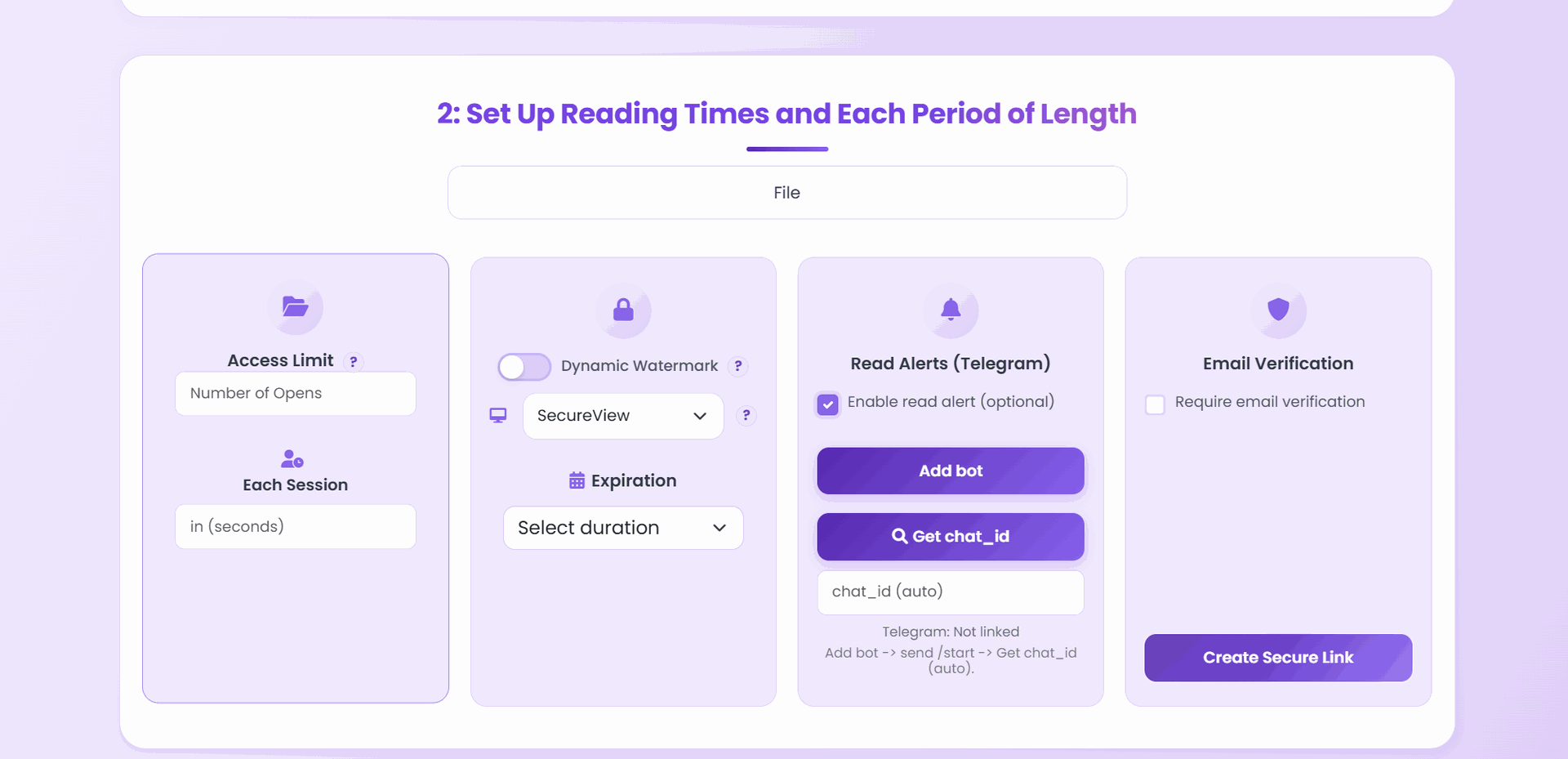
Access limit
Cap total opens.
Each session
Limit reading time per open.
Expiration
End access automatically.
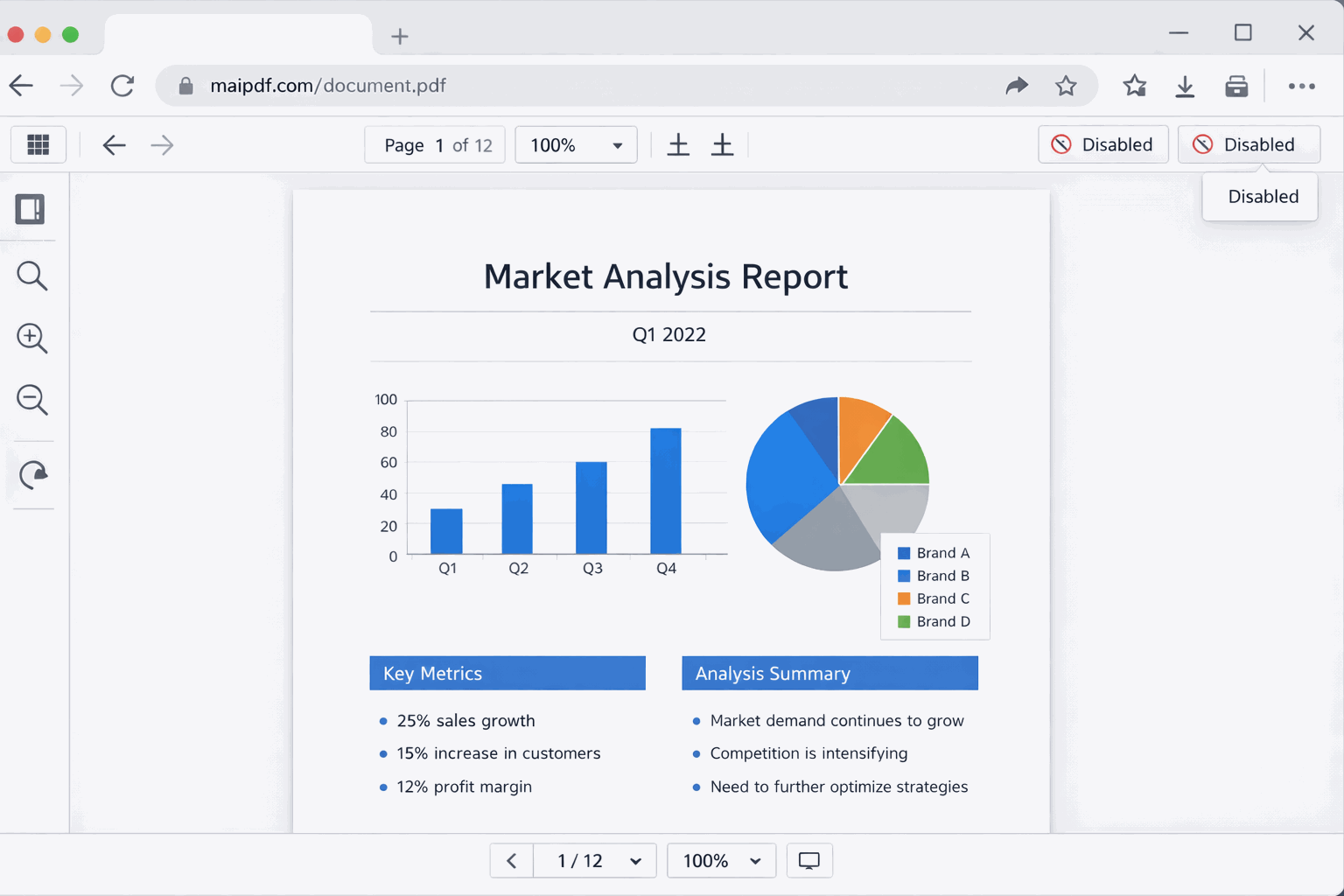
Viewer mode
SecureView / FenceView / Unrestricted.
Deterrence
Watermark + protected viewer.
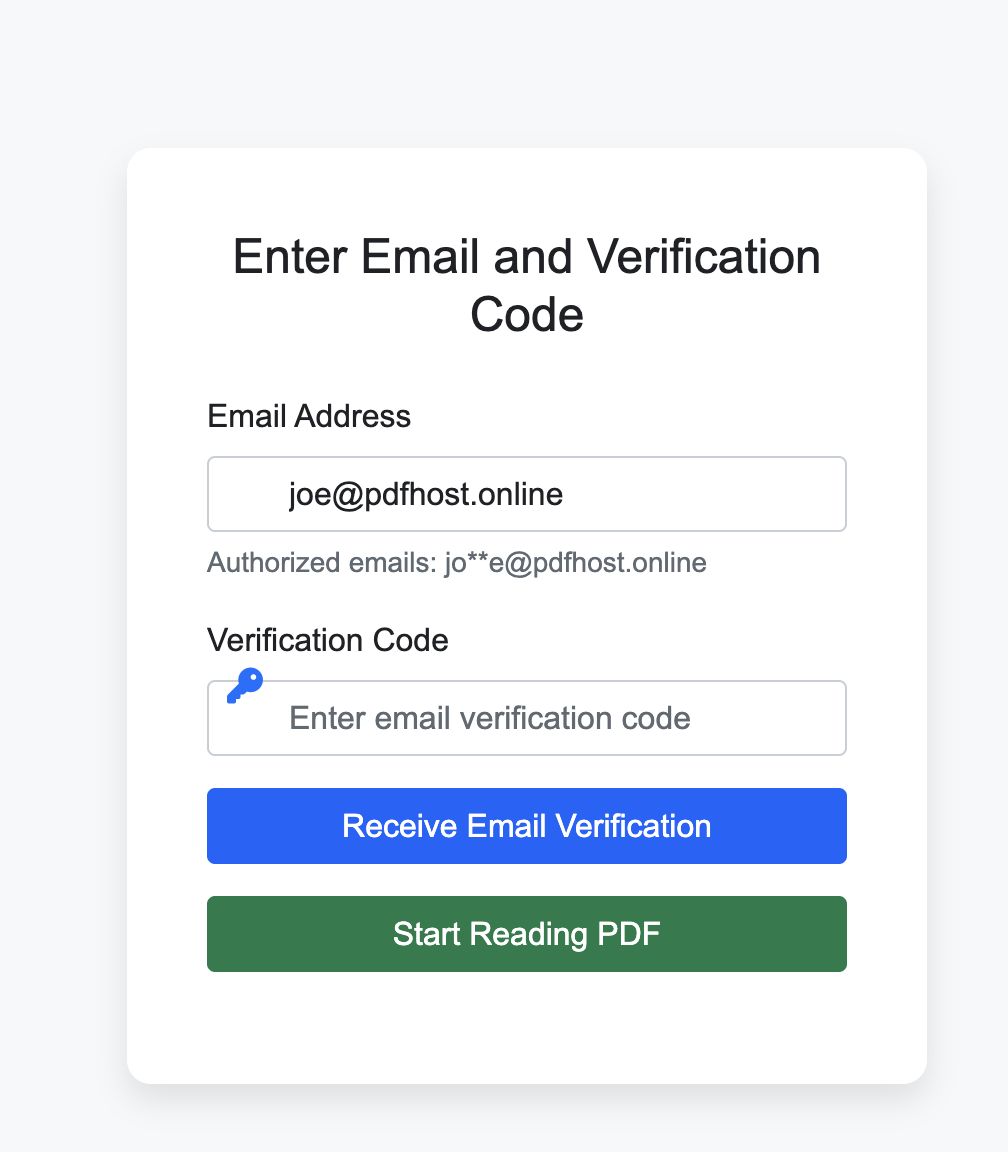
Audience
Email verification when needed.
Follow-up
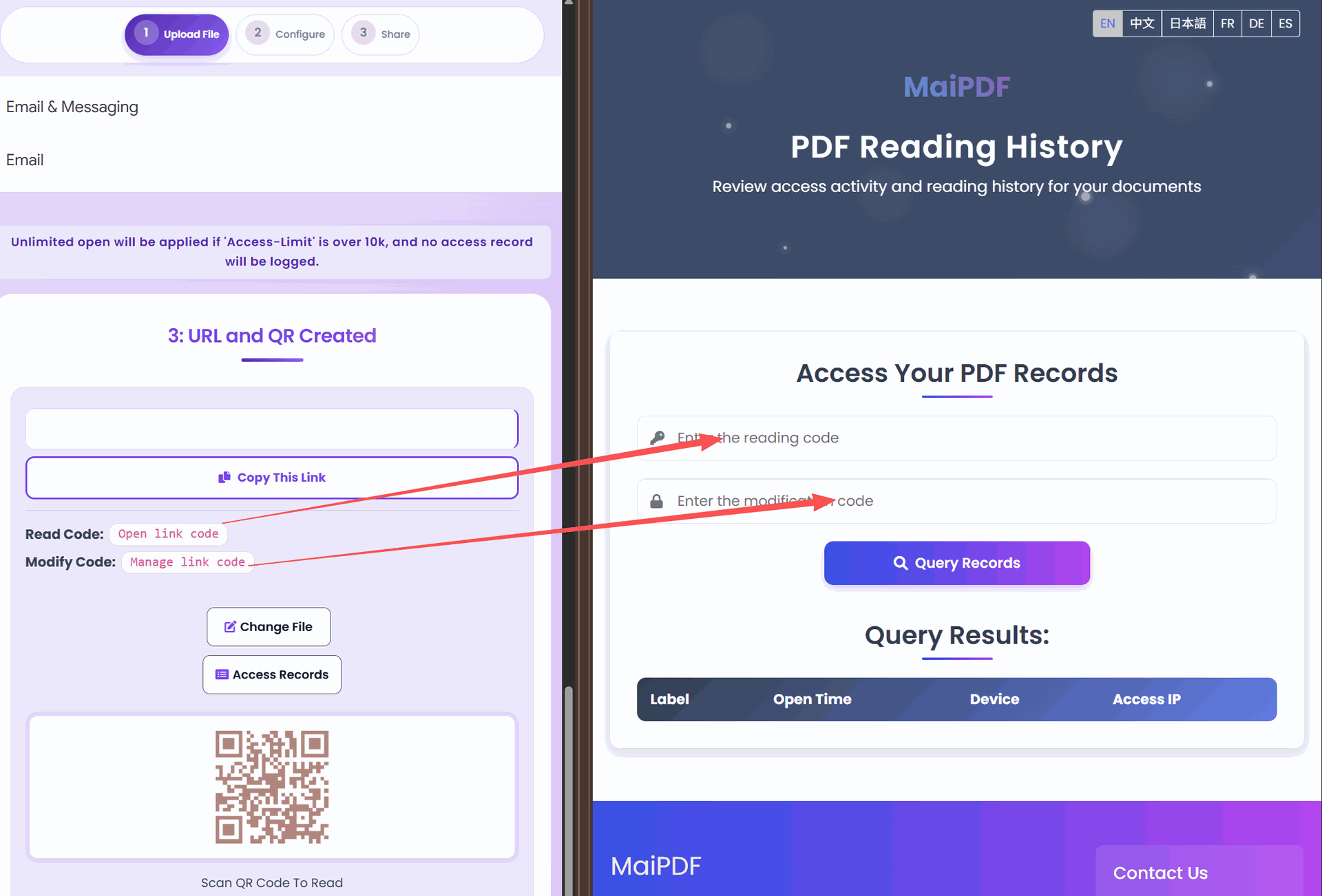
Optional reading history (when logged).
Maintenance
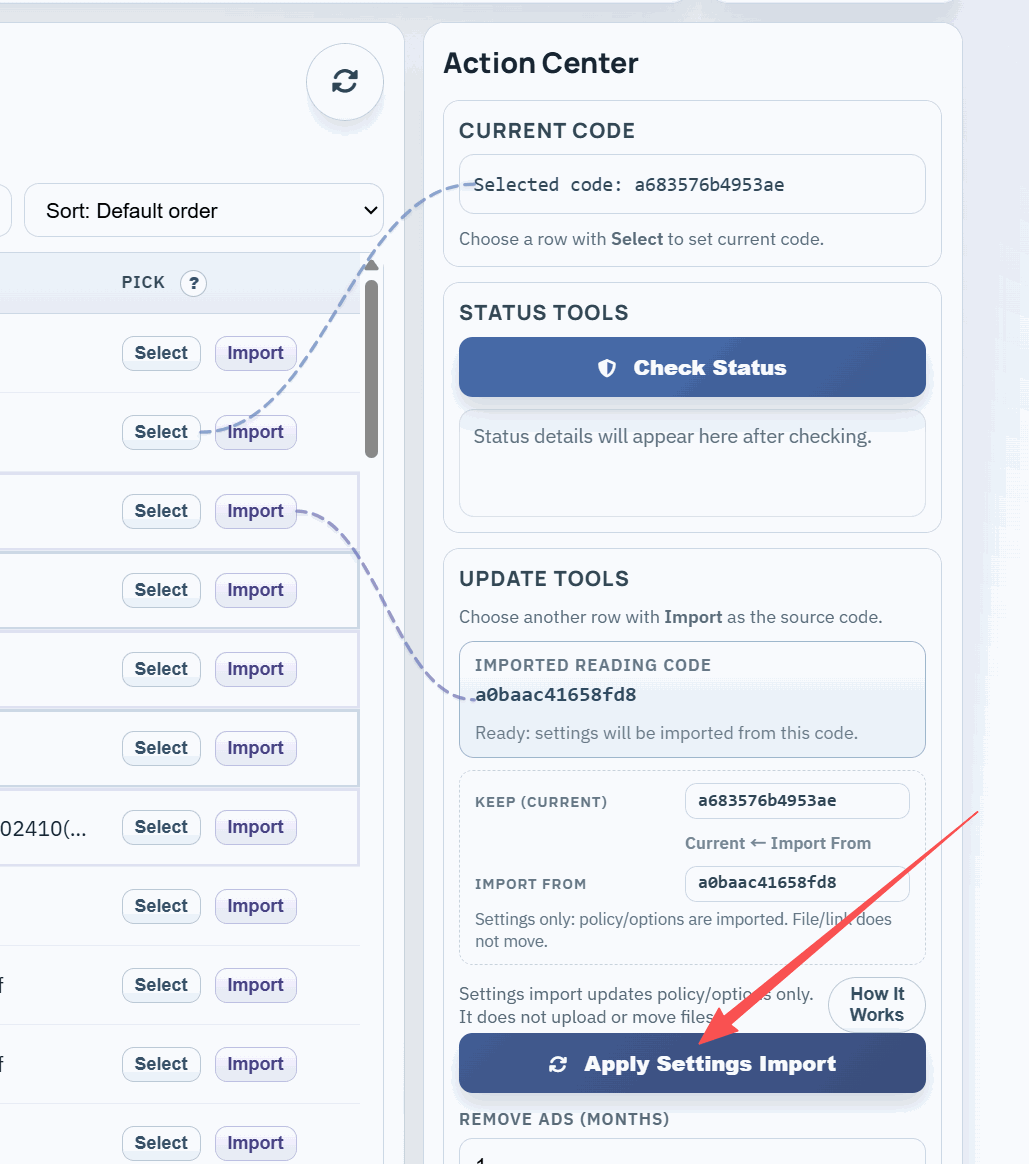
Replace the file without resending a new link.
End-to-end workflow
flowchart TB
  A[Upload PDF] --> B["Configure rules"]
  B --> C["Optional hardening"]
  C --> D["Share link or QR"]
  D --> E[Viewer opens in browser]
  E --> F{Need changes}
  F -->|"History if logged"| G[Query reading history]
  F -->|Replace file| H[Swap file in control panel]
  F -->|Tighten rules| B
  F -->|Done| I["Expire or close out"]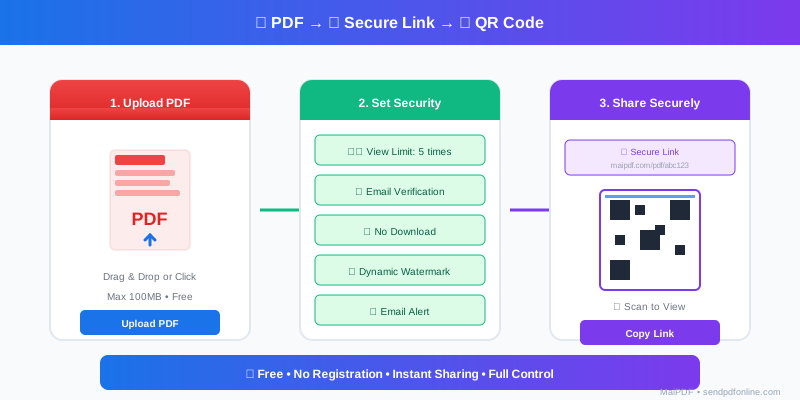
Upload

Configure (rules)
Protected viewer and deterrence
Optional: email verification
Share (link + QR)
Reading history (optional)
Replace the file (keep the sharing channel)
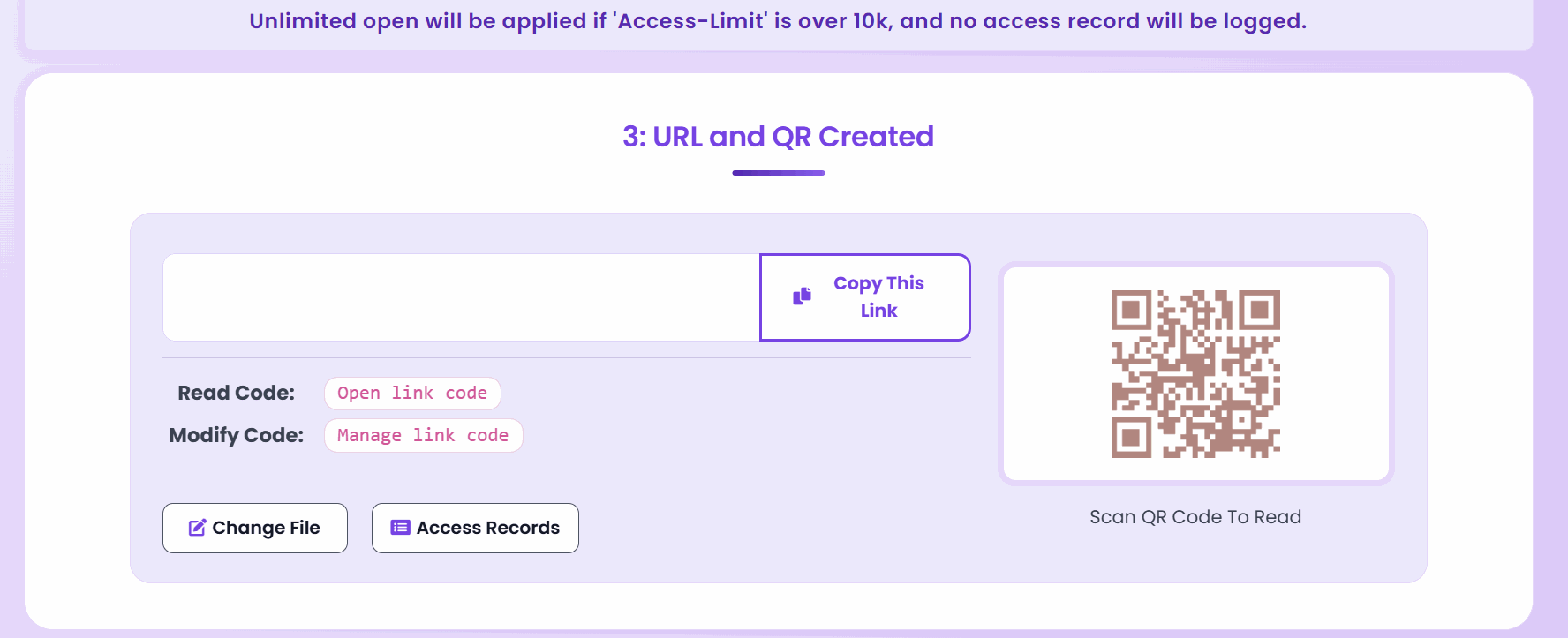
Large access limits caveat
If Access limit is above 10,000, behavior can trend toward an effectively public link and access records may not be logged.
Need prevent screenshot?
Browser controls in this guide do not block OS capture. Use MaiPDF Secure (.maipdf + native app).
Related: MaiPDF complete workflow guide (with diagrams) · Secure PDF links · Prevent PDF downloads (view-only)