WeChat PDF Sharing: Send Documents Without Compression or Quality Loss
WeChat PDF Sharing: Send Documents Without Compression or Quality Loss
WeChat is the default communication tool for over a billion users. But sharing PDFs through WeChat’s native file transfer has real limitations: size caps, compression artifacts, and no tracking. A link-based approach solves all of these.
WeChat’s Native File Sharing Limitations
| Limitation | Detail |
|---|---|
| File size cap | 200 MB in newer versions, but often fails on large files |
| Image quality | WeChat compresses embedded images during transfer |
| No preview | Recipients must download the file and open it in a separate app |
| No tracking | You don’t know if the recipient opened the file |
| No revocation | Once sent, you can’t retract or expire the document |
| Format issues | Some complex PDFs render incorrectly after WeChat processing |
The Link-Based Solution
Instead of sending the PDF file through WeChat, send a link that opens the document in the browser:
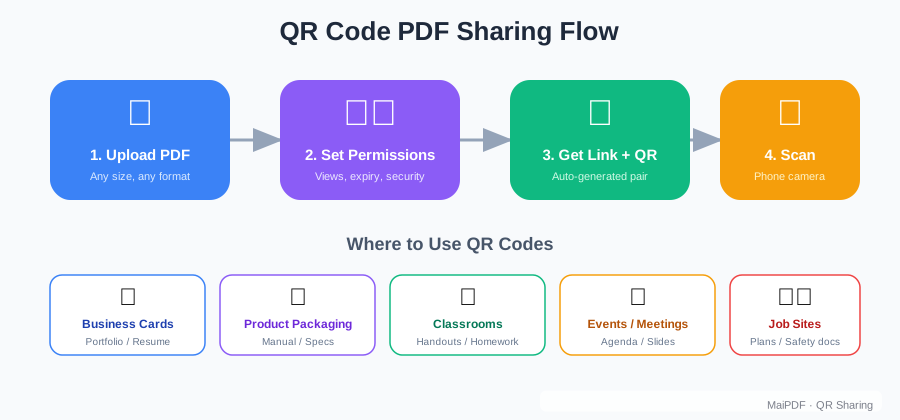
- Upload your PDF to MaiPDF
- Copy the shareable link (or QR code)
- Paste the link into any WeChat conversation
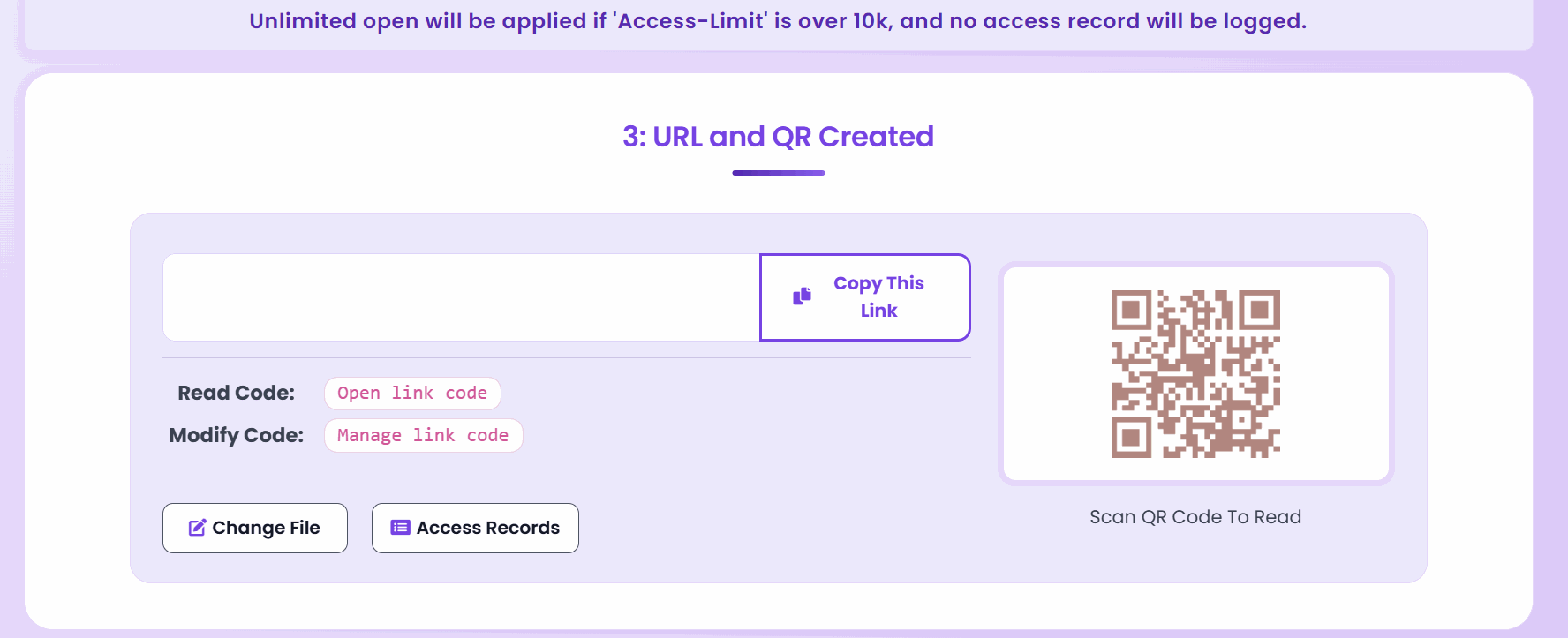
When the recipient taps the link, the PDF opens instantly in WeChat’s built-in browser — no download needed, no external app required, no quality loss.
Why QR Codes Work Perfectly with WeChat
WeChat has a native QR code scanner. MaiPDF auto-generates a QR code for every uploaded document. This creates two powerful workflows:
Digital sharing: paste the link directly into chat Physical sharing: print the QR on business cards, flyers, packaging, or event materials. Recipients scan with WeChat and read immediately.
Advantages Over Native WeChat File Sharing
| Feature | WeChat File | MaiPDF Link |
|---|---|---|
| File size limit | 200 MB | 80 MB (optimized for fast loading) |
| Image quality | Compressed | Original quality preserved |
| Preview in-app | No (must download) | Yes (opens in WeChat browser) |
| Analytics | None | Opens, time, device tracked |
| Expiration | None | Configurable |
| Update content | Resend new file | Replace file, same link |
Use Cases
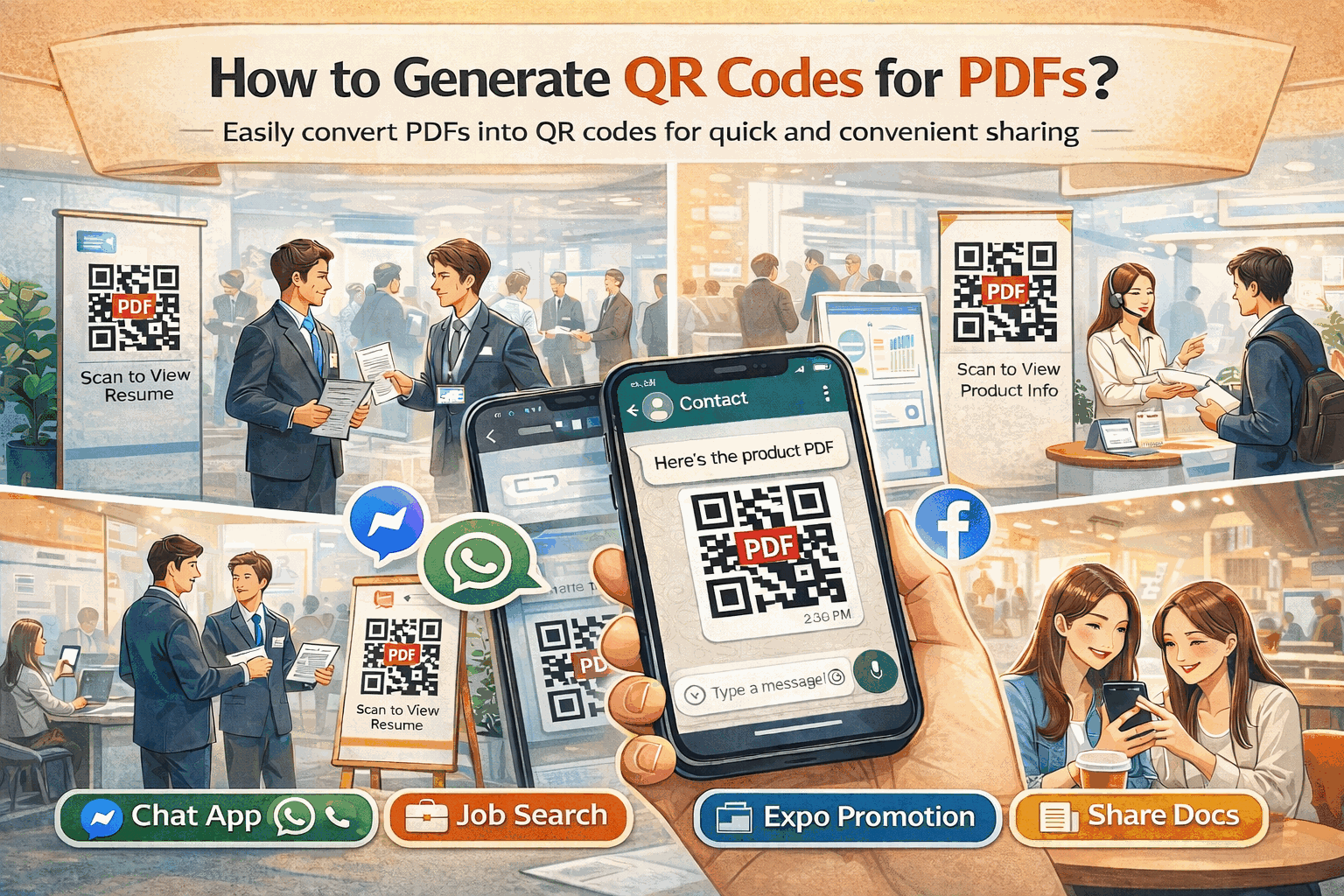
Sales teams in China share product catalogs and price lists with clients via WeChat groups. The link opens instantly; the analytics show which clients actually reviewed the material.
Real estate agents send property brochures as QR codes on printed listings. Interested buyers scan with WeChat and browse the full PDF on their phone.
Event organizers distribute schedules, maps, and attendee guides as QR codes at venue entrances. No app downloads required.
Teachers share lesson materials to parent WeChat groups. Parents tap the link and the worksheet opens on their phone — easy to review and print later.
Tips for WeChat PDF Sharing
- Keep file sizes reasonable — compress before uploading for the fastest mobile loading
- Use QR codes for group sharing — drop the QR image in the group chat for easy scanning
- Set view limits if the content is for specific recipients only
- Enable watermark for sensitive business documents shared in group chats
Getting Started
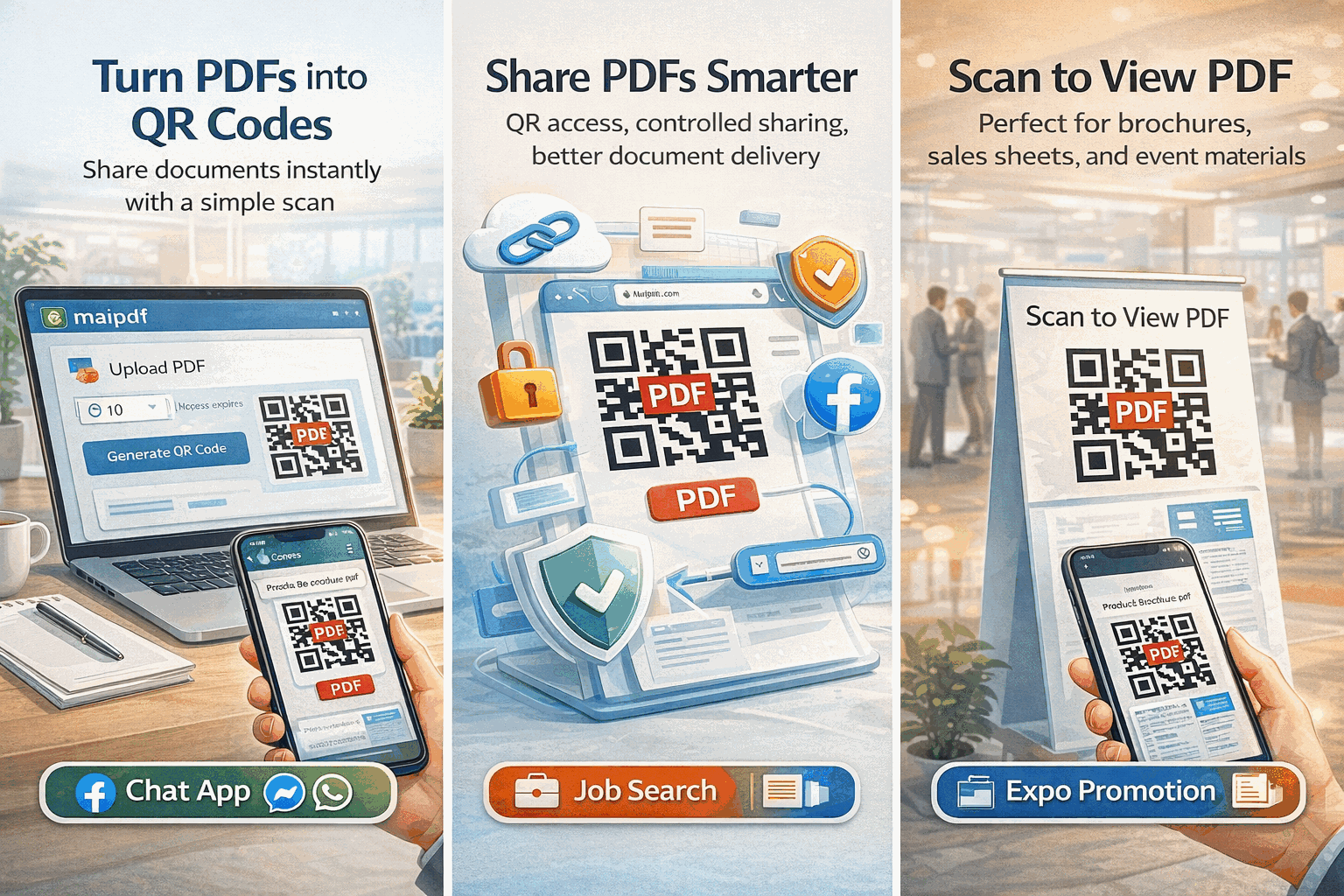
Upload your PDF at maipdf.com, grab the link or QR code, paste it into WeChat, and your recipients read it instantly in-app. No downloads, no compression, no lost formatting.