🎨 Secure Portfolio Sharing for Designers: Protecting Your Creative Work
Secure Portfolio Sharing for Designers: Protecting Your Creative Work
For designers, your portfolio represents both your professional value and your intellectual property.
June 2026: Share via maipdf.com for watermarks and view limits. For unreleased work where clients might screenshot, use .maipdf + MaiPDF Secure for OS-level capture control on supported devices.
🖌️ The Designer’s Dilemma
Creative professionals face unique challenges when sharing their work:
- 🔒 IP protection: Preventing unauthorized use of your design concepts
- 👁️ Selective sharing: Showing different work to different potential clients
- 📊 Engagement tracking: Understanding which designs capture attention
- 🛑 Usage control: Preventing downloads of high-resolution assets
- 🗓️ Time sensitivity: Limiting access during specific hiring windows
Protection Features for Design Work
Protect your creative assets with these essential security features:
💼 Why Traditional Portfolio Sharing Falls Short
Common portfolio sharing methods have significant limitations:
Personal Websites
- Anyone can access and screenshot your work
- No control over who views specific projects
- Limited insight into how viewers engage with designs
- Potential for unauthorized downloads
Email Attachments
- No tracking after sending
- Easy forwarding to unauthorized parties
- Large files get blocked or lost
- No expiration control
General Cloud Storage
- Links can be shared broadly
- Limited protection from downloads
- No usage analytics
- Difficult to revoke access
🛡️ Secure Portfolio Sharing with MaiPDF
MaiPDF offers designers specific advantages for portfolio protection:
Access Control
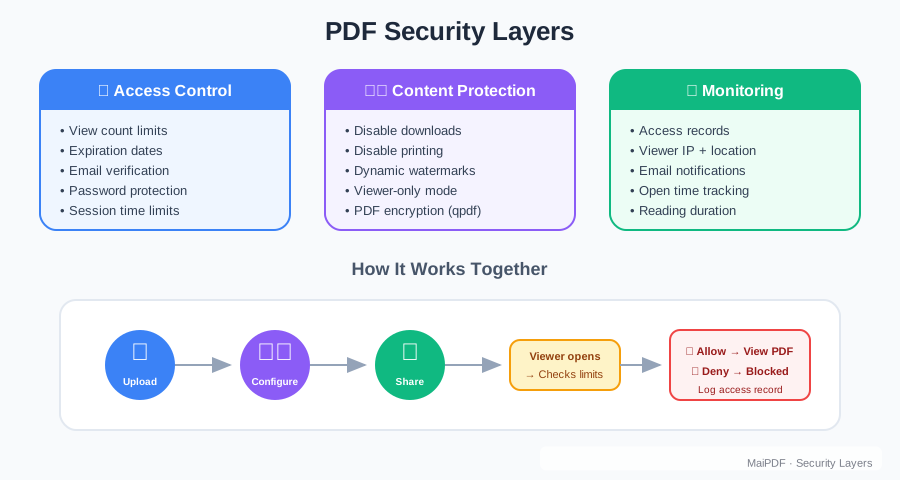
- Targeted sharing: Send specific portfolios to individual clients or employers
- Time-limited access: Set expiration dates for recruitment cycles
- View limits: Control how many times a portfolio can be accessed
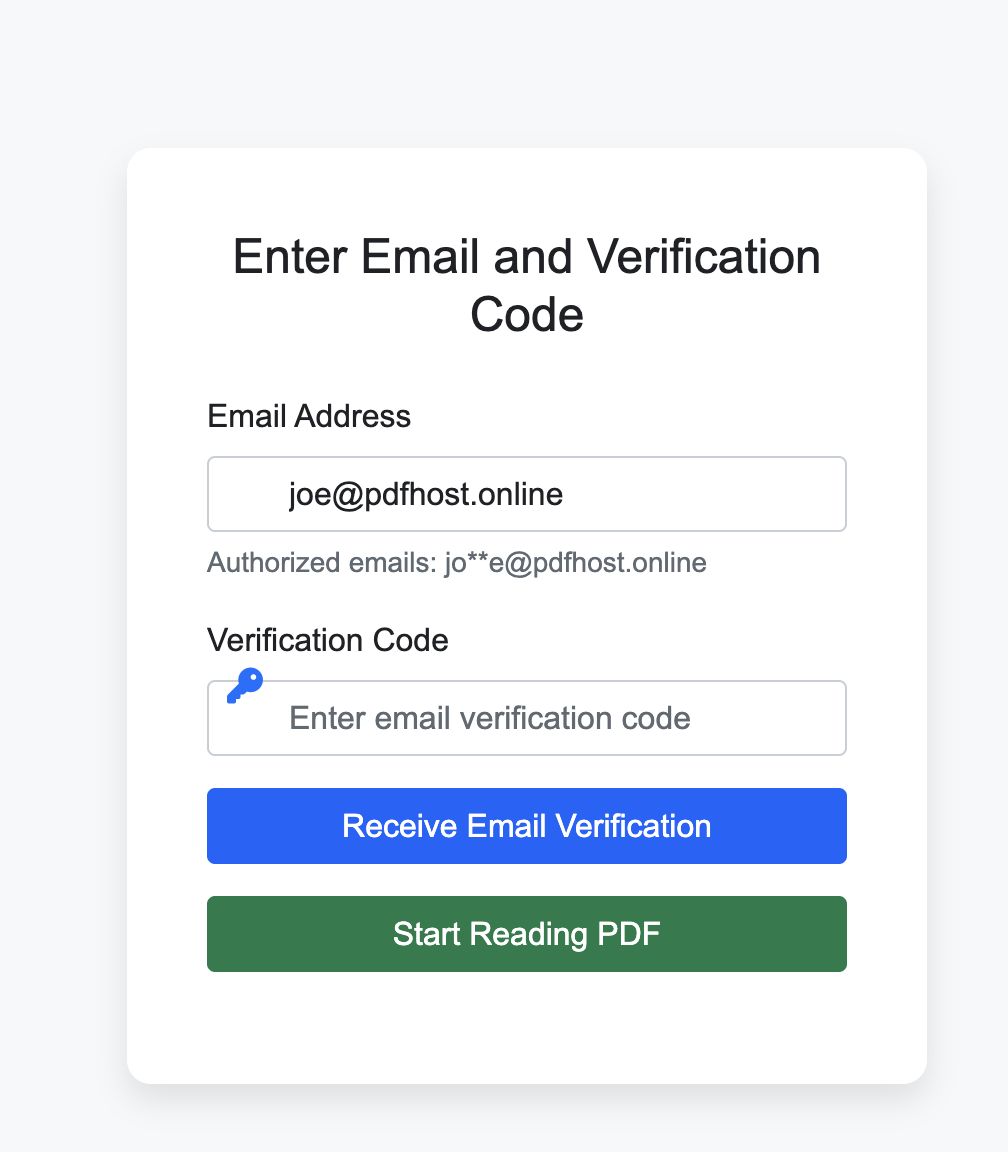
- Email verification: Ensure only intended recipients view your work
Design Protection
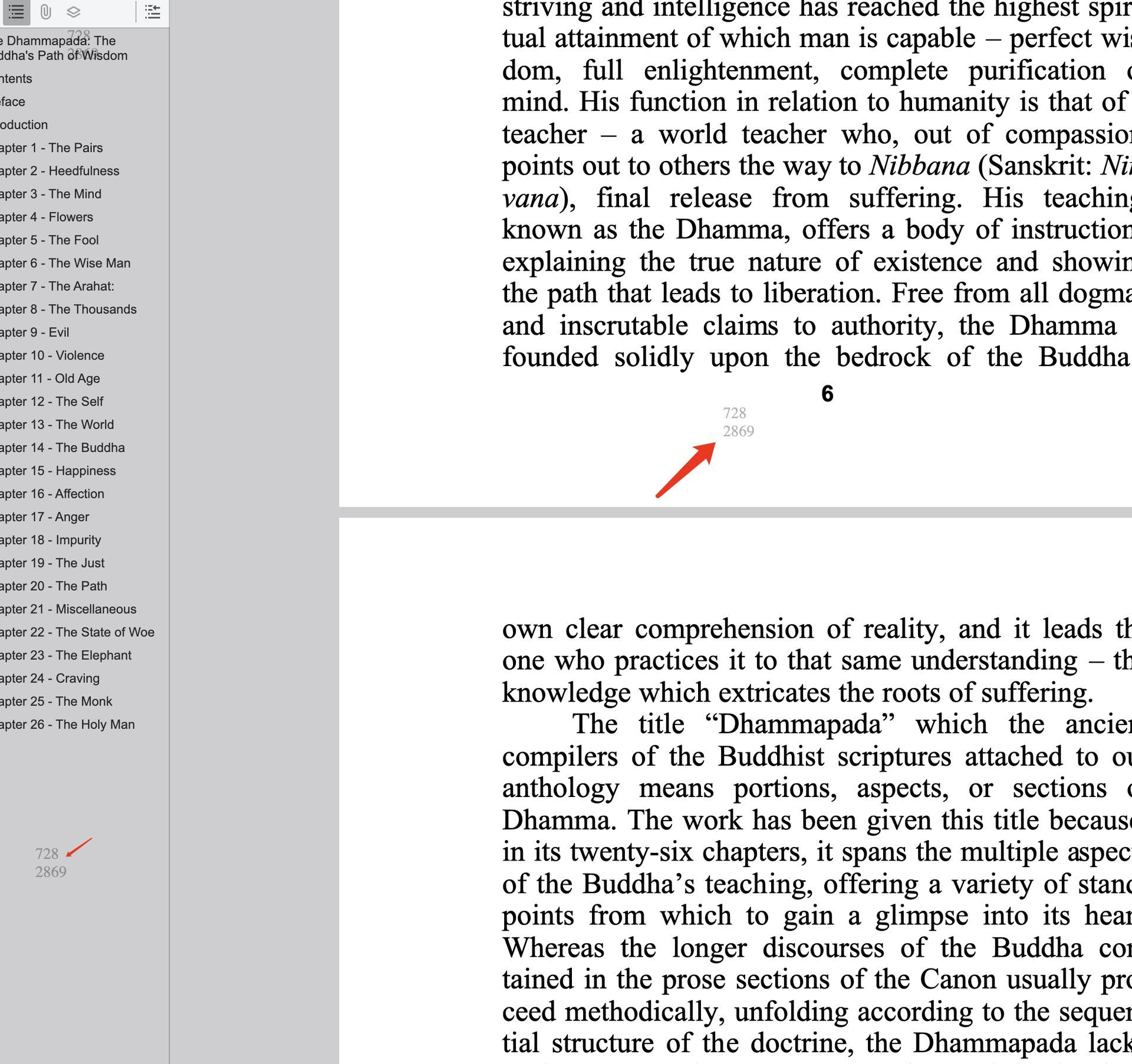
- Dynamic watermarking: Add viewer information to deter unauthorized use
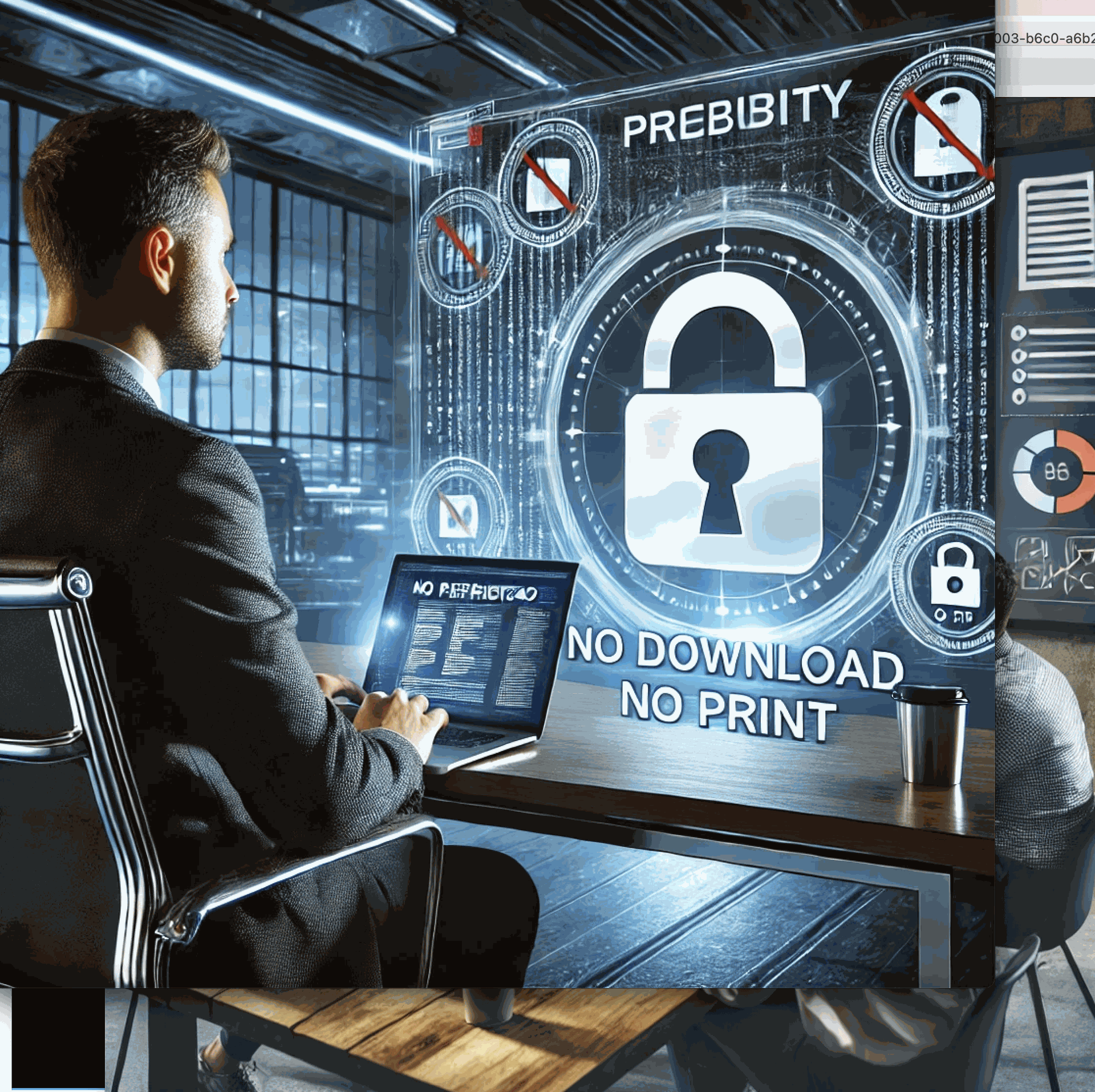
- Download prevention: Keep high-resolution designs secure
- Print restriction: Prevent creation of physical copies
- OS-level screenshot control (native app): MaiPDF Secure can block or detect system capture — not available in the browser link product
📊 Portfolio Analytics for Job Seekers
Gain valuable insights during your job search:
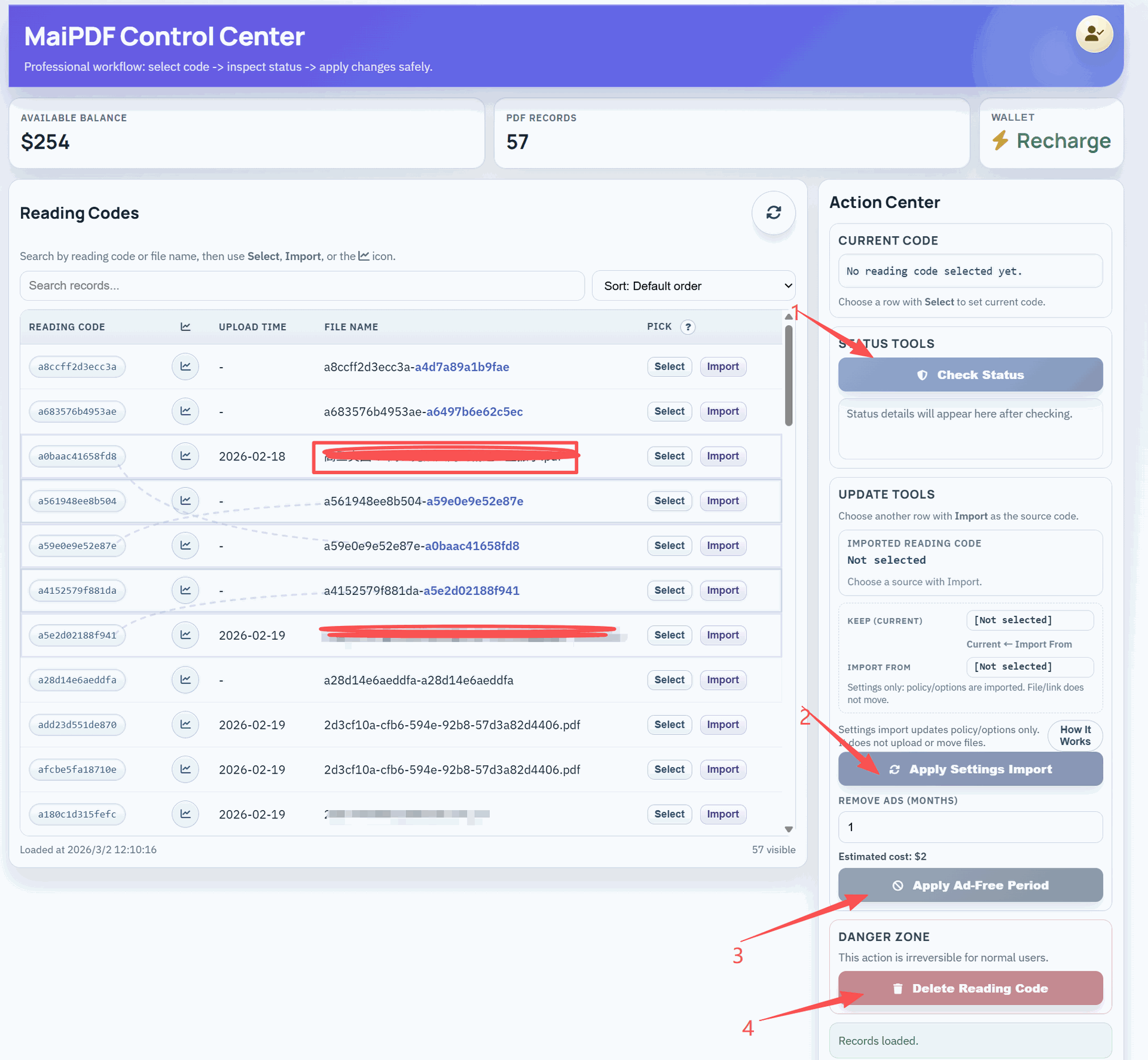
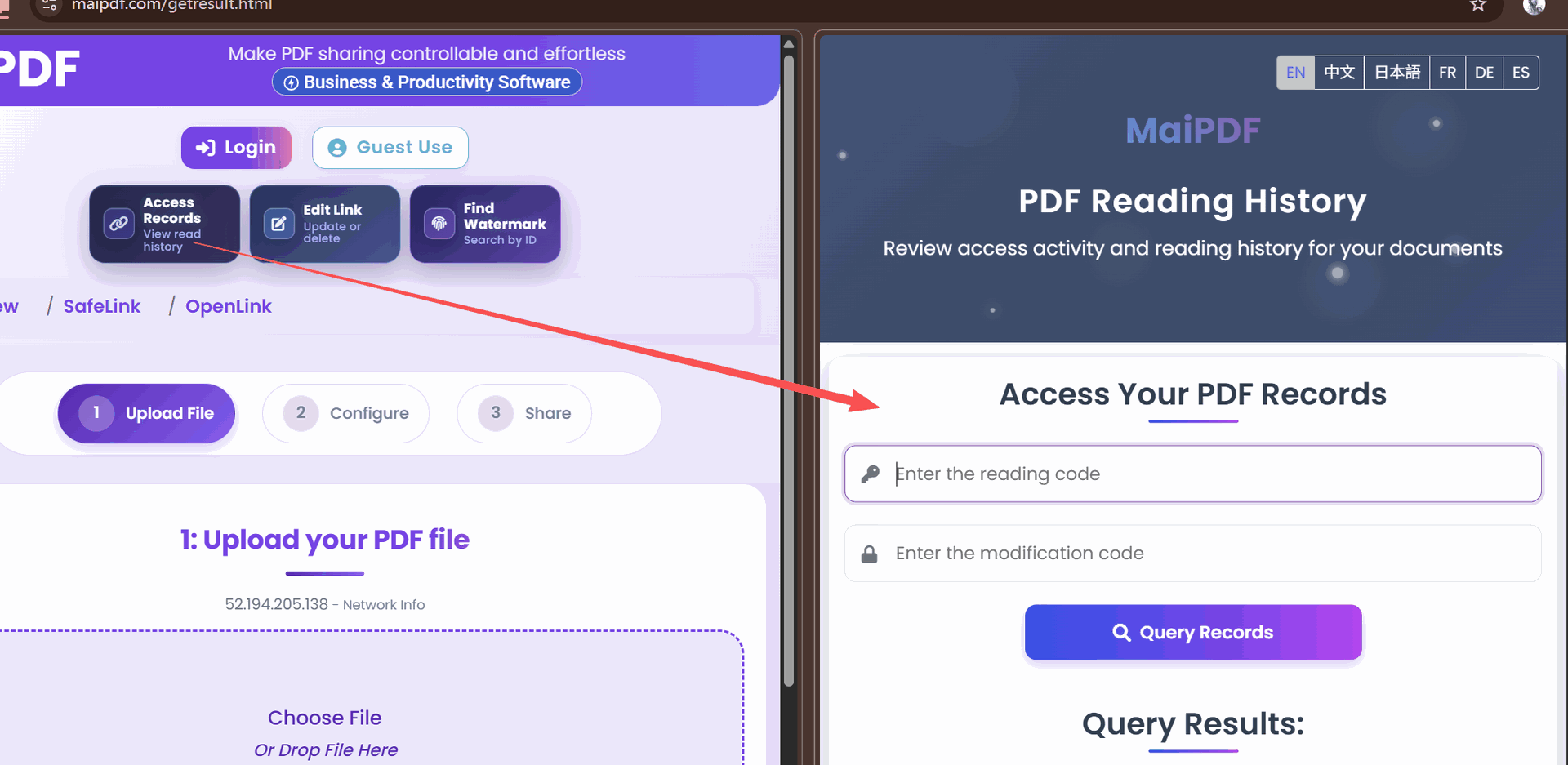
- View confirmation: Know exactly when recruiters look at your portfolio
- Engagement metrics: See which designs receive the most attention
- Time spent: Understand how long reviewers engage with your work
- Page-level analytics: Identify which projects generate the most interest
- Follow-up timing: Time your communications based on portfolio interaction
🎯 Strategic Applications for Designers
Design professionals can leverage secure sharing in multiple scenarios:
Job Applications
- Create tailored portfolios for different positions
- Track which employers view your work
- Time follow-up emails based on portfolio engagement
- Revoke access after recruitment cycles end
Client Pitches
- Share concept work with appropriate protections
- Present different options to different potential clients
- Monitor engagement to focus discussions on designs that resonated
- Maintain control of unreleased creative concepts
Agency Collaborations
- Share design assets with controlled access
- Track usage across partner teams
- Maintain version control during collaboration
- Protect proprietary techniques and approaches
🔄 The Secure Portfolio Workflow
Follow these steps to protect your creative work:
Step 1: Portfolio Preparation
- Compile your design work in PDF format
- Organize projects strategically within the document
- Include appropriate context and descriptions
- Optimize file size without sacrificing quality
Step 2: Security Configuration
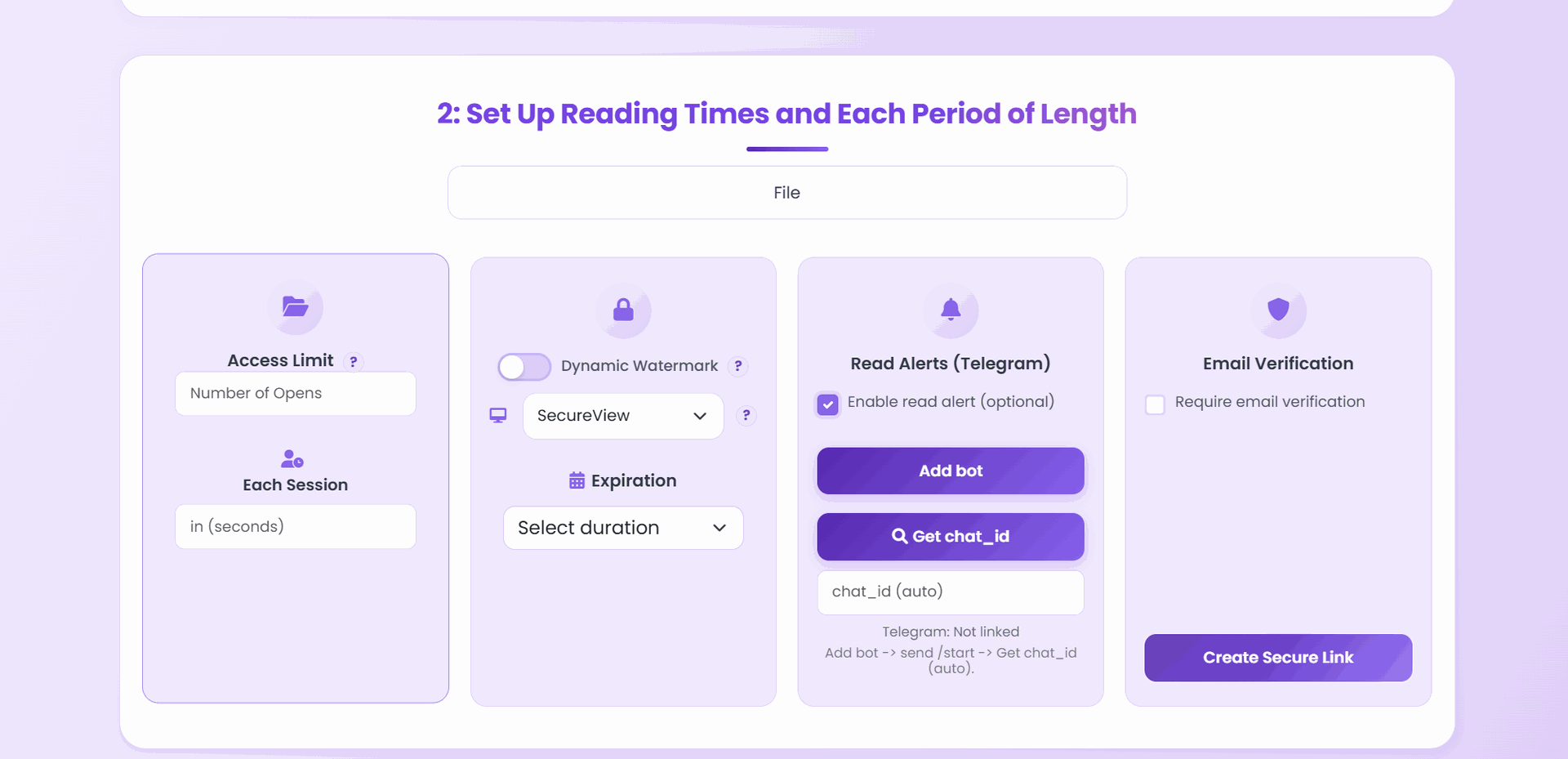
- Upload your portfolio to MaiPDF
- Configure appropriate access controls based on recipient
- Set up watermarking with viewer information
- Determine appropriate expiration and view limits
Step 3: Distribution
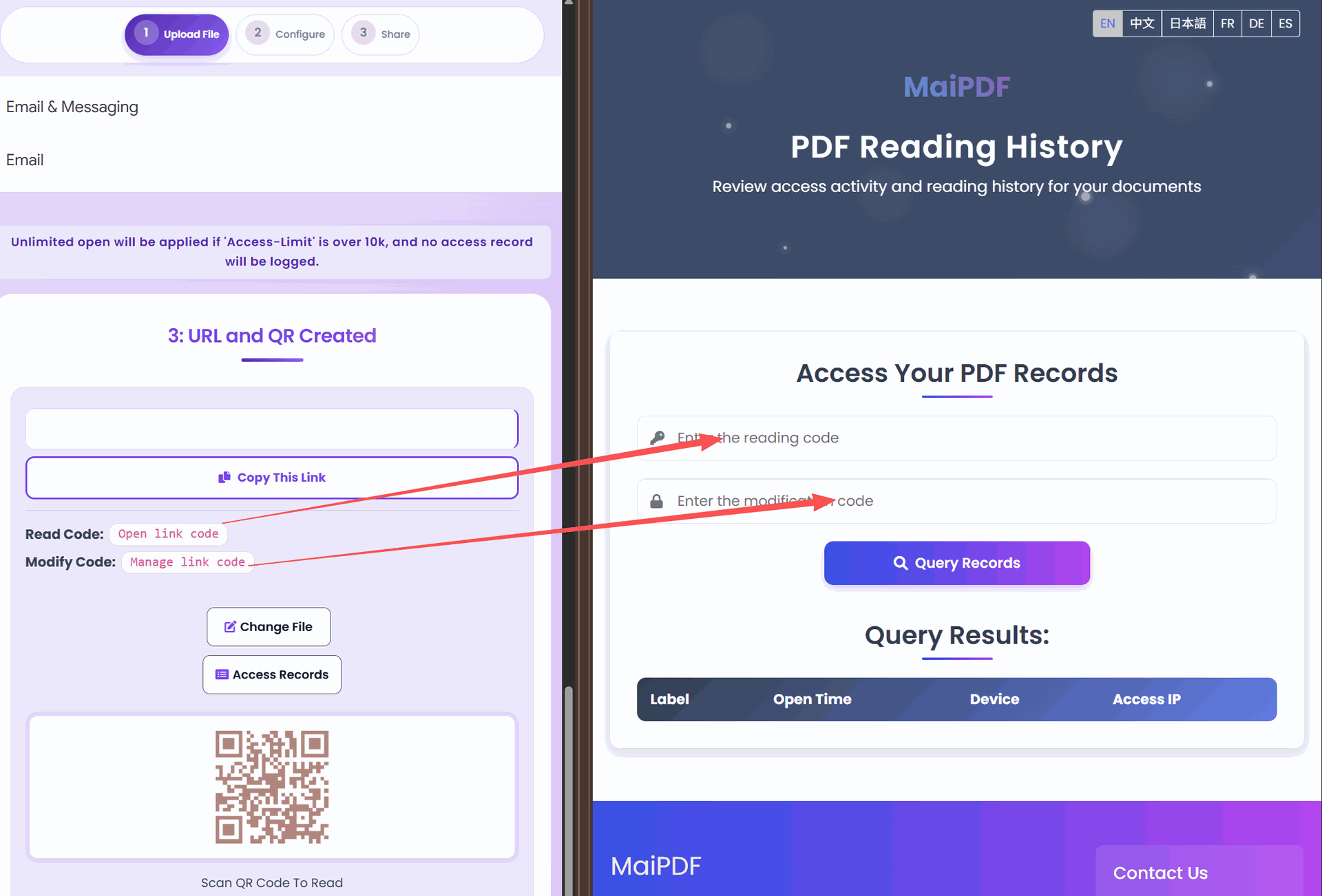
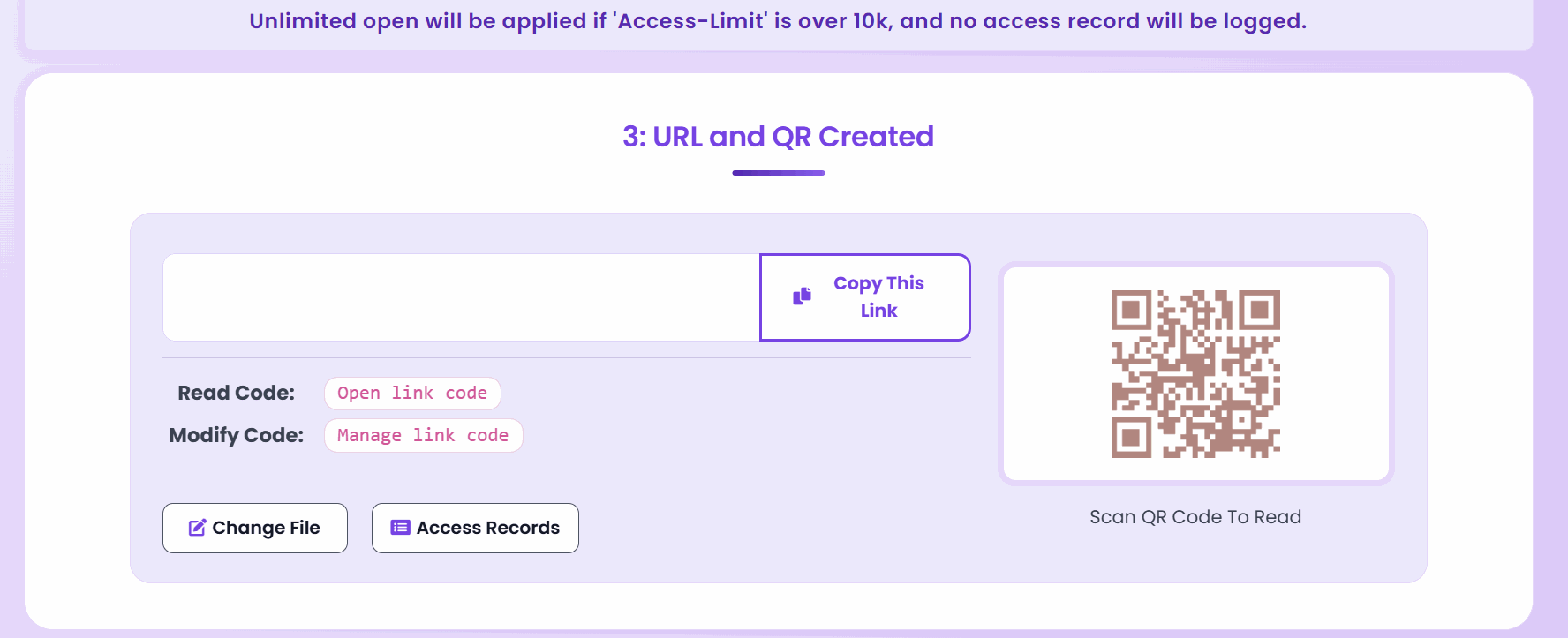
- Generate secure links or QR codes
- Share through email or messaging platforms
- Include clear instructions for access
- Prepare for any authentication requirements
Step 4: Engagement Analysis
- Monitor access notifications
- Review analytics for viewing patterns
- Identify which designs capture attention
- Time follow-up communications strategically
🌟 Portfolio Sharing Best Practices
Maximize the impact of your secure portfolio:
- Customize for the audience: Create different portfolios for different opportunities
- Progressive disclosure: Place your strongest work early in the document
- Context matters: Include brief explanations of each project’s objectives
- Balance protection and access: Don’t make security so tight it frustrates legitimate viewers
- Follow up strategically: Reference specific projects based on viewing analytics
💬 Communication Templates
Effective messaging when sharing secured portfolios:
For Job Applications
Subject: My Design Portfolio for [Position] at [Company]

Dear [Recipient],

I've prepared a secure link to my design portfolio specifically tailored to the [Position] role. The portfolio showcases my work in [relevant skills/areas].

You can access it here: [Secure Link]

The portfolio is available for the next [time period] and includes projects that demonstrate my expertise in [specific skills].

I look forward to discussing how these projects align with your needs at [Company].

Best regards,
[Your Name]
For Client Pitches
Subject: Concept Designs for [Project Name]

Hello [Client Name],

I've created a secure link to view the concept designs we discussed for [Project Name]. The portfolio includes [number] different approaches for your consideration.

Access the designs here: [Secure Link]

This link will remain active for [time period]. Please note that the designs include security features to protect both our work and your confidential project details.

I'm available to discuss your feedback and answer any questions you might have.

Best regards,
[Your Name]
🎨 Design-Specific Security Considerations
Unique protection needs for creative work:
Color and Detail Preservation
- Configure watermarks to minimize interference with design details
- Position security elements away from critical visual components
- Balance protection with proper representation of your work
Typography Protection
- Consider how to protect custom typefaces and lettering
- Implement security that doesn’t distort typographic details
- Ensure font rendering remains accurate in the secure viewer
Project Confidentiality
- Handle client-commissioned work with appropriate discretion
- Consider NDAs when sharing work from previous employers
- Use project code names when necessary for confidentiality
🌐 Building Your Professional Reputation
Secure portfolio sharing enhances your professional standing:
- Demonstrates professionalism: Shows you value and protect creative work
- Exhibits technical savvy: Displays understanding of digital asset protection
- Signals client respect: Indicates you’ll treat their projects with similar care
- Shows business acumen: Reflects understanding of intellectual property value
- Creates exclusivity: Makes your portfolio a controlled, valuable resource
✅ Final Checklist Before Sharing
Before sending your secure portfolio:
- ✓ Verify all designs display correctly in the secure viewer
- ✓ Test access on both desktop and mobile devices
- ✓ Confirm security settings match the sensitivity of your work
- ✓ Prepare follow-up communications for after viewing
- ✓ Set calendar reminders based on expiration dates
- ✓ Configure notifications for when your portfolio is accessed
By implementing these secure sharing practices with tools like MaiPDF, designers can confidently distribute their creative work to potential employers and clients—knowing their intellectual property remains protected while still effectively showcasing their talents and skills.