Share Your Design Portfolio With a Link
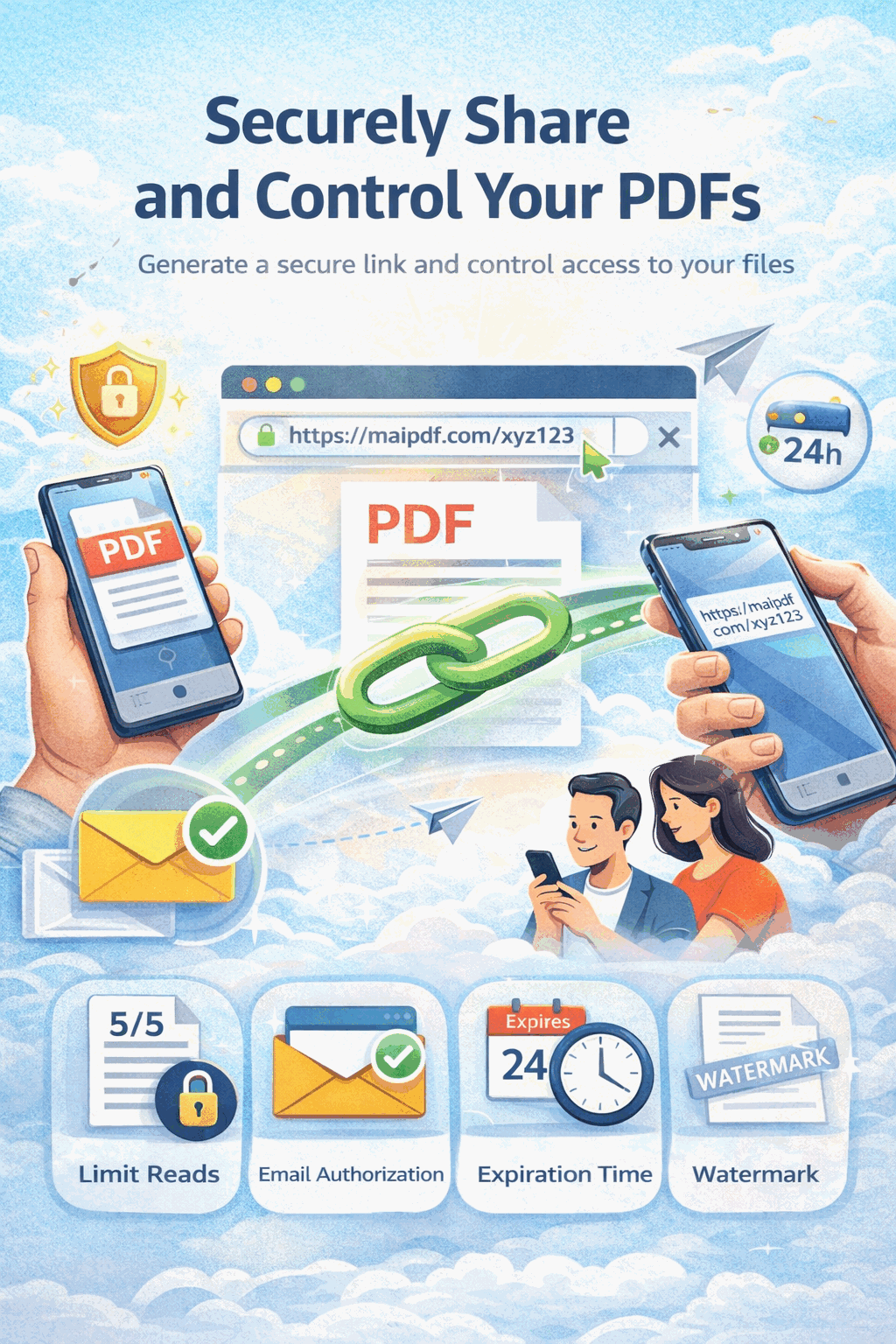
For a portfolio, how it opens matters almost as much as what’s inside. A 40 MB attachment that bounces, downloads for 30 seconds, and then opens in the OS default PDF reader isn’t a presentation — it’s a chore. A managed link opens in one click, reads clean on any phone, and lets you keep shipping updates without breaking the URL you already put on your business card.
Quick navigation
- Why the link-based portfolio outperforms the attachment
- Which audience, which setup
- Preparing the PDF itself
- Upload and configure
- Protection levels by scenario
- Keeping one link current across revisions
- Using open data to time your follow-ups
- Common mistakes
- FAQ
- Related reading
Why the link-based portfolio outperforms the attachment
Portfolios are high-stakes, mobile-read, and revised often. Attachments fail on all three.
| What reviewers experience | Attachment | Managed link |
|---|---|---|
| First open on a phone during a commute | multi-step download, often abandoned | one click, loads in browser |
| Your 60 MB case-study-heavy PDF | bounces on corporate email relay | link is a few kilobytes, delivers fine |
| You revise the portfolio next week | old version sits in their inbox | same URL shows the new version |
| They forward to a colleague for a second opinion | attachment escapes you forever | forwarding still works, but you see the extra open in the log |
| QR code on your business card at a portfolio night | awkward — QR to what? | generated alongside the URL, same controls |
| You want to know they actually looked at it | impossible | access log shows the open with timestamp |
| A reviewer loses the link | they re-email and you resend the file | they scroll back in chat; one stable URL |
The attachment version works if you’re lucky. The link version works on purpose.
Which audience, which setup
Portfolios get sent to very different audiences, and each wants different defaults. Start from the row closest to your situation.
| Audience | Open limit | Expiry | Download | Watermark | Email verify |
|---|---|---|---|---|---|
| Job application (in-house hiring team) | 30–60 | 30 days | optional | off | off |
| Recruiter or agency | 40–80 | 45 days | on | off | off |
| Client pitch (confidential work) | 10–20 | 7–14 days | off | on | optional |
| Design-challenge submission | 5–10 | submission window | off | on | on |
| Conference / portfolio night via QR | high | event week | on | off | off |
| Speculative / unsolicited outreach | 20–40 | 14 days | on | off | off |
| Contract-competitive review | 5–15 | 7 days | off | on | on |
| Personal site “portfolio PDF download” | unlimited | — | on | off | off |
The general pattern: public-facing audiences want friction-free, open-download, unlimited access; sensitive audiences (unreleased client work, paid design challenges, competitive reviews) want the download off and the watermark on.
Preparing the PDF itself
The link is the delivery. The PDF is the product. Before you upload:
- Cover page with name + role + link to website. The reader who opens this on a phone decides in 3 seconds whether to keep scrolling.
- One project per 2–3 spreads. Less is more — reviewers don’t read portfolios, they scan them.
- High-res but web-sensible. Export at 150–200 DPI, not 600. A 60 MB portfolio is a red flag; a 15 MB portfolio reads as polished.
- Put the strongest project first and last. Primacy and recency effects are real; the middle of a portfolio is where attention goes to die.
- Every project should have: problem → approach → visual → outcome. Case-study shape, not gallery shape. Pure image galleries read as juvenile.
- No placeholder text anywhere. “Lorem ipsum” on one caption kills the whole file’s credibility.
- Consistent typography and margins across all projects. Small inconsistencies read as carelessness.
The link can be flawless; if the PDF is noisy, the link doesn’t save it.
Upload and configure
- Export the portfolio as a single PDF (not multiple).
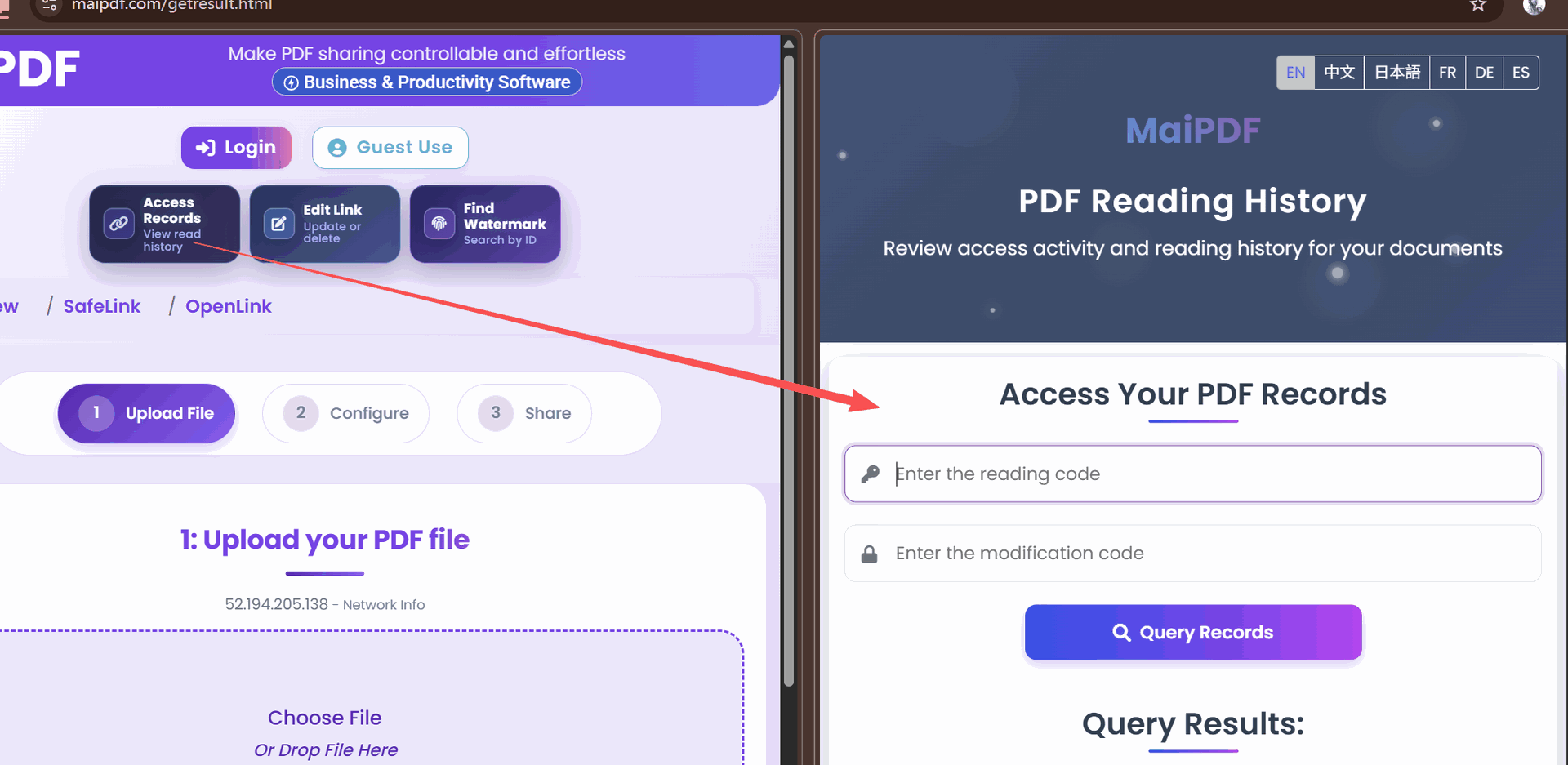
- Upload at maipdf.com — no signup needed for a basic share, but sign in if you want to update the portfolio later without a modify-code (strongly recommended for an active job search).
- On the configuration screen, pick the row from the audience table above that matches your situation.
- Set the controls: Open limit → Expiry → Download → Watermark → Email verify in that order.
- Generate the link. Also note the QR code that comes with it — useful for business cards and portfolio-night print materials.
- Open the link once on your own phone before sharing. Page-through speed, image clarity, font rendering — confirm they all look right.

Protection levels by scenario
Three sensible defaults. Pick one, don’t over-engineer.
Open portfolio (hiring / recruiter / public)
Download on, optional watermark, long expiry, generous open limit. The goal is easy consumption. You’re not trying to protect the work — you’re trying to get it read. Making a hiring manager jump through hoops to open it hurts you more than the tiny leakage risk.
Semi-protected portfolio (client pitch / speculative outreach)
Download off, light watermark, moderate expiry (14 days), moderate open limit. Work is readable in-browser but can’t be saved to the prospect’s disk. Gentle enough that the prospect reads without friction; tight enough that your work doesn’t end up in someone else’s pitch deck.
Protected portfolio (design challenge / competitive review / unreleased client work)
Download off, watermark on (email-verified), short expiry (submission window), low open limit, email whitelist of specific reviewers. This is the mode for anything NDA-adjacent or any work where the commercial value is still live.
Keeping one link current across revisions
This is the single biggest reason to stop attaching PDFs. Every time you revise the portfolio:
- If signed in: open the control panel, find the portfolio link, click “replace file.” New version uploads in place; URL and QR stay identical.
- If guest upload: use the modify-code you saved at upload time to swap the file.
Either way: the business card you printed last month still works. The link in your email signature still works. The LinkedIn post from three weeks ago still drives readers to the current version. You don’t have to re-email anyone to “ignore the old one.”
A practical workflow during an active job search:
- Weekly: check access log, note which applications have been opened.
- When you improve a project: swap the file in place.
- After every few applications: update the cover page’s date so reviewers see a recent one.
- Quarterly: retire old links (for applications you’ve moved on from) to keep the control panel clean.

Using open data to time your follow-ups
This is the underrated feature most applicants never turn on. MaiPDF logs every open with a timestamp. A few days after you’ve sent an application, check the log:
- Opened within 24 hours → your application is being actively reviewed. Follow up in 2–3 business days if you haven’t heard back.
- Opened multiple times in the same week → you’re being discussed, possibly shared internally. Strong signal. A brief “I’m excited about the role” follow-up is well-timed.
- Not opened after 7 days → application may be stuck in screening. Consider reaching out directly to the hiring manager (not the recruiter) with a short LinkedIn message.
- Opened 2+ weeks after applying → they’re revisiting the pipeline, likely because the top candidate fell through. Re-engage now while attention is fresh.
- Multiple opens from different devices/IPs → forwarded internally, probably shortlisted. Good news.
Most applicants guess at follow-up timing. With this data, you don’t have to.
Common mistakes
| Mistake | Why it hurts | Do instead |
|---|---|---|
| Sending a 60 MB attachment first | bounces, downloads slowly, looks sloppy | lead with the link; attach only on request |
| A different URL for every revision | business cards become outdated; LinkedIn links rot | replace the file behind the same link |
| Making every portfolio download-off | harder for legitimate hiring teams to share internally | download-on is the safer default for open applications |
| Putting placeholder dates (“Portfolio 2024”) | instantly looks stale in 2026 | use “Current” or a rolling “Updated March 2026” |
| Ignoring the mobile test | reviewers open portfolios on phones 60%+ of the time | always scroll through on your phone before sharing |
| Never checking the access log | you lose the follow-up timing signal | review the log every few days during active search |
| Over-protecting a public portfolio | adds friction with no real benefit | protect sensitive-client work, keep personal portfolio open |
| Treating the cover page as an afterthought | it’s the only page half your readers see | make it do the job of a homepage |
FAQ
Can I use the same link for my website’s “Download Portfolio” button and my email signature? Yes. One link per portfolio is the whole point. Just size the open limit and expiry for the most-aggressive use case (usually “unlimited, no expiry” for a personal site).
How do I share a portfolio on LinkedIn? Drop the MaiPDF link into a post or your featured section. It opens in-browser on desktop and mobile. The QR from the same link works great for in-person events.
What if a recruiter wants the raw PDF as an attachment? Send it. Some agencies have processes that require an attachment. You can still share the link as the primary delivery and attach the file only when explicitly asked. You haven’t committed to “never attach” — you’ve made attachment the exception.
Is the viewer good enough for high-design portfolios? Yes — the viewer preserves fonts, images, and layout faithfully at the export quality of your PDF. The only thing to watch is file size: for image-heavy portfolios, export at web-appropriate DPI so first load is quick.
Can I see which projects visitors spent the most time on? The access log shows opens and session duration at the document level, not per-page. If you need page-level analytics, split the portfolio into multiple linked PDFs (one per case study) — but for most job-search purposes this is overkill.
What happens when the portfolio link expires mid-application cycle? Extend the expiry in the control panel; the URL doesn’t change. If the expiry has already fired, you can reactivate it, or set it to “no expiry” during an active search.
Should I use a watermark on a hiring portfolio? Usually not. The work on a hiring portfolio is already yours-to-share; friction hurts more than the leakage risk. Save watermarks for client work under NDA or design challenges where the output is commercially sensitive.