MaiImg: Simple, Secure Image Sharing
MaiImg: Simple, Secure Image Sharing
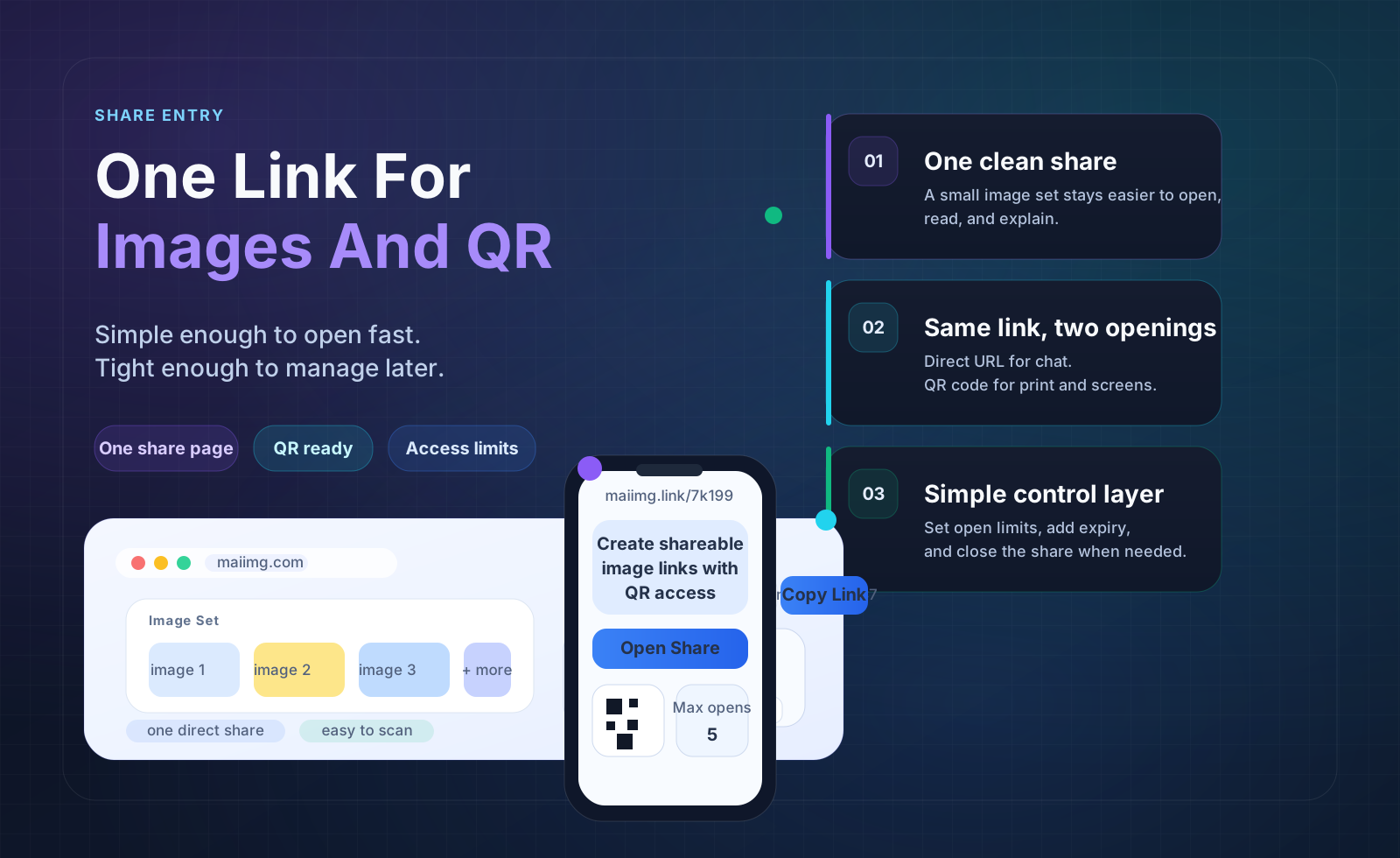
Maiimg is designed for one specific job: take a focused set of images, publish them as one clean gallery, share them by link or QR code, and keep enough control to manage access without turning the workflow into a heavy digital asset system. It is a practical middle ground between dumping files into chat and adopting a full enterprise DAM.
Why teams need something cleaner than raw image delivery
Email threads get messy fast
Large image sets are awkward to resend, versioning becomes unclear, and recipients often miss the latest files.
Shared folders are often too broad
They are useful for storage, but not always ideal when you want one simple gallery entry point for one audience.
QR distribution is missing
For events, classrooms, booths, or in-person reviews, a scan-ready path matters more than a long folder URL.
Follow-up is too fuzzy
Without access feedback, teams do not know whether a gallery was opened, ignored, or needs a resend.
What Maiimg does well
Focused gallery sharing
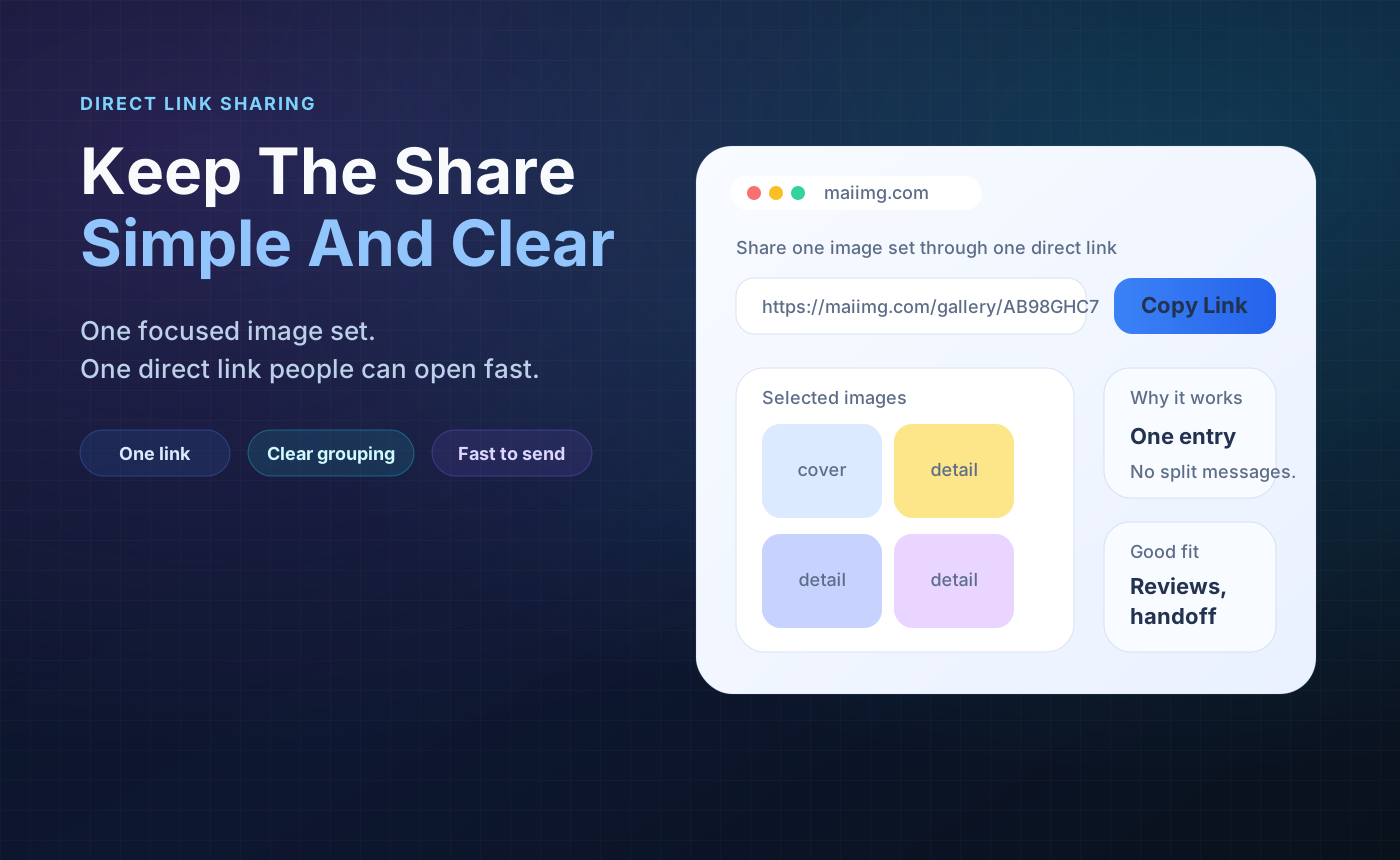
Upload a small image set and present it as one clean destination instead of a pile of separate attachments.
Link and QR together
One workflow gives you both a normal share link and a scan-friendly entry point for mobile access.
Light access control
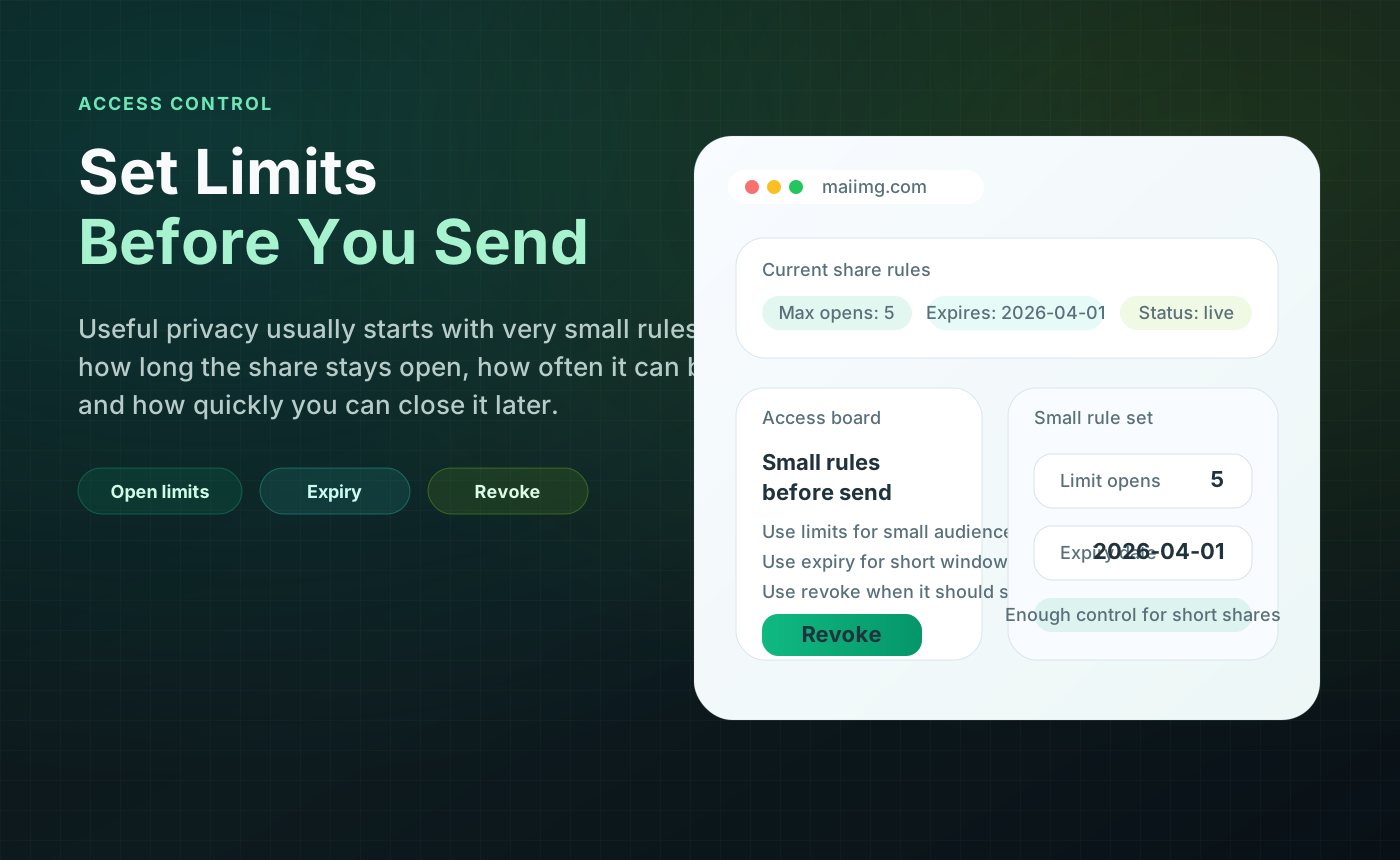
Use expiry, view limits, and gallery-level rules to keep distribution more intentional without overwhelming the sender.
Visibility for follow-up
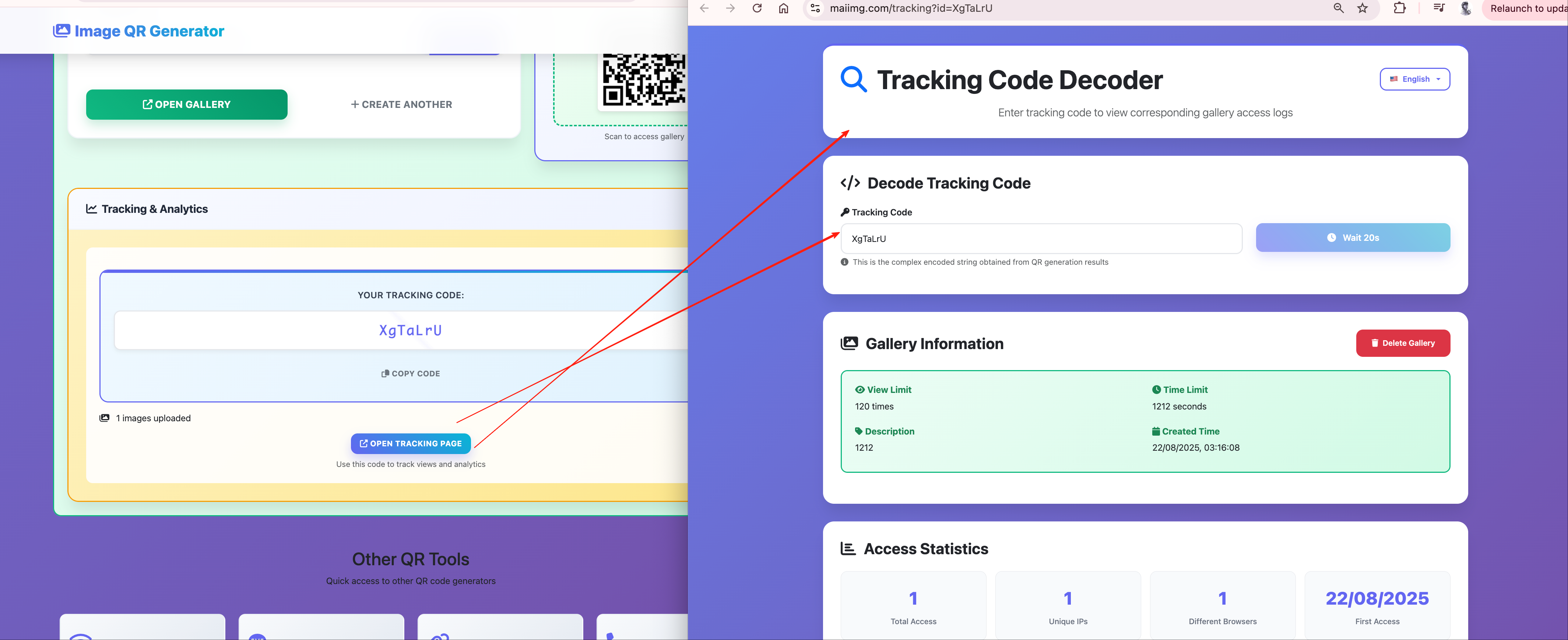
Basic signals on whether a gallery is being used help you decide when to nudge or retire a link—not full analytics.
The core workflow in practice
Build one focused gallery
Group images by purpose, audience, or campaign instead of mixing unrelated assets into the same delivery unit.
Set the basic rules
Apply expiry and view settings before sharing so the gallery already matches the intended review window.
Share by link or QR
Use direct links for email and chat, and QR codes for meetings, print materials, classrooms, or event signage.
Check engagement
Review high-level open activity, keep the gallery active only as long as needed, and retire stale links cleanly.
Where Maiimg fits best
Marketing
Goal: campaign visuals or draft image sets.
Why Maiimg: one gallery reads cleaner than a chain of attachments.
Sales
Goal: proposal images or product shots.
Why Maiimg: controlled previews with a simple follow-up story.
Creative teams
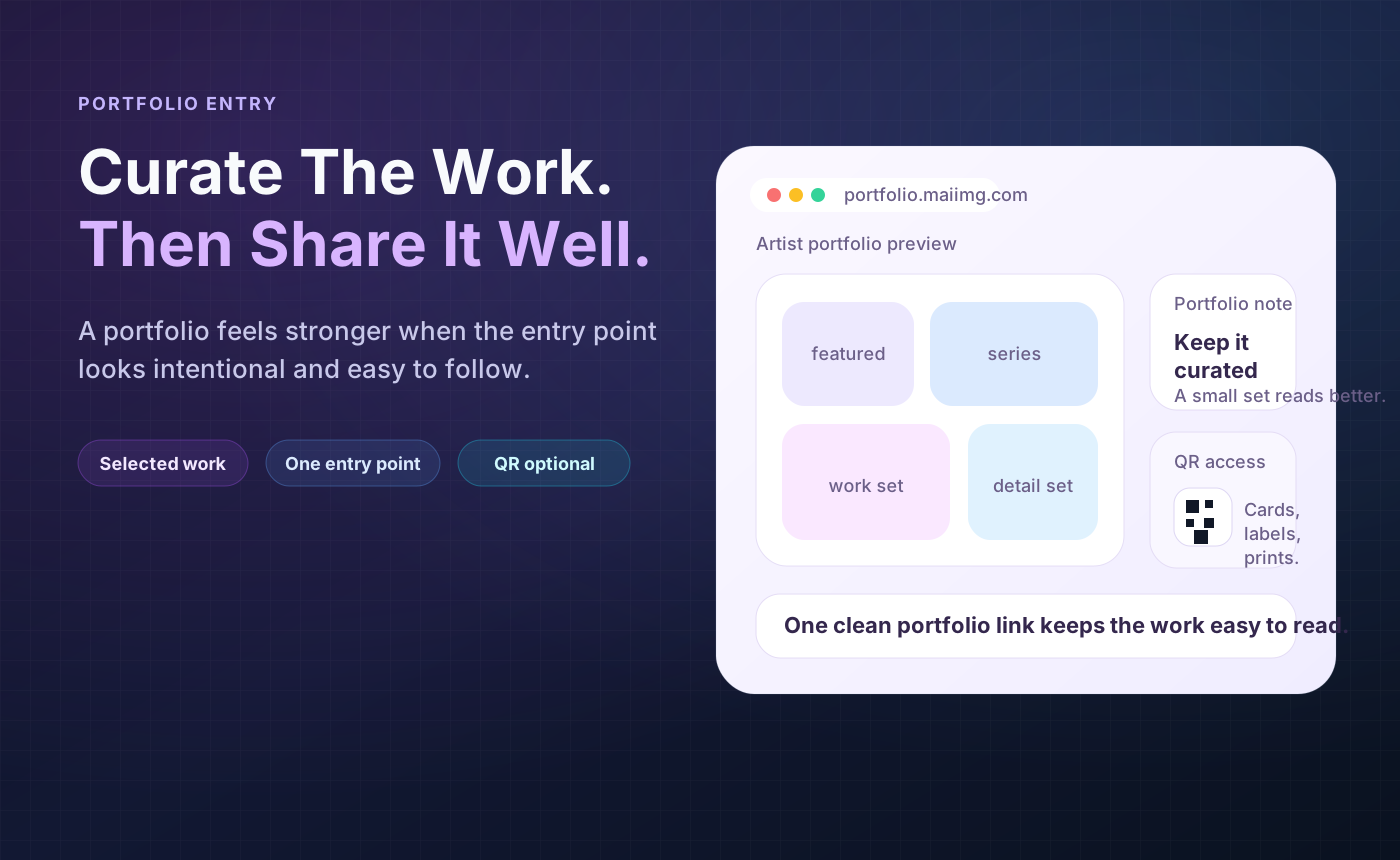
Goal: portfolios or concept drafts.
Why Maiimg: polished layout with less friction than ZIPs.
Events and education
Goal: many people on mobile, fast.
Why Maiimg: QR entry fits in-person and classroom flows.
A more professional visual presentation
The gallery experience matters because recipients react differently to a polished share destination than to a ZIP file or a cluttered cloud folder. A more deliberate layout helps in three ways:
- It makes the content feel intentional and easier to browse.
- It reduces the “download everything first” instinct for preview scenarios.
- It gives the sender a better-looking artifact to use in pitches, reviews, and presentations.
Operating rules that keep galleries clean
One gallery, one purpose
Separate client review images, event photos, and internal assets instead of mixing them into one broad link.
Set expiry before sending
Temporary content should behave like temporary content from the first moment it is shared.
Name galleries clearly
Structured naming makes follow-up, reporting, and later cleanup much easier for teams handling many galleries.
Retire stale links
Do not leave old galleries drifting around after the campaign, event, or review cycle has ended.
What Maiimg is not
Maiimg is intentionally lightweight. It is not trying to be:
- A full enterprise DAM with deep taxonomy and approval pipelines
- A forensic anti-leak platform with impossible promises
- A permanent public image hosting strategy for every long-term web asset
That focus is a strength. It is built for practical sharing, not for replacing every image system inside a company.
FAQ
When should I use Maiimg instead of a normal shared folder?
Use Maiimg when you want one clean gallery entry point, a better viewing presentation, QR distribution, or lightweight access control for a specific audience.
Is it a good fit for portfolios and client previews?
Yes. It works especially well when you want to show a focused visual set in a more polished way than attachments or scattered links.
Does it replace a full DAM platform?
No. It is better understood as a fast gallery-sharing layer for day-to-day business use.
Build cleaner image delivery from the first share
Use one focused gallery, one clear link or QR code, and a presentation that feels closer to a professional showcase than a file dump.
Try Maiimg