Maiimg Bulk Image Sharing: Complete Guide to Sharing Multiple Images Securely
Maiimg Bulk Image Sharing: Complete Guide to Sharing Multiple Images Securely
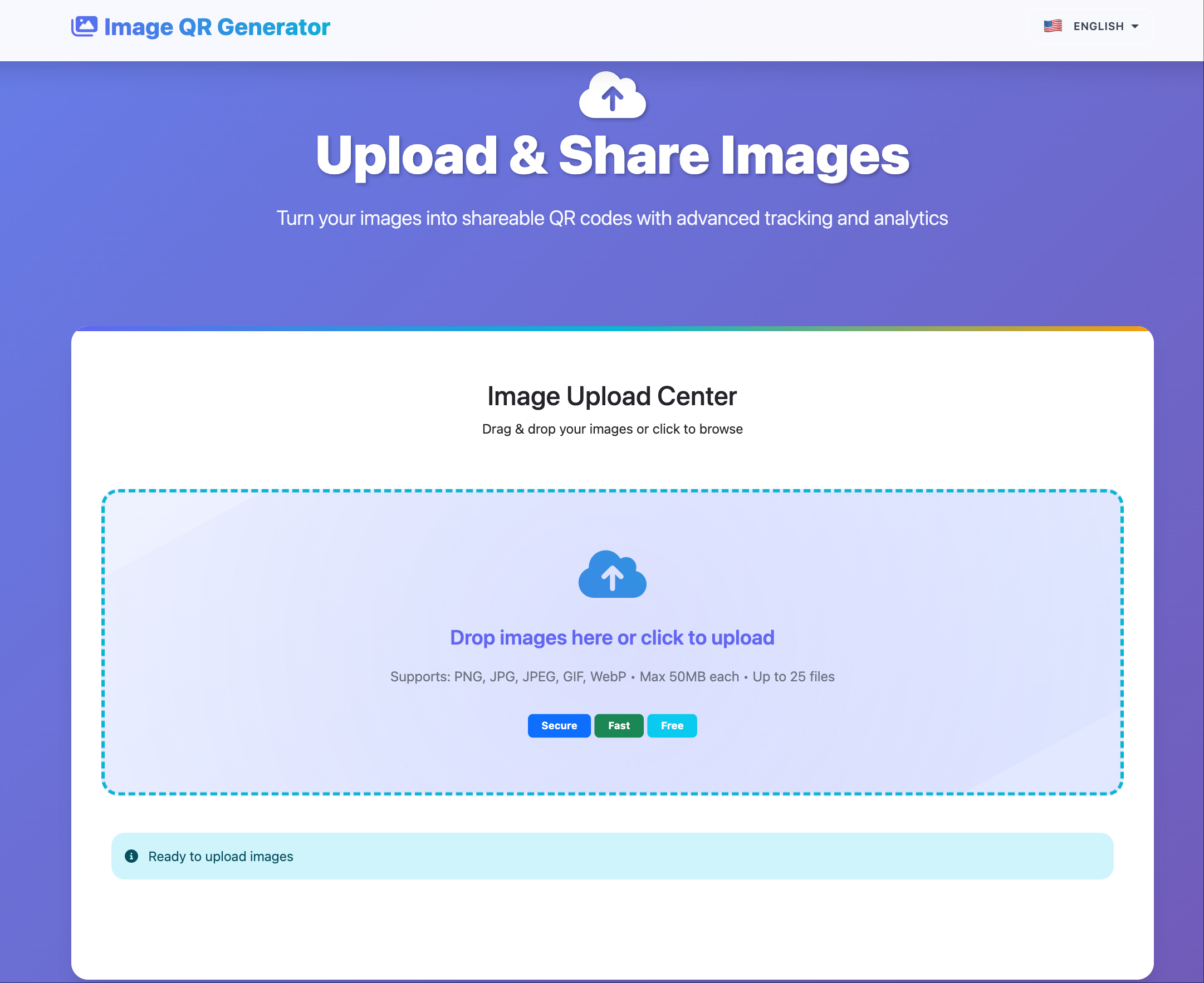
Use this workflow when you need to send many images quickly while keeping access under control.
When Bulk Sharing Is Better
Bulk sharing is a better fit than one-by-one links when you need:
- One gallery URL for a full set.
- Shared settings across all images.
- Faster publishing for teams and events.
- Cleaner follow-up using one access record.
What You Get in One Gallery
- Up to 25 images per upload.
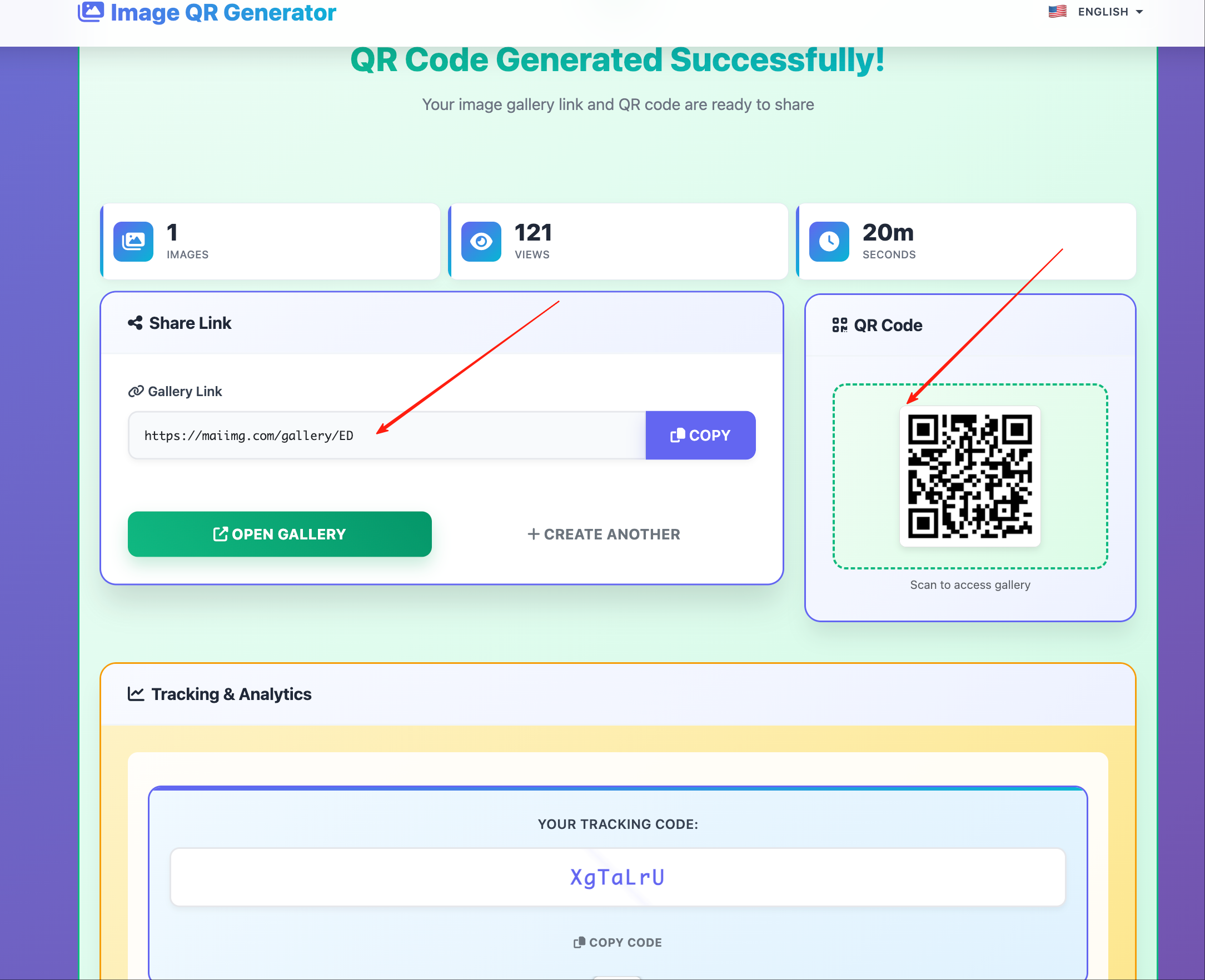
- One share link + one QR code.
- Optional view limits and expiry.
- Optional duration control.
- Open statistics in one place.
Setup Workflow (5 Steps)
- Select a focused image set (same topic, audience, or campaign).
- Upload all files in one pass.
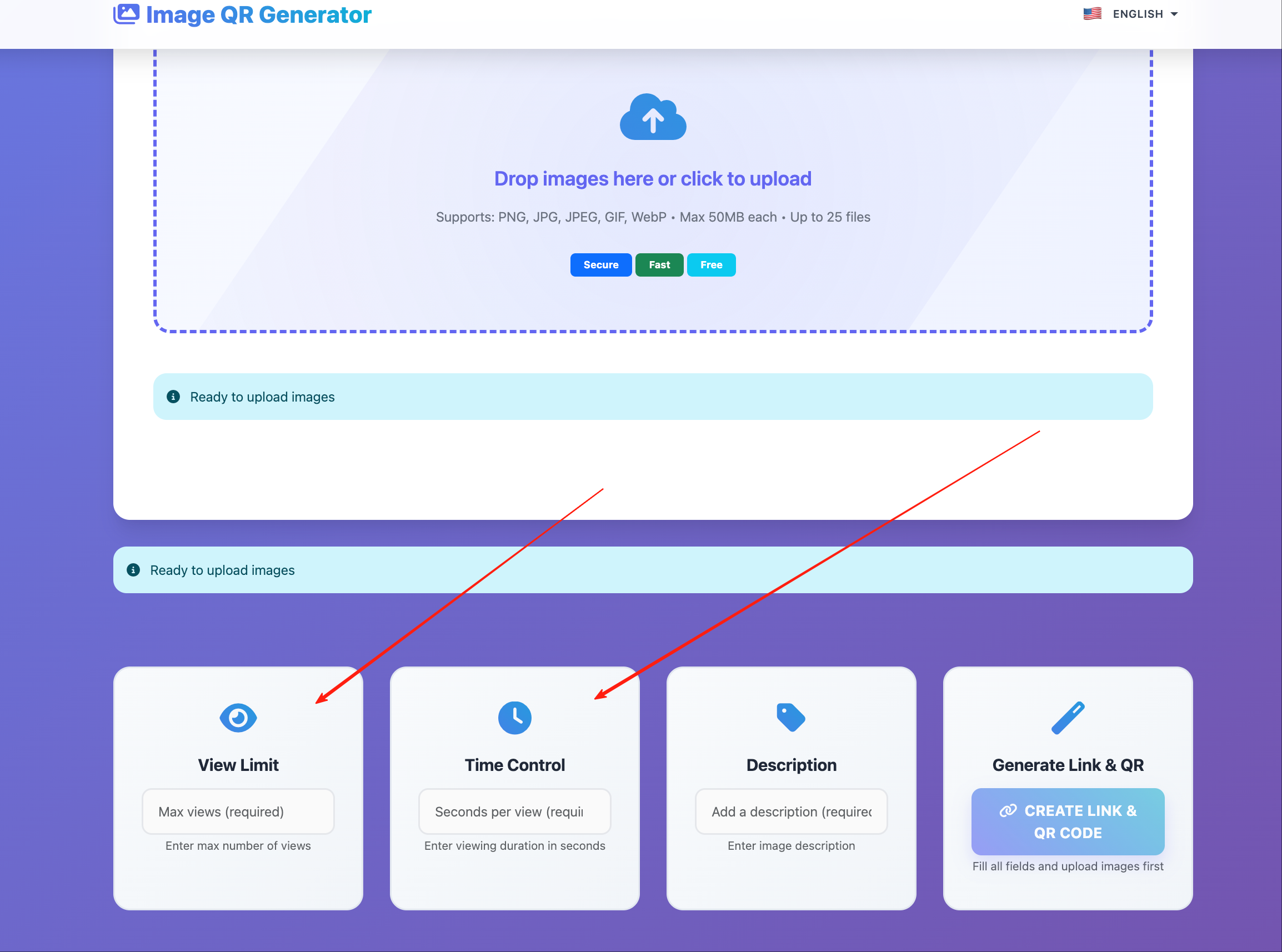
- Configure controls (views, expiry, duration).
- Generate link + QR code.
- Share and monitor open statistics.
Suggested Settings by Scenario
| Scenario | View limit | Expiry | Downloads |
|---|---|---|---|
| Client draft review | Low-medium | 7-14 days | Optional |
| Internal team handoff | Medium | 7-30 days | Optional |
| Sales/partner asset pack | Medium-high | 30-90 days | Usually on |
| Event photo drop | High | 7-30 days | Optional |
Distribution Playbook
Direct link
- Best for email and chat threads.
- Keep one link per audience segment.
- Add a short note: purpose, expiry, and expected action.
QR code
- Best for in-person access (meetings, booths, classrooms, events).
- Place where people can scan comfortably (slide footer, card, poster).
- Test from two phones before publishing.
Operational Rules That Reduce Mistakes
- Keep each gallery to one clear purpose.
- Avoid mixed audiences in the same link.
- Set expiry before sending, not after.
- Update settings first, then resend only if needed.
- Delete stale galleries instead of leaving long-lived links.
Common Problems and Fixes
| Problem | Likely cause | Fix |
|---|---|---|
| Opens are lower than expected | Link buried in long message | Resend with short CTA + QR |
| Too many unauthorized opens | Link forwarded | Reduce view limit, shorten expiry |
| Recipients ask for “latest files” | Mixed versions in one gallery | Split by version/date and rename clearly |
| Team can’t tell which set was used | Weak naming | Use structured naming (Project_Audience_Date) |
Bottom Line
Maiimg bulk sharing is most effective when you treat one gallery as one delivery unit: focused files, clear settings, and one distribution path.