📊 Share Sales Pitch Decks That Can't Be Forwarded
📊 Share Sales Pitch Decks That Can’t Be Forwarded
2026 update: This guide mainly covers browser-based Online Cloud Sharing: controlled links, expiry, view limits, watermarks, access records, and download/print restrictions. For files where screenshot risk, device sharing, refund abuse, or post-contract revocation matters, use the stronger App DRM path: protected
.maipdffiles opened in the MaiPDF App with device binding, license revocation, protected reading, and traceable watermarks. A browser cannot fully block operating-system screenshots, and no software can stop someone from photographing a screen with another phone.Start here if you are choosing between the two paths: Online PDF Sharing vs App DRM, secure PDF reader with screenshot protection, and how to revoke access to a PDF after sending.
You've crafted the perfect sales deck. It hits all the right pain points, outlines your value clearly, and presents pricing with confidence.
You send it to the decision-maker. But what happens next?
Was it forwarded to competitors? Opened by an intern with no context? Downloaded, saved, and shared long after your offer expired?
In B2B sales, how you share your materials matters just as much as what's inside them.
🚫 The Risk of Traditional Sharing
Most sales teams use:
- Email attachments
- Google Drive or Dropbox links
- Slide decks embedded in CRMs or sales emails
But once that file is sent:
- 📤 It can be forwarded freely
- 📥 It can be downloaded and kept forever
- ❌ You lose visibility—and control
For strategic proposals, custom pricing, or confidential insights, that’s not acceptable.
✅ The Smart Way: View-Only, Non-Forwardable Decks
What if your deck could:
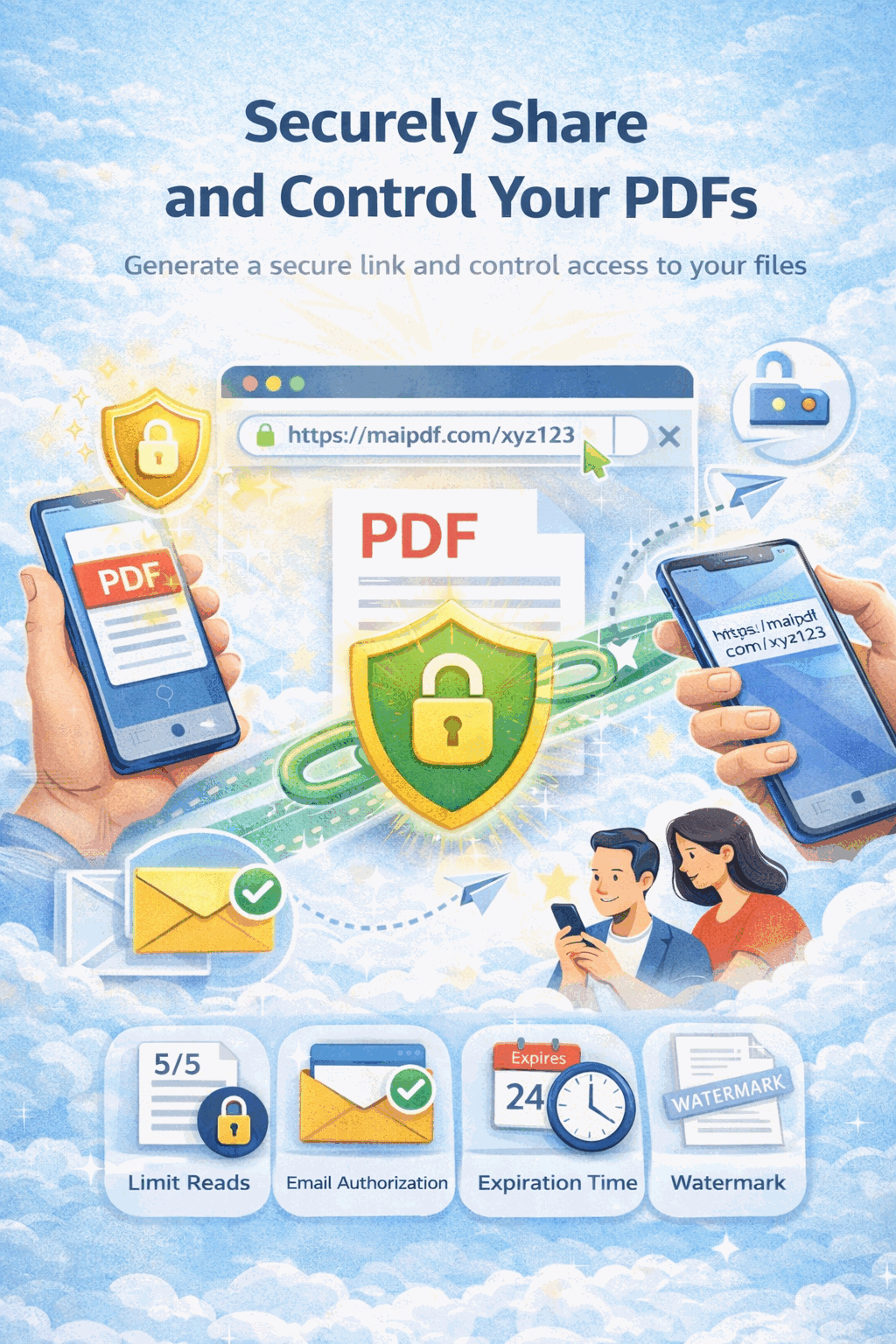
- Be viewed only in-browser
- Block downloads and copying
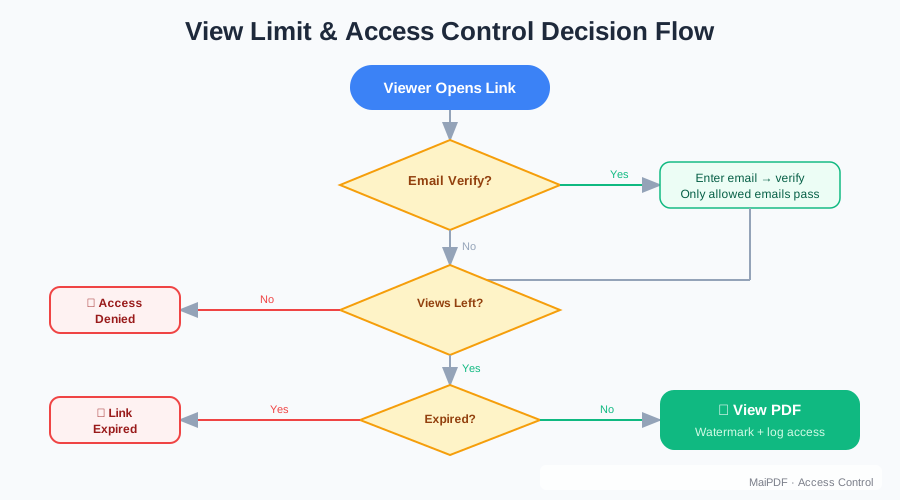
- Be opened only a limited number of times
- Show you who opened it, when, and where
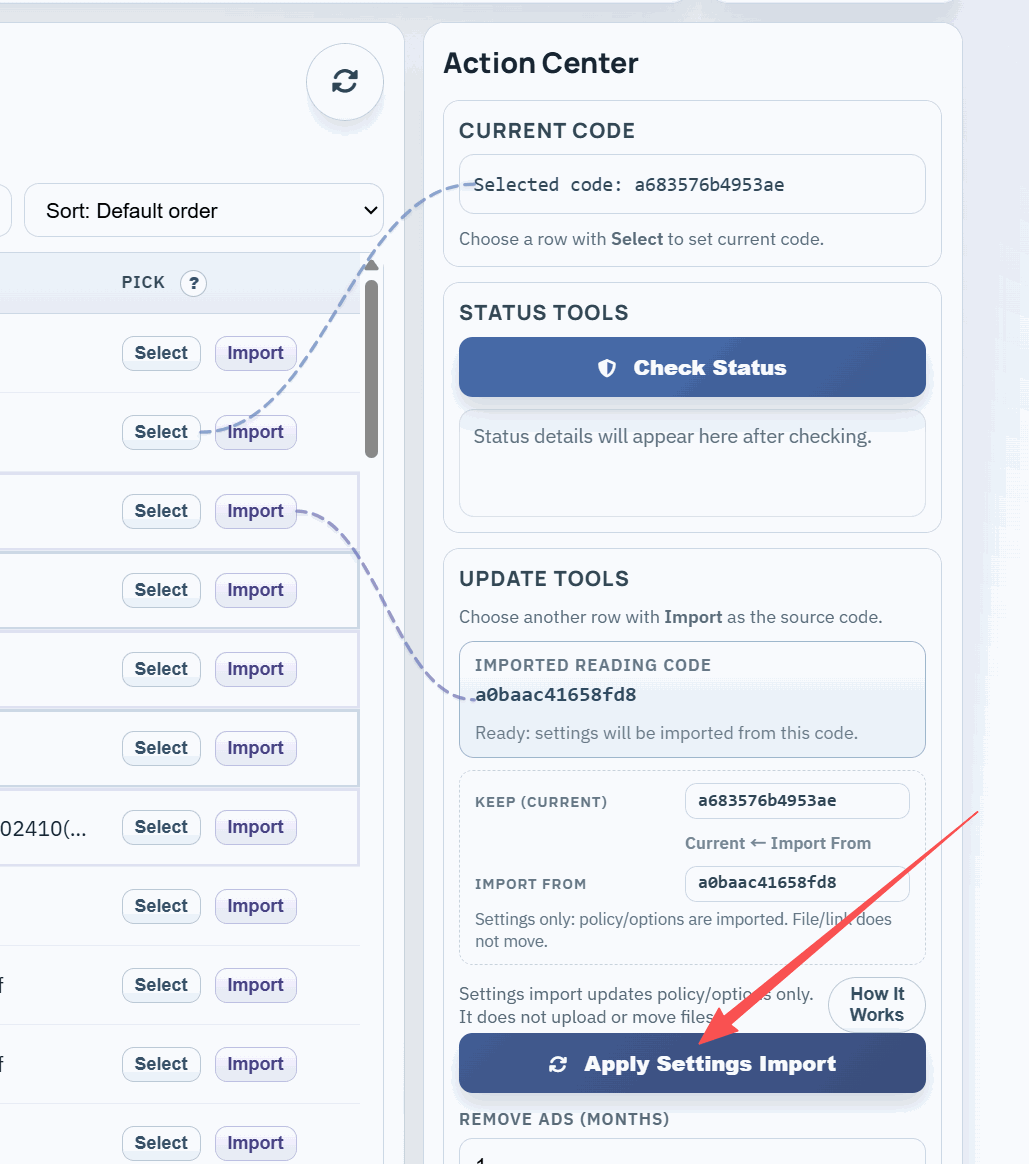
- Be updated or disabled remotely at any time
Now you’re not just sending a deck—you’re delivering a controlled experience.
👔 Real Sales Use Case
You’re a SaaS sales lead sharing a custom pricing proposal with a director at a target company.
Instead of sending a PowerPoint or PDF:
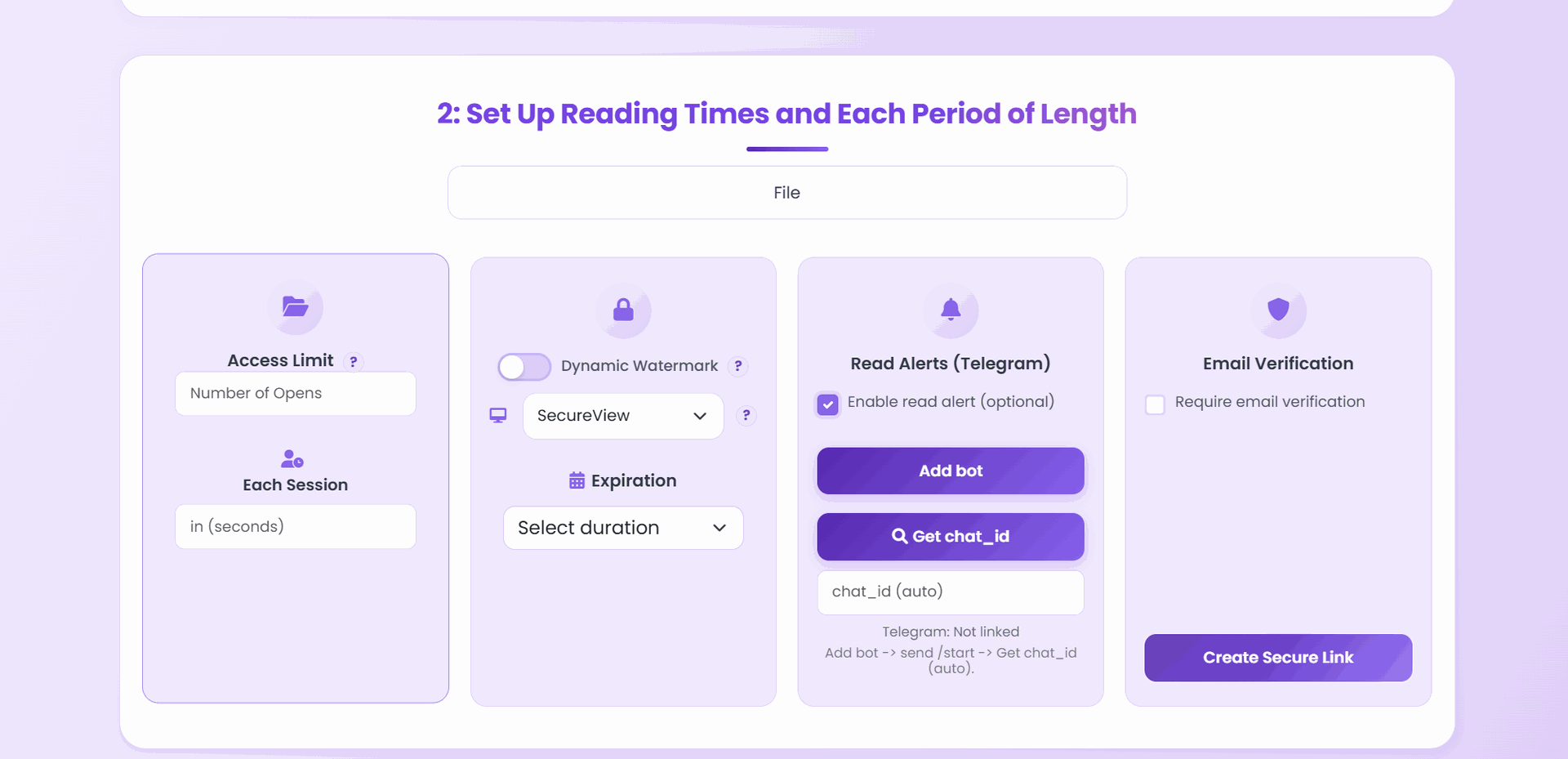
- You upload it to a secure platform
- You set it to allow only 2 views
- You disable download and print
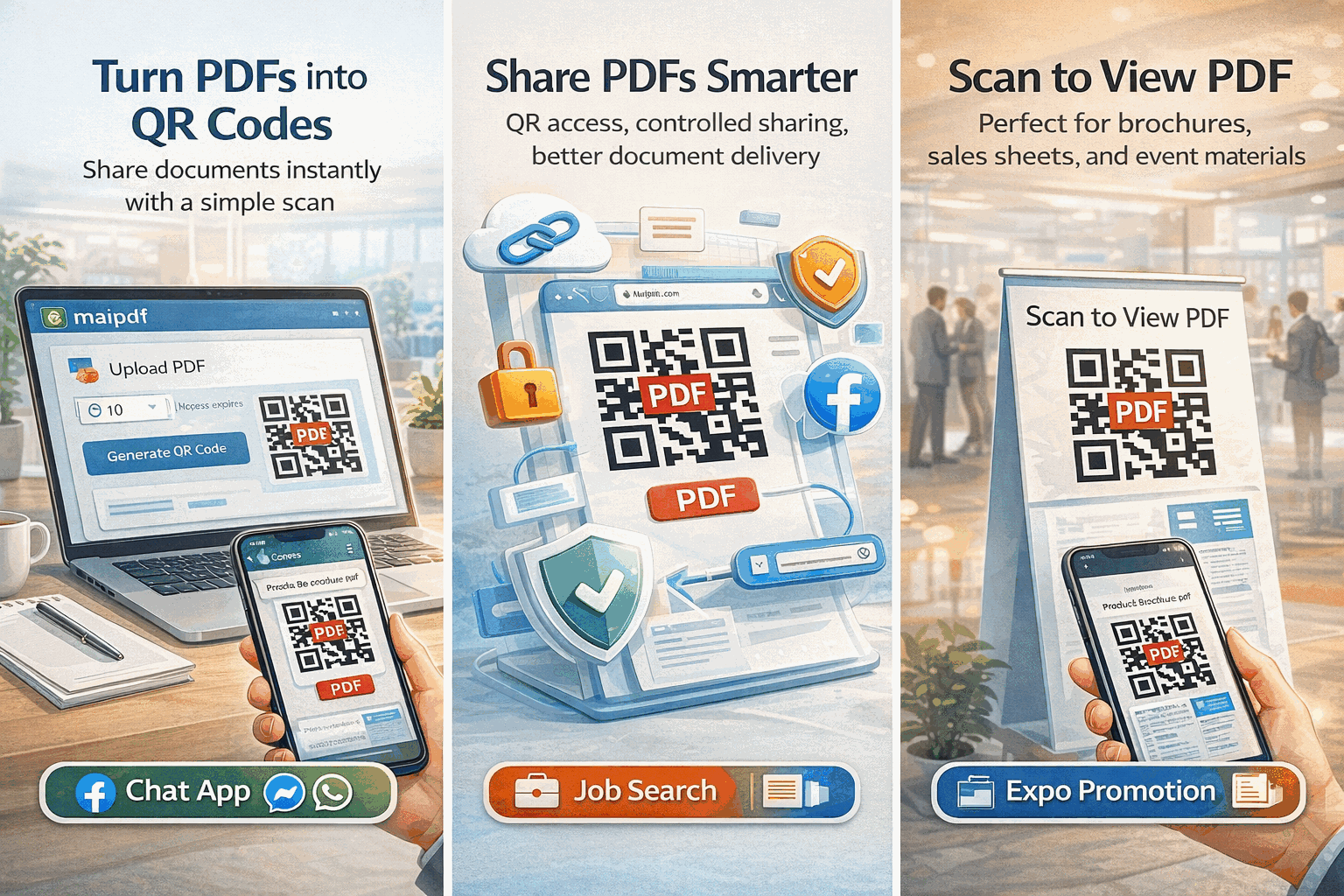
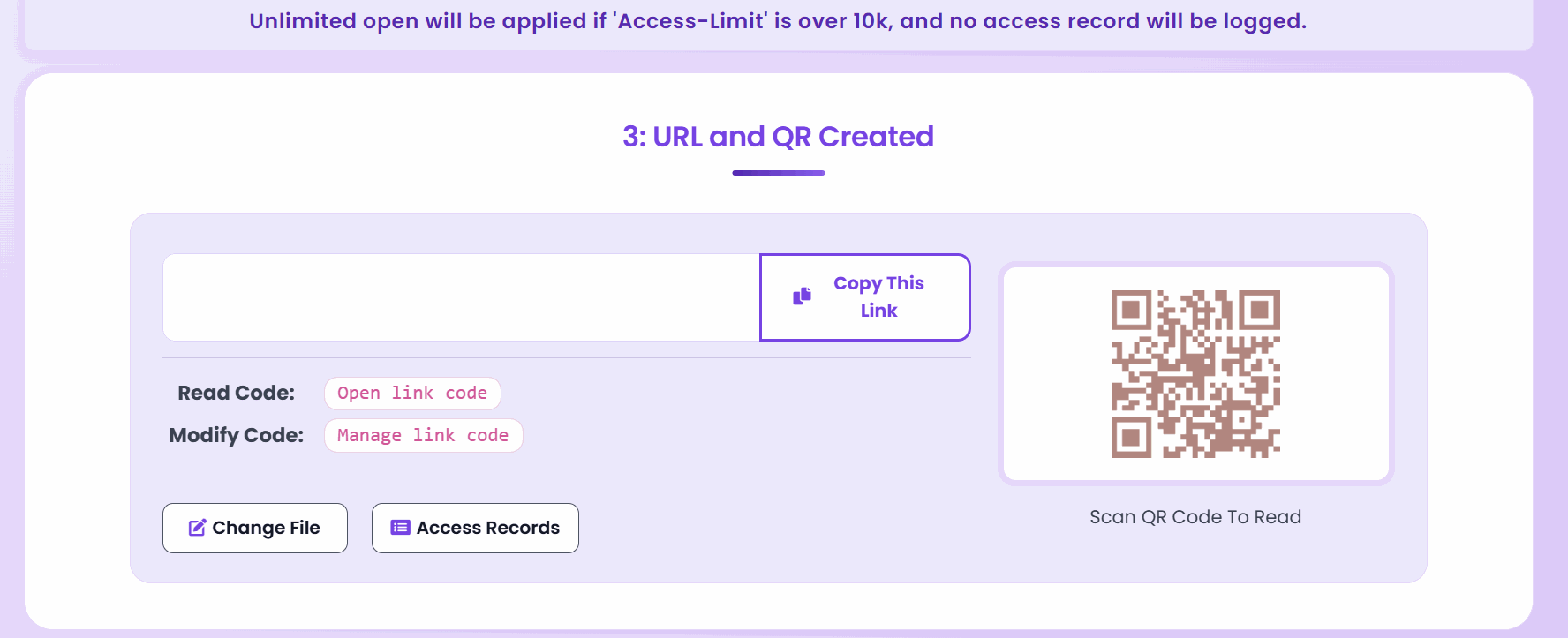
- You send a unique access link or QR code
- You get notified when it’s viewed
- If needed, you can disable the file after the call
No attachments. No risks. Just sales materials delivered with intent.
🛠 How Tools Like MaiPDF Help
Platforms like MaiPDF give sales teams easy tools to:
- Upload PDFs securely
- Generate non-downloadable view-only links
- Set open/view limits (e.g. 3 views max)
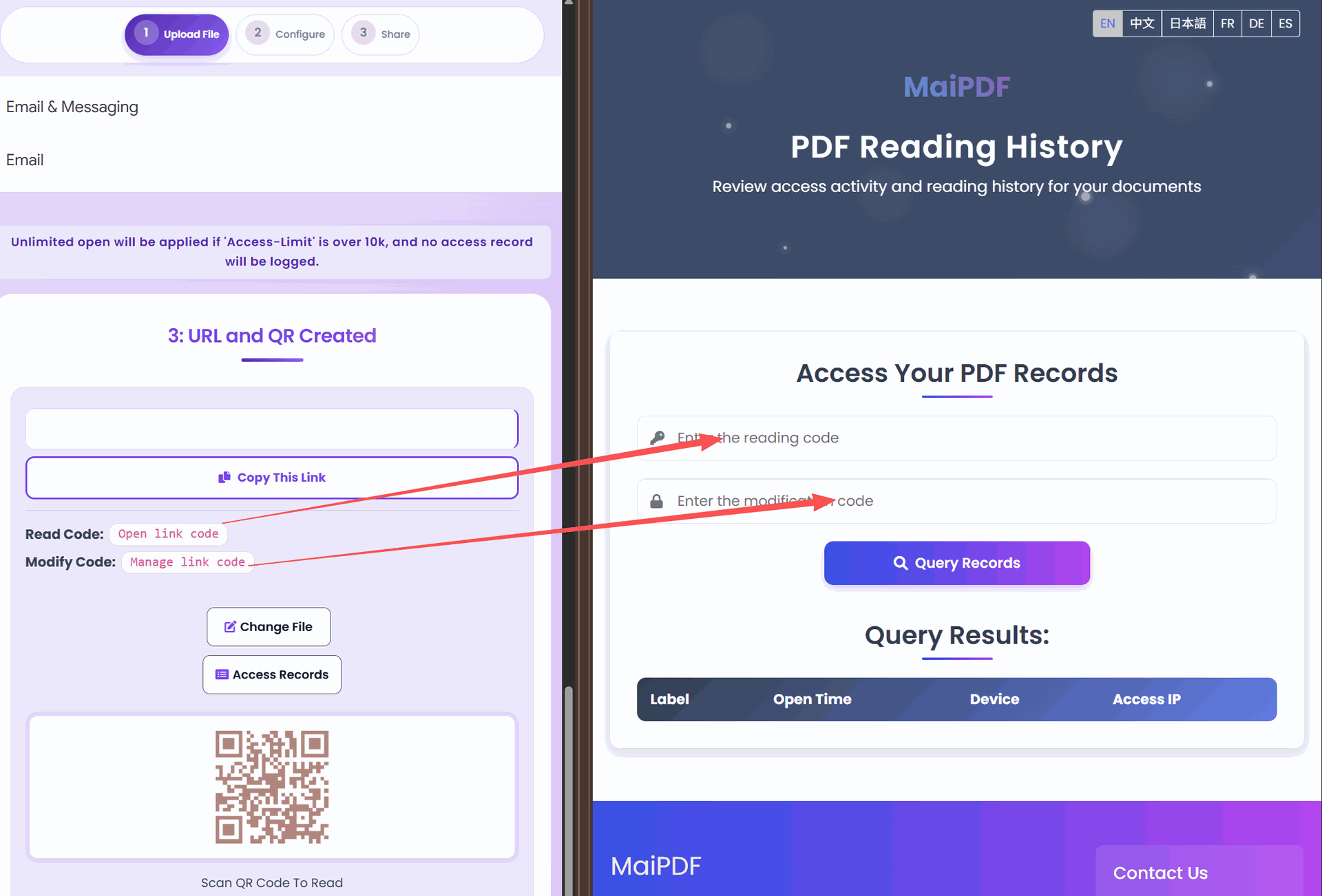
- Track access logs by IP and time
- Control documents with a simple edit code
- Revoke access with one click if needed
No CRM integration required. No logins for the recipient. Just clean, controlled delivery.

💼 When to Use This
High-Stakes Proposals
Perfect for final-stage sales proposals where pricing and terms are customized and confidential.
Competitive Industries
Essential in markets where your competitors would benefit from seeing your pitch strategies and pricing models.
Time-Sensitive Offers
Ideal for limited-time promotions where you need the offer to expire completely after a deadline.
Enterprise Sales
Critical when dealing with large organizations where your deck might be circulated to departments you haven’t vetted.
Investor Pitches
Vital when sharing financial projections and proprietary business models with potential investors.
🔒 The Technology Behind Secure Sharing
Modern document security works through several layers:
Browser-Based Viewing
Documents are rendered in the browser, never fully downloaded to the device.
Access Controls
Each view is authenticated and counted against your preset limits.
Dynamic Content Delivery
The document exists on the secure server, not in an email or downloaded file.
Real-Time Analytics
Every interaction is logged and available for your review.
Remote Management
Documents remain under your control even after sharing.
💡 Best Practices for Sales Teams
-
Create Tiers of Documents
- Public materials that can be freely shared
- Mid-level materials with basic tracking
- Premium proposals with strict controls
-
Set Clear Expectations
- Let recipients know the document is secured
- Explain why protection benefits both parties
- Offer alternative viewing options if needed
-
Use Tracking Strategically
- Follow up precisely when someone views your proposal
- Know when to send reminders if materials aren’t viewed
- Identify which sections received the most attention
-
Integrate with Your Sales Process
- Make secure sharing a standard step in your sales workflow
- Train the team on when to use controlled versus open sharing
- Measure the impact on deal closure rates
📈 The Business Impact
Sales teams implementing controlled document sharing report:
- 76% reduction in unauthorized proposal sharing
- 34% higher engagement with protected materials
- Faster sales cycles due to better tracking and follow-up
- More precise forecasting based on actual document engagement
- Higher close rates on premium offerings
These metrics translate directly to revenue protection and increased sales effectiveness.
🔄 Example: Enterprise Software Pitch
Consider a typical scenario: pitching a $250,000 enterprise software solution with custom implementation details.
Traditional Approach:
- Email a detailed PDF proposal to your primary contact
- Hope they don’t share pricing details with competitors
- No visibility into whether key decision-makers ever saw it
- Uncertain if outdated versions are still being circulated
Secure Sharing Approach:
- Upload the proposal to a secure platform
- Set viewer-specific access limits
- Track which stakeholders actually reviewed the materials
- Update the document remotely as negotiations progress
- Prevent screenshots of sensitive pricing pages — requires MaiPDF Secure app (
.maipdf); browser watermarks only trace leaks after the fact
This controlled approach maintains your competitive advantage throughout the sales cycle.
✅ Final Thought
In a competitive sales environment, your pitch deck isn’t just a file—it’s an opportunity.
Deliver it with control. Track engagement without asking. And leave your prospect impressed—not overwhelmed.
Because sometimes, what you don’t let them do—like forward or download—is what seals the deal.