🎨 Send Design Feedback Files With View Limits
🎨 Send Design Feedback Files With View Limits
Keep Control of Early-Stage Work—and Who Sees It
Design is an iterative process. You brainstorm, prototype, present, revise. But before a design is finalized, it often goes through multiple internal reviews, stakeholder feedback loops, or limited user testing.
In these early stages, sharing a design file can be risky—especially when it's saved, forwarded, or taken out of context.
So how do you gather feedback without losing control?
Limit how the file is accessed. Limit how often it’s seen.
🧠 The Real Risk of Early-Stage Design Sharing
Imagine this:
- You send a PDF version of a prototype to a reviewer.
- They forward it to another team.
- That person screenshots it.
- Suddenly, your half-done idea is circulating in chats, pitches, or even in front of clients.
Now the narrative is no longer in your hands.
✅ The Smarter Way: View-Only Access With Limits
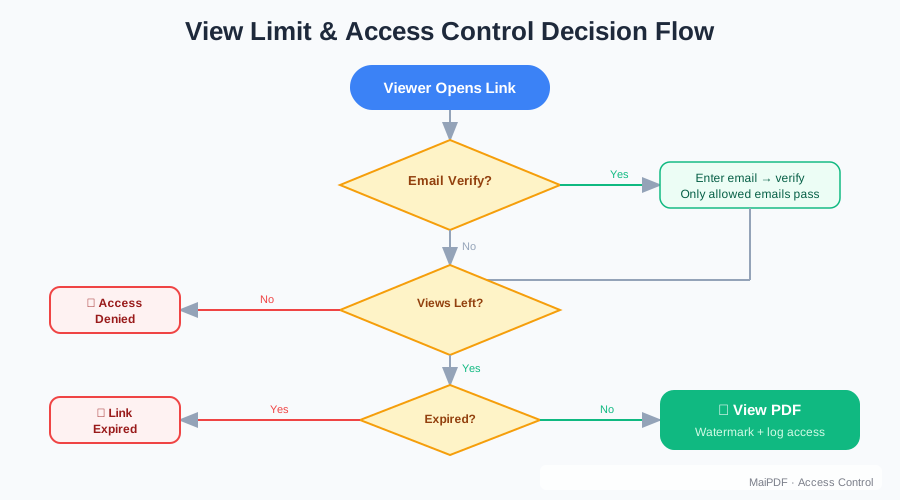
Instead of emailing attachments or open Google Drive links, use a secure platform that allows:
- 📄 View-only sharing (no downloads)
- 🔢 Limited number of opens (e.g. 2 views max)
- ⏱️ Optional access expiry after X hours
- 🧭 Access logs (IP, time, location)
- ❌ No forwarding, no printing
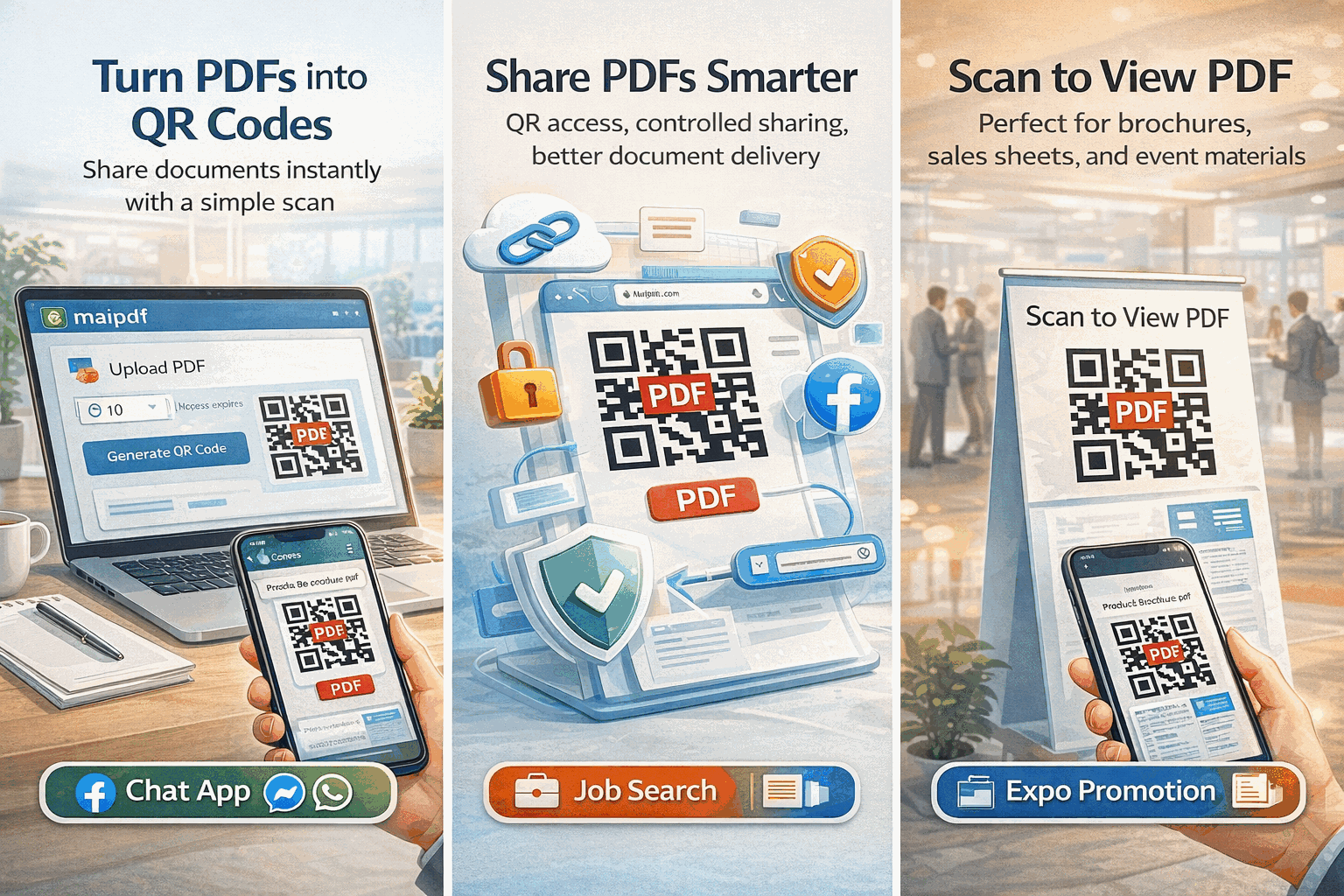
You send a link or QR code, they view it—and that’s it. No copies. No confusion. No content spreading beyond your control.
🧪 Real Use Case: A UX Team in Review Mode
Your product team is testing 3 homepage layouts.
You want selected stakeholders to:
- View the mockups
- Leave feedback
- But not circulate screenshots to marketing or external partners
So you:
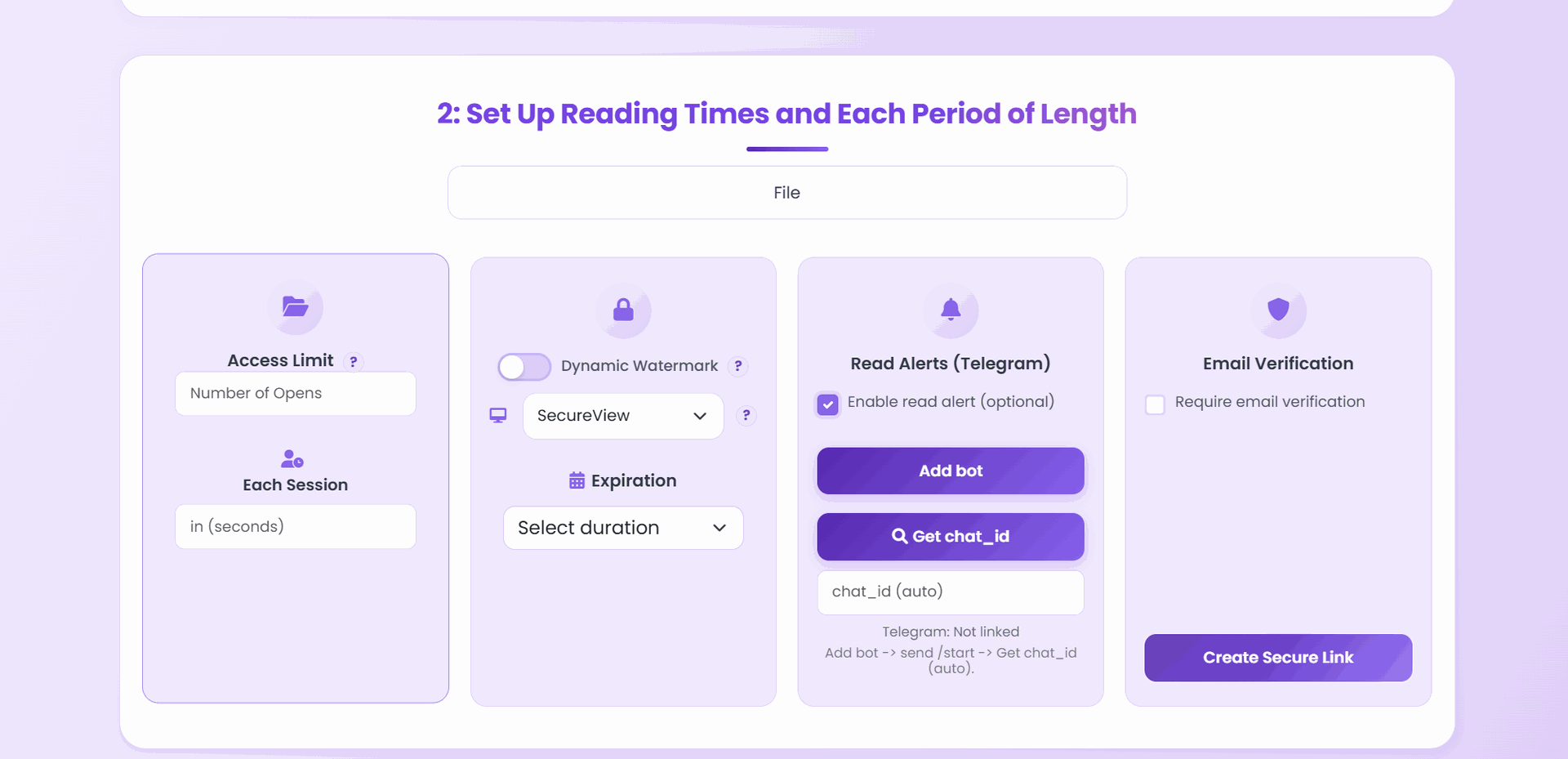
- Upload the PDF to a secure viewer
- Allow 3 views max per reviewer
- Disable downloading
- Track who opened which file
- Revoke access after the design direction is locked in
This keeps reviews productive—and your process protected.
🛠 How Platforms Like MaiPDF Can Help
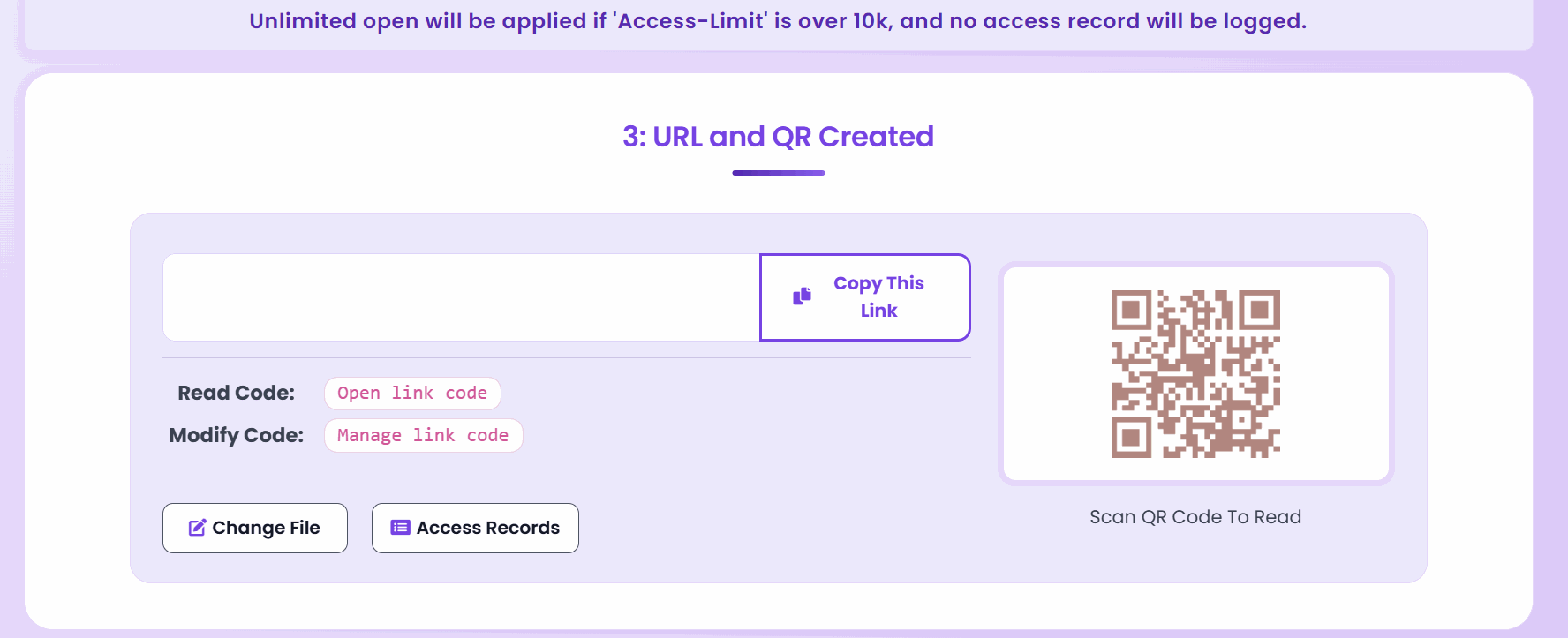
Tools like MaiPDF offer lightweight design sharing with control features like:
- Upload & share PDF mockups via view-only links
- Set open limits (e.g., 3 views per file)
- Block downloads
- Track access events
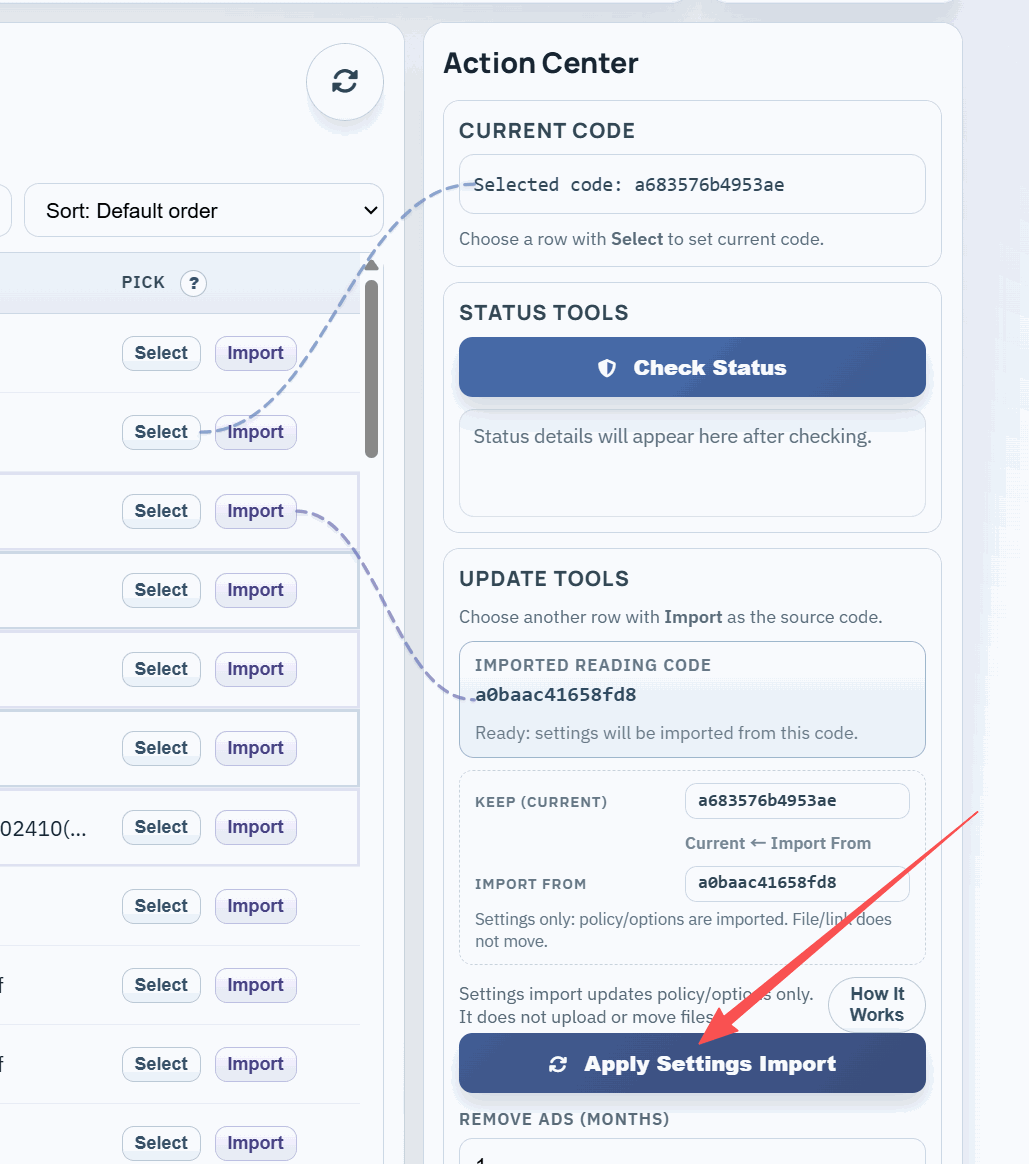
- Edit or disable access anytime via a secure code
No need to manage permissions in cloud drives. No need to send file updates manually. Just one link—with rules.
🧩 When to Use This
UX review sessions with limited participants
Client previews of draft design directions
Internal stakeholder alignment
A/B variant testing where only one version should be seen
Style guide drafts before formal approval
✅ Final Thought
Design is powerful—but early-stage design is fragile.
By setting view limits and restricting file behavior, you can:
- Gather clean feedback
- Prevent miscommunication
- Keep your work safe, focused, and in the right hands
Because sometimes the best way to protect your best ideas… is to control how long they can be seen.