Make PDF Into a Link: Transform Documents Into Shareable URLs
Make PDF Into a Link: Transform Documents Into Shareable URLs
Making a PDF into a link is really about changing the format of delivery. Instead of sending one more file attachment, you create one browser-friendly destination that is easier to open, easier to manage, and easier to keep current.
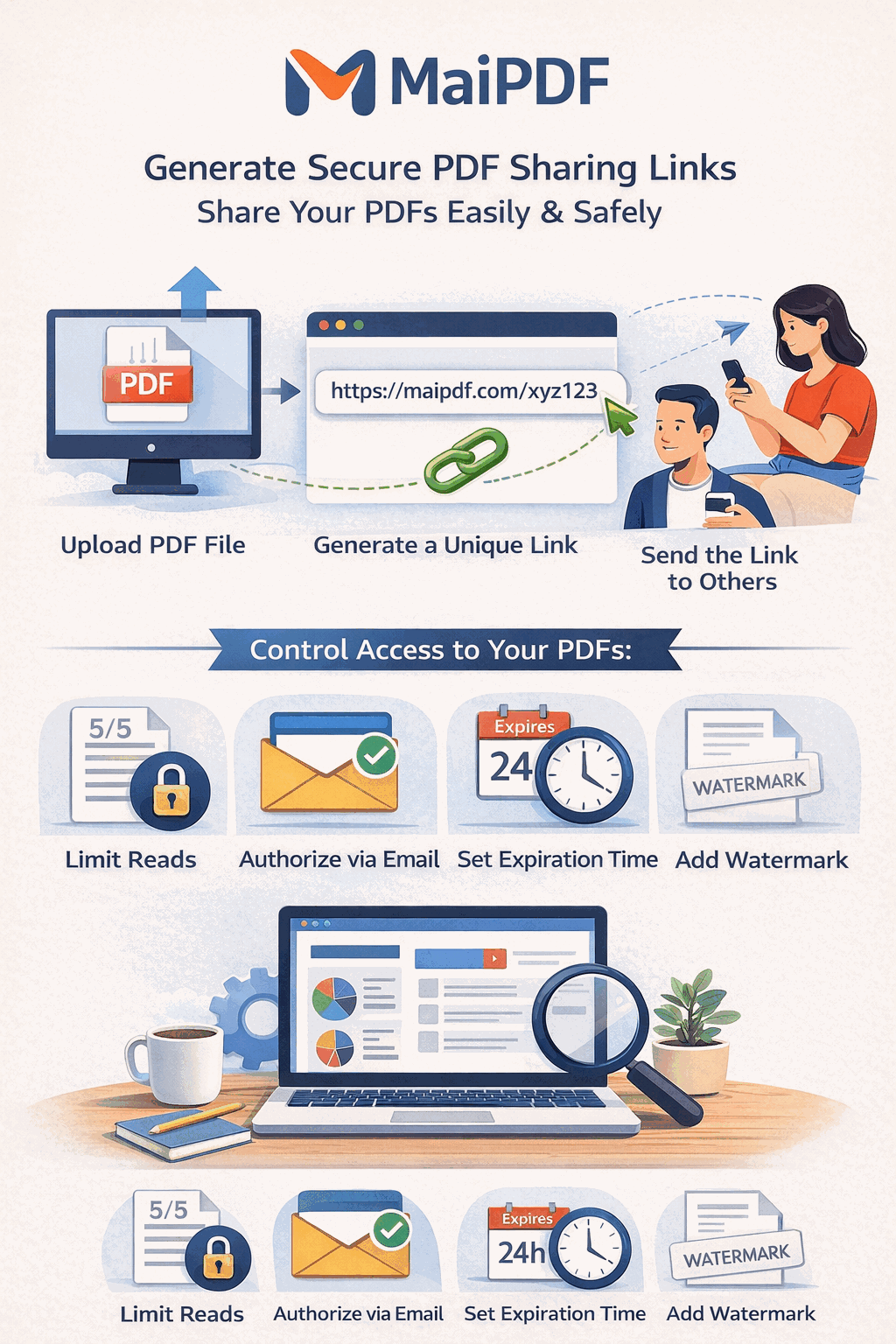
At a glance
| If you want to… | A PDF link helps because… |
|---|---|
| send one clean URL | the document no longer lives as loose copies |
| let people open on any device | browser reading is easier than forcing a download |
| control the document later | expiry, limits, and updates stay attached to the link |
| use QR as well as URL | the same destination works in multiple channels |
The workflow
| Step | What you do | What happens |
|---|---|---|
| Upload | choose a PDF from your device | the file becomes a managed destination |
| Configure | set only the controls you actually need | rules stay attached to the link |
| Share | copy the link or QR code | recipients open in browser, no install needed |
Why links beat attachments
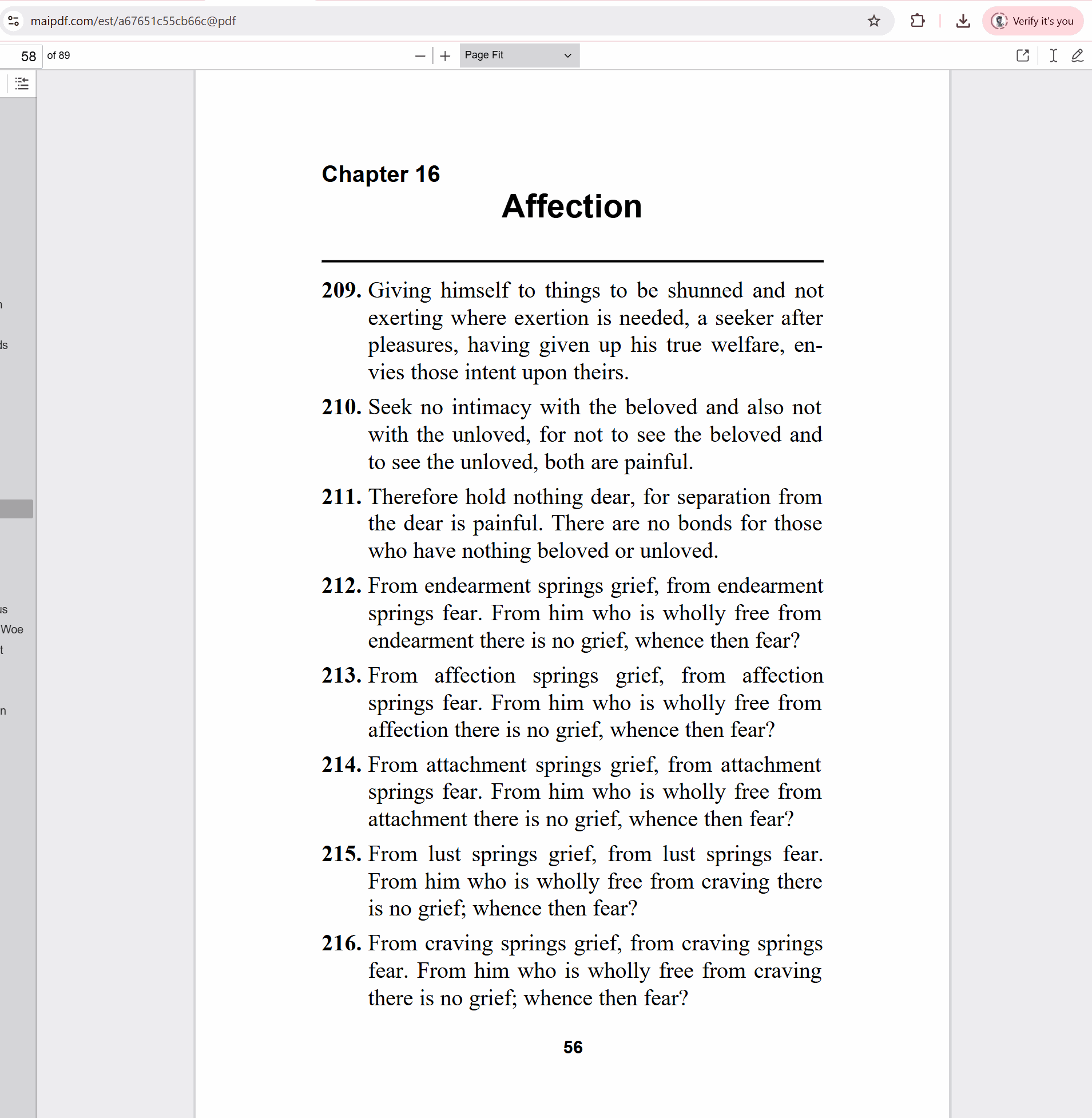
| Attachment problem | Link-first improvement |
|---|---|
| file-size limits | no inbox bounce for larger PDFs |
| clumsy first open on phone | the reader can start in browser |
| stale versions in old threads | one route can stay current |
| no control after sending | settings can still be changed later |
Controls that matter most
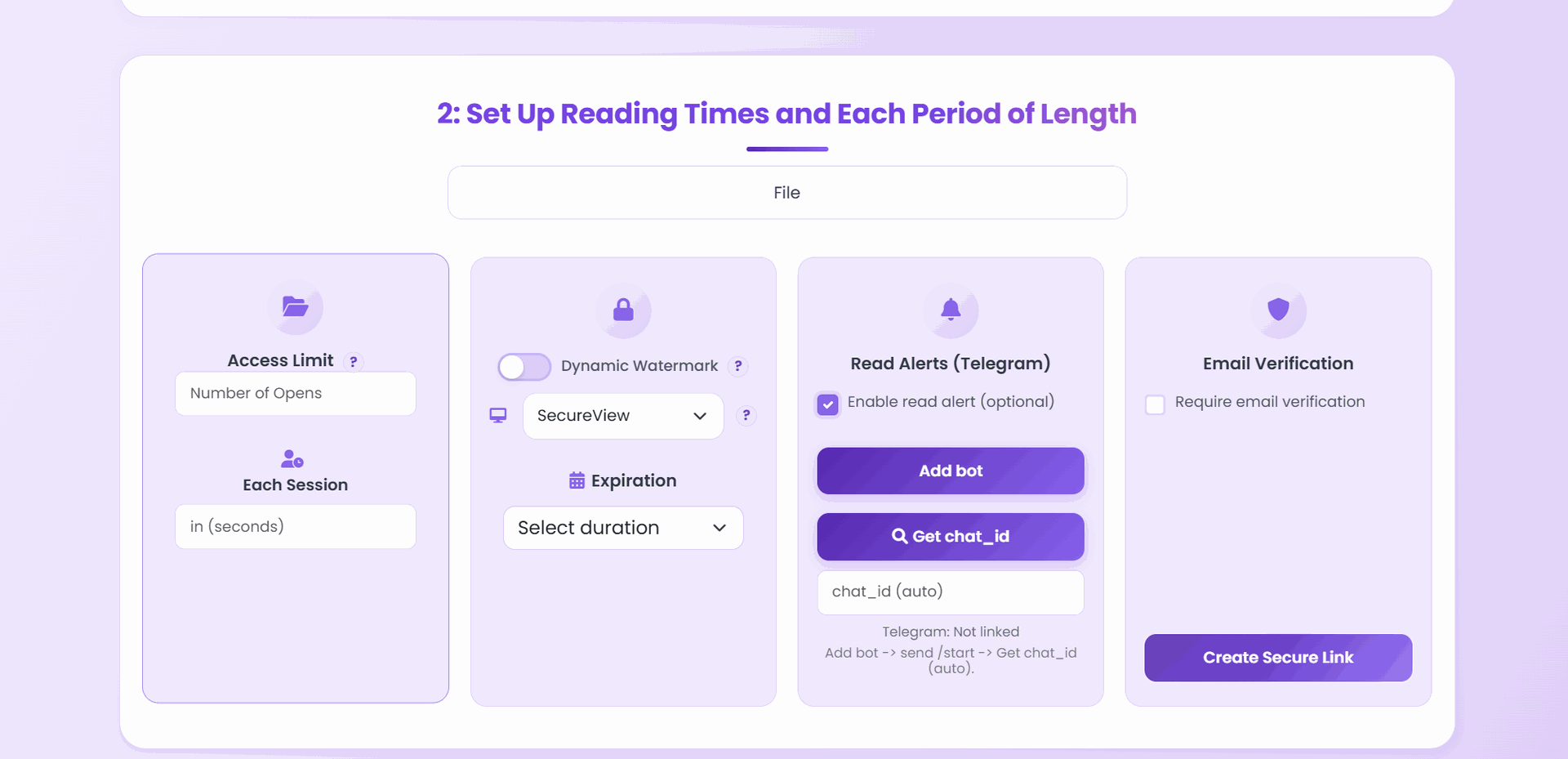
| Control | Use it when… | Why |
|---|---|---|
| Download toggle | you want browser reading without instant file retention | view-only can stay cleaner |
| View limit | the review window is bounded | the link should not float forever |
| Expiration | timing matters | temporary files can end cleanly |
| Access tracking | follow-up matters | you can see whether it was opened |
Best-fit use cases
| Scenario | Why the link format fits |
|---|---|
| client presentation | easier opening and cleaner updates |
| course materials | students do not have to manage attachments |
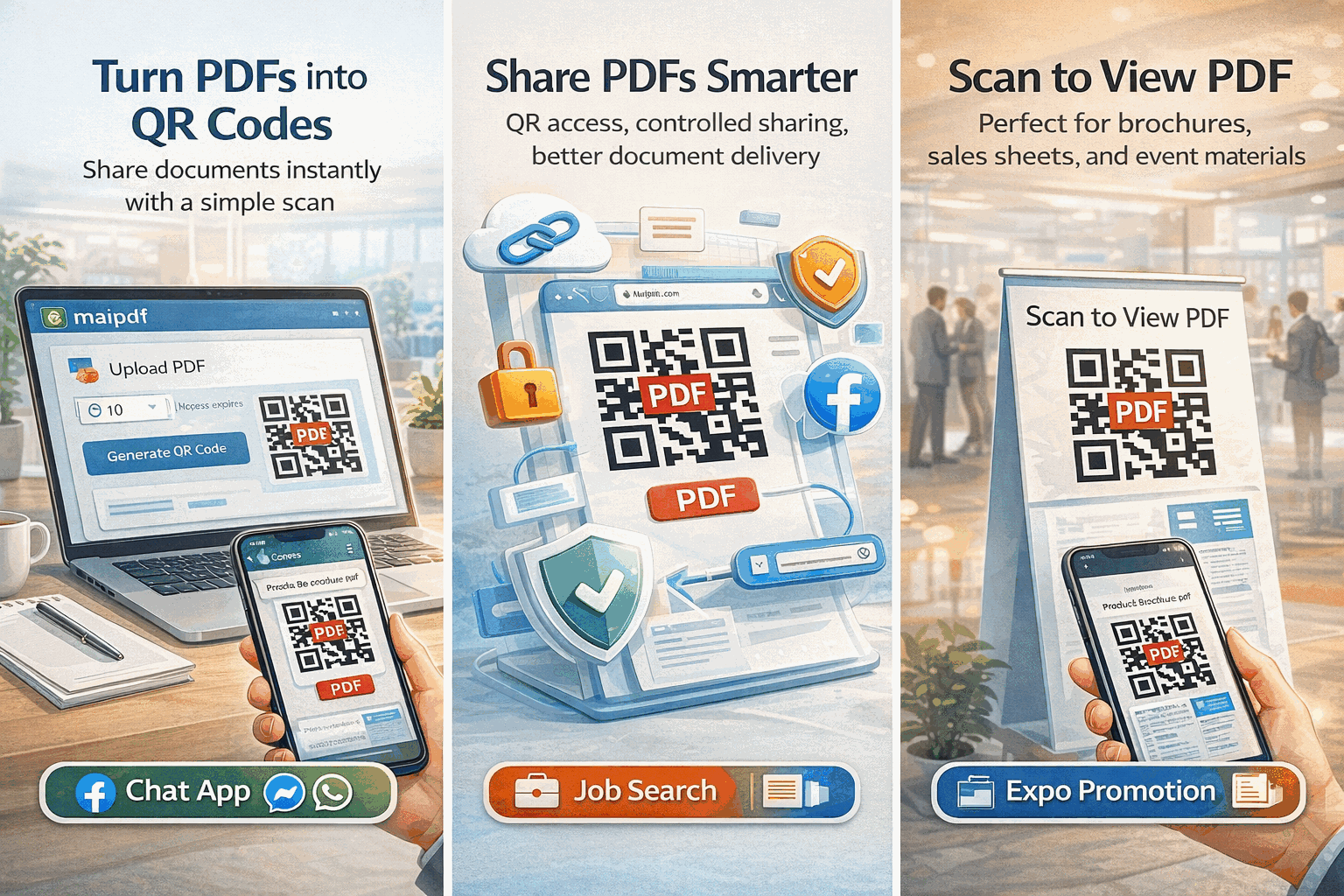
| brochure or handout | URL plus QR works online and offline |
| support or documentation | one pasteable route is faster than file exchange |
| portfolio sharing | one stable destination feels more professional |
What stays manageable after the send
| After sharing, you can still… | Why it matters |
|---|---|
| change permissions | the document can match the real use case |
| replace the file | one URL can stay current |
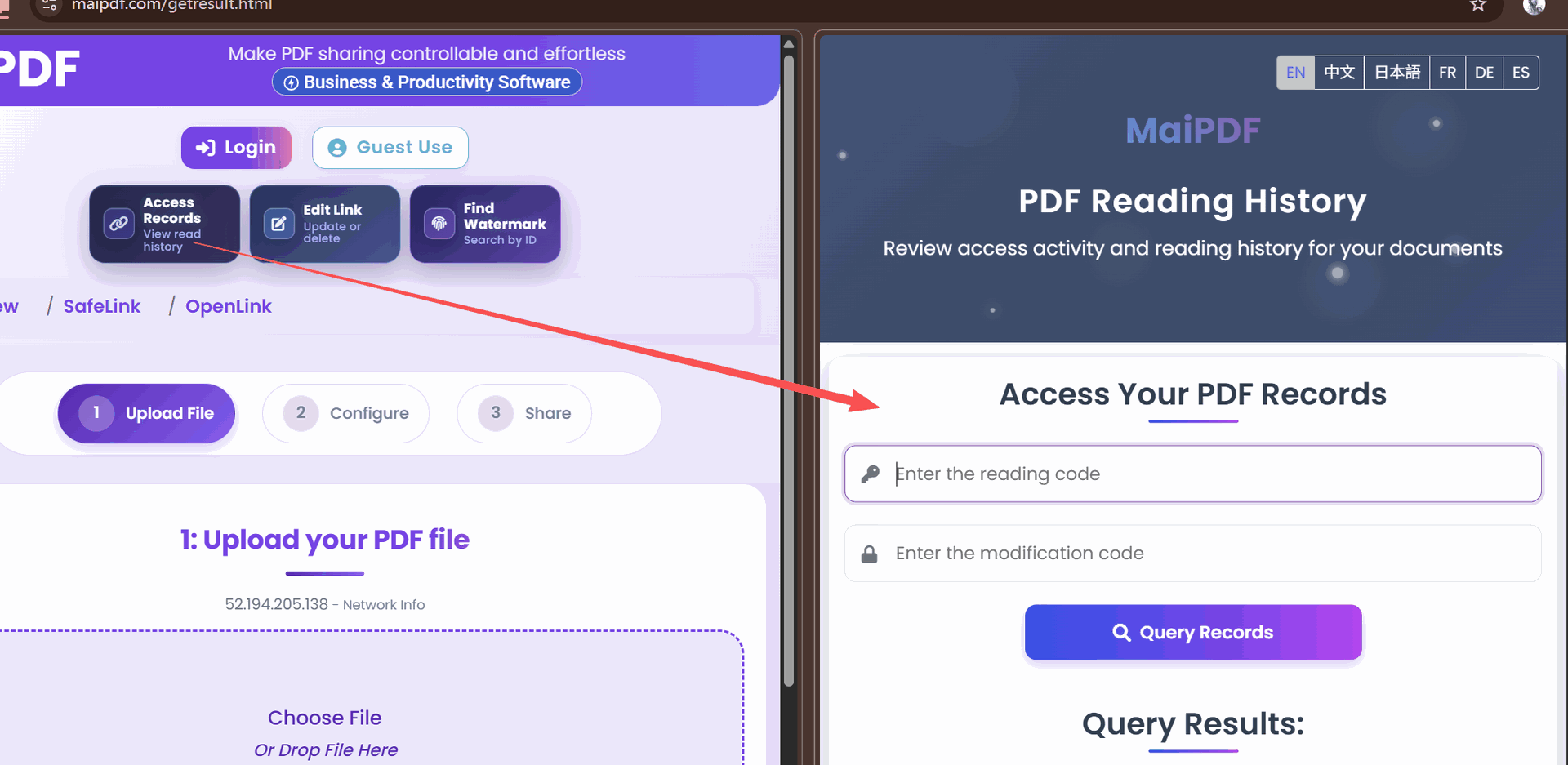
| view access records | you know whether it was actually opened |
| revoke access | temporary sharing can end cleanly |
Short answer
To make a PDF into a link, upload it to MaiPDF, choose the lightest settings that fit the document, and share the generated URL or QR. That gives you one cleaner reading path than an attachment, plus the option to manage access later.