MaiImg Social Media Campaign Calendar Guide
MaiImg Social Media Campaign Calendar Guide
Running social media campaigns across multiple platforms means managing dozens of images, tracking performance per channel, and updating visuals on tight schedules. MaiImg brings order to this chaos with trackable, replaceable image links.
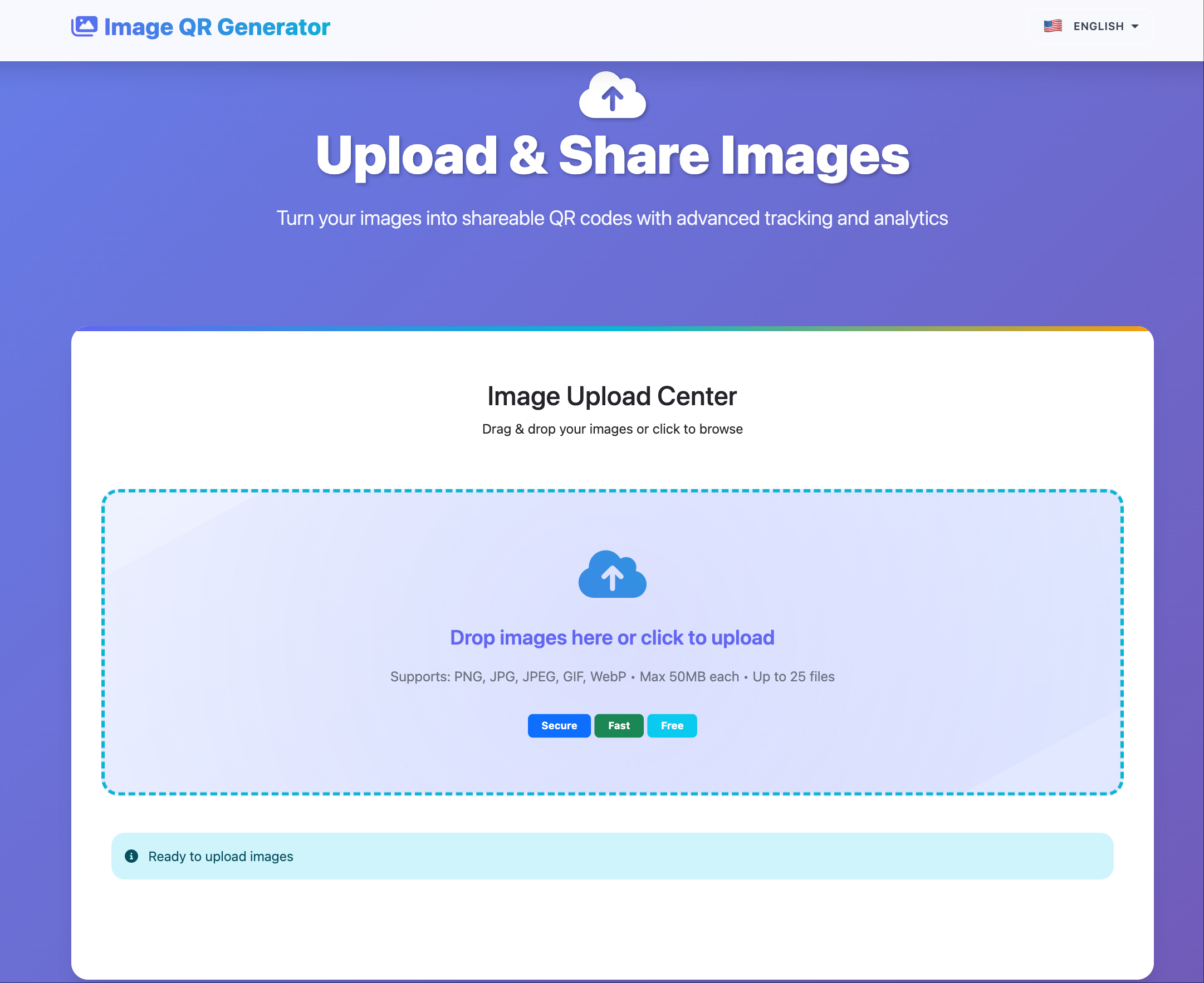
The Social Media Image Problem
Social media managers juggle multiple challenges simultaneously:
- Platform variations — Instagram needs square crops, Twitter needs landscape, LinkedIn needs professional
- Scheduling complexity — different platforms, different posting times, different audiences
- Performance tracking — which images drive engagement? Which fall flat?
- Version management — campaign visuals evolve; old versions need to be replaced, not accumulated
- Approval workflows — stakeholders need to preview before publishing
Using MaiImg for Campaign Management
Step 1: Create a Campaign Asset Library
Upload all campaign images to MaiImg. Organize by:
- Campaign name
- Platform (Instagram, Twitter, LinkedIn, Facebook)
- Content phase (teaser, launch, sustain, recap)
Each upload gets a unique trackable link and QR code.
Step 2: Share for Approval
Send MaiImg links to stakeholders for preview and approval:
| Stakeholder | Control Setting | Purpose |
|---|---|---|
| Creative director | Download OFF, view only | Review without downloading drafts |
| Legal compliance | Expiration 48h | Time-limited review window |
| Client | Download OFF, watermark ON | Preview with brand protection |
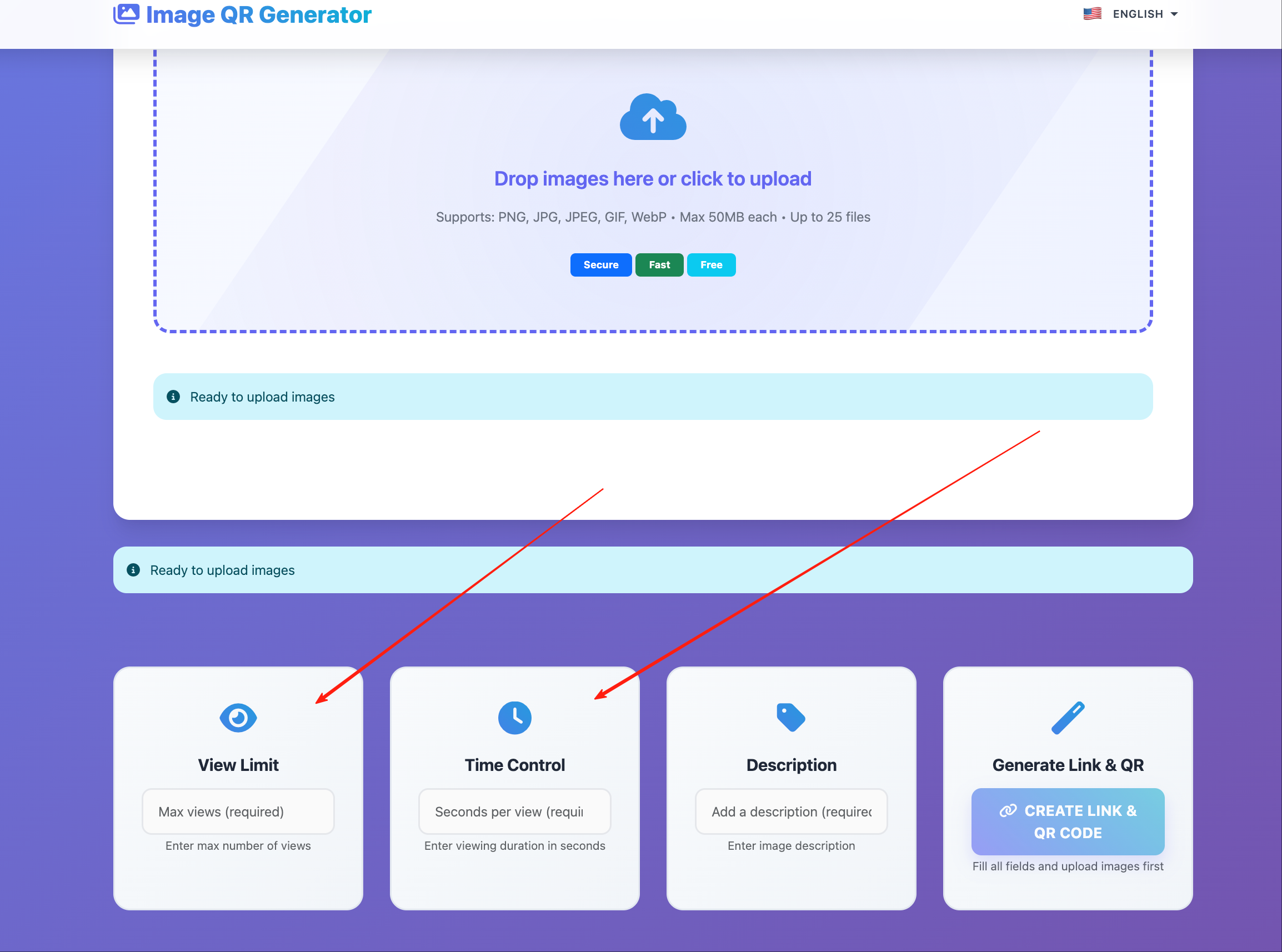
Step 3: Track Preview Engagement
Before publishing, MaiImg tells you:
- Did the approver actually view the image?
- How many times? (multiple views suggest careful review)
- From what device? (confirms they saw it at appropriate resolution)
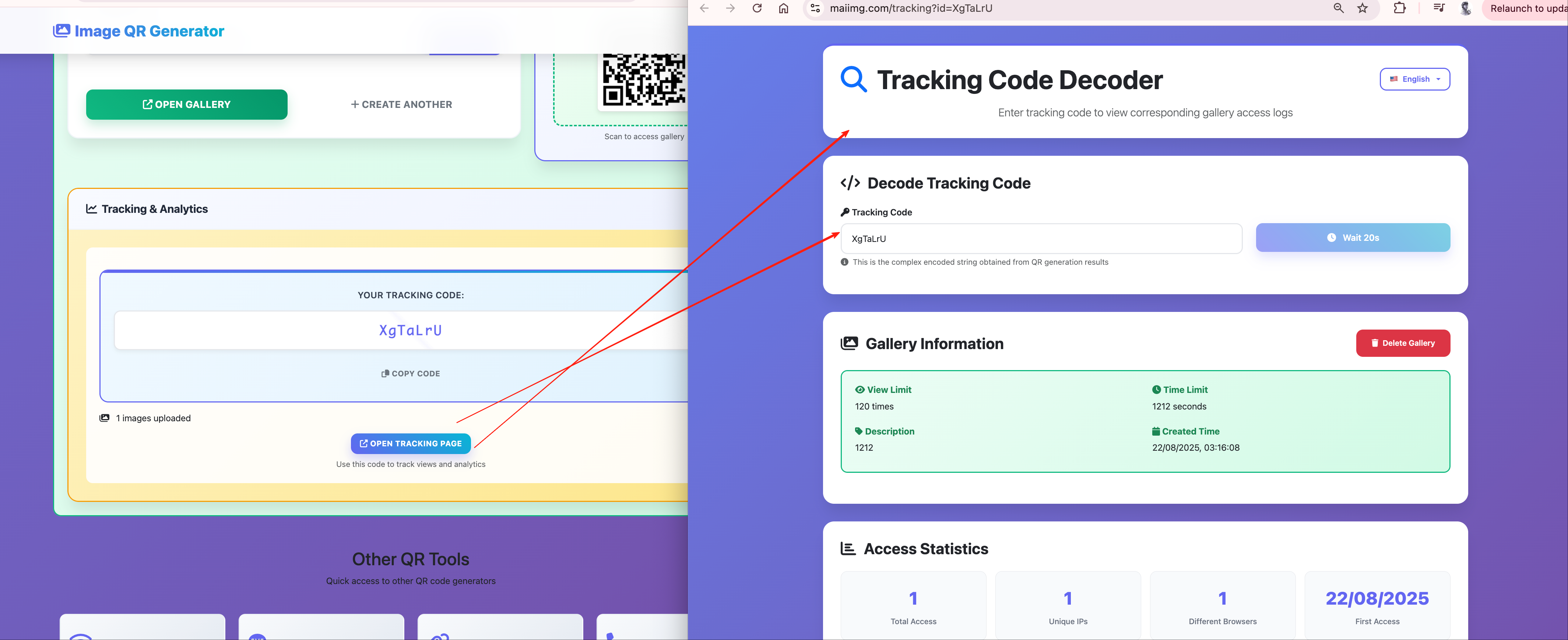
Step 4: Execute the Campaign
Once approved, use the images across platforms. The MaiImg links can be included in:
- Campaign briefs for team members
- Partner and influencer kits
- Internal tracking dashboards
Step 5: Post-Campaign Analysis
Review which images drove the most views across all sharing points. This data complements platform-native analytics (likes, shares, comments) with direct viewing metrics.
Campaign Calendar Template
| Week | Phase | Content | MaiImg Action |
|---|---|---|---|
| 1 | Teaser | Behind-the-scenes images | Upload, share preview link with team |
| 2 | Launch | Hero product images | Upload, create partner distribution links |
| 3 | Sustain | Customer testimonial images | Upload, track engagement |
| 4 | Sustain | Use-case images | Replace underperforming images |
| 5 | Recap | Campaign highlight reel | Disable expired campaign links |
Replacing Images Mid-Campaign
Campaign image not performing? Replace it without breaking any shared links:
- Identify underperforming image via MaiImg tracking
- Upload the replacement version
- The same link now shows the new image
- All partners, team members, and distribution channels see the update
No need to update calendars, re-send emails, or regenerate QR codes.
Managing Influencer and Partner Image Kits
For campaigns involving external partners:
- Upload the approved campaign images
- Create separate links per partner
- Track which partners accessed the images
- Disable links after the campaign ends
This ensures:
- Partners use only approved, current images
- You know who accessed what and when
- Old campaign assets don’t linger in partner libraries
Metrics That Matter
| Metric | Insight |
|---|---|
| Views per image | Which visuals resonate |
| Views by time | When audience is most active |
| Views by device | Mobile vs. desktop split |
| Total campaign views | Overall reach |
| Partner link usage | Partner engagement level |
Getting Started
Upload your campaign images at maiimg.com, distribute tracked links, and build your campaign calendar around data — not guesswork.