Free PDF Hosting: Upload a PDF, Get a Link (No Sign-Up)
Free PDF Hosting: Upload a PDF, Get a Link (No Sign-Up)
Quick answer: go to maipdf.com and upload your PDF (up to 80 MB). You get a link and a QR code right away. It's free and you don't need an account. Anyone with the link can read the PDF in their browser, on a phone or a computer.
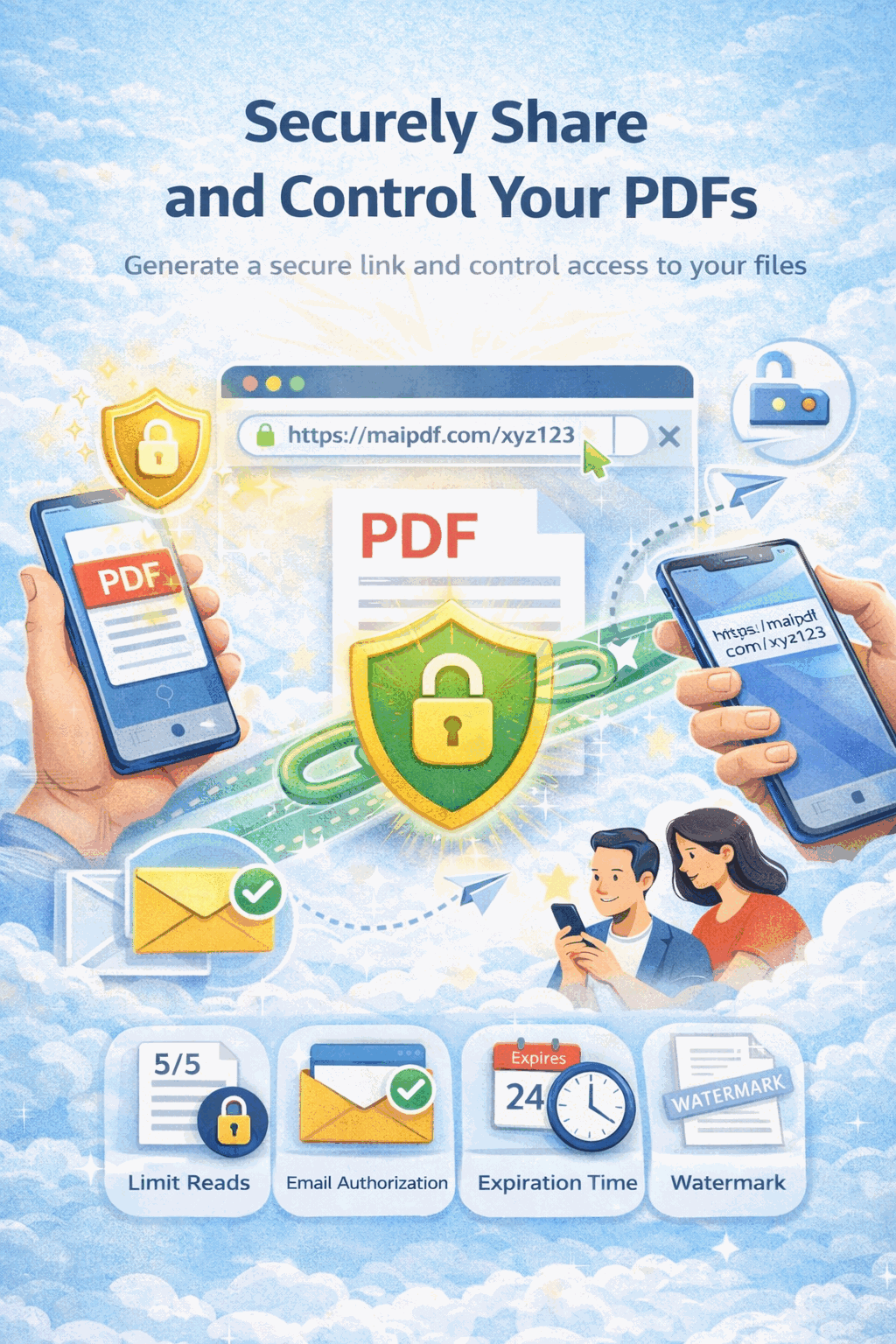
Unlike a plain file host, you also decide how the PDF is shared: limit how many times it can be opened, set a date when the link stops working, or turn off downloads.
Upload and share PDFs for free (no account required)
At MaiPDF, you can upload a PDF file and instantly get a secure viewing link, like this:
No signup or login is needed to start. This makes it perfect for quick, one-time sharing of documents like reports, presentations, instruction guides, or proposals.
Each file can be up to 80 MB in size, giving you plenty of space to host high-quality documents with images and formatting intact.

Optional account for more control
While MaiPDF works without an account, creating a free account gives you additional advantages:
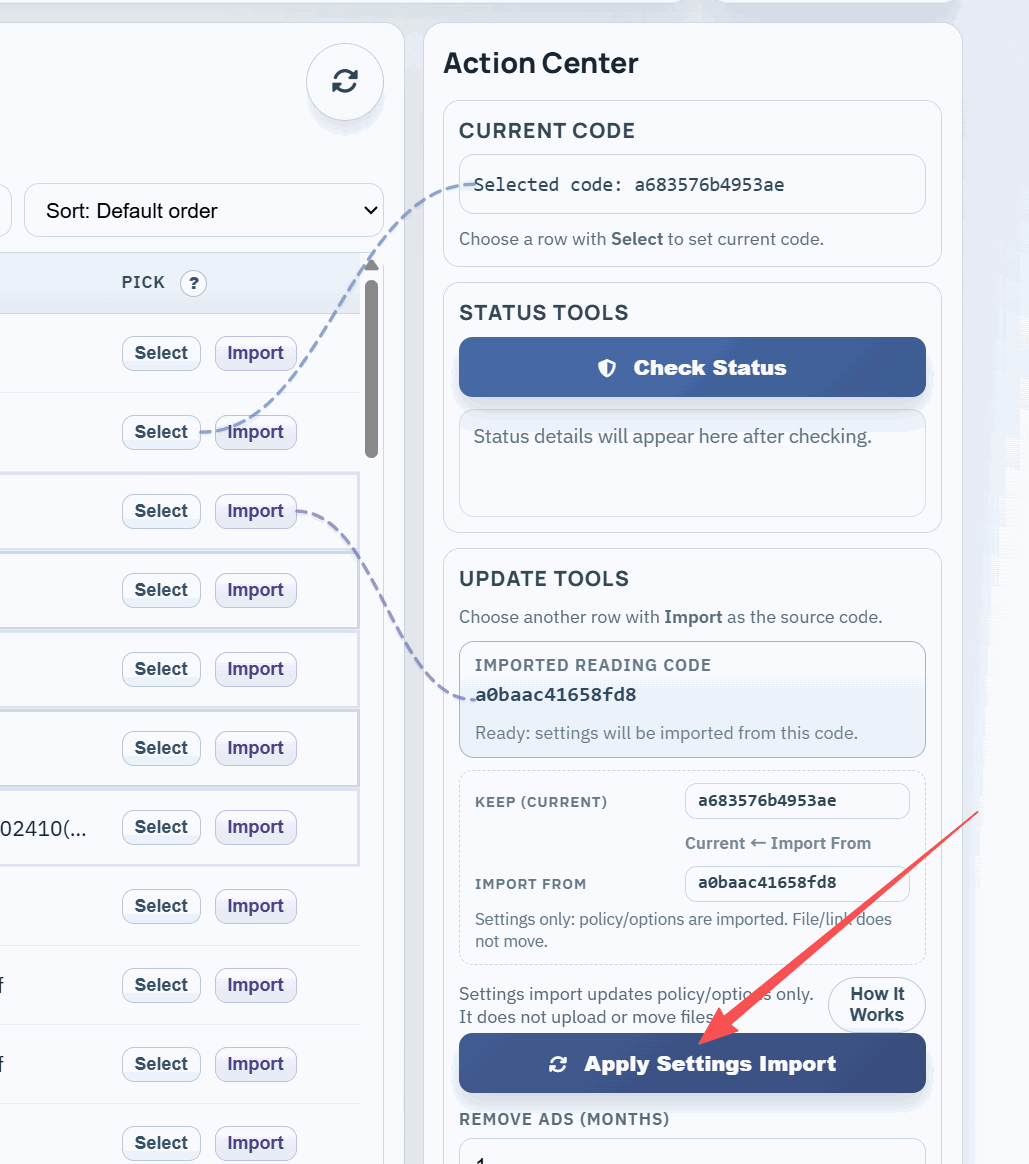
With an account, you’ll have a full dashboard showing all your hosted documents, making it much easier to update or track them over time.
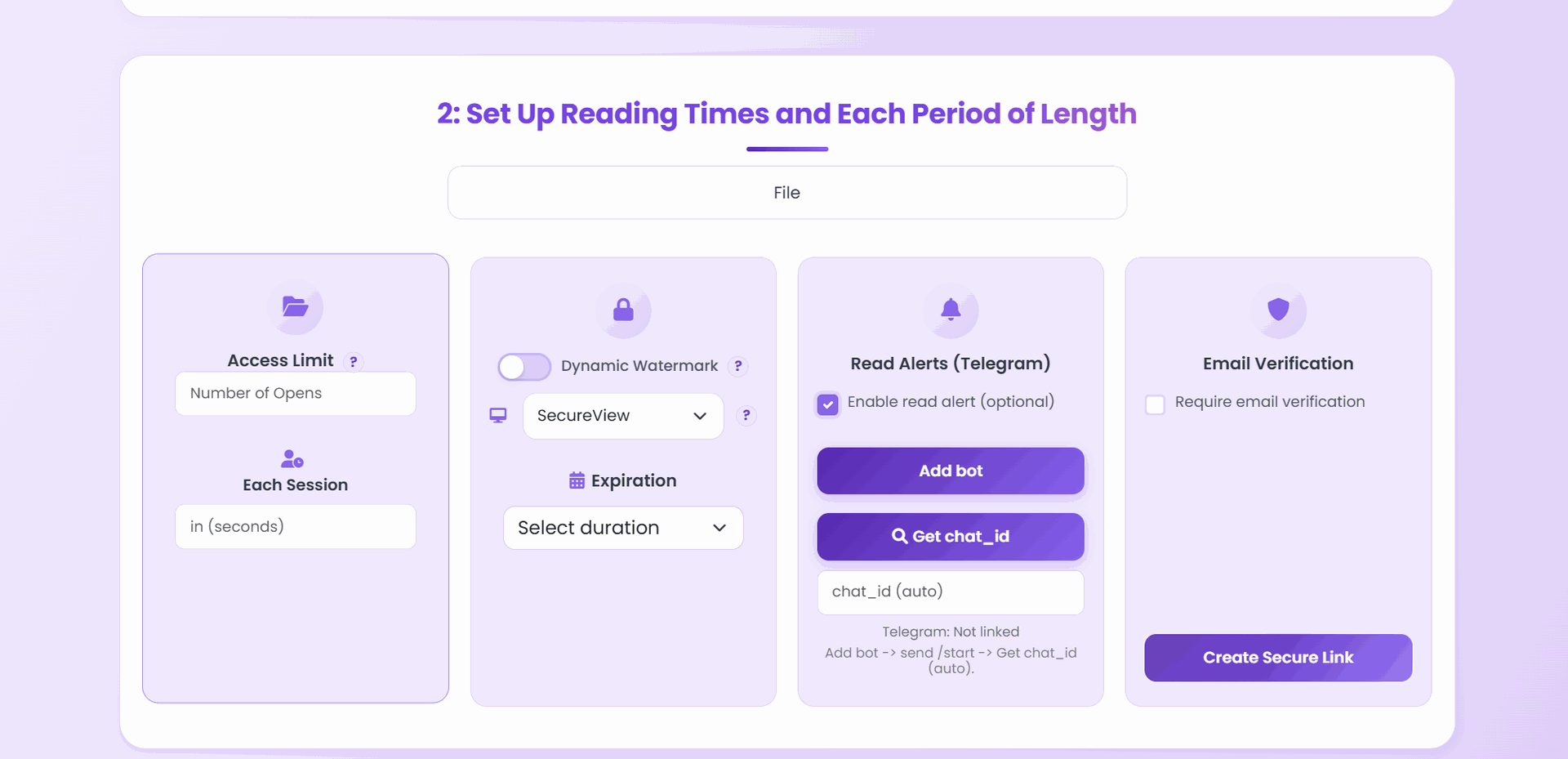
How it works
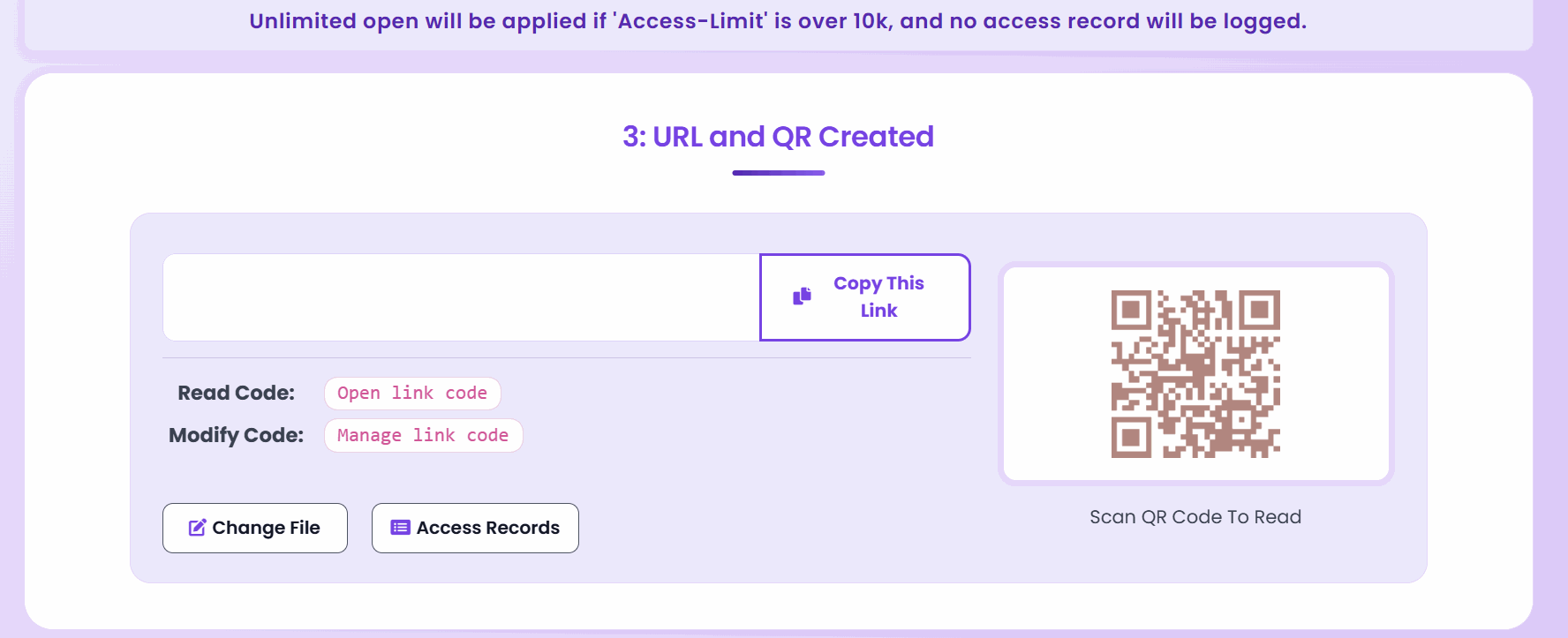
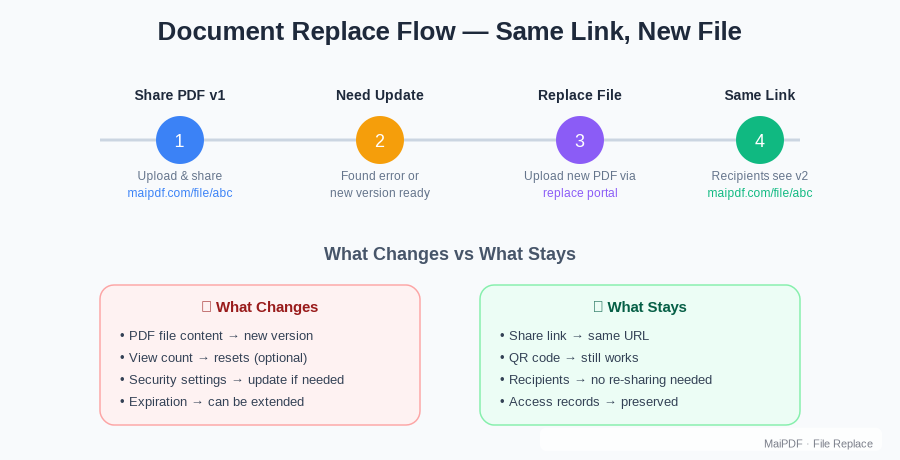
And if you register, you can return later to view, manage, or replace any of your files.
Use cases
Professional Documents
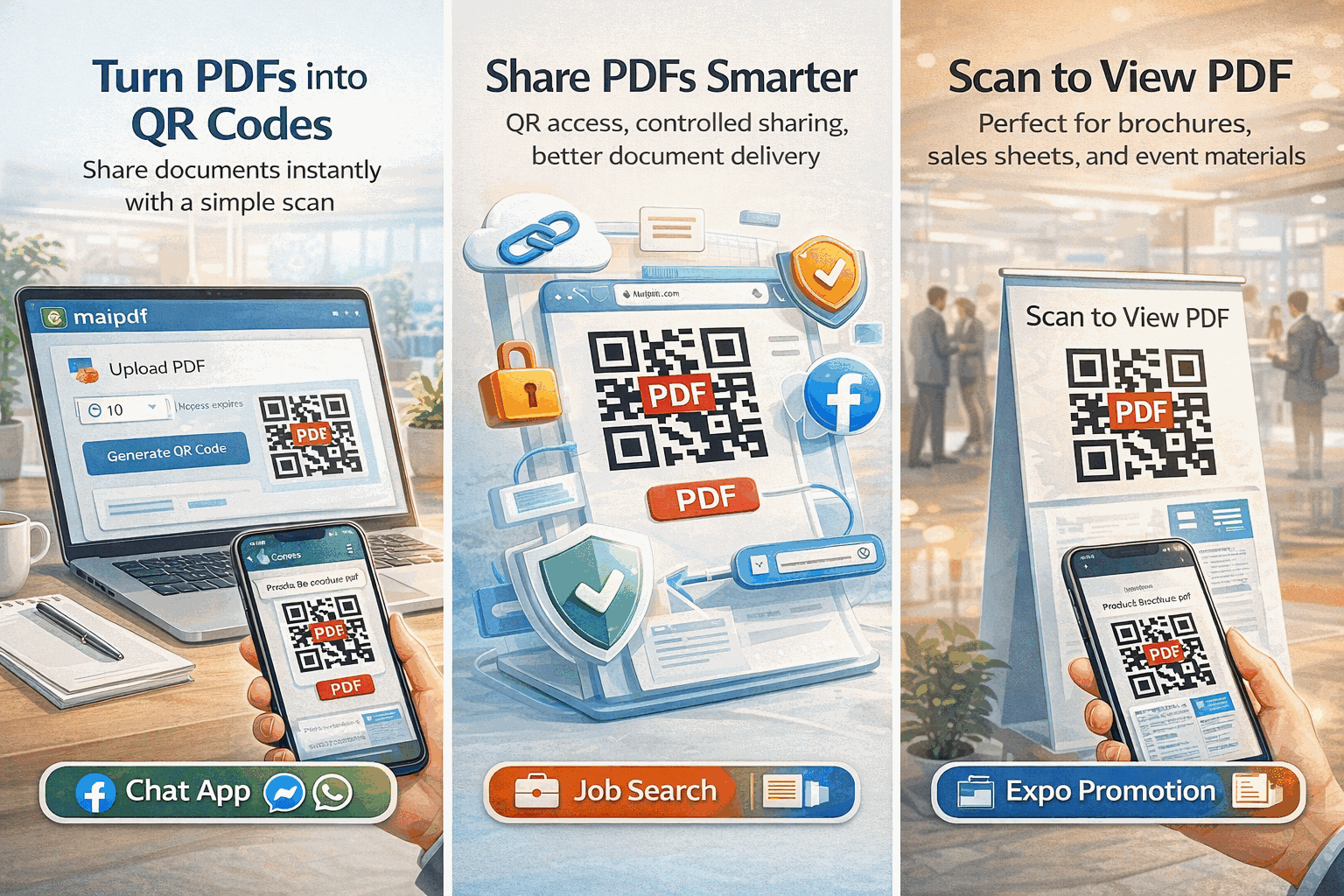
Send brochures or resumes to potential clients or employers
Technical Documentation
Share technical specs or manuals with controlled access

Secure Publishing
Publish documents without worrying about downloads or edits
Client Management
Manage multiple document links for clients or students
MaiPDF is built for privacy-conscious users who need control over their shared content—without paying for expensive document management software.