🏗️ Secure Architectural Plans: Protecting Your Designs and Blueprints
🏗️ Secure Architectural Plans: Protecting Your Designs and Blueprints
For architects, your designs represent both your creative vision and valuable intellectual property.
This guide explores how architectural professionals can securely share plans, renderings, and documents while maintaining control and tracking usage.
🏢 The Architect’s Security Challenge
Architectural professionals face unique document security concerns:
- 📐 Design protection: Preventing unauthorized use of proprietary designs
- 🔄 Version control: Ensuring all stakeholders access the current plans
- 👥 Stakeholder management: Sharing different documents with various project parties
- 📊 Compliance documentation: Maintaining records of who accessed critical plans
- ⏱️ Project timeline control: Limiting access during specific project phases
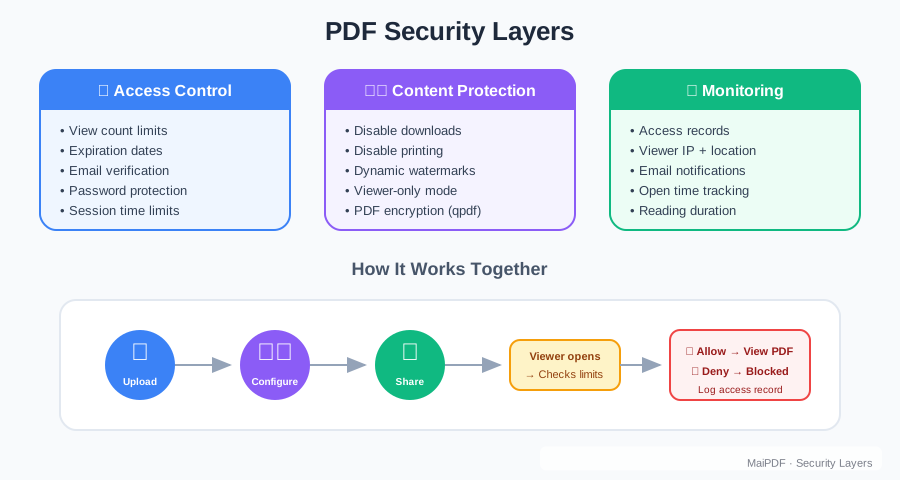
Critical Protection Features
Safeguard your architectural intellectual property with these essential features:

💼 Risks in Traditional Architectural Document Sharing
Common sharing methods create significant vulnerabilities:
Email Distribution
- Large files frequently get blocked
- No tracking after sending
- Easy forwarding to unauthorized contractors
- No version control when plans are updated
Physical Prints
- Difficult to track multiple copies
- Impossible to recall outdated versions
- No record of who viewed the documents
- Expensive and environmentally wasteful
General File Sharing Services
- Limited security controls
- No watermarking to trace leaks
- Difficult to revoke access when team members change
- No usage analytics
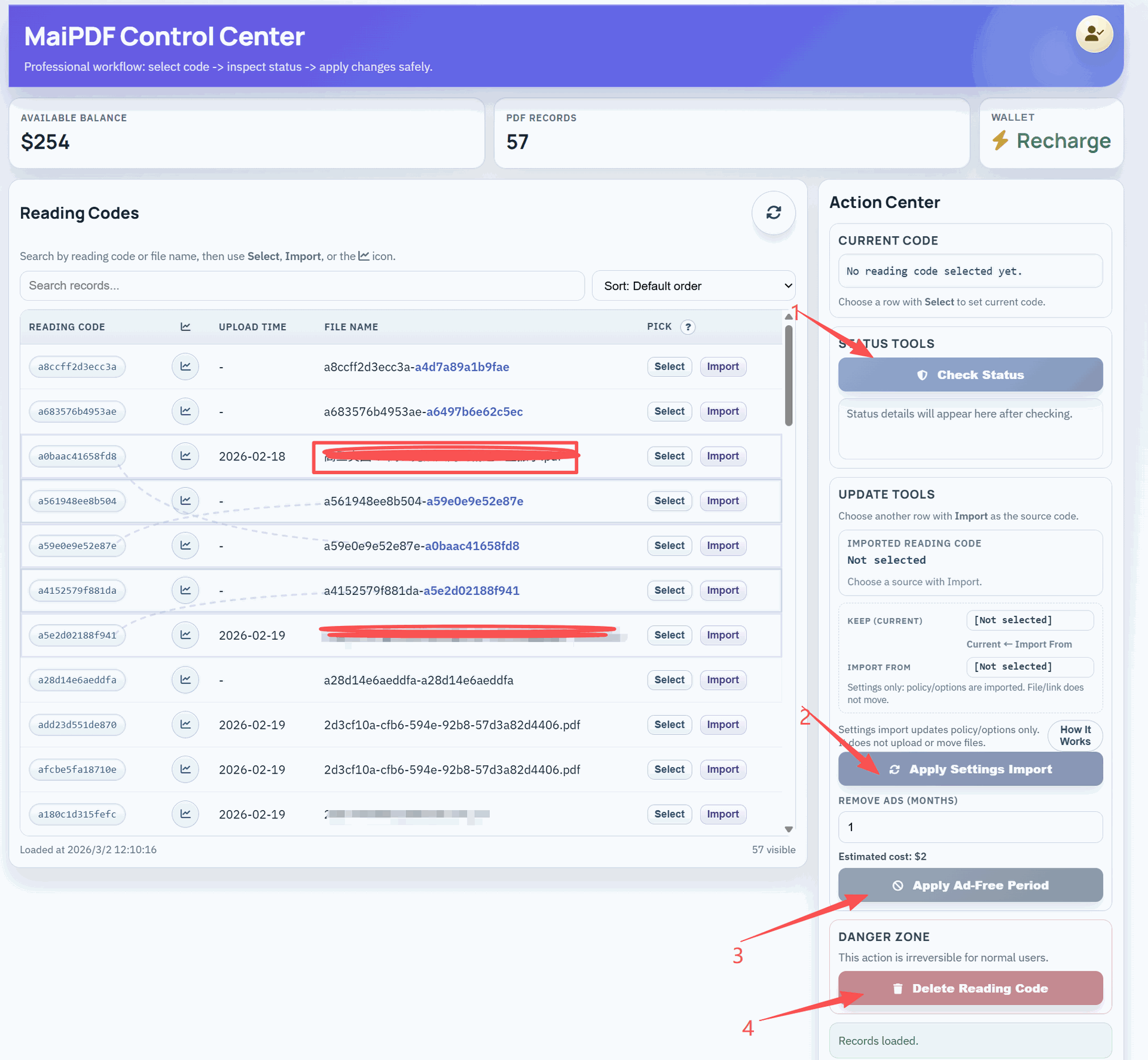
🛡️ Secure Blueprint Sharing with MaiPDF
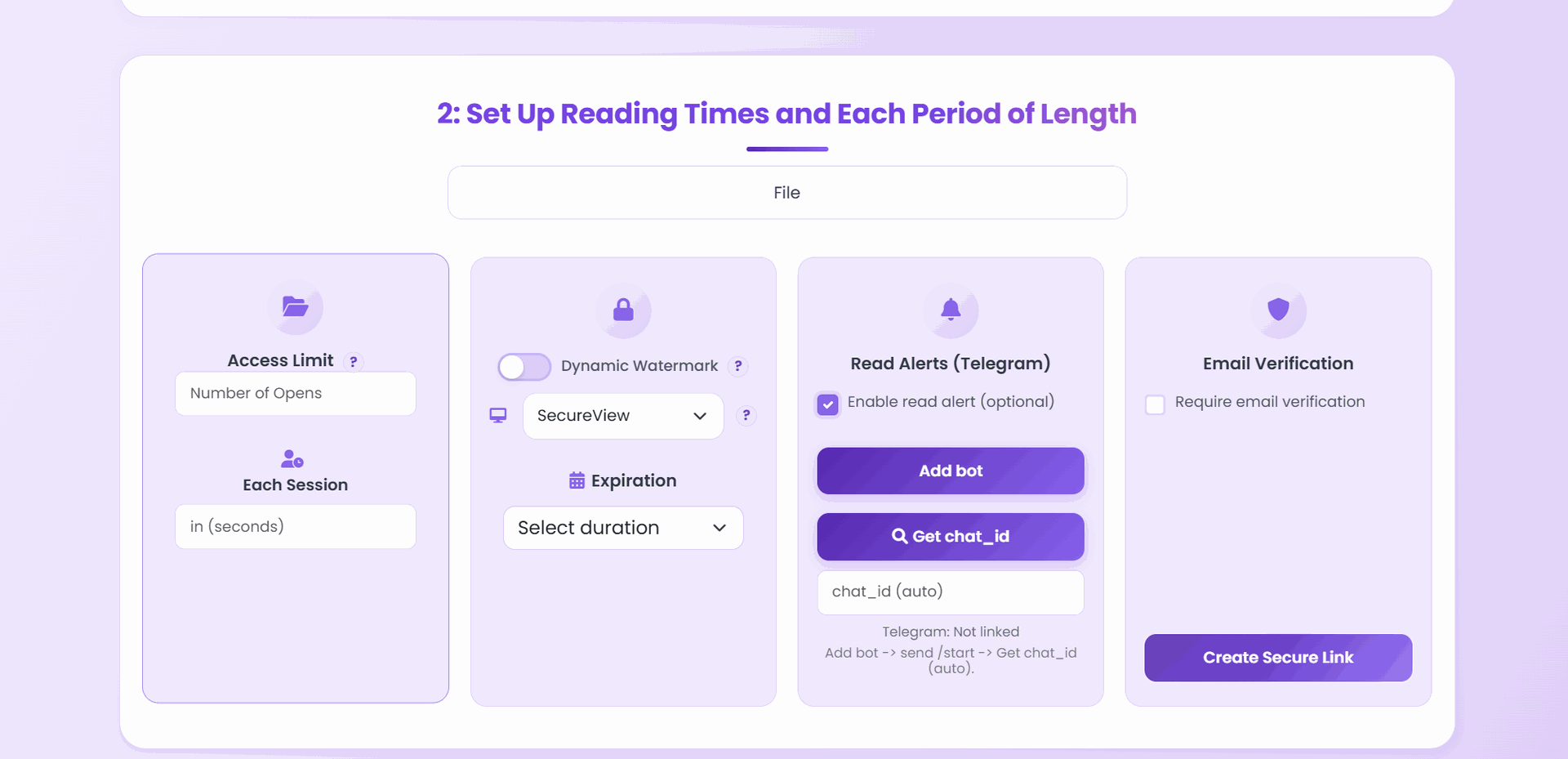
MaiPDF provides architects with specialized protections:
Access Management
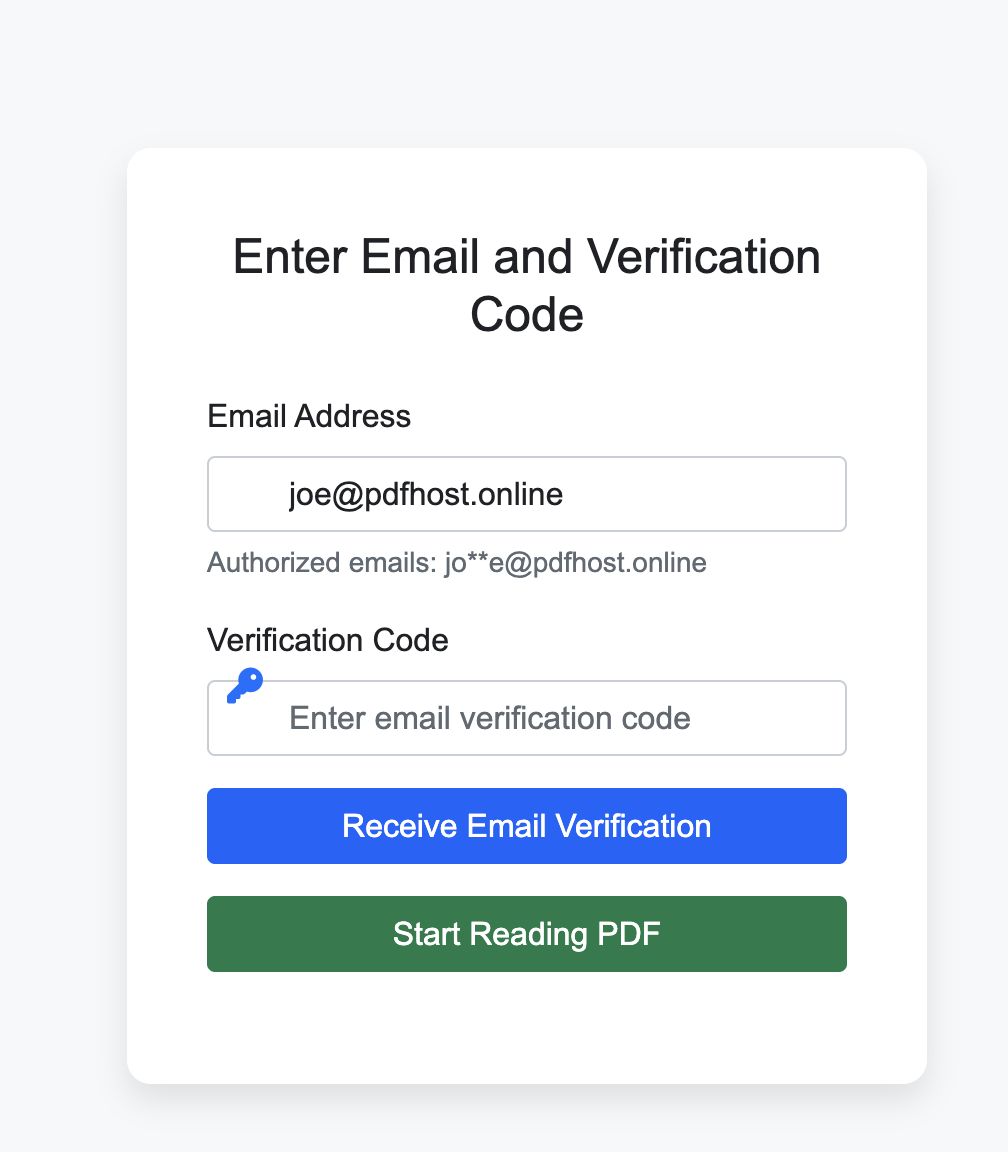
- Client-specific sharing: Control which stakeholders see which documents
- Contractor management: Revoke access when relationships end
- View limitations: Set specific access counts for sensitive plans
- Expiration control: Automatically revoke access after project phases
Document Protection
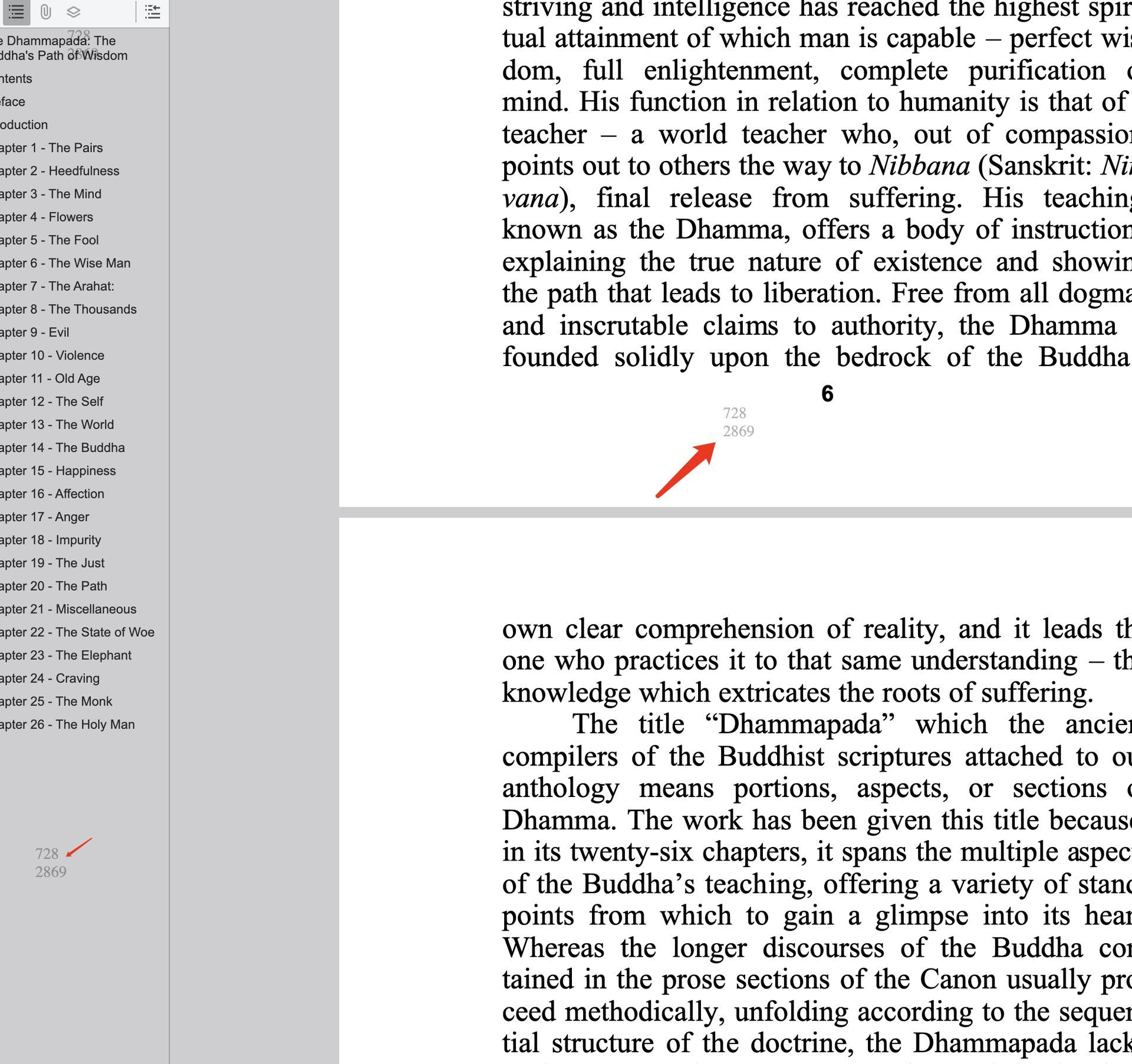
- Dynamic watermarking: Add viewer information to trace any unauthorized sharing
- Print restrictions: Control whether plans can be printed or limit to lower resolution
- Version control: Ensure outdated plans can’t be accessed
- Download prevention: Keep source files secure
📊 Project Analytics for Architects
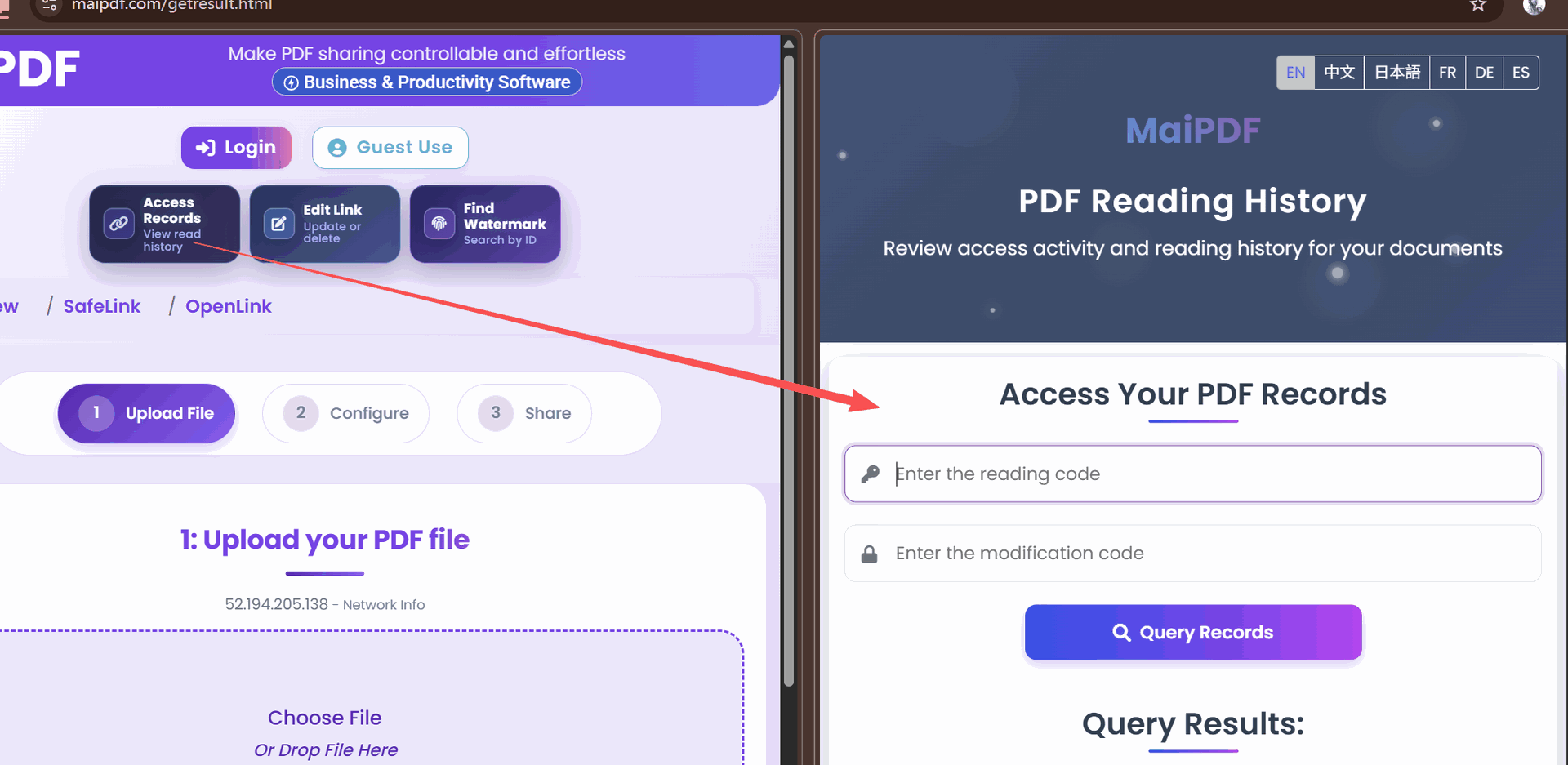
Gain valuable project management insights:
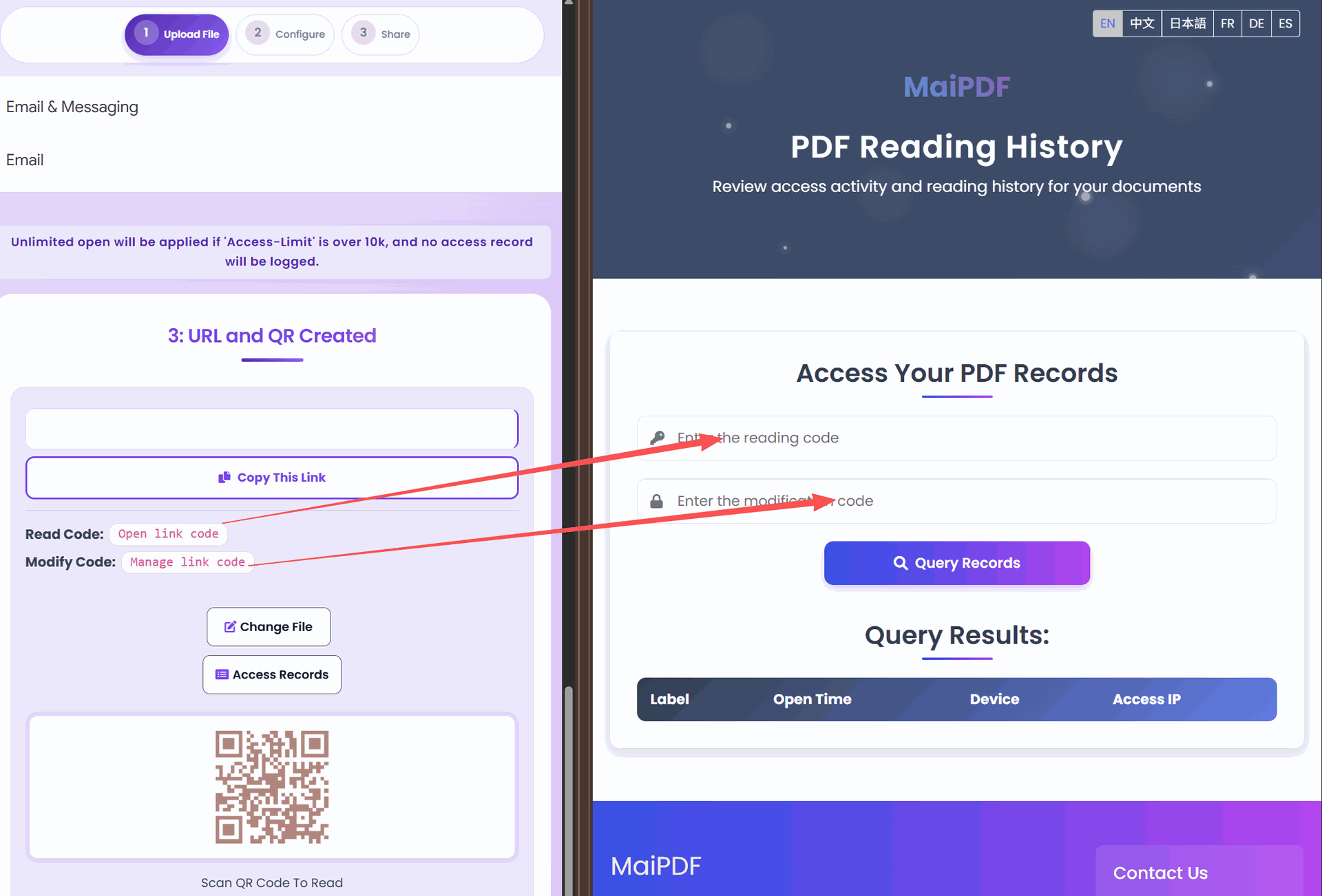
- Stakeholder engagement: Track which team members have reviewed plans
- Regulatory documentation: Maintain records of who accessed compliance documents
- Client interaction: Monitor client engagement with design concepts
- Contractor verification: Confirm subcontractors have reviewed updated plans
- Change management: Track access to revised drawings and specifications
🎯 Strategic Applications for Architectural Firms
Secure document sharing enhances multiple architectural workflows:
Client Presentations
- Share concept renderings with appropriate protections
- Track which designs generate the most interest
- Maintain control of preliminary concepts
- Revoke access to rejected design directions
Contractor Coordination
- Ensure all subcontractors access the latest plans
- Track which documents each trade has reviewed
- Maintain records for dispute resolution
- Control access as project phases complete
Regulatory Submissions
- Document who has reviewed compliance materials
- Maintain records of submission timing
- Control access to sensitive building security details
- Create audit trails for permitting processes
🔄 The Secure Architectural Document Workflow
Implement this process for your architectural documents:
Step 1: Document Preparation
- Convert plans and renderings to PDF format
- Organize documents by project phase or stakeholder group
- Include appropriate revision information
- Optimize file size without sacrificing detail
Step 2: Security Configuration
- Upload documents to MaiPDF
- Configure security based on document sensitivity
- Set up dynamic watermarking with viewer information
- Establish appropriate access limitations
Step 3: Stakeholder Distribution
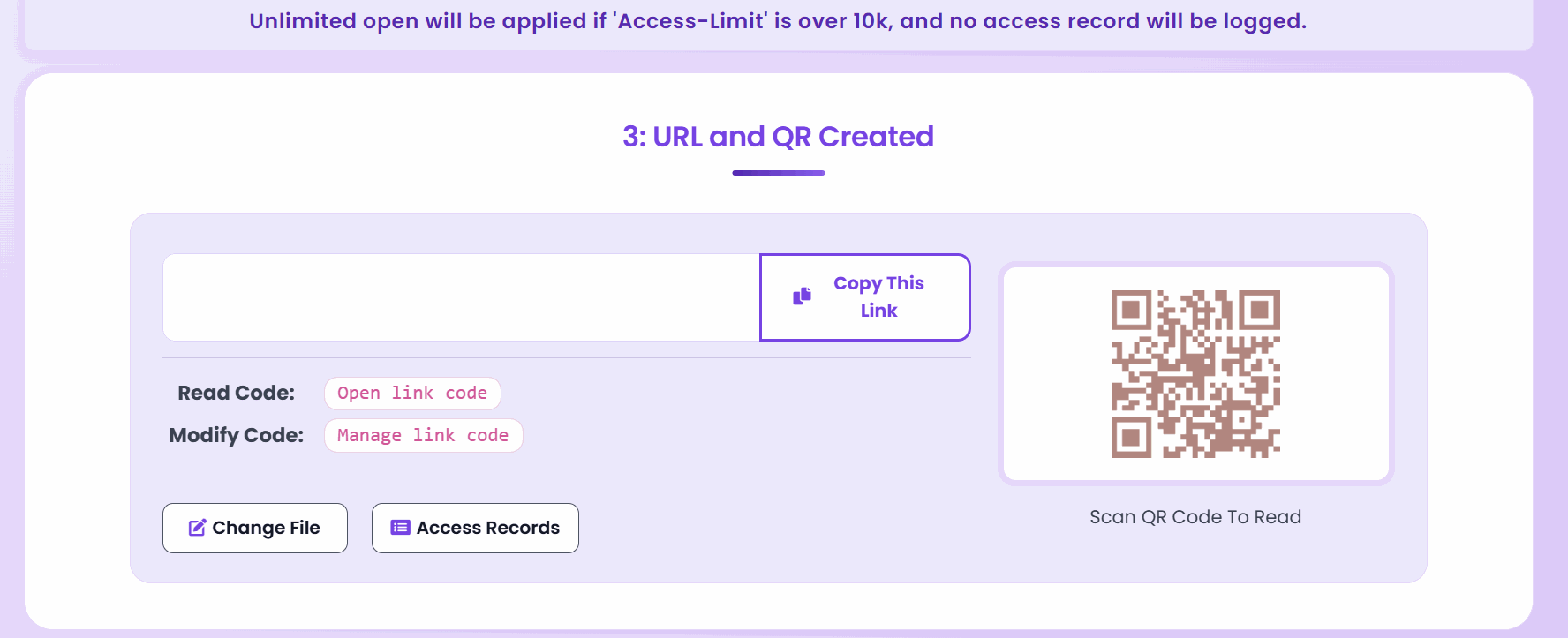
- Generate secure links or QR codes for different parties
- Include clear access instructions
- Set notifications for critical document views
- Maintain document organization by stakeholder role
Step 4: Project Monitoring
- Track document access throughout project lifecycle
- Send reminders for unviewed critical documents
- Monitor for unusual access patterns
- Update document sets as plans evolve
🌟 Best Practices for Architectural Document Security
Optimize security while maintaining project efficiency:
- Document classification: Categorize materials by sensitivity and audience
- Watermark positioning: Place watermarks to avoid obscuring critical details
- Access hierarchy: Create security tiers for different stakeholder groups
- Version management: Establish protocols for updating shared documents
- Mobile optimization: Ensure plans are viewable on construction site devices
📋 Document Security Checklist by Project Phase
Different project stages require tailored security approaches:
Concept Design Phase
- Higher security for preliminary concepts
- Client-only access restrictions
- Analytics focus on design preference tracking
- Shorter expiration windows for concept options
Construction Documentation
- Contractor-specific access controls
- Detailed watermarking for accountability
- Strict version control mechanisms
- Print permissions based on need
Construction Administration
- Field-accessible security configuration
- Mobile-optimized viewing experience
- Quick-access options for urgent situations
- Documented distribution to regulatory inspectors
🏆 Competitive Advantages for Security-Conscious Firms
Professional benefits of secure document practices:
- Client confidence: Demonstrate careful handling of proprietary information
- Reduced liability: Create documentation trails for project communications
- Process efficiency: Streamline document distribution and tracking
- Dispute mitigation: Maintain clear records of who accessed which documents when
- Brand protection: Prevent unauthorized use of distinctive design elements
🌐 Secure Collaboration with External Partners
Enable safe cooperation while maintaining control:
Consultant Coordination
- Grant appropriate access levels to various consultants
- Track cross-disciplinary document review
- Maintain record of coordination milestones
- Revoke access when consulting relationships end
Client Communications
- Provide secure access to progress documentation
- Track client review of critical decisions
- Document approval sequences
- Control access to budget-sensitive information
Contractor Management
- Verify which subcontractors have accessed updated plans
- Document distribution of revised specifications
- Control access to proprietary details and methods
- Create accountability for document-related issues
✅ Implementation Guide for Architectural Practices
Follow these steps to implement secure document sharing in your firm:
- Audit current documents: Identify and categorize existing documentation
- Establish security protocols: Create consistent rules for different document types
- Train team members: Ensure all staff understand secure sharing procedures
- Integrate with project management: Connect document security to existing workflows
- Client education: Explain the benefits and process to clients
- Regular review: Periodically assess and improve security measures
By implementing secure document sharing with MaiPDF, architectural professionals can protect their valuable intellectual property while improving project communication, maintaining better records, and demonstrating a higher level of professionalism to clients and partners.