MaiImg
Home Blog About

Bulk Image Sharing with Maiimg: One Link for Many Images

Jan 21 2026

When you need to share many images at once (training screenshots, design variants, product photos), file attachments don’t scale.

Maiimg is built for image sharing (not PDF).

Simple workflow

  1. Upload images in bulk
  2. Generate one share link
  3. Share with your team or clients
  4. Optionally check results later
flowchart TD
  A[Collect images] --> B[Bulk upload]
  B --> C[Generate link]
  C --> D[Share]
  D --> E[Optional: tracking]
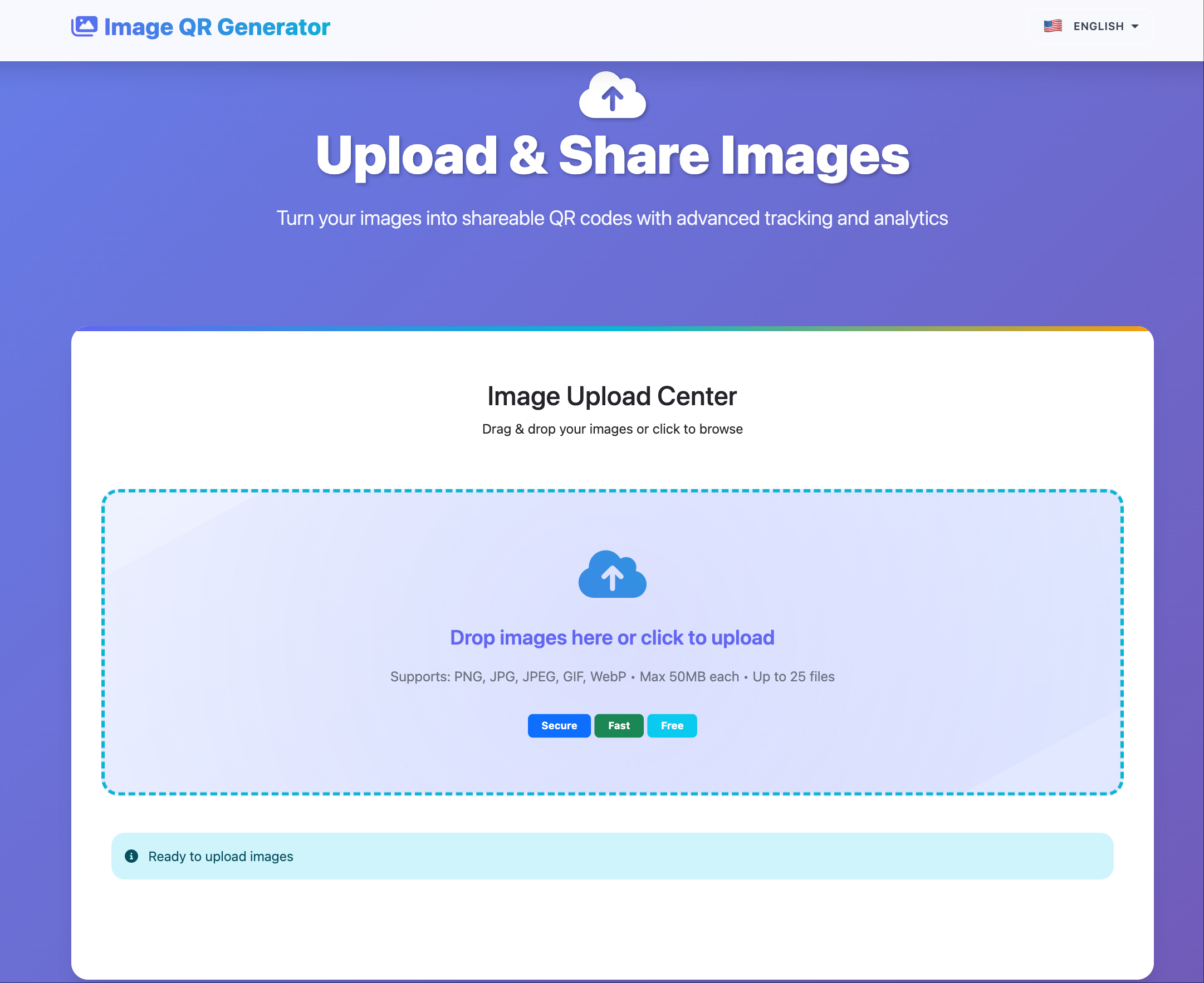
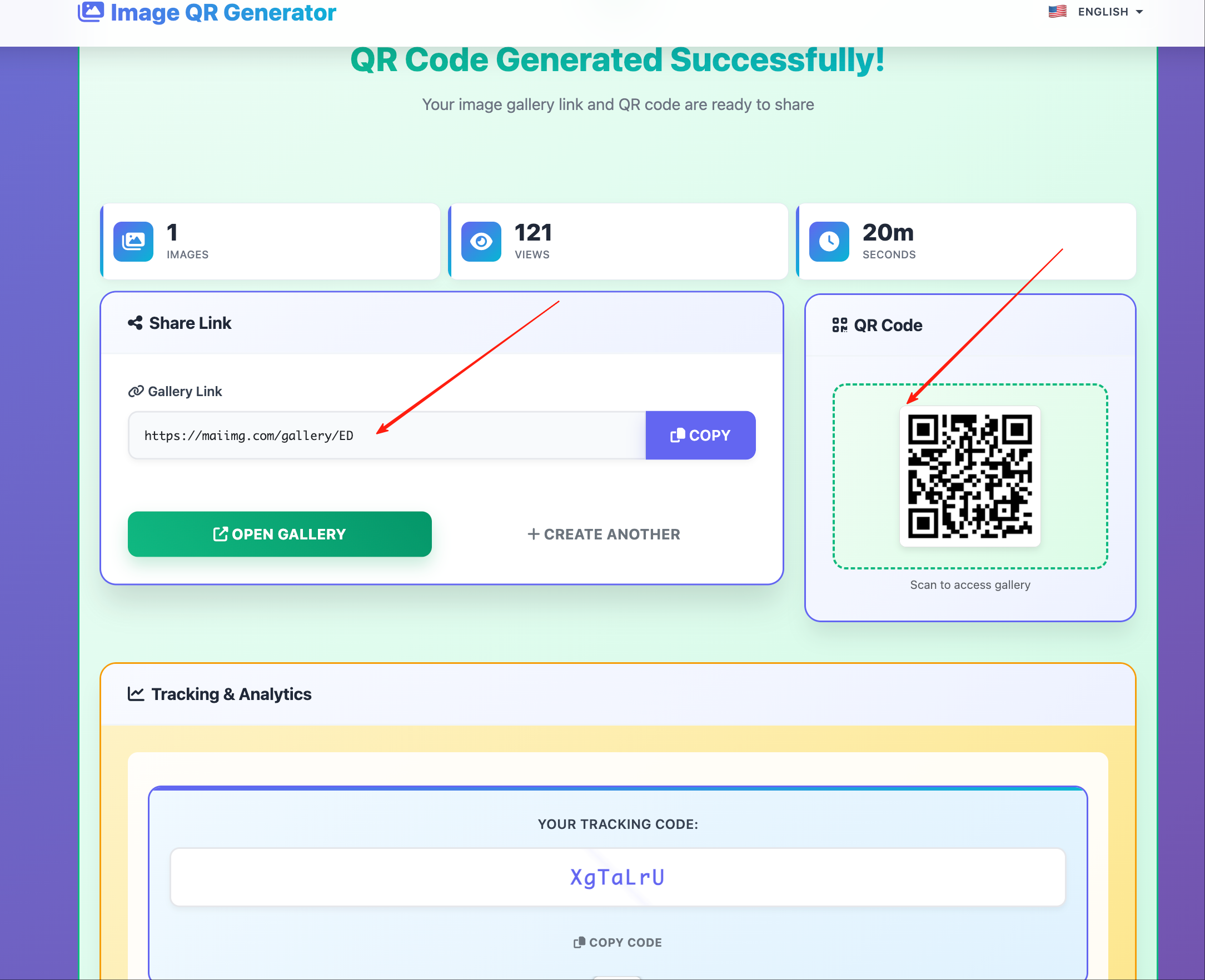
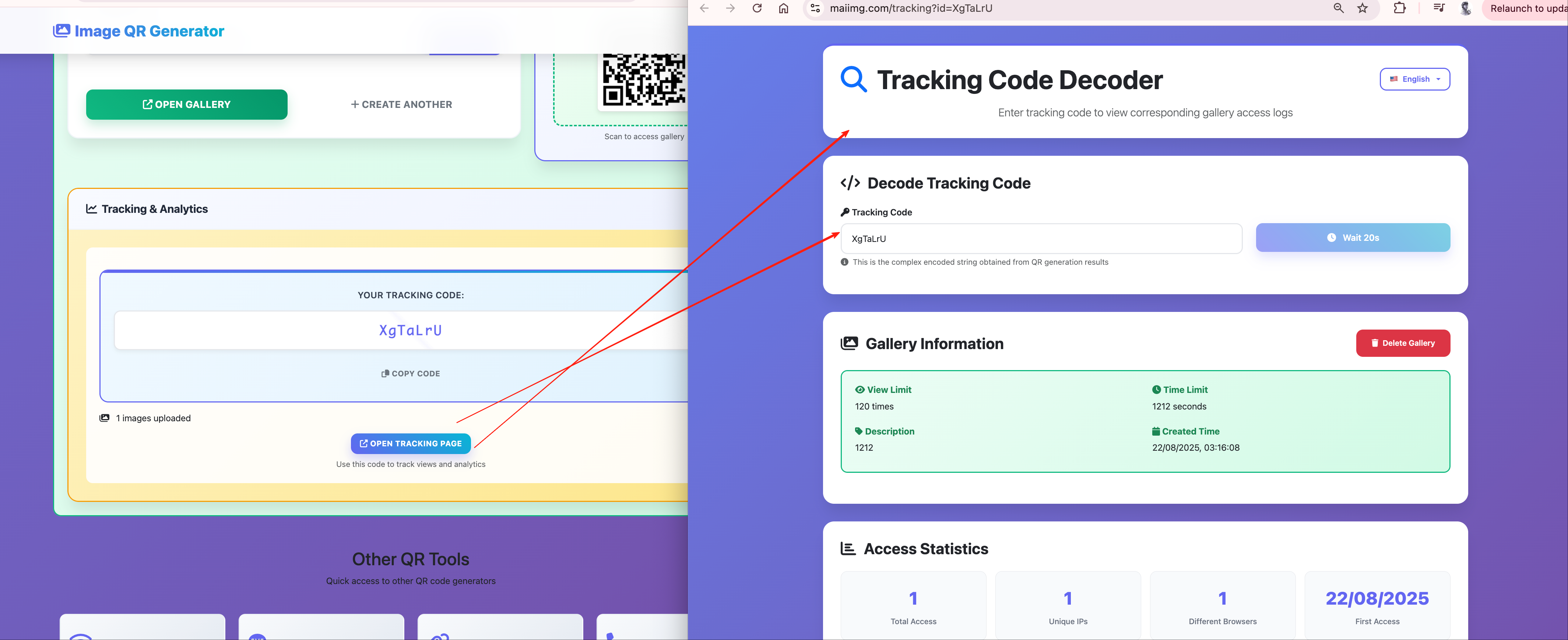
Maiimg upload

Link result

Tracking

Try Maiimg Now

Related guides

ENMaiImg: Simple, Secure Image Sharing

A practical introduction to Maiimg: where it fits, how the workflow works, and how to share galleries with a cleaner, more controlled presentation.

Apr 11 2026
ENBulk Image Gallery Delivery: Share a Whole Set Without Chaos

A practical workflow for delivering many images at once—one gallery link, cleaner handoff, and less back-and-forth.

Jan 15 2026
ENMaiimg for Education & Training: Share Images Securely with a Link

A simple, professional workflow for sharing training screenshots and course images with a single link (without email attachments).

Jan 21 2026
ENMaiimg Bulk Image Sharing: Complete Guide to Sharing Multiple Images Securely

Practical guide to bulk image sharing with Maiimg: gallery setup, access controls, QR distribution, and open statistics.

Feb 11 2026

© 2026 MaiPDF. joe@pdfhost.online