Image Link Generator: Free Image URL Workflow
Image Link Generator: Free Image URL Workflow
An image link generator should do one thing well: upload images and produce clean URLs you can share anywhere.
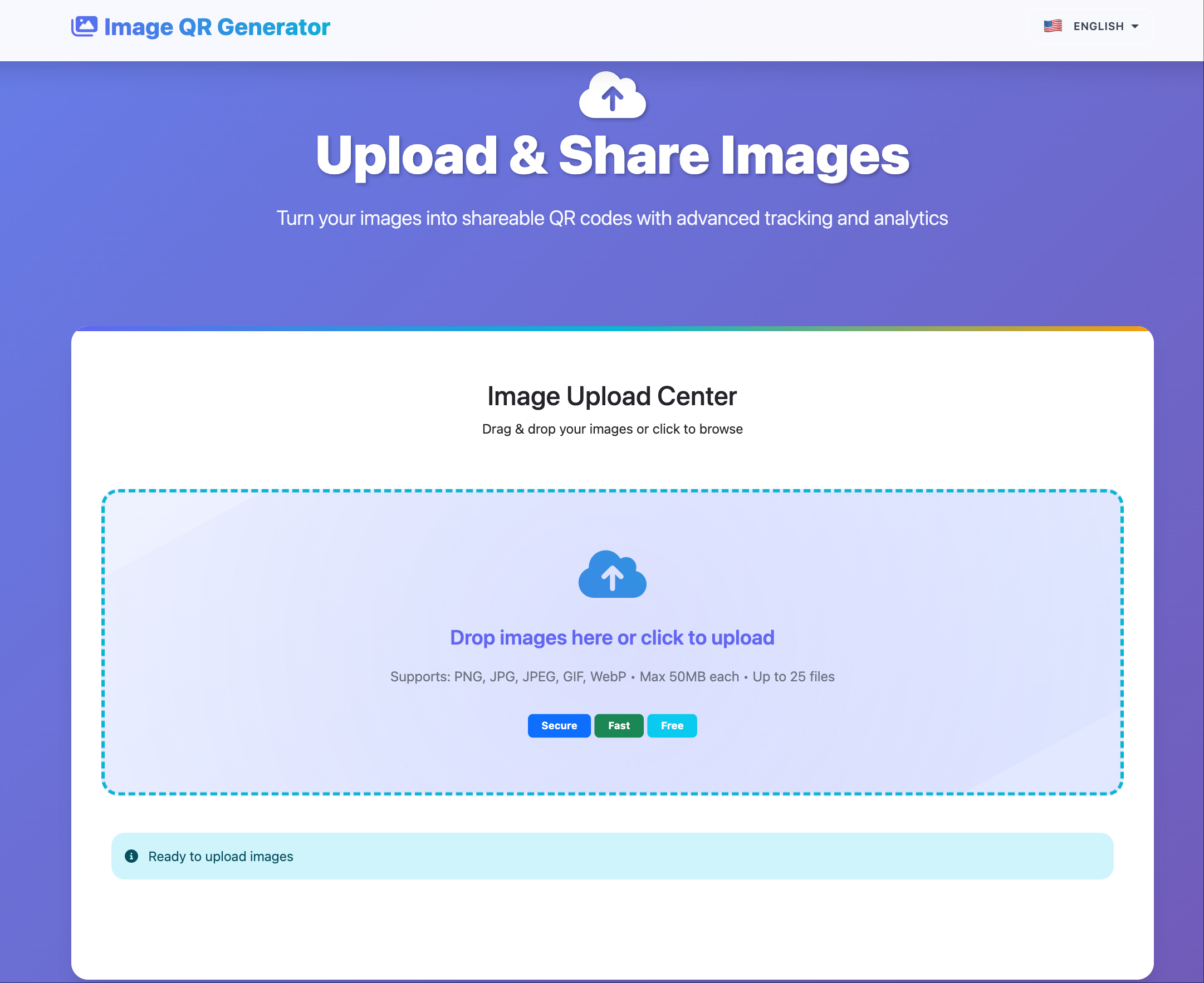
4-step workflow
- Upload images in batch.
- Get direct image URLs and one gallery link.
- Generate QR if you need offline distribution.
- Share by channel (email/chat/social/site embed).
Link types and use cases
- Direct image URL: docs, CMS, product pages
- Gallery link: client review and campaign handoff
- QR link: events, printed materials, store displays
Practical controls
- Set expiry for temporary campaigns
- Disable link when campaign ends
- Use separate galleries by audience
Quality checklist before publishing
- Confirm mobile loading speed
- Verify image order in gallery
- Check link behavior in incognito
- Test QR scan distance/contrast for print
Common mistakes
- One giant gallery for all projects
- No expiry for time-limited assets
- Reusing same public link across regions/campaigns
Final takeaway
Keep image sharing simple: short workflow, clear link types, and lightweight controls. This gives speed without losing operational control.