Image Embed Code Generator: How to Embed Images with Maiimg
Image Embed Code Generator: How to Embed Images with Maiimg
Embedding is easy technically. The hard part is controlling access and keeping embedded assets current over time.
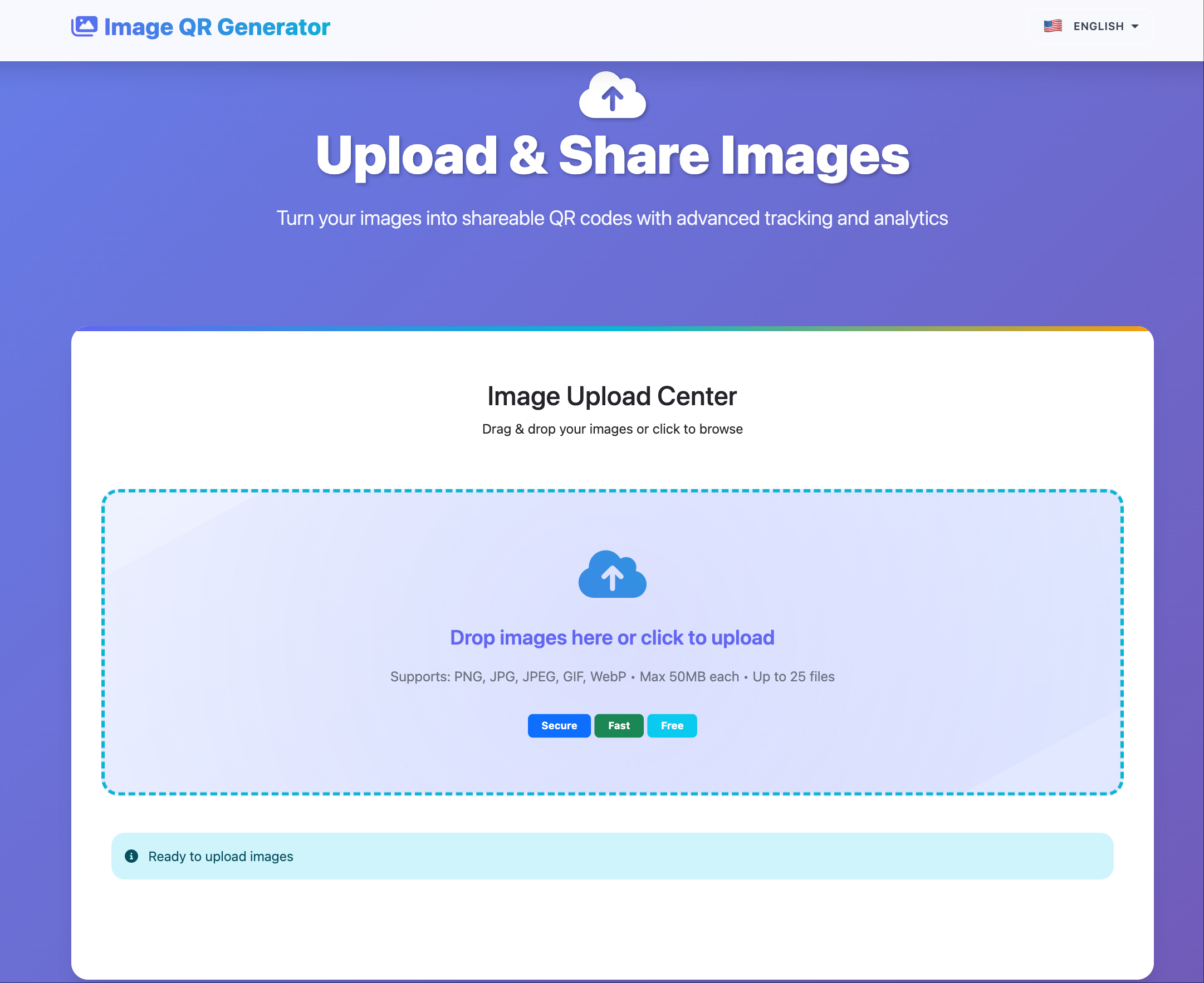
Embed Outputs You Usually Need
- Direct image URL.
- HTML image embed snippet.
- Gallery share link for multi-image content.
- QR code for offline-to-online distribution.
Recommended Embed Workflow
- Upload and organize image assets.
- Define access policy before publication.
- Copy embed code or direct URL.
- Place in site/blog/CMS block.
- Verify on mobile and desktop.
Operational Guidelines
- Keep one embed set per campaign/version.
- Use clear naming (
Project_Channel_Date). - Avoid mixing public and restricted assets in one gallery.
- Periodically review open statistics for stale embeds.
Common Problems and Fixes
| Problem | Cause | Fix |
|---|---|---|
| Broken image later | Link lifecycle unmanaged | Use versioned gallery structure |
| Wrong audience access | Shared universal link | Split links by audience |
| Low engagement | Embed placement weak | Move higher on page, improve CTA |
Bottom Line
Maiimg embed workflow is strongest when embed convenience is paired with policy discipline and regular cleanup.