One-Click Share Multiple Images: Gallery Workflow
One-Click Share Multiple Images: Gallery Workflow
When sharing many images, a single gallery link is faster and cleaner than sending files one by one.
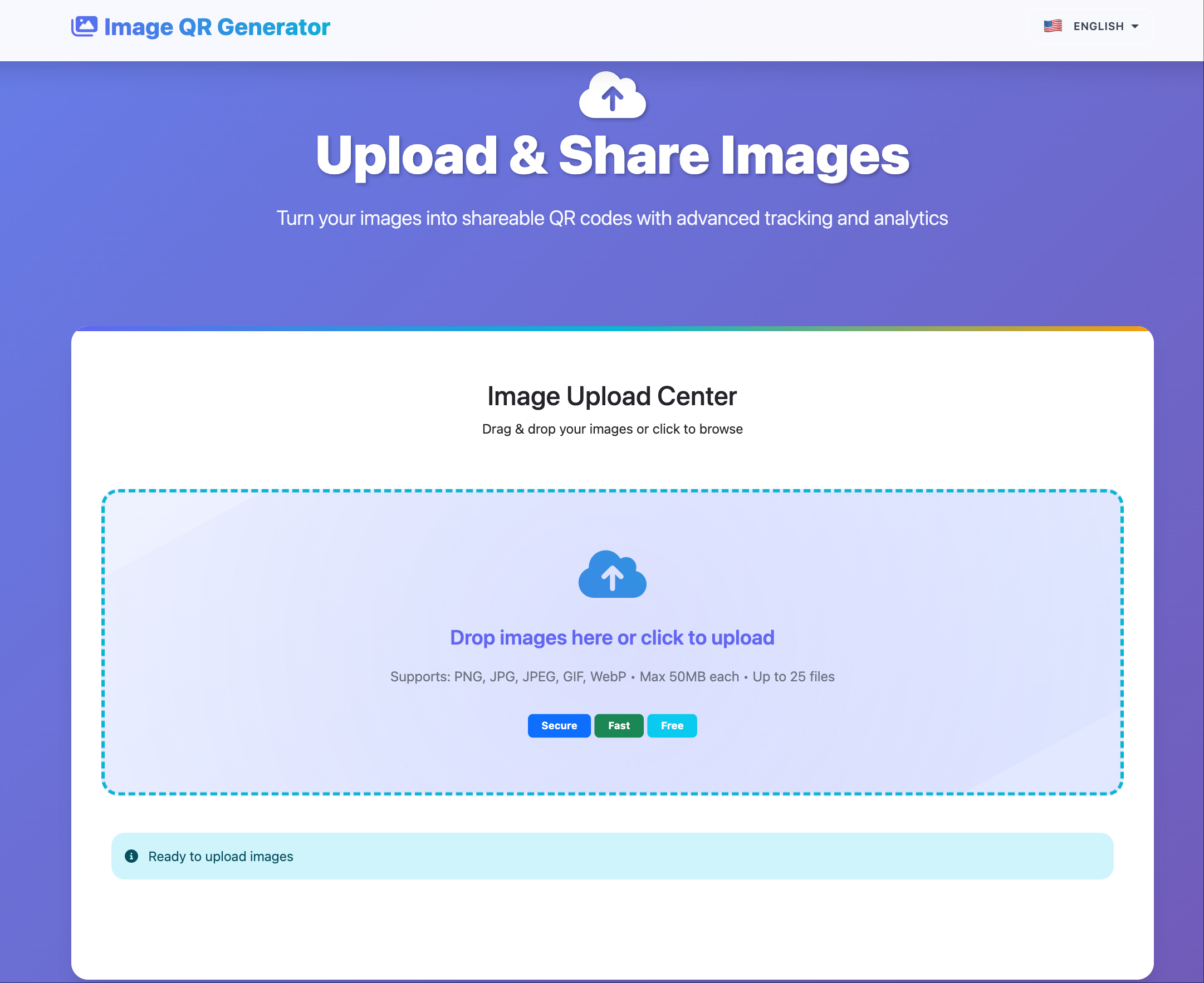
Workflow
- Batch upload images.
- Generate one gallery link.
- Apply access/expiry settings.
- Share link or QR code.
- Monitor open statistics and retire link when done.
Best-fit scenarios
- Event and wedding galleries
- Design or photo proofing
- Product launch asset packs
- Internal review boards
Common mistakes
- Mixing unrelated projects in one gallery
- No expiry for temporary galleries
- Reusing a single link for all audiences
Final takeaway
One-click gallery sharing saves time, but lifecycle control is what keeps it professional.