How to Make a Download Link for a PDF
When people need their own copy of a PDF, a single share link beats giant attachments: you control expiry, how many opens, and whether the experience is download-friendly or locked down to on-screen reading. On MaiPDF the path is Upload → Configure → Share.
1) Upload the PDF
Start from the upload entry (sign in if you use account features, or upload as your workflow allows).

2) Configure so “download” matches what you mean
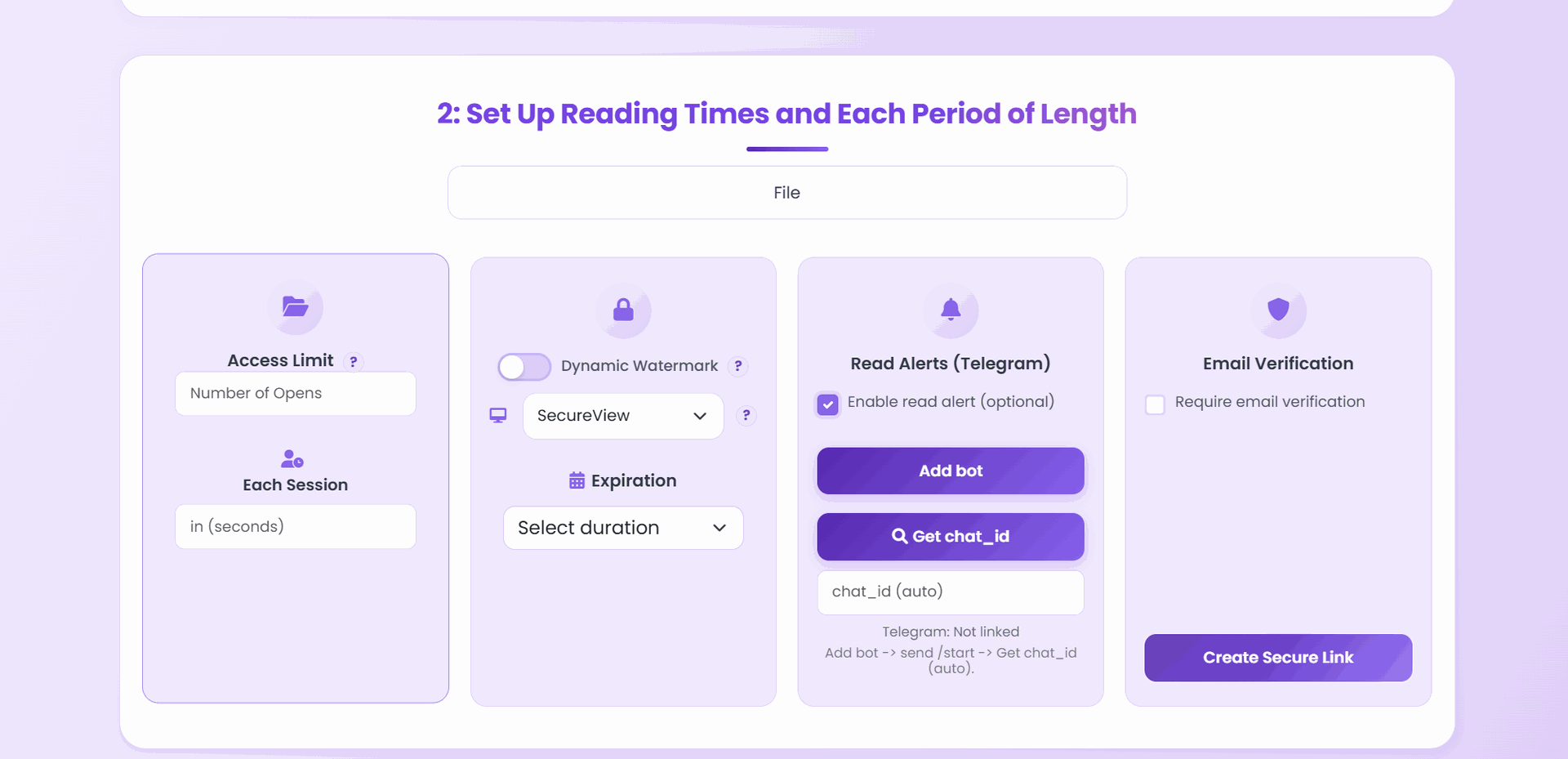
On Configure, set access limit, each session, and expiration. Add email verification or Telegram read alerts when the audience should be narrow or auditable.
Viewing mode is what usually separates “they can grab a normal PDF file” from “they mostly read inside the viewer”. For an intentional file handoff, bias toward what your policy allows on the page—often Unrestricted when downloads should feel straightforward; use SecureView / FenceView when you need stricter on-screen behavior (see the on-page help and how to control downloads).
Short workflow
flowchart LR
  A[Upload PDF] --> B[Configure limits + mode]
  B --> C[Create secure link]
  C --> D[Share URL or QR]
  D --> E[Recipient opens — download behavior follows your mode]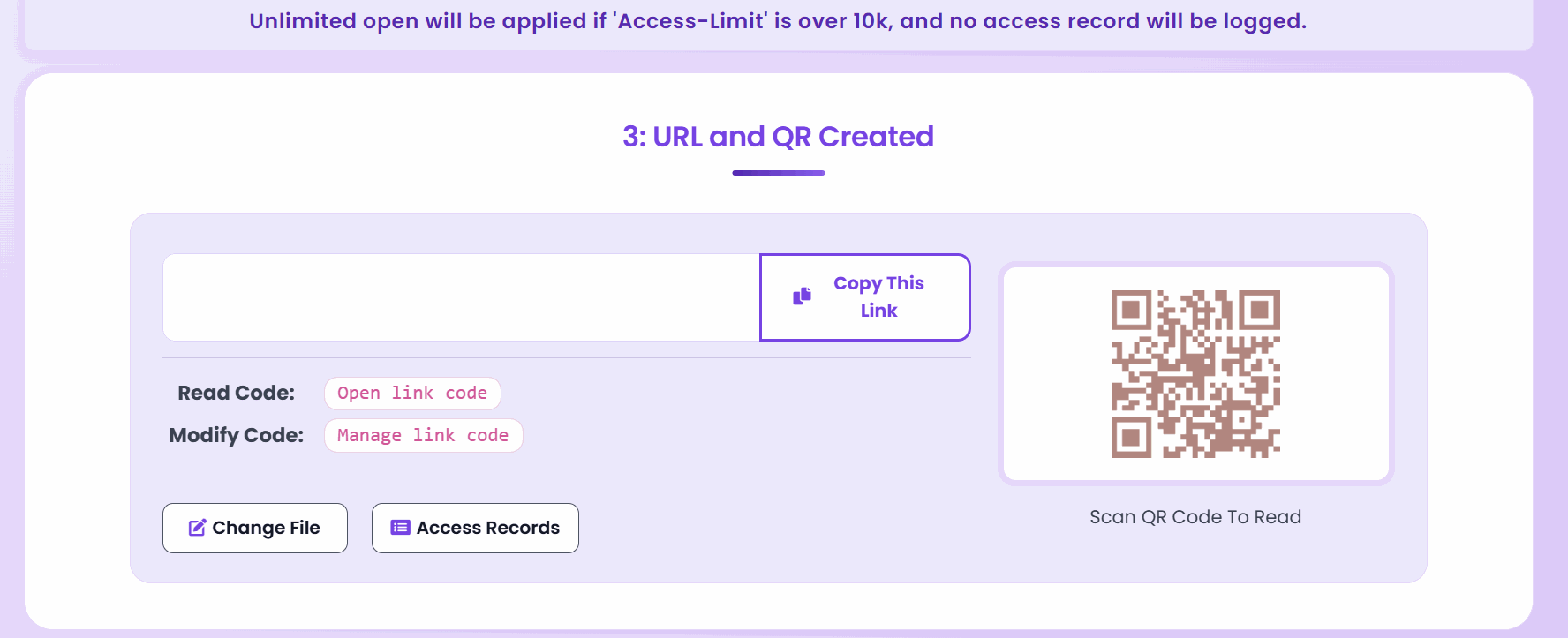
Large access limits: If Access limit is above 10,000, MaiPDF treats the link as broadly open and turns off access logging, Telegram alerts, and dynamic watermark—use a realistic cap for real projects.
3) Share and test once
Send the link (or QR) by email, chat, or your site. Open it once in a private/incognito window and confirm both desktop and mobile behave the way you expect before you broadcast it.
Presets (practical starting points)
Public resource (manual, press kit) — Longer or optional expiry, higher access limit, easydownload mode if policy allows.
Client handoff — Medium access limit, expiry in days or weeks, add email verification if the file is sensitive.
Tight control — Low access limit, short expiry, stricter viewing mode, optional dynamic watermark.
Before you send
- File is the final version (name it clearly for recipients).
- Link tested on mobile and desktop.
- Team knows who keeps the read/modify codes if you use link management on the account side.
Takeaway: A “download link” is still a governed link—expiry and limits keep the handoff fromliving forever in the wild. For view-only sharing, tighten mode and limits instead of optimizing for download.
Related: Control PDF downloads and permissions · Transform PDFs into shareable links in 3 steps · Instant PDF link generation