Free Online DRM for PDF – Simple, Secure, No Software Needed
🔒 Free Online DRM for PDF – Simple, Secure, No Software Needed
Need to protect your PDF documents from being copied, printed, or freely distributed? MaiPDF offers a free, browser-based DRM-like experience to help you securely share your PDFs—without installing any software or paying for expensive tools.
🔐 What Is “Online DRM for PDF”?
Digital Rights Management (DRM) traditionally requires complex software or paid platforms.
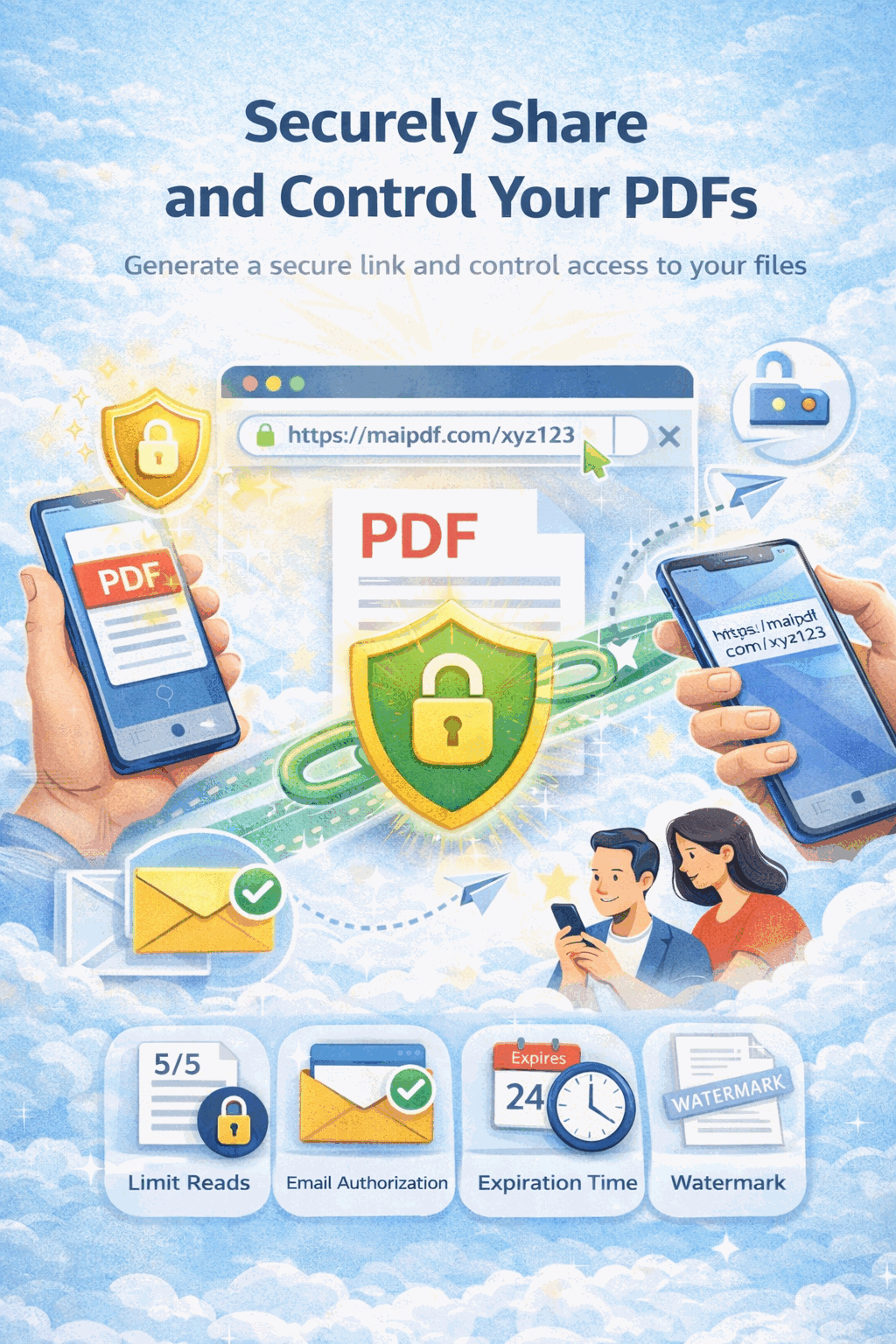
MaiPDF offers a lightweight alternative: an online PDF hosting and control platform where you can set view-only restrictions, disable downloads, and limit access—all from your browser.
🎯 Core Features
With MaiPDF, you can upload a PDF and apply the following restrictions:
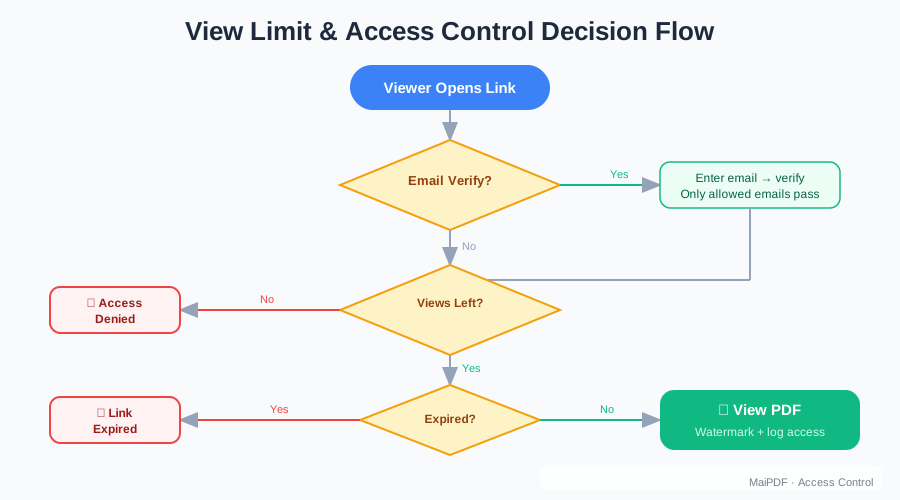
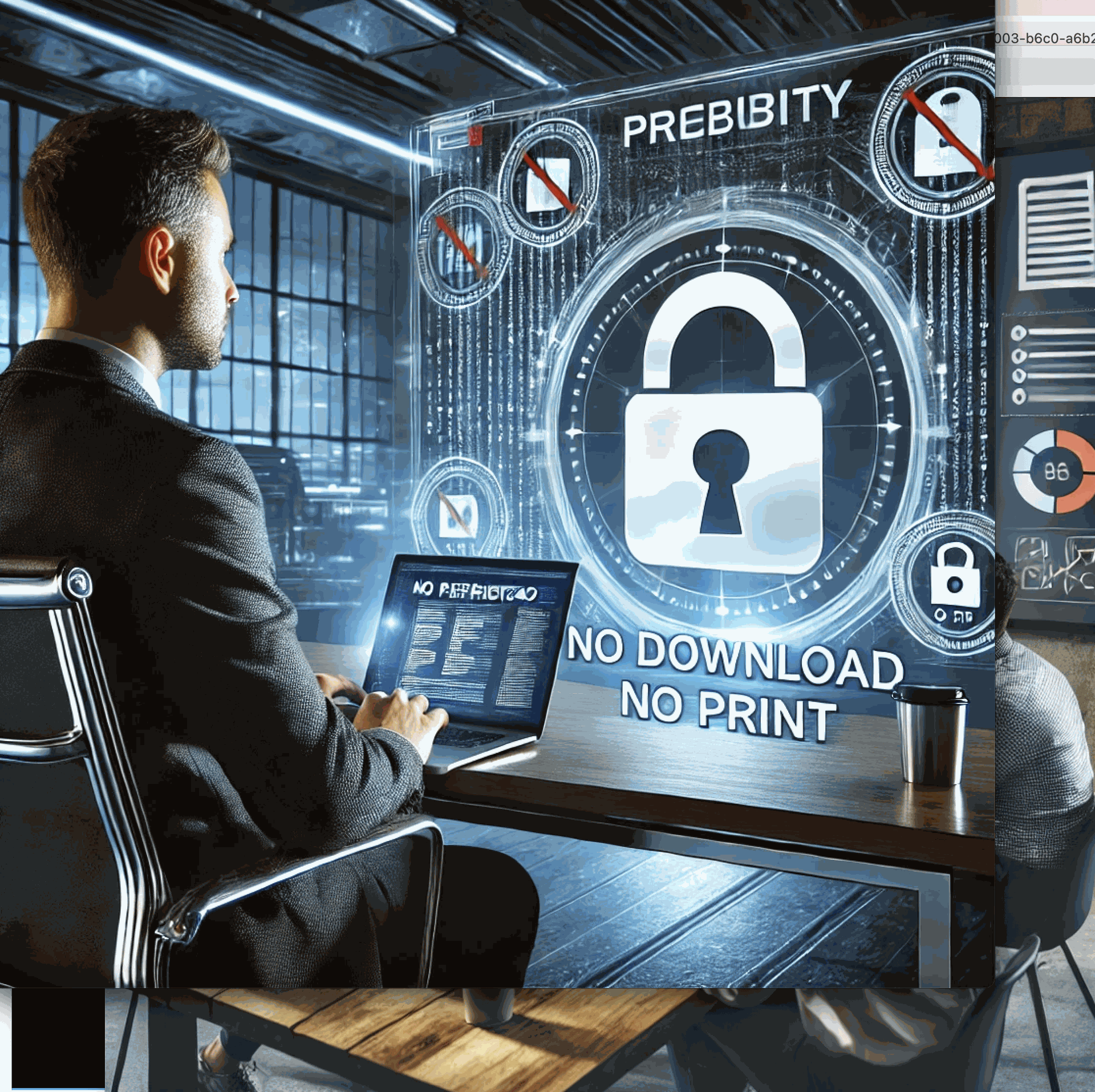
Disable download and copy – Users can only read it online.
Set a time limit per view – Control how long each reader can stay on the page.
Limit total open times – Stop sharing after a set number of views.
Add a verification code – Require a code to open the document.
Change content later – Seamlessly replace the file while keeping the same share link.
Restrict access by email (coming soon) – Fine-tune who can read.
This gives you full control over how your document is viewed, even without a registered account.
🆓 Totally Free & No Login Required
Unlike traditional DRM solutions that require licenses or software installation, MaiPDF works entirely online.
No software download
No watermark or forced branding
No login required to use
Free for PDF files up to 100MB
💡 Use Cases
Education
Teachers sharing course materials with students
Design
Designers sending proofs to clients
Business
Businesses protecting internal reports
Publishing
Creators distributing ebooks with usage control
🔄 Edit or Replace Files Anytime
Shared the wrong version? No worries.
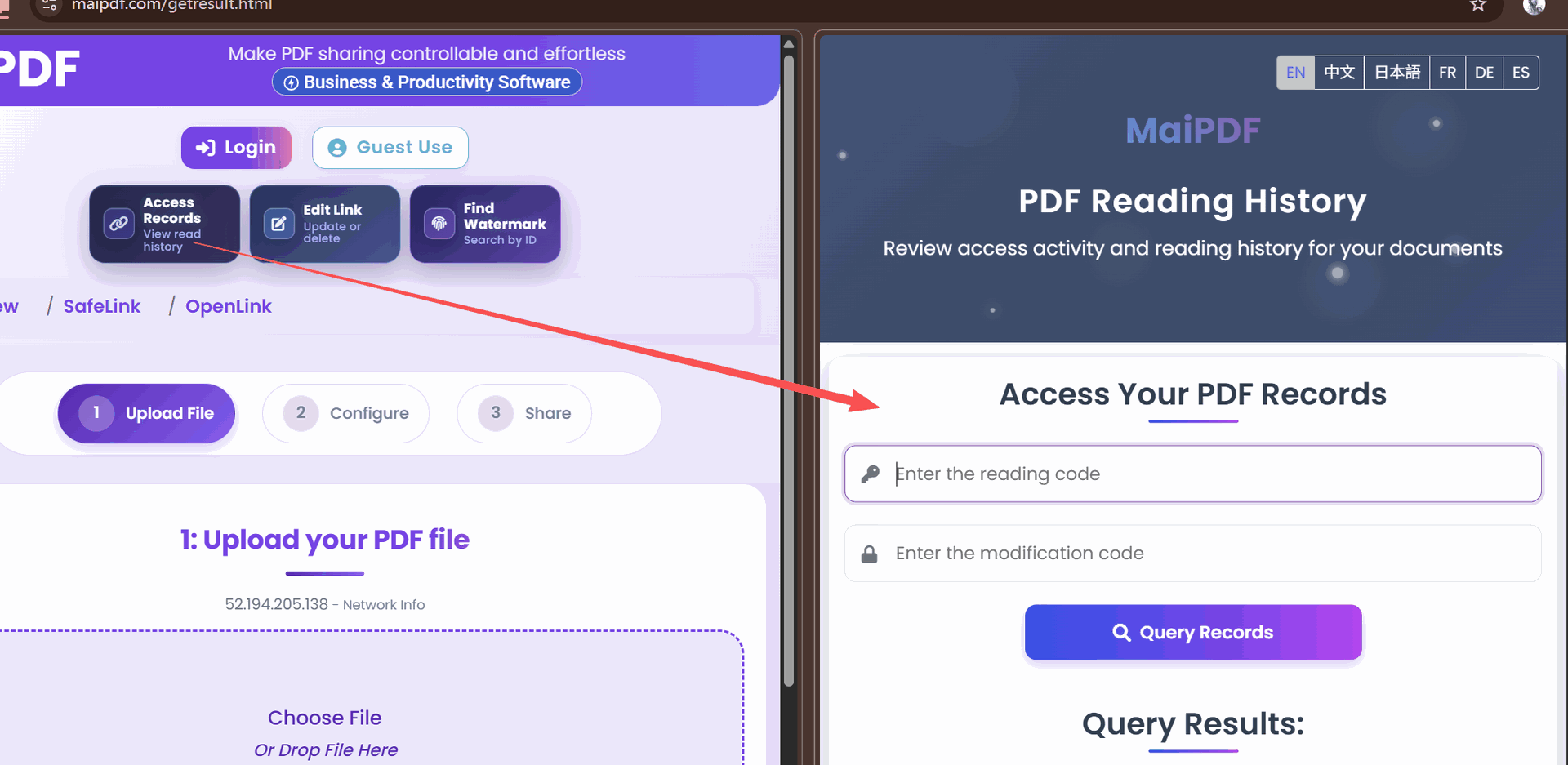
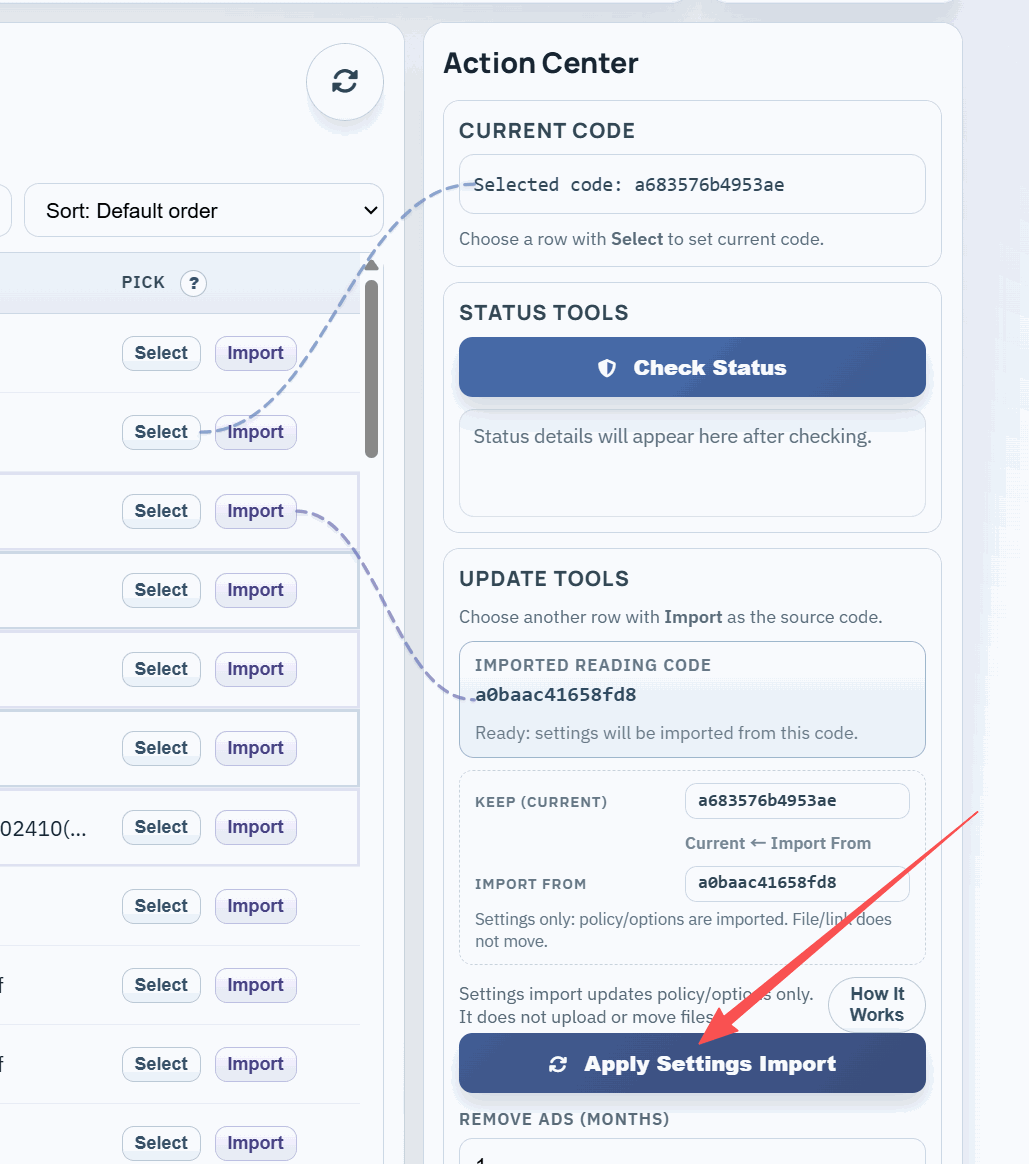
Use the Document Replacement Portal to replace the content of an existing link. Just enter your reading code and control code, and you can upload a new version of the file—no need to send a new link.
🚀 Get Started Now
1
2
Upload your PDF
Upload your document (max 100MB)
3
Set access controls
Configure the DRM restrictions you need
4
Share the link
Distribute the secure link to your recipients
You now have a lightweight DRM solution—online, secure, and free.
Visit MaiPDF today to start protecting your PDF documents with our simple yet powerful DRM features.