Share Your Resume Safely: Create a Secure PDF Link 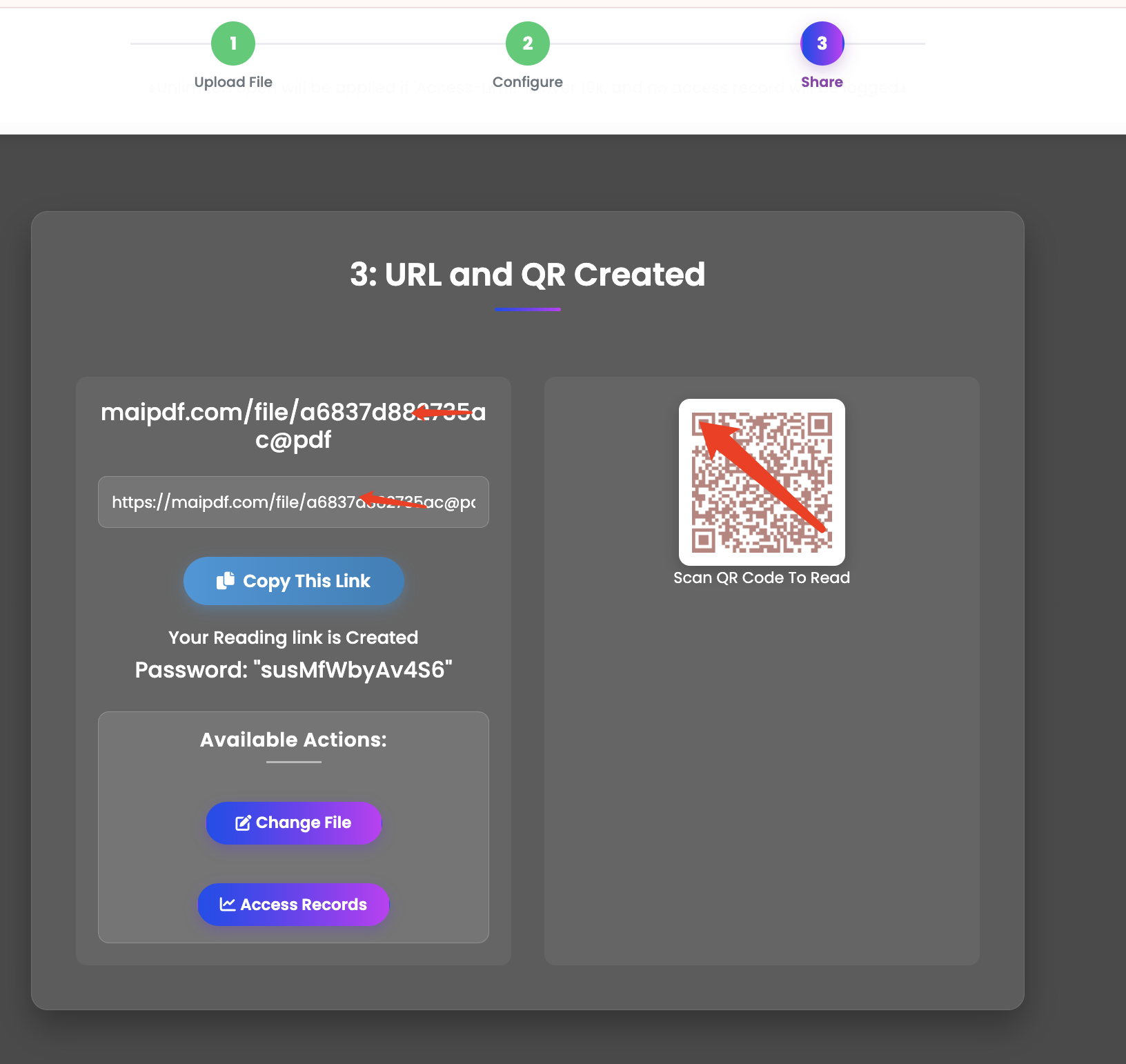
Share Your Resume Safely: Create a Secure PDF Link
When you’re job hunting, your resume is your calling card, but it also contains sensitive personal information. Emailing it as a standard attachment can leave you vulnerable. MaiPDF lets you share your resume as a secure, professional link, giving you full control over your data.
Why Emailing Your Resume is Risky
- No Control: Once you send an attachment, you can’t control who sees it, forwards it, or where it’s stored.
- Data Privacy: Your name, address, phone number, and work history are exposed.
- Outdated Versions: If you update your resume, you have to resend it, creating confusion.
The Smart Way to Share: Use a Secure Link
Using MaiPDF to create a link for your resume solves these problems and adds a layer of professionalism.
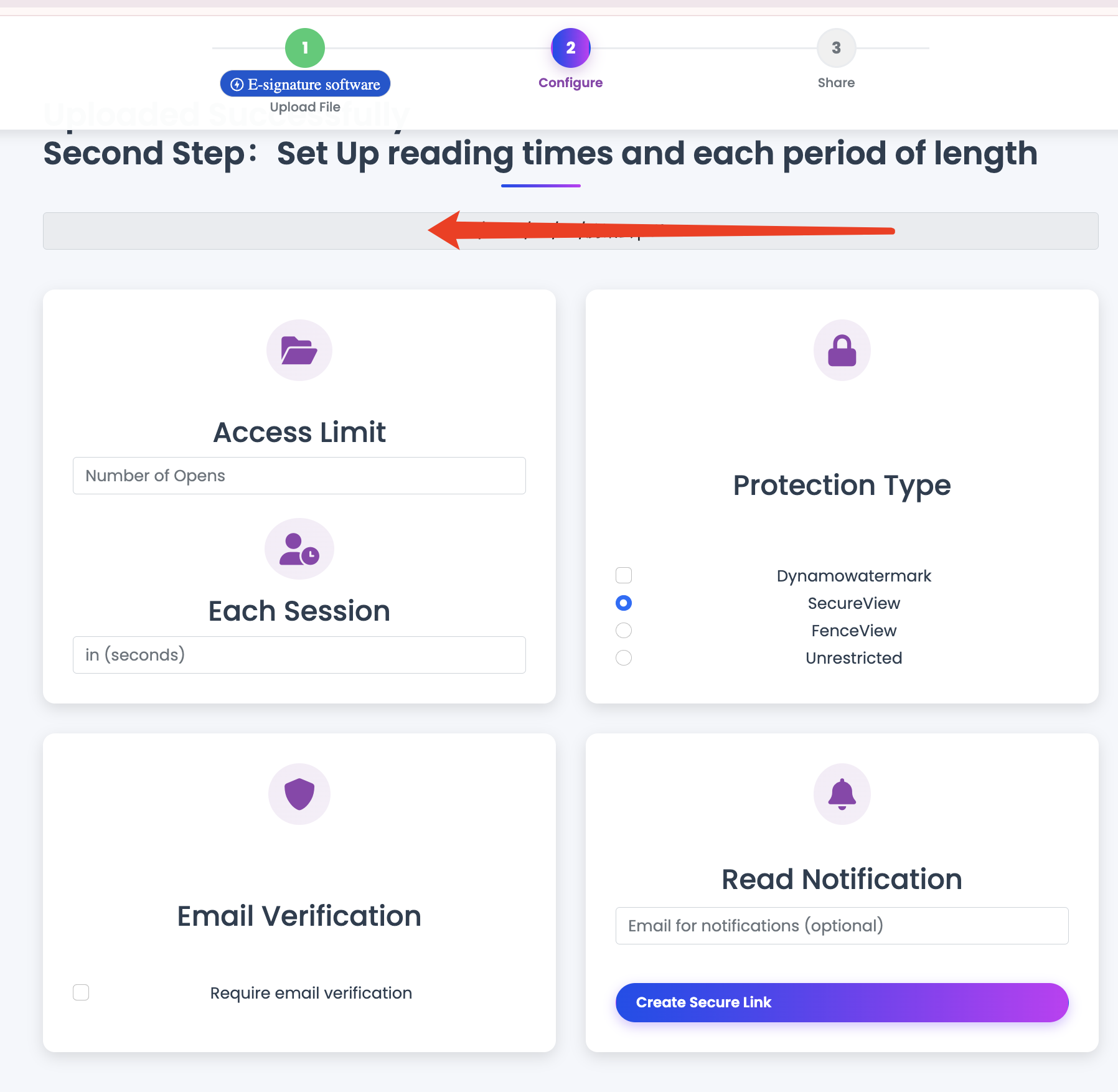
Control Downloads
Enable the “View-Only” mode to prevent recruiters and hiring managers from downloading your resume. They can view it online, but they can’t keep a local copy. This is perfect for initial applications, protecting your information until you’re further along in the hiring process.
Track When Your Resume is Viewed
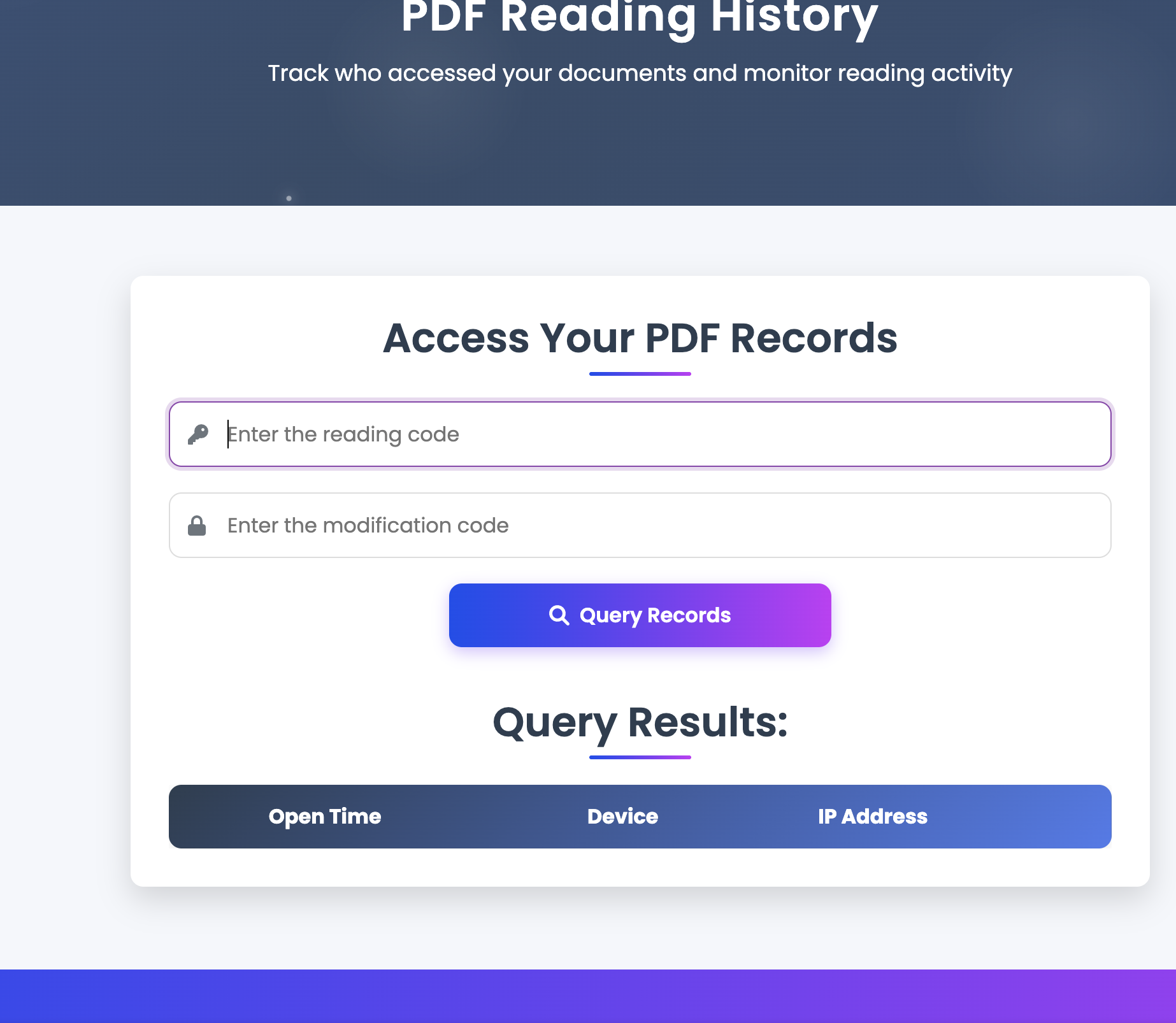
Ever wonder if a recruiter has seen your application? With MaiPDF, you get access to view analytics. You can see when your resume was opened, giving you valuable insight into the application process and helping you time your follow-ups.
Always Present the Latest Version
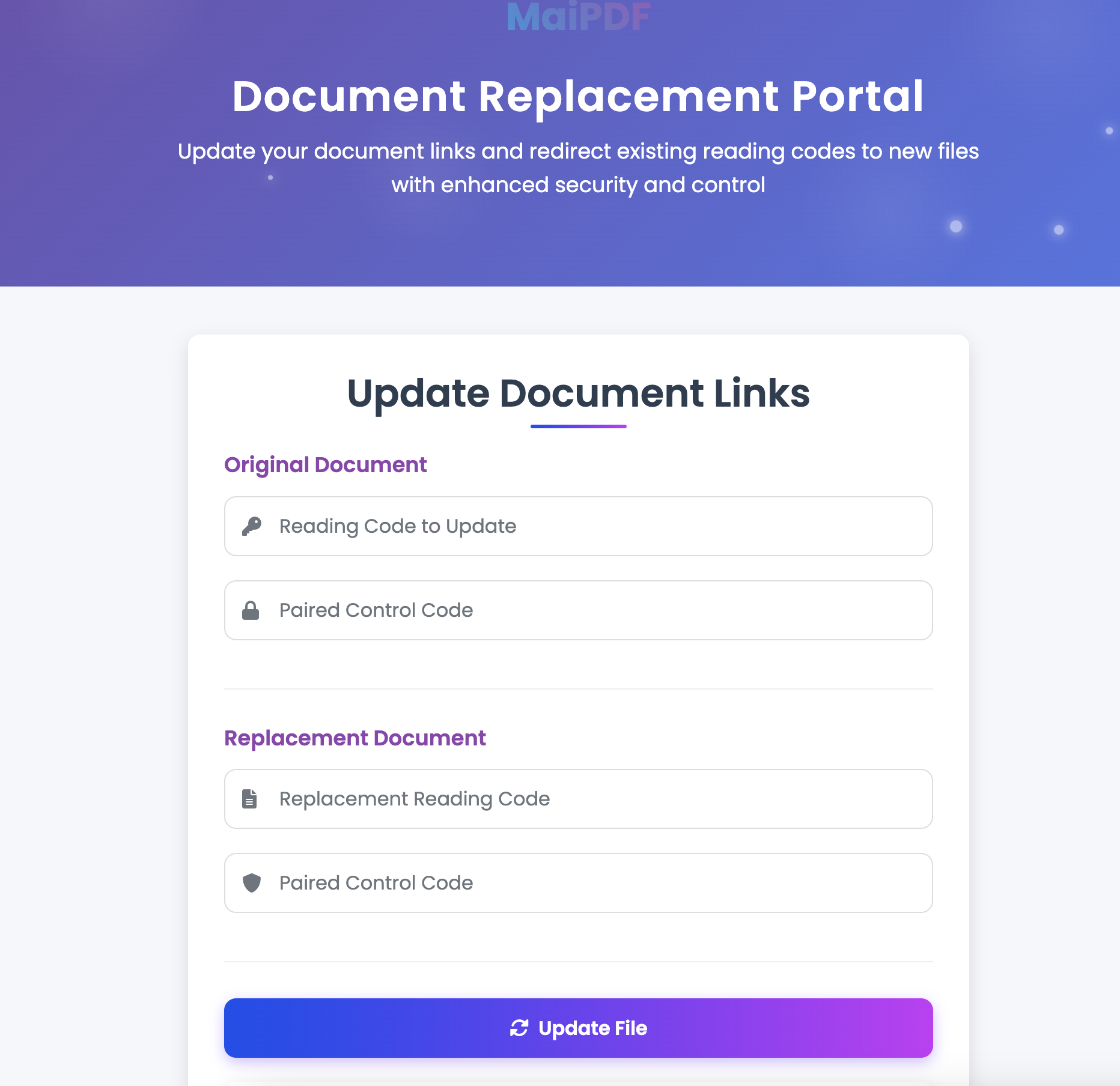
If you spot a typo or want to tailor your resume for a specific job after sending the link, you can! Simply replace the file in your MaiPDF dashboard. The link remains the same, ensuring recruiters always see the most up-to-date version of your resume.
Look More Professional
A clean, simple link in your email or application looks modern and tech-savvy. It shows you care about your data and presentation, setting you apart from other candidates who just attach a file.
How to Create a Secure Resume Link
- Upload Your Resume: Go to MaiPDF and upload the PDF version of your resume.
- Set Permissions: In the settings, disable downloads to make it view-only.
- Copy the Link: Grab the unique link generated by MaiPDF.
- Share with Confidence: Paste the link into your job applications, emails to recruiters, or on your LinkedIn profile.
Take control of your job search and protect your personal information. Use MaiPDF to share your resume securely and professionally.