PDF View Count Limit Settings: Practical Guide 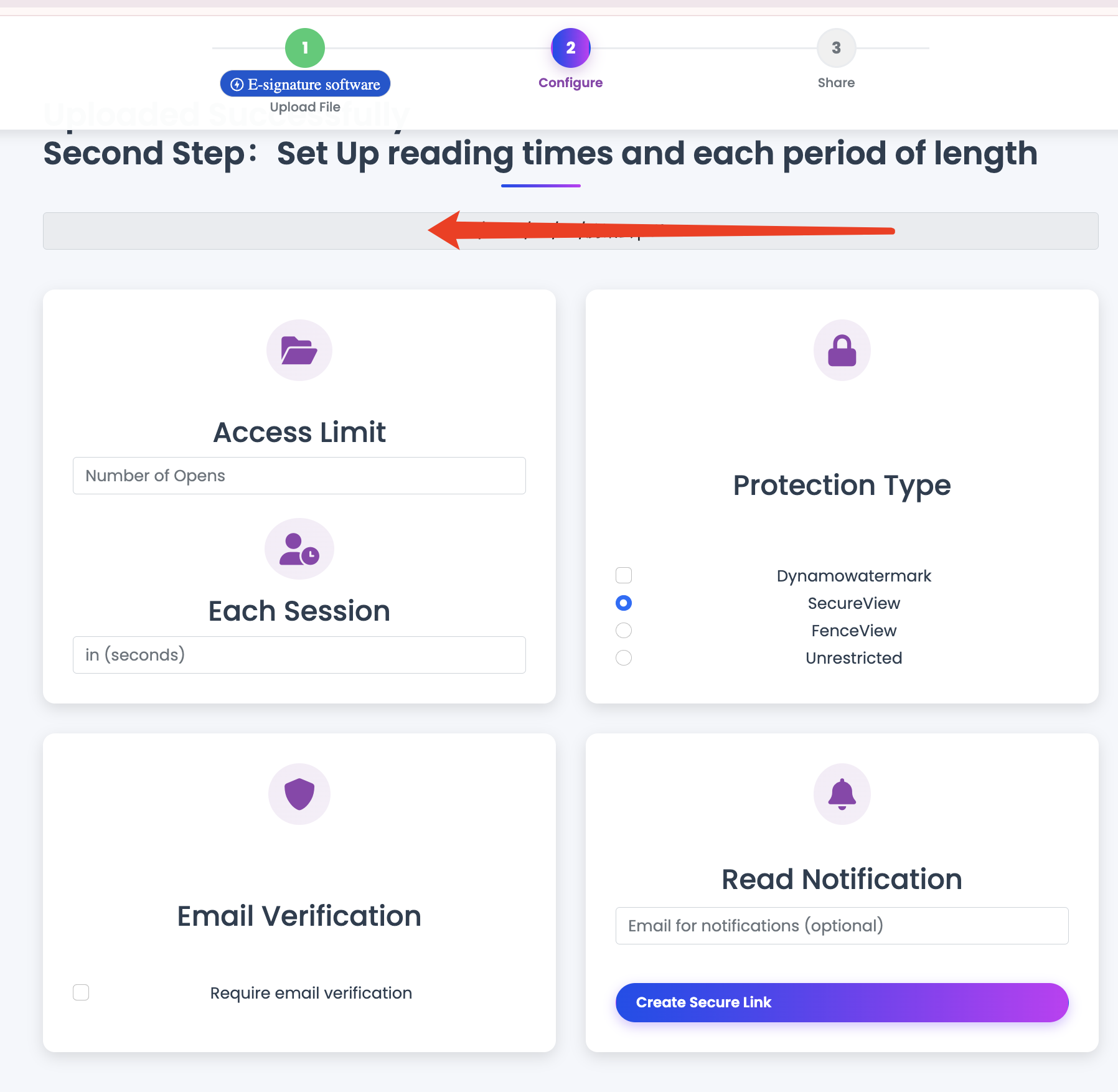
PDF View Count Limit Settings: Practical Guide
View count limits help prevent unlimited redistribution when a link is forwarded.
Policy presets
One-time access
- Use for sensitive approvals or one-off disclosures
- Pair with short expiry and watermark
Limited access (recommended)
- Use for proposals, client review, and team circulation
- Typical range: 5-50 opens depending on audience size
High-volume access
- Use for broad distribution documents
- Keep expiry and monitoring enabled
Operating steps
- Set document sensitivity level.
- Choose view-limit preset.
- Add expiry and download policy.
- Share segmented links.
- Rotate link when limit is exhausted or scope changes.
Final takeaway
View count is a practical guardrail. It works best with expiry and audience-specific links.