PDF Sharing Settings: Practical Configuration Guide 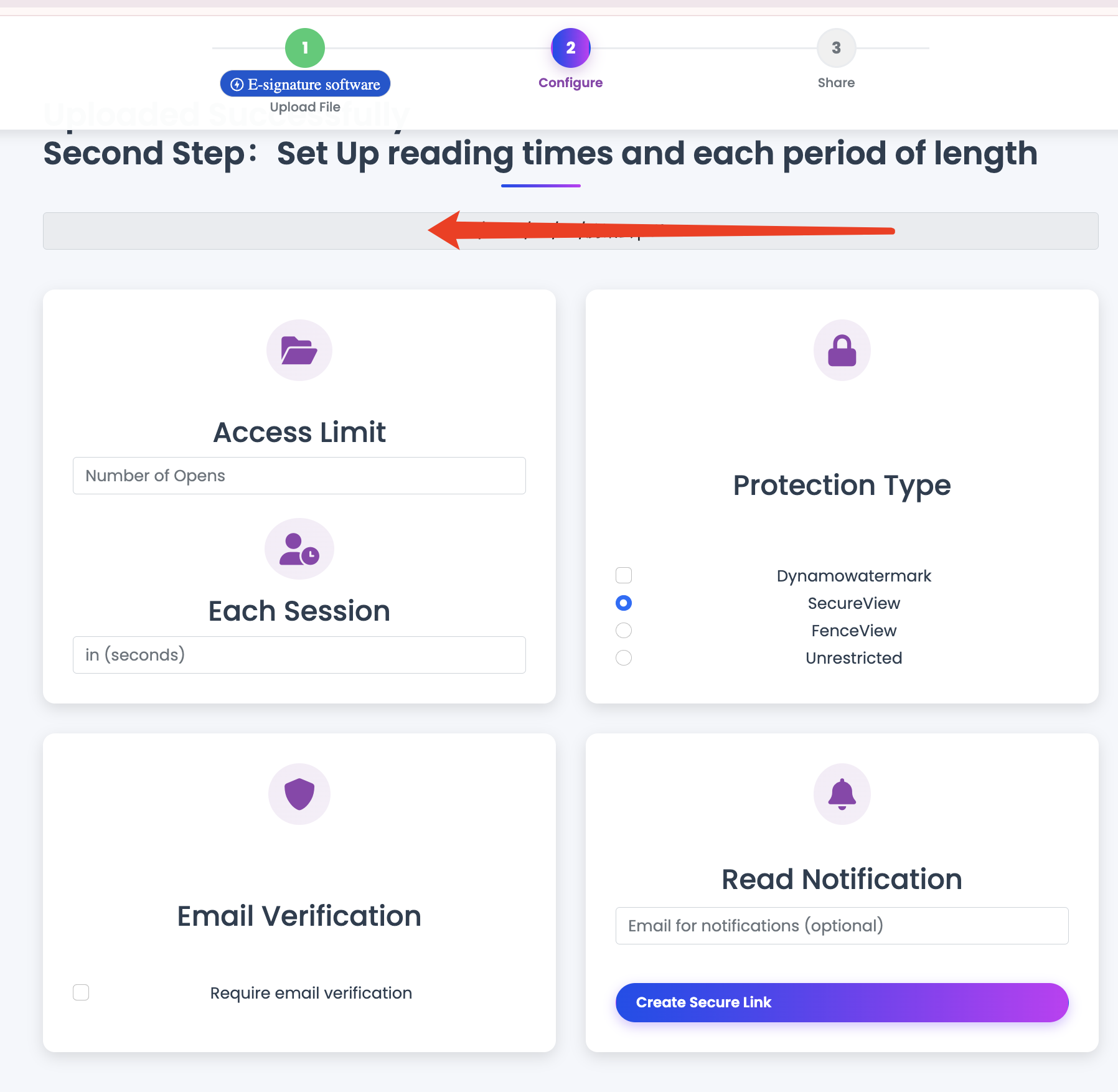
PDF Sharing Settings: Practical Configuration Guide
Good PDF security comes from consistent defaults, not complex one-off setups.
Four settings groups that matter
- Access: who can open
- Lifecycle: how long link stays valid
- Protection: download/print/watermark options
- Monitoring: open statistics and open logs
Baseline template (recommended)
- Download: off for sensitive PDFs
- Expiry: always set for temporary docs
- Open limit: set by audience size
- Watermark: Visitor ID for high-risk materials
Scenario presets
External proposal
- Download: off
- Expiry: 7-14 days
- Open limit: medium
Internal handbook
- Download: optional
- Expiry: 30+ days
- Open limit: high
Confidential review
- Download: off
- Expiry: 3-7 days
- Open limit: low
- Watermark: on
Common misconfiguration risks
- No expiry for temporary files
- Same link reused across all audiences
- Attachment and controlled link sent together
Final takeaway
Use a small, repeatable config policy. Teams adopt simple defaults faster and make fewer security mistakes.