Skip the Cloud‑Drive Hassle: Share Health Reports with Parents via a Single QR Code
Family sharing can be simple—even when medical files are large and your parents don’t want another app. With one QR code you can send a complete health report that opens instantly in any browser, scales neatly on a phone screen, and never clogs their storage. Below is a practical guide that treats your parents as smart, independent people who just prefer fewer steps.
Why bother ditching cloud‑drive links?
| Ordinary cloud link | One‑tap QR code |
|---|---|
| Requires sign‑in or a new app | Opens in the phone’s browser—no installs |
| Complicated “Download” / “Preview” buttons | Report displays immediately, scroll‑ready |
| Long URLs easy to mis‑tap in chat | Camera focuses, tap the banner—done |
| Zero control once forwarded | View limits, expiry dates, Visitor ID analytics |
Key take‑away: A QR code keeps the experience senior‑friendly without dumbing anything down.
How it works (with MaiPDF behind the scenes)
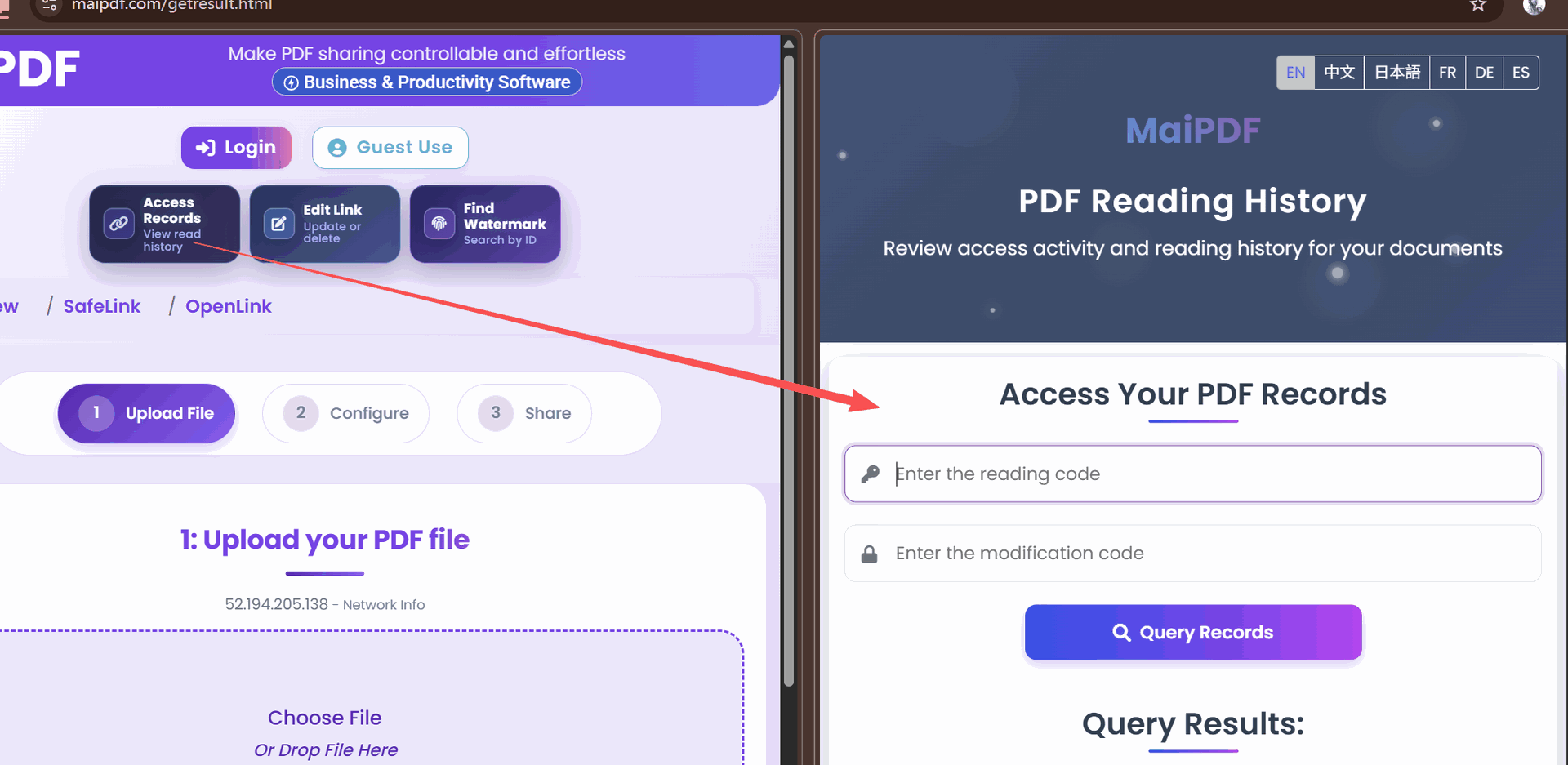
- Upload the PDF—Your 30‑page CT‑scan report or 5 MB blood test summary goes straight into MaiPDF.
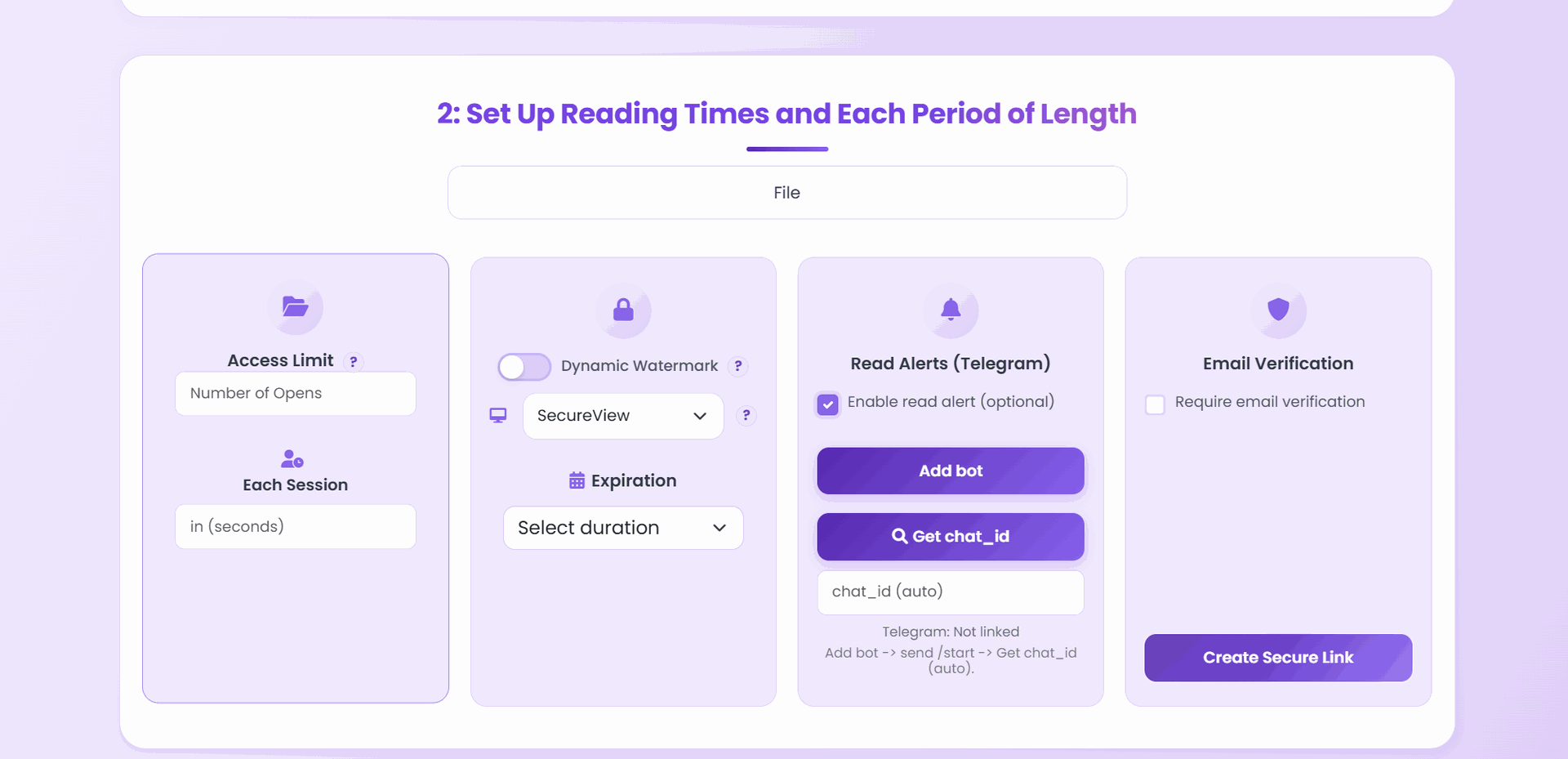
- Set viewing rules—Limit opens to 3 times in 14 days, or lock to a specific Visitor ID range if you like.
- Generate QR code—MaiPDF returns a crisp PNG you can drop into WhatsApp, iMessage, or print on a note.
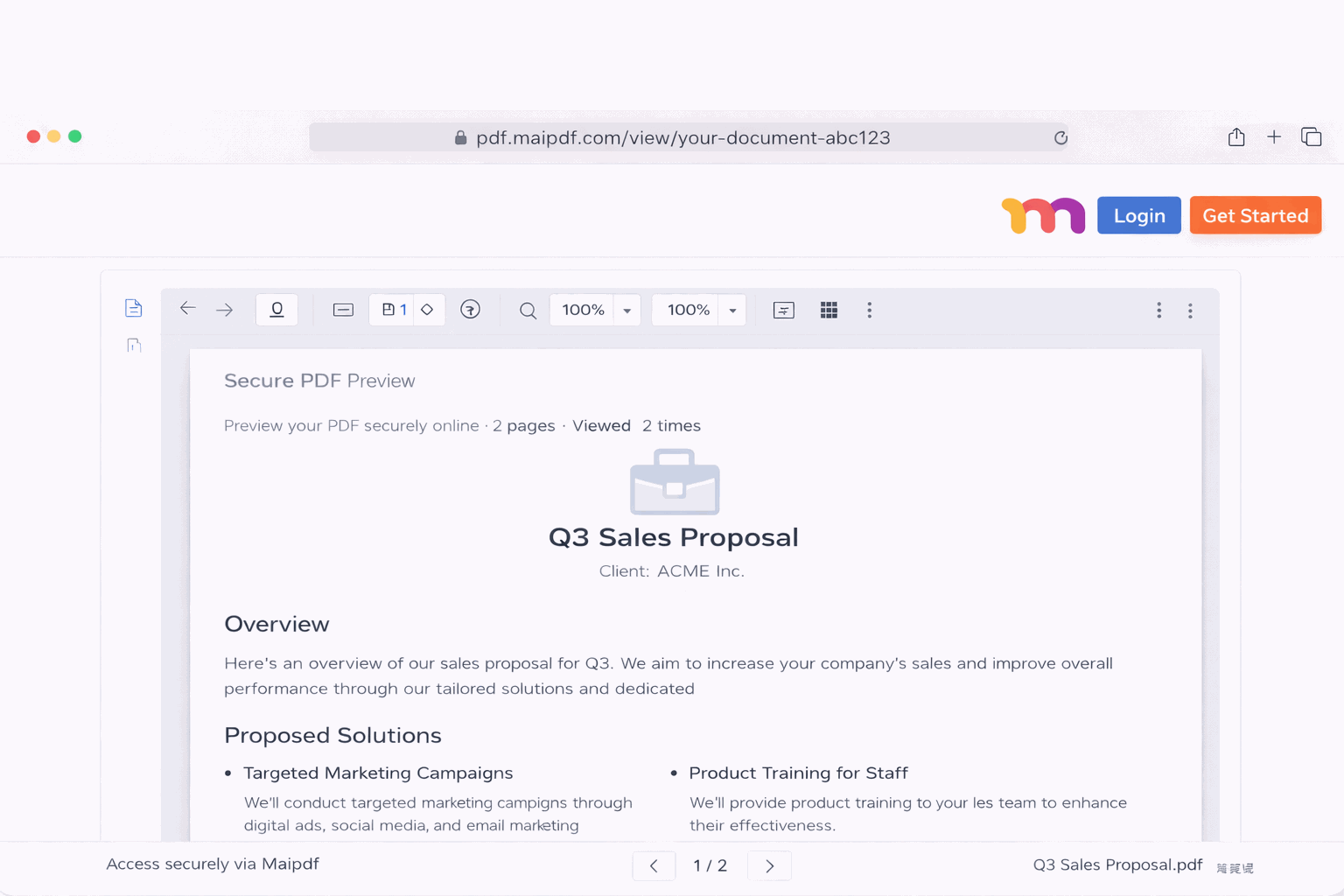
- Parents scan & read—Their phone’s built‑in camera launches the report instantly in the browser.
- Track peace of mind—A quick glance at your dashboard confirms Mom has viewed it twice and Dad once—no more “Did you get it?” phone calls.
(MaiPDF’s name never appears on the QR splash screen, keeping the flow clean and brand‑neutral.)
Step‑by‑step for a stress‑free share
1. Label the PDF clearly
Rename it Dad_Checkup_March2025.pdf before upload; the filename shows in the browser tab, improving trust.
2. Choose “Family‑Friendly Reading Mode”
This optional MaiPDF preset enlarges body text to 16 px minimum and enables high‑contrast page thumbnails—great for aging eyes.
3. Add a personal note
Inside MaiPDF’s “Intro message” box, type:
“Tap the pages to zoom. Call me if anything is unclear; love you!”
4. Pick a share method
- Messaging: Save the QR as an image and paste it.
- Email: Attach the PDF and embed the QR inside the email body; parents may choose whichever feels easier.
- Printed letter: QR codes remain scannable when printed as small as 2 cm square.
5. Follow up once
Let the built‑in open‑tracking handle the rest. If the report hasn’t been viewed after two days, the dashboard nudges you with an email reminder.
Security without the headache
- Read‑only rendering prevents downloads or copy‑paste—handy when sharing reports that include ID numbers.
- Auto‑expire erases the link on the date you choose, trimming digital clutter for your parents.
- Device‑agnostic: Works on iPhone, Android, iPad—any browser from Safari to Chrome.
Make it part of the routine
| Situation | How QR codes help |
|---|---|
| Quarterly lab results | Batch‑upload, generate a fresh code each quarter; parents can compare side‑by‑side in the browser. |
| Multiple siblings | Drop the same QR into the family group chat; MaiPDF logs which sibling opened it, avoiding double doctor visits. |
| In‑person doctor review | Print the code; the physician scans it on a clinic tablet—no USB sticks needed. |
Final thoughts
Family sharing, senior‑friendly design, QR code viewing, health report delivery—put these four ideas together and you get a workflow that removes friction for everyone. The next time you receive a PDF from the hospital, spend 30 seconds in MaiPDF, generate a code, and send it off. Your parents stay informed, you stay organised, and nobody wrestles with cloud‑drive log‑ins again.