How to Securely Share PDFs with Modern Controls 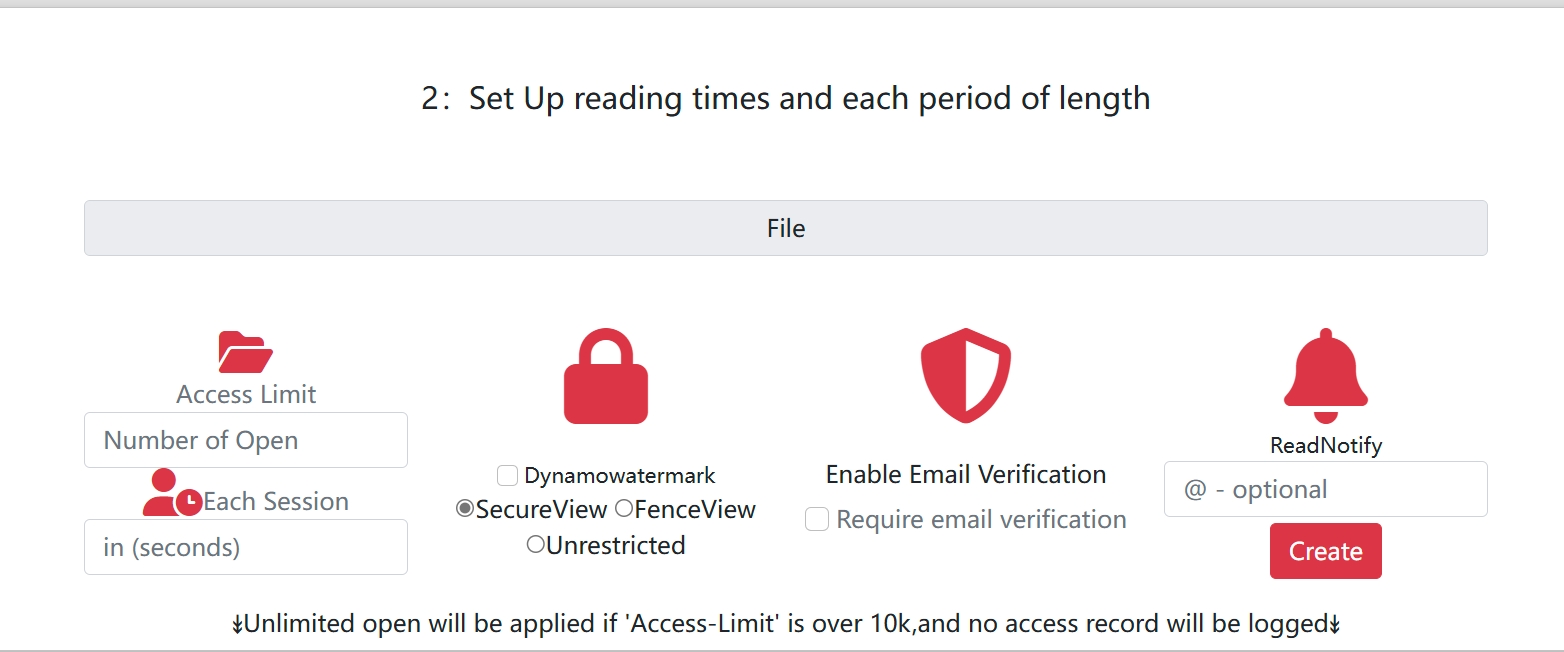
How to Securely Share PDFs with Modern Controls
Email attachments are still common, but they provide almost no control after sending.
Modern sharing links solve this with policy-based access.
Main Risks
- Forwarding without permission
- Unlimited lifetime access
- Uncontrolled downloading and printing
- No visibility on whether documents were opened
Secure Sharing Options
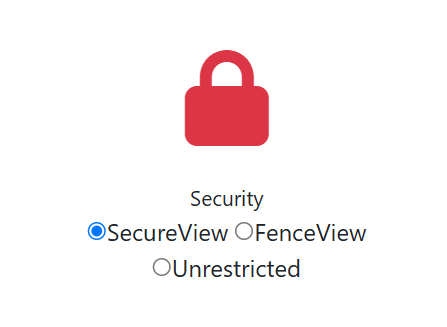
1) View-only links
Best for: proposals, internal docs, drafts
2) Access limits
Use open limits and expiry dates to reduce uncontrolled redistribution.
3) Download and print controls
Keep downloads off for sensitive files; enable only when offline use is necessary.
4) Dynamic watermarking
Overlay Visitor ID and timestamp to discourage leaks and support investigation.
5) Open statistics and logs
Use open logs for follow-up and compliance records.
Minimal Policy Matrix
| Document type | Download | Watermark | Expiry | Open limit |
|---|---|---|---|---|
| Public brochure | ON | OFF | 30 days | None |
| Sales proposal | OFF | ON | 7 days | 20 |
| Legal draft | OFF | ON | 3 days | 10 |
| HR policy update | OFF | Optional | 14 days | 50 |
Industry Examples
- Finance: proposals and statements with strict expiry
- Healthcare: policy-safe access for sensitive records
- Legal: controlled review windows for drafts
- Education: time-limited materials for classes
Implementation Checklist
- Classify file sensitivity.
- Pick a policy preset.
- Test recipient experience on mobile + desktop.
- Send link, not attachment.
- Review open logs and adjust policy.
Final Takeaway
Secure PDF sharing is a policy problem, not a file-format problem.
Use links with expiry, open limits, download rules, watermarking, and open stats to keep control after sending.