Enhancing Document Security with MaiPDF
🔒 Enhancing Document Security with MaiPDF
In an era where data breaches and unauthorized access are common, securing your documents is more important than ever. MaiPDF offers a range of security features designed to protect your PDFs from unauthorized access and distribution, ensuring your sensitive information remains safe.
🛡️ Key Security Features
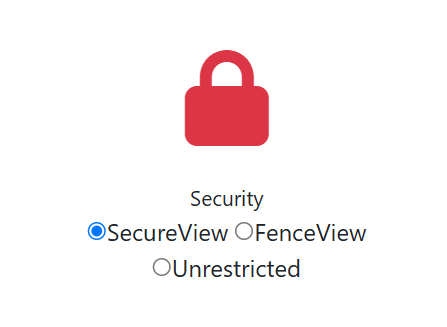
👁️ View Limits
MaiPDF allows you to set a maximum number of views for your shared PDFs. Once the limit is reached, the document becomes inaccessible, ensuring controlled access.
✉️ Email Verification
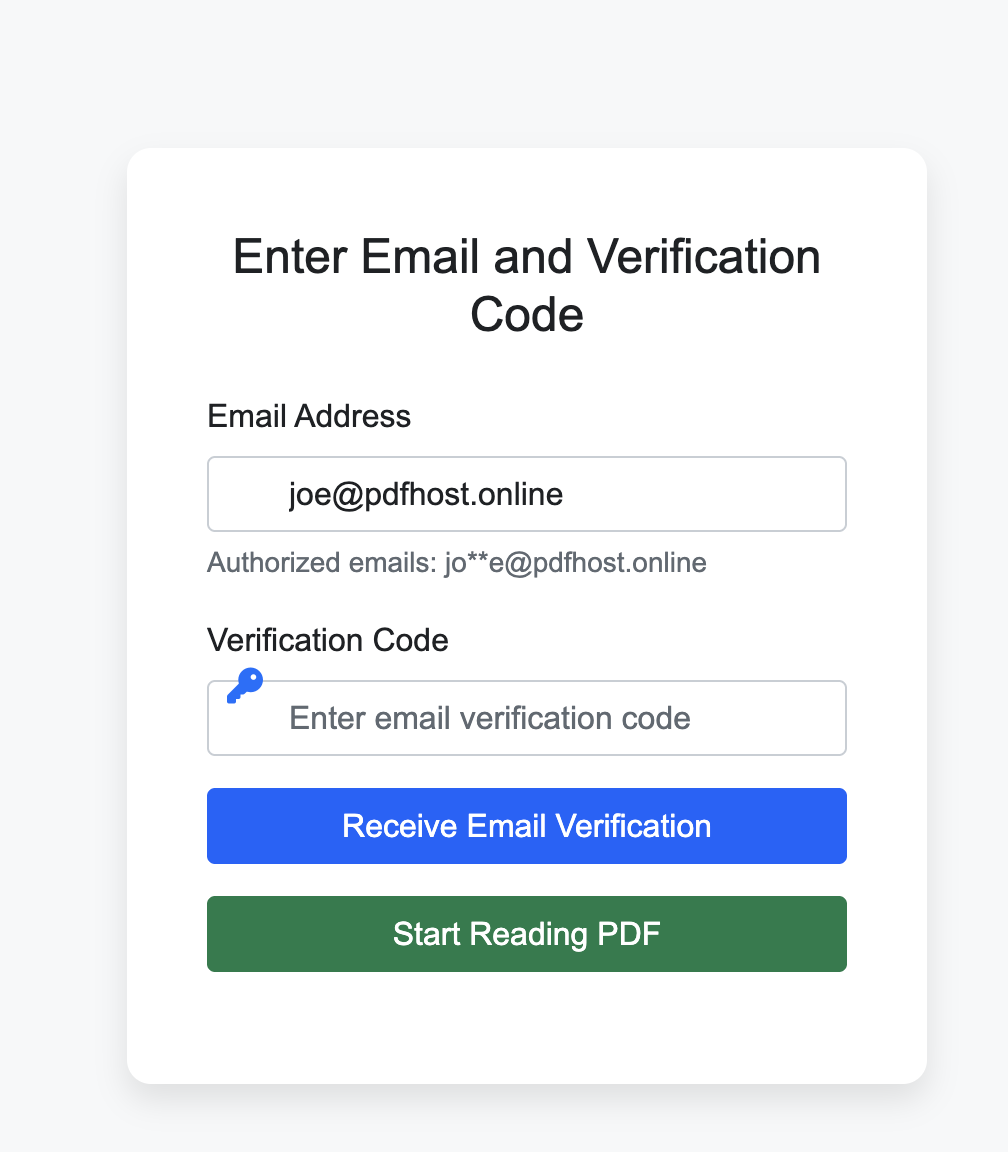
To ensure only authorized users can access your PDFs, MaiPDF supports email verification. Recipients must verify their email address before viewing the document.
⏱️ Expiration Dates
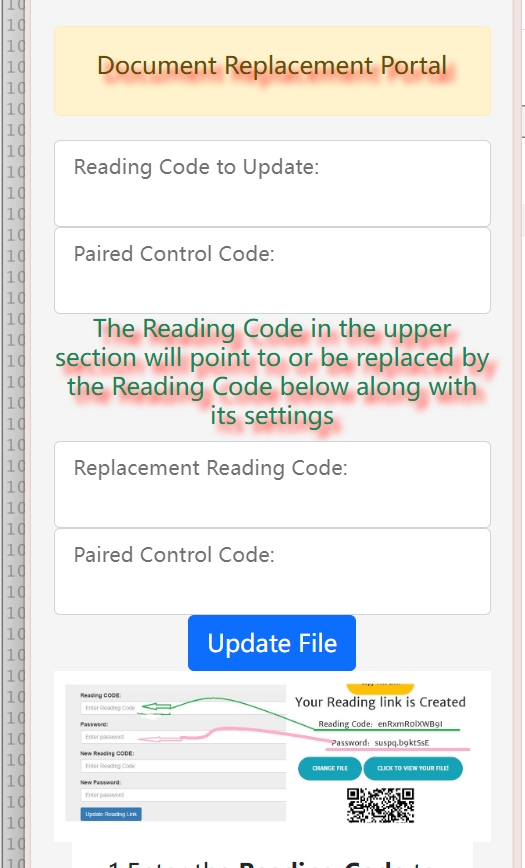
Set expiration dates for your shared links to automatically revoke access after a specific period. This feature is ideal for time-sensitive documents.
🚫 Preventing Downloads
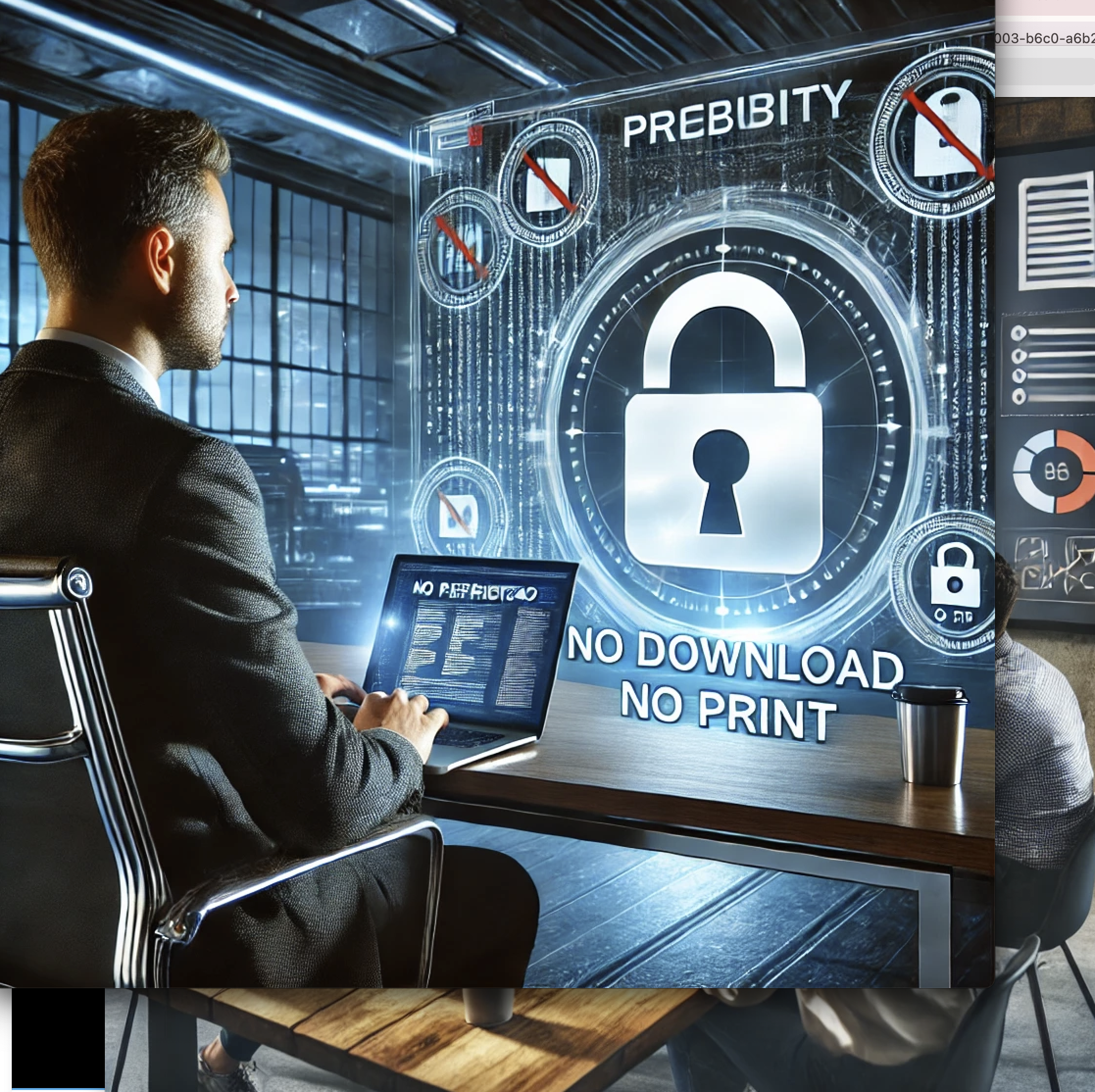
MaiPDF ensures your PDFs remain view-only by preventing downloads. This feature is particularly useful for protecting intellectual property and sensitive information.
💼 Practical Applications
🏢 For Businesses
- Share financial reports with stakeholders while ensuring they cannot be downloaded or shared further.
- Distribute internal documents securely to team members.
- Protect sensitive client information in contracts and proposals.
🎓 For Educators
- Provide course materials to students with limited access to prevent unauthorized sharing.
- Distribute exam papers with time-limited access.
- Share research materials with specific academic groups.
🎨 For Freelancers
- Share design portfolios or project proposals with clients while protecting your intellectual property.
- Present drafts with watermarks to prevent unauthorized use.
- Distribute pricing documents with controlled access.
✅ Conclusion
MaiPDF's robust security features make it an ideal choice for anyone looking to share PDFs securely. Whether you're a business professional, educator, or freelancer, MaiPDF provides the tools you need to protect your documents and maintain control over their distribution.