How to Generate PDF Sharing Links with One Click? MaiPDF Makes File Sharing More Efficient! 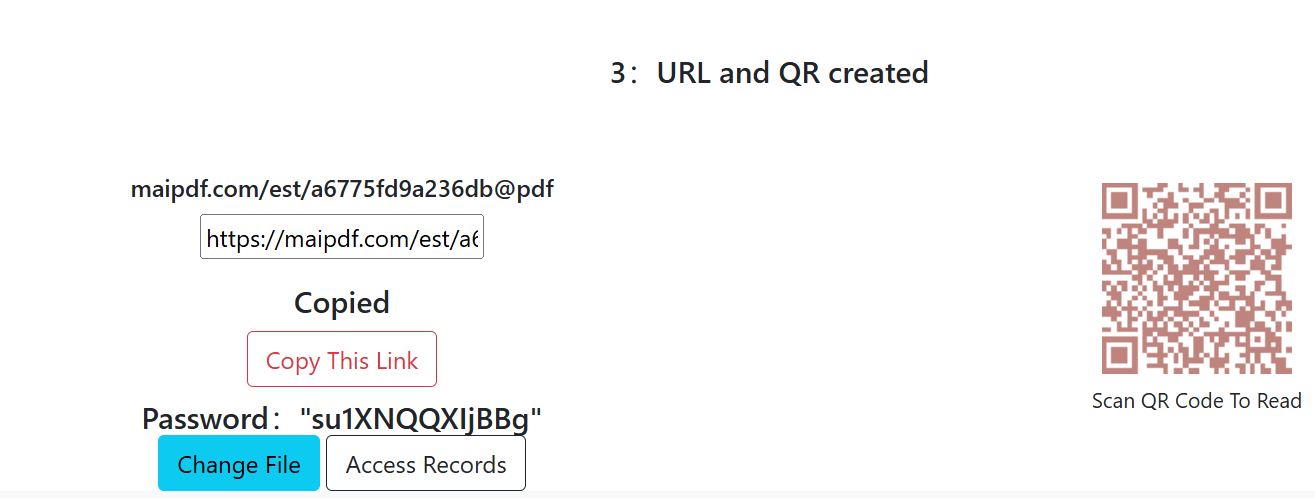
How to Generate PDF Sharing Links with One Click
One-click sharing should reduce friction without losing control. The right workflow is link generation + policy setup + lifecycle management.

What One-Click Sharing Should Include
- Fast link generation from uploaded PDF.
- Optional QR code for mobile distribution.
- Access policy (view limit, expiry, optional download restriction).
- Open statistics for follow-up timing.
Standard Workflow
- Upload one PDF for one audience objective.
- Set policy before distribution.
- Generate link and QR code.
- Share by channel (email/chat/meeting).
- Monitor opens and close link when no longer needed.
Recommended Settings
| Scenario | View limit | Expiry | Download |
|---|---|---|---|
| Sales proposal | Low-medium | 3-14 days | Usually off |
| Team briefing | Medium | 7-30 days | Optional |
| External handout | Medium-high | 14-90 days | Optional |
Common Mistakes
- Sending link before policy is set.
- Reusing one link across unrelated audiences.
- Keeping temporary links alive after decision windows.
Bottom Line
One-click sharing is effective only when speed is paired with clear access rules and link retirement discipline.