🔐 PDF Encryption and Protection Tools: Beyond Basic Encryption 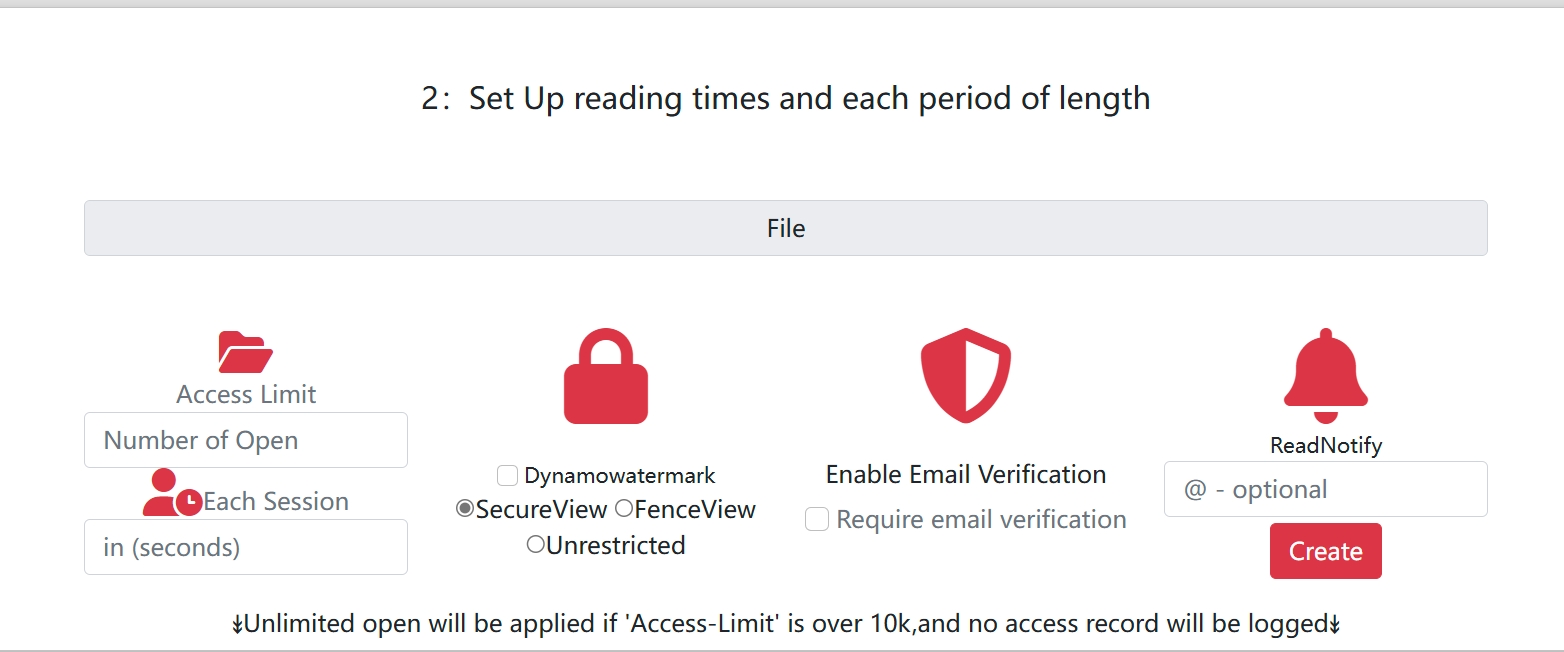
🔐 PDF Encryption and Protection Tools: Beyond Basic Encryption
When sharing sensitive documents, many people think encryption is enough. But is it really?
In this article, we explore why encryption alone falls short and how modern tools provide true control over your PDFs.
🔑 Why Encryption Isn’t Enough
Encryption is often the first step in protecting a PDF. Common methods include:
- Password Protection: Requiring a password to open the file.
- Action Restrictions: Preventing printing or editing.
While these methods add a layer of security, they have significant limitations:
- 🔓 Passwords can be shared or cracked.
- 📥 Files can be downloaded and live forever.
- 🕵️ No visibility into who accessed the file or when.
- 🔁 No way to revoke or expire access.
In short, encryption locks the door but doesn’t let you control what happens after the file is shared.
🧠 What You Really Need: Control
Imagine sending a proposal to a client. You want to:
- Allow them to view it only a few times.
- Prevent downloading, printing, or forwarding.
- Revoke access after a specific date.
This level of control goes beyond encryption—it’s about managing usage, which is where Digital Rights Management (DRM) comes in.
🔐 DRM vs. Encryption
| Feature | Encryption | DRM-style Control |
|---|---|---|
| Requires password | ✅ | Optional |
| Prevents opening | ✅ | ✅ |
| Prevents download | ❌ | ✅ |
| Tracks views | ❌ | ✅ |
| Limits views (e.g., 3x) | ❌ | ✅ |
| Remote disable | ❌ | ✅ |
| Update after sending | ❌ | ✅ |
While encryption protects the file, DRM tools protect how the file is used.
🛠 Modern Tools for PDF Protection
Platforms like MaiPDF offer advanced features:
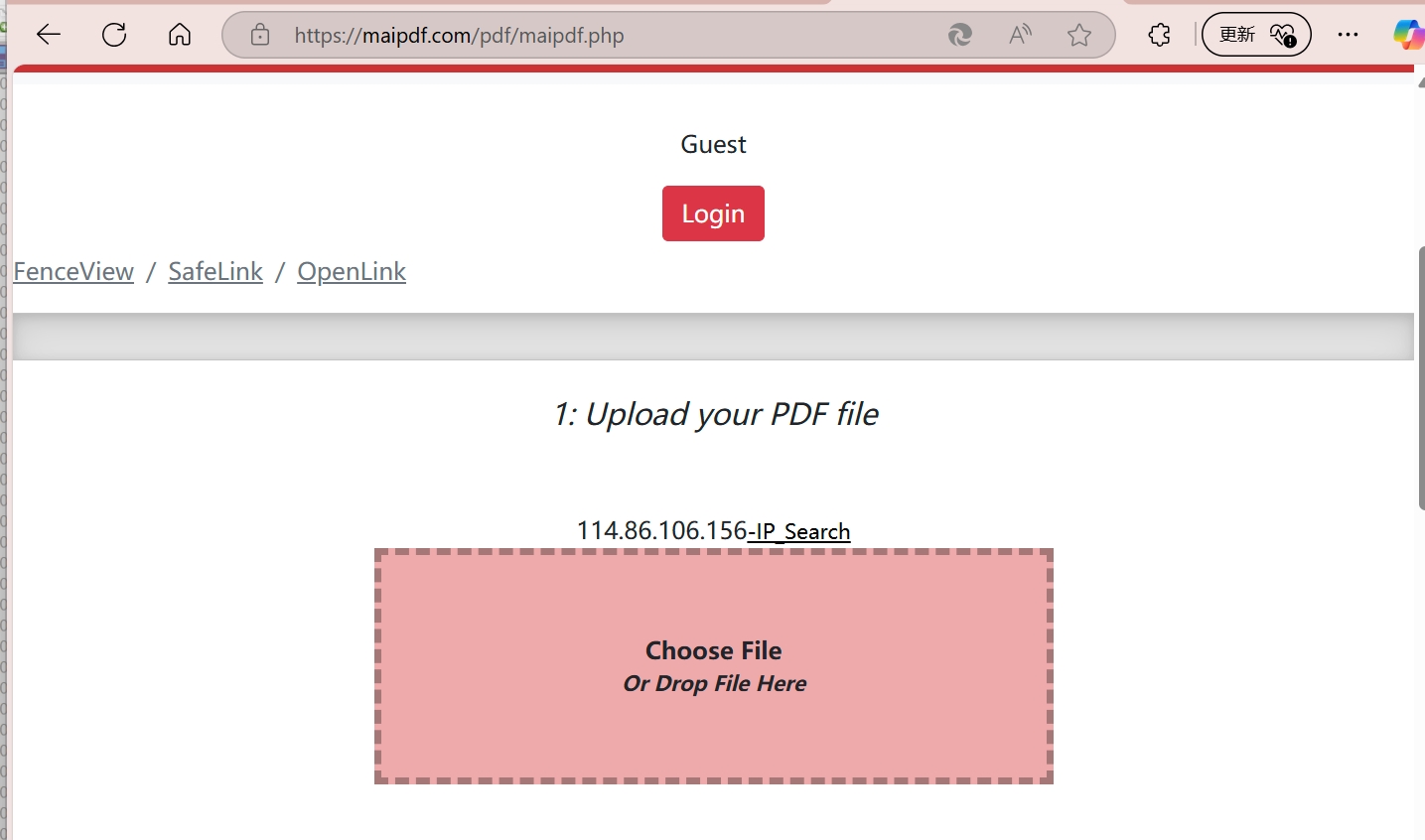
- Secure Upload: Upload your PDF to a protected environment.
- View-Only Links: Generate links or QR codes for controlled access.
- Access Limits: Set how many times the file can be opened.
- Disable Downloads: Keep the file in the browser.
- Track Usage: Monitor who accessed the file, when, and from where.
- Revoke or Update: Modify or disable access even after sharing.
✅ When to Use These Tools
- 📄 Sharing contracts, proposals, or pricing documents.
- 📚 Distributing private course materials.
- 🧠 Sending internal company reports.
- 🧾 Sharing whitepapers or sales decks.
- 🔐 Anytime you want your content seen but not saved.
🧭 Final Thoughts
If you’re asking, “How do I encrypt a PDF before sharing it?” consider this:
Do you want to lock the file, or control it?
Modern tools like MaiPDF let you do both—ensuring your content stays secure and under your control. Forget passwords. Share smarter.