Maiimg Wedding Photography Delivery: Professional Photo Sharing Guide
Maiimg Wedding Photography Delivery: Professional Photo Sharing Guide
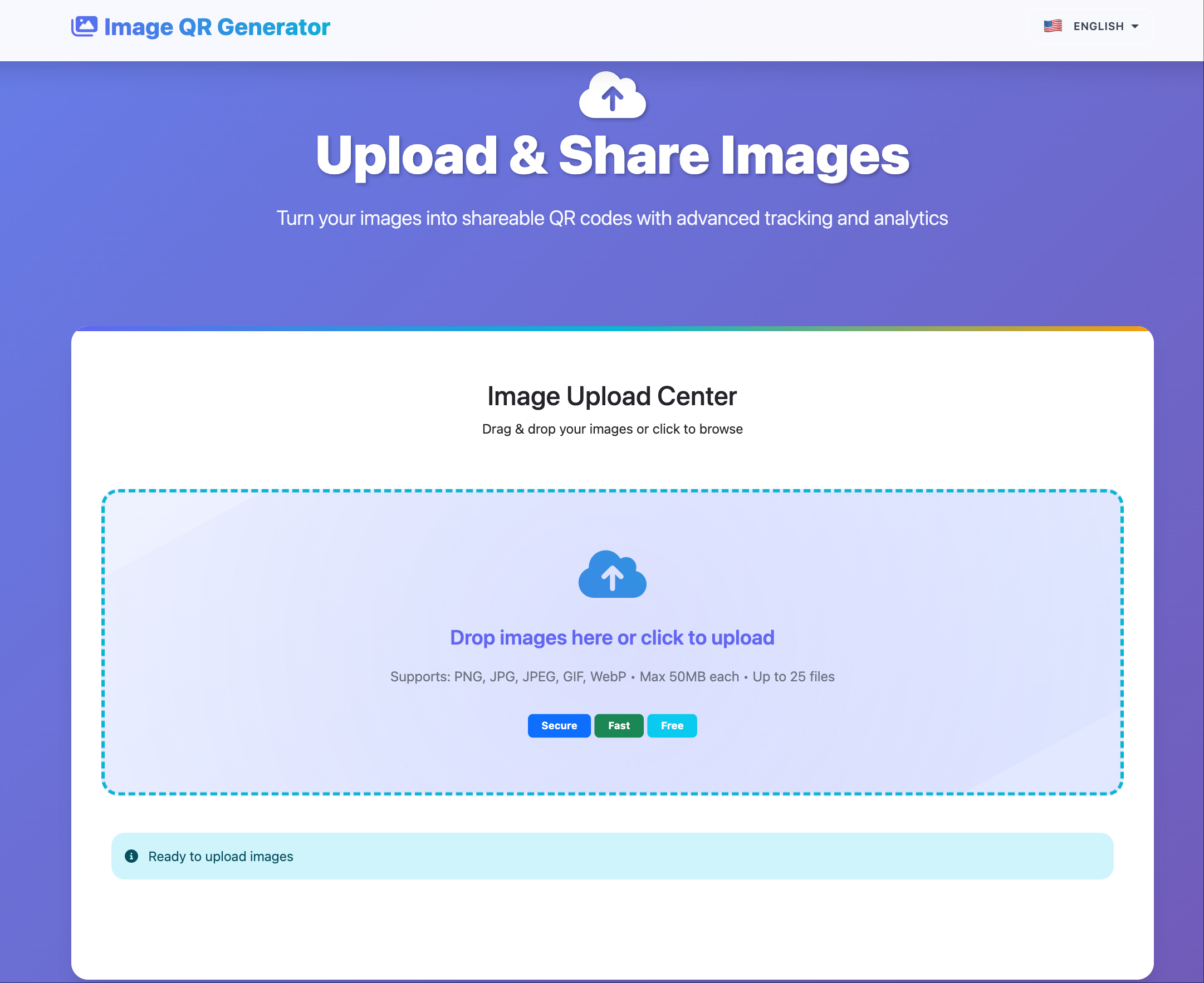
Goal: deliver wedding photos fast, look professional, and keep access under control without a heavy client portal.
Recommended Delivery Structure
| Stage | What to send | Suggested settings |
|---|---|---|
| Sneak peek (24-72h) | 10-15 highlight photos | 7-14 days expiry, medium view limit |
| Main gallery (2-4 weeks) | Full curated set | 60-90 days expiry, higher view limit |
| Vendor pack | Approved subset | Short expiry, optional download enable |
4-Step Workflow
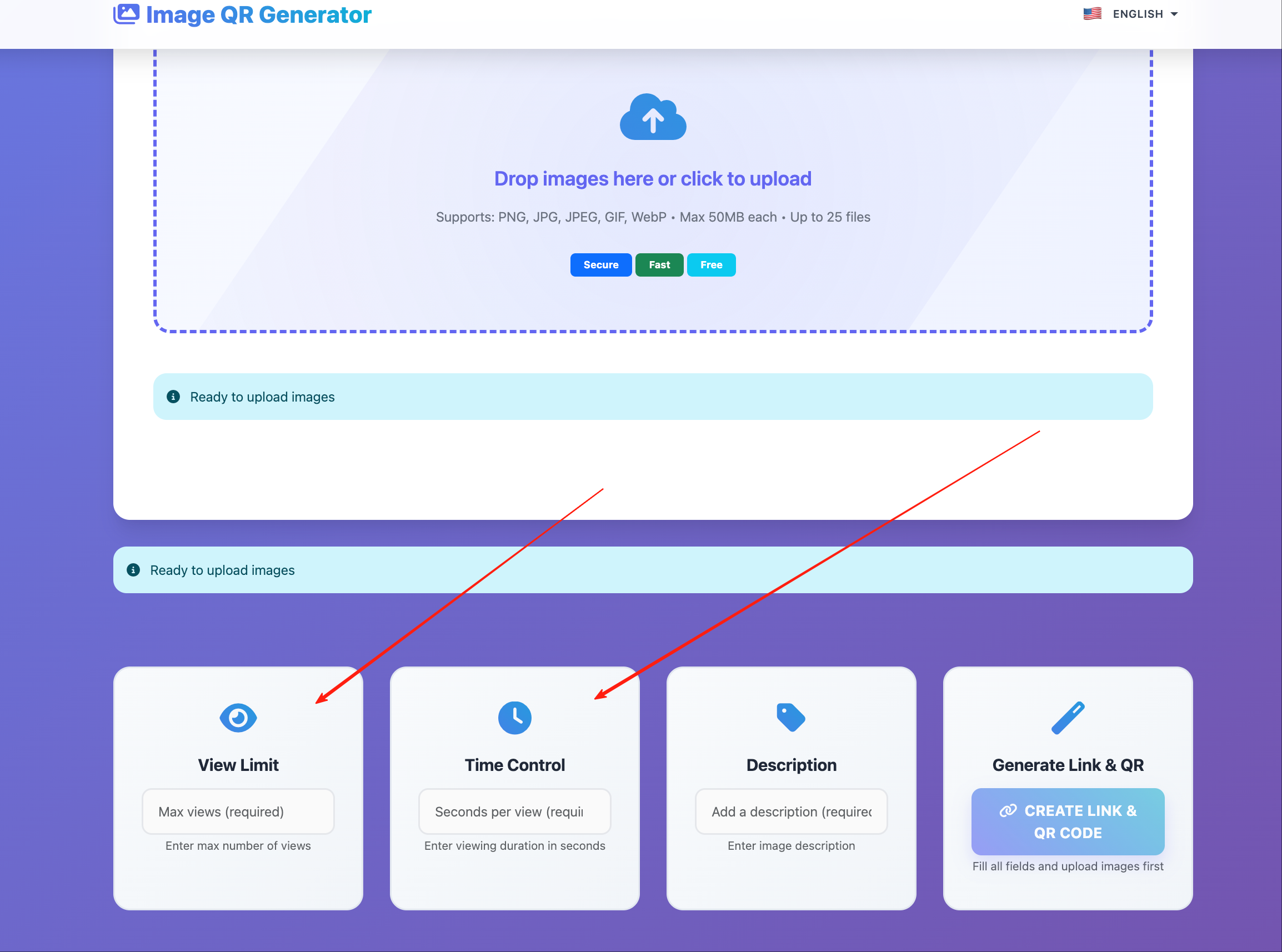
- Split photos into focused galleries (sneak peek, full set, vendor pack).
- Set expiry and view limits before sharing.
- Share by link in email/chat and QR code for in-person viewing.
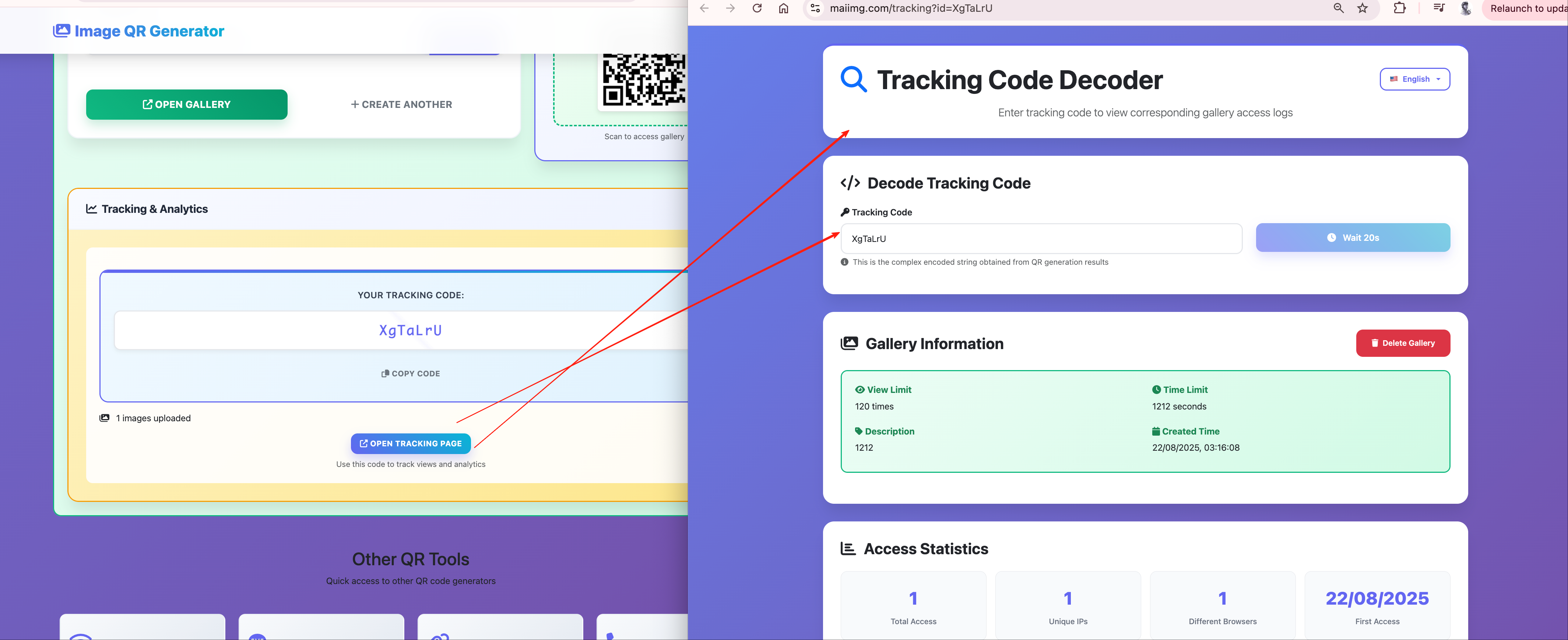
- Review open statistics and send targeted follow-ups when needed.
Practical Baseline Settings
- Sneak peek: short expiry, moderate view limit, downloads optional.
- Main gallery: longer expiry, higher view limit, downloads enabled.
- Vendor gallery: separate link and narrower permissions.
Common Mistakes to Avoid
- Sending one oversized mixed gallery.
- Forgetting expiry before publishing links.
- Using the same link for couple, guests, and vendors.
- Skipping mobile testing for link and QR code.
Bottom Line
For wedding delivery, Maiimg works best as a staged flow: preview first, full gallery second, vendor pack separate.
Use a cleaner wedding delivery flow
Upload, share, and review open statistics with clear access rules.
Try Maiimg for Wedding Delivery