How to Create Digital Watermarks for PDF Documents 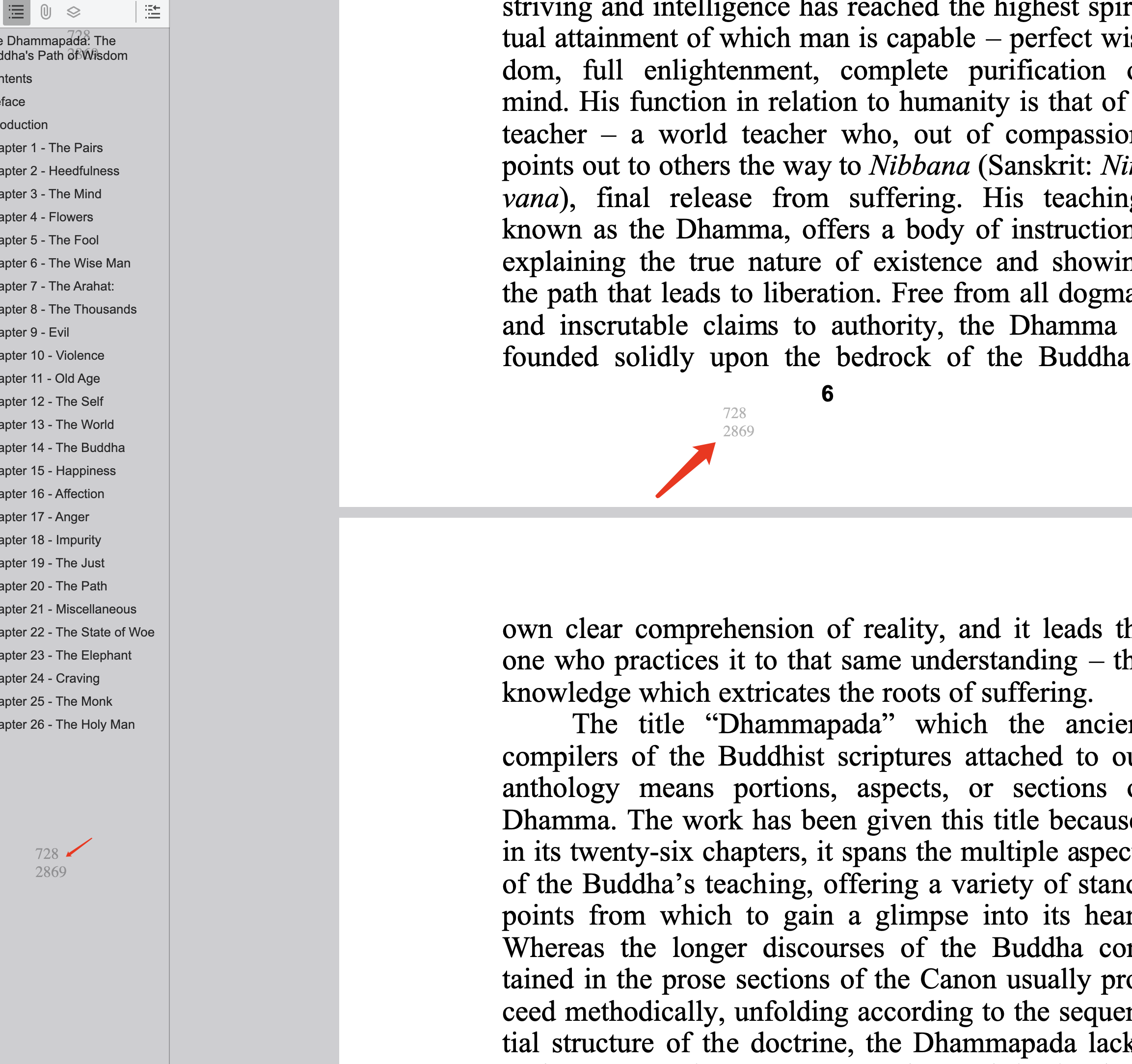
How to Create Digital Watermarks for PDF Documents
Dynamic watermarks add viewer-linked context to each document view, making redistribution riskier and easier to investigate.
What to include in watermark text
- Visitor ID
- Timestamp
- Document classification
- Optional project/team label
When to enable watermarking
- Sensitive proposals and pricing
- Contract and legal review files
- Pre-release product material
- Investor or board documents
Best practice stack
- Combine watermark with view-only sharing
- Keep expiry and open limits enabled
- Use separate links by audience segment
- Ensure watermark remains readable on screenshots
Final takeaway
Watermarking is not a standalone defense. It works best as part of controlled link policy and short document lifecycles.