Convert Your PDFs into Shareable Links
Convert Your PDFs into Shareable Links
Email attachments are hard to control after sending.
Share links are easier to distribute and easier to manage.
Why Use Share Links
- No file-size limits in email
- One URL for chat, email, or QR
- Optional expiry and open limits
- Optional view-only mode
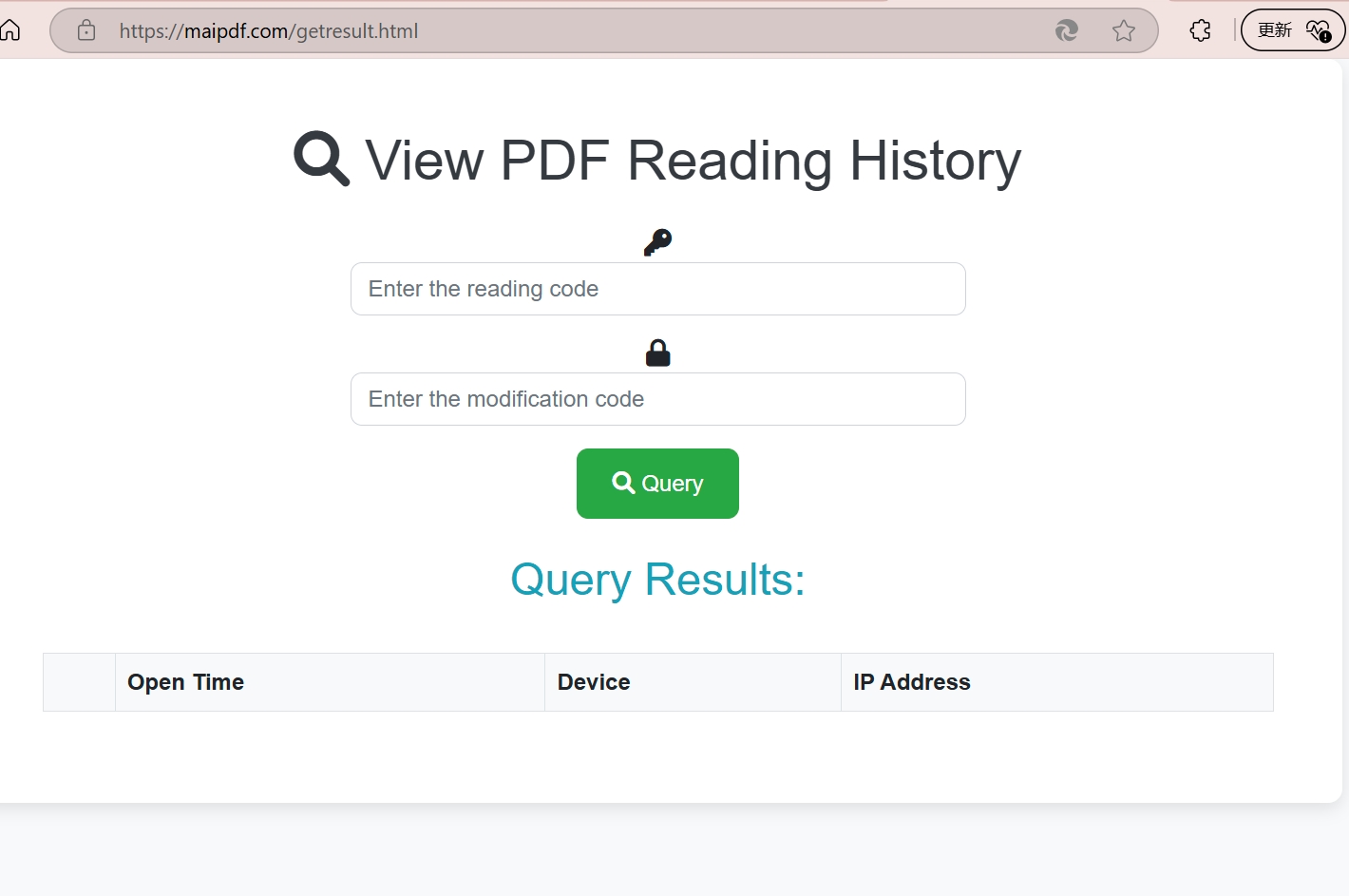
- Open statistics for follow-up
Fast Workflow
- Upload the PDF.
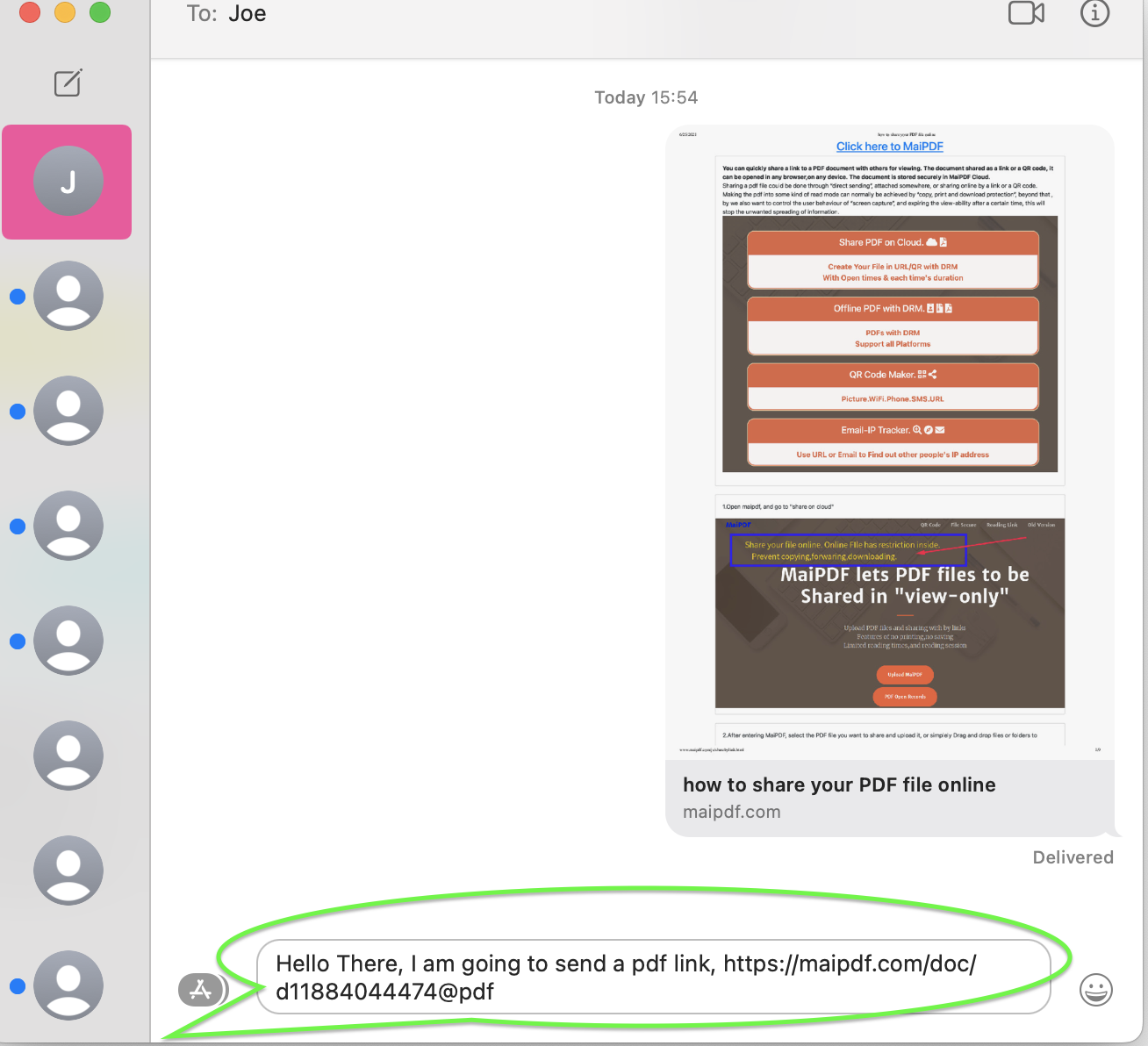
- Generate link or QR code.
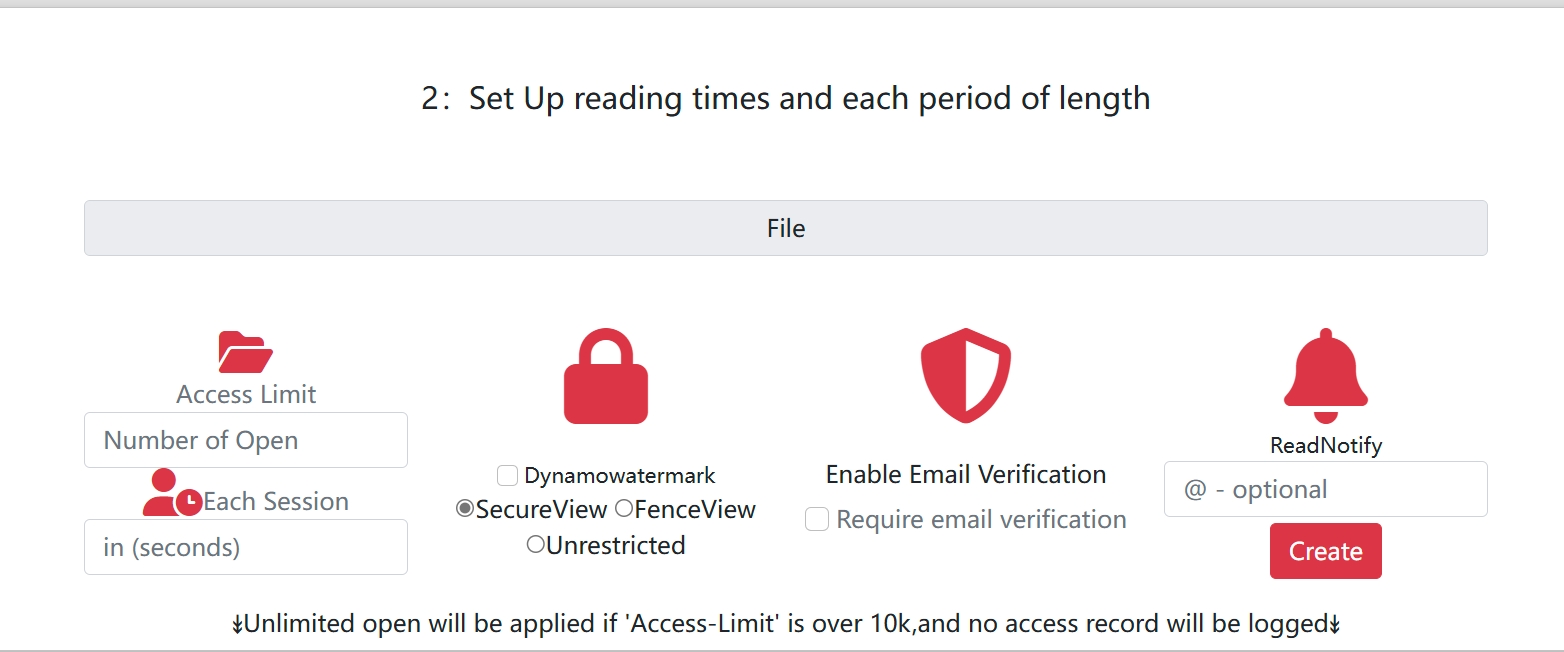
- Configure policy: expiry, open limit, download on/off.
- Share with recipients.
- Review open statistics and adjust if needed.

Policy Presets
- Public handout: download ON, long expiry
- Sales proposal: download OFF, short expiry
- Draft review: low open limit + watermark
- Internal memo: passcode + medium expiry
Best-Fit Teams
- Sales and customer success
- Design and product review
- Training and education
- Legal and compliance communication
Final Takeaway
Convert first, then share.
A controlled link gives better delivery, cleaner operations, and stronger document governance than attachments.