Image Hosting API: Practical Integration Guide
Image Hosting API: Practical Integration Guide
An image API should reduce manual work, not add complexity. The core workflow is upload, generate links, apply lifecycle rules, and monitor opens.
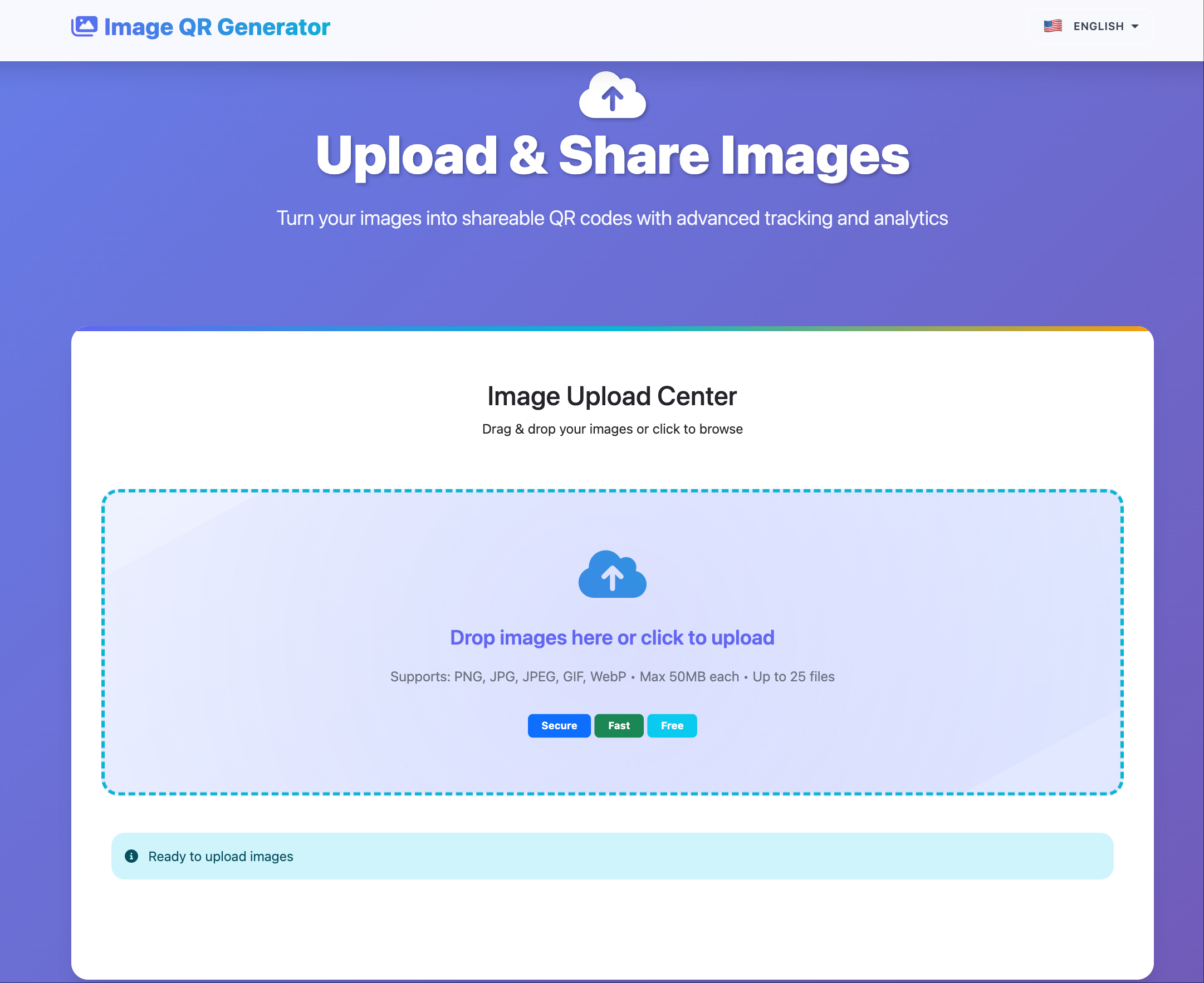
Typical API workflow
- Upload image(s) from app or backend job.
- Receive direct URLs + gallery URL.
- Apply expiry/access policy if needed.
- Store URL metadata in your system.
- Use open statistics for operational review.
Good use cases
- CMS auto-publish pipelines
- E-commerce asset distribution
- Campaign media handoff
- Support docs and KB image hosting
Implementation checklist
- Validate file type/size before upload
- Use retries and idempotency keys on failures
- Separate public vs private asset buckets
- Attach campaign/project IDs to asset metadata
- Define expiry defaults per asset category
Operational mistakes to avoid
- Treating all images as permanent assets
- Reusing one gallery link for all clients
- Missing cleanup policy for temporary uploads
Final takeaway
Image hosting API value comes from predictable operations: stable URLs, clear lifecycle policy, and minimal manual handling.